Reclaim Your Inbox: Choosing the Right Private Email Provider
Tired of invasive ads and unwanted tracking in your email? This list of top 10 private email providers for 2025 helps you regain control over your digital communications. We'll explore key features, pricing, and benefits of leading services like ProtonMail, Tutanota, and more. Whether you’re a privacy-conscious individual or a business owner seeking secure communications, find the best private email provider to protect your data from prying eyes. Discover solutions like Typewire, Mailbox.org, Posteo, Countermail, Mailfence, StartMail, Runbox, and CTemplar, each offering unique advantages for enhanced privacy and security.
1. Typewire
For privacy-conscious individuals and businesses seeking refuge from the prying eyes of Big Tech, Typewire presents a compelling solution among private email providers. This platform prioritizes security, control, and a completely ad-free experience. Unlike mainstream email services that scan your inbox to serve targeted ads, Typewire commits to zero tracking and data mining, ensuring your communications remain confidential. This makes it an excellent choice for anyone concerned about data privacy and the potential misuse of personal information. Whether you're discussing sensitive business strategies, sharing personal health information, or simply value your digital privacy, Typewire provides a secure space for your correspondence. Small businesses, remote teams, and IT administrators will also appreciate the streamlined user management and advanced security features.
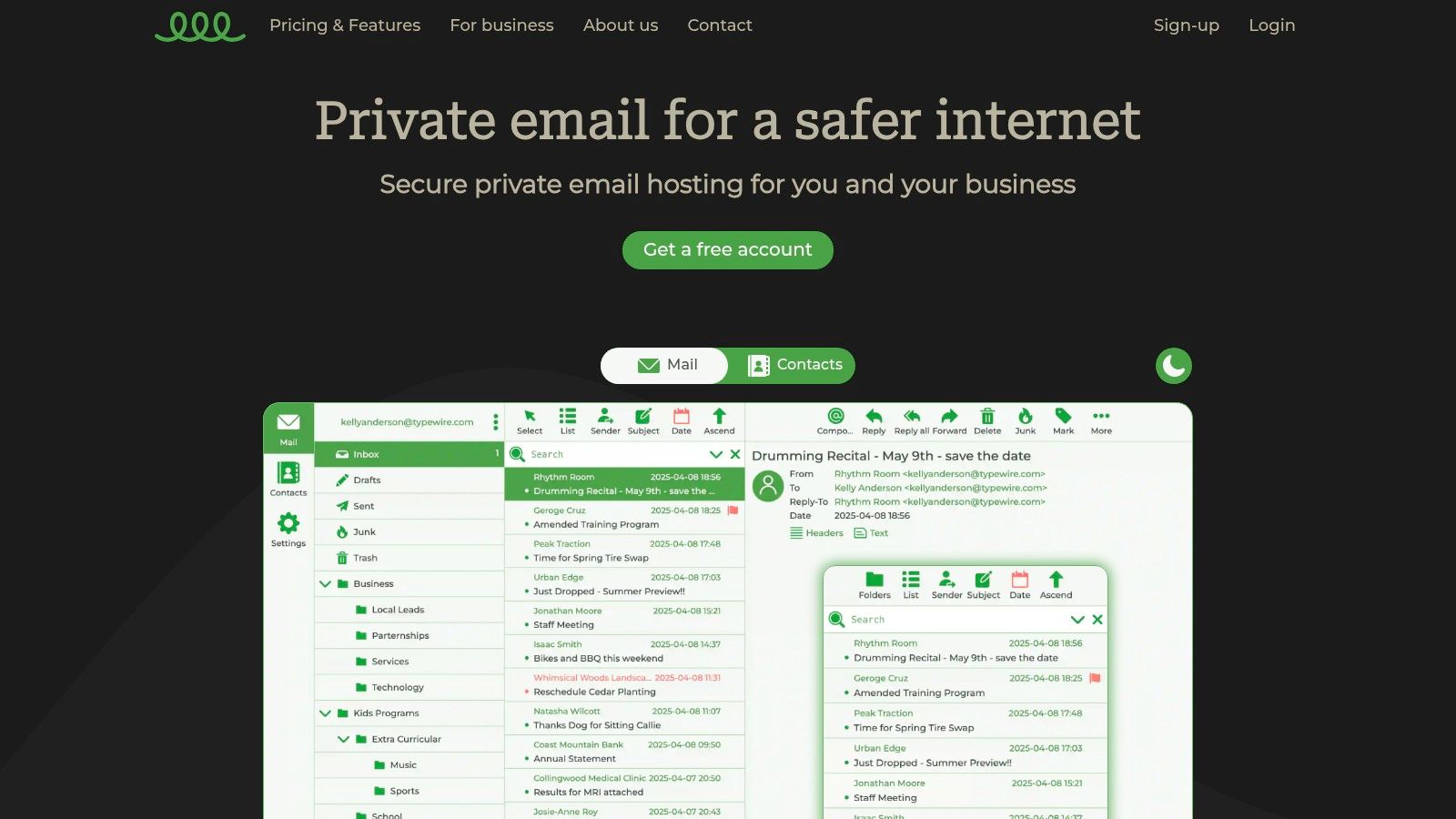
Typewire's commitment to privacy extends to its infrastructure. Operating from privately owned data centers in Vancouver, Canada, the platform avoids reliance on third-party cloud providers, further solidifying its control over data security. This is a key differentiator compared to other private email providers who might utilize shared server resources, potentially increasing vulnerability. Learn more about Typewire and their commitment to data sovereignty.
The service offers flexible plans to suit various needs. A free tier caters to individual users with basic requirements. For businesses and teams needing custom domain hosting, streamlined user management, and additional storage, basic and premium plans are available. Advanced, continuously evolving anti-spam and virus filters protect your inbox, minimizing distractions and security risks. The platform's responsive web interface, available in both light and dark modes, offers a modern and intuitive email management experience.
Pros:
- Privacy and security by design with no ads, no tracking, and zero data mining
- Operates from privately owned, Canadian data centers without third-party cloud providers
- Flexible plans including free, basic, and premium options for individuals and teams
- Advanced anti-spam and virus protection to keep inboxes clean
- User-friendly, responsive web interface with light and dark modes and simple user management
Cons:
- Premium features and custom domain hosting require paid plans
- Limited public recognition or awards information available as of now
Typewire distinguishes itself from other private email providers through its unwavering commitment to privacy, transparent pricing, and 24/7 support. While some providers boast similar features, Typewire’s combination of robust security, user-friendly interface, and diverse plan options makes it a standout choice. Its location in Canada, with strong privacy laws, also adds another layer of assurance. The 7-day risk-free trial allows users to experience the platform before committing, further demonstrating Typewire’s confidence in its service. If you're looking for a truly private and secure email experience, Typewire deserves serious consideration.
2. ProtonMail
ProtonMail stands out as a leading private email provider, consistently ranking high among privacy-conscious users. Developed by CERN scientists in 2013, it prioritizes security and privacy through end-to-end and zero-access encryption. This means that only you and your intended recipient can read your emails – not even ProtonMail itself can access your content. Its servers are strategically located in Switzerland, a country known for its robust privacy laws, adding another layer of protection. ProtonMail's open-source nature allows for independent audits of its cryptography, ensuring transparency and trustworthiness for those seeking verifiable security.
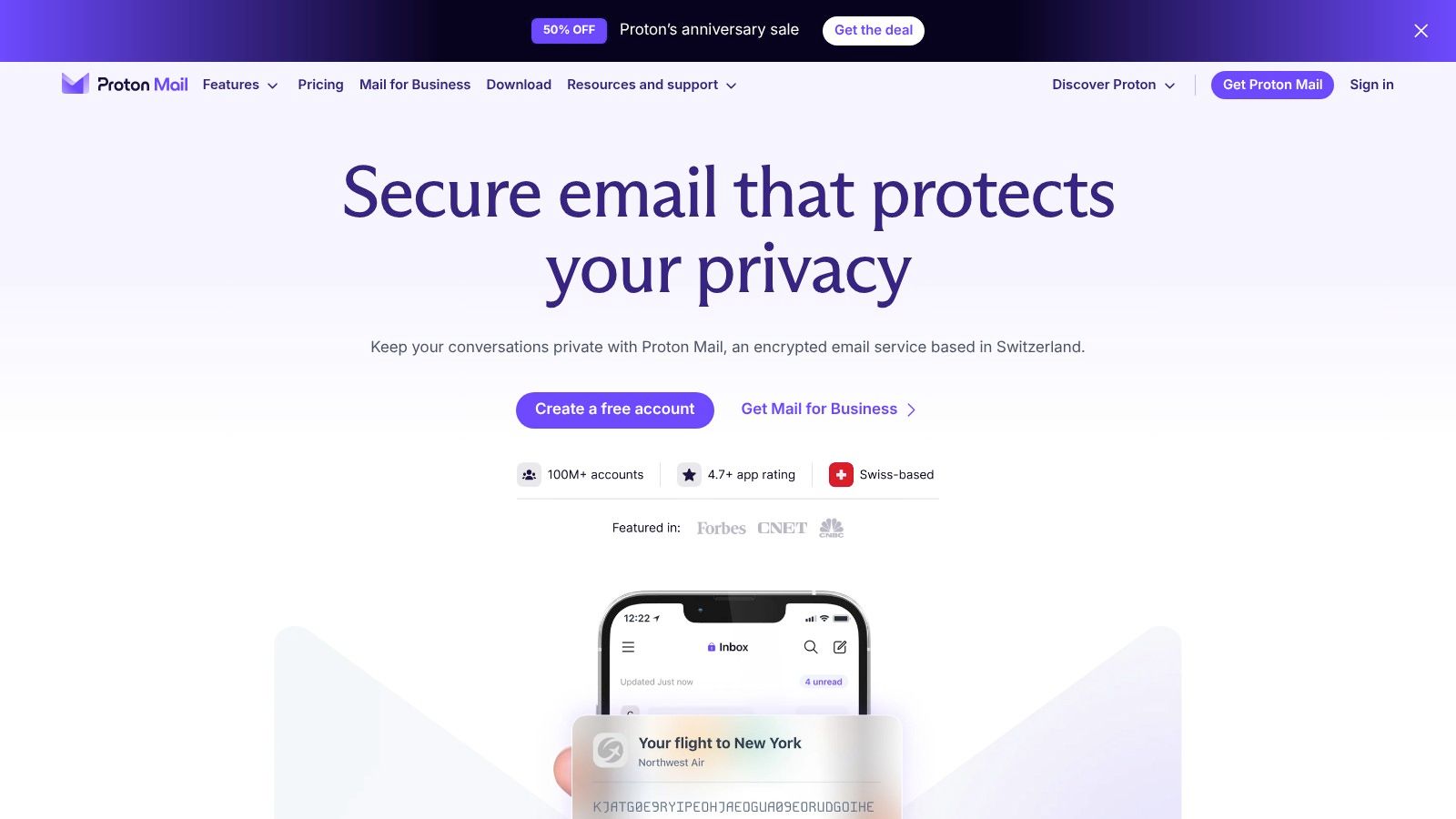
This private email provider caters to a diverse audience. Individuals concerned about online privacy and data security can benefit from its strong encryption and no-logs policy. Small to medium-sized businesses looking for private email hosting and custom domains will appreciate the professional features offered in paid plans. IT administrators and security professionals responsible for secure communications can rely on ProtonMail's robust infrastructure and open-source transparency. Even remote teams and organizations can leverage its user-friendly interface and cross-platform support for seamless collaboration. Finally, users tired of spam, ads, and data mining will find solace in ProtonMail's advanced filtering and protection against unwanted intrusions.
ProtonMail offers a free tier that includes 500MB of storage and basic features, making it accessible to anyone wanting to try private email. Paid plans offer more storage, custom domains, and additional features like self-destructing emails, further enhancing privacy and control. While the free tier is feature-limited and search functionality is somewhat restricted due to the encryption, these trade-offs are often considered acceptable given the robust privacy benefits. The paid plans, while more expensive than some competitors, offer a compelling value proposition for users prioritizing security and advanced features. Specific pricing details can be found on their website.
Features:
- End-to-end encryption: Ensures only you and your recipient can read your emails.
- Zero-access encryption: ProtonMail cannot decrypt your emails.
- Open-source clients: Transparency and community-driven security audits.
- Swiss-based servers: Benefit from strong Swiss privacy laws.
- Self-destructing emails: Set expiration times for sensitive messages.
Pros:
- Strong privacy focus with a no-logs policy.
- Free tier available.
- User-friendly interface.
- Cross-platform support (web, mobile, desktop).
Cons:
- Limited features in the free tier.
- Search functionality is limited due to encryption.
- Paid plans are more expensive than some competitors.
Setting up ProtonMail is straightforward:
- Visit the ProtonMail website (https://proton.me/mail).
- Choose your plan (free or paid).
- Create an account.
- Download the app for your device or use the web interface.
ProtonMail deserves its place on this list due to its unwavering commitment to privacy and security. Its combination of strong encryption, Swiss jurisdiction, and open-source transparency makes it a top choice for private email providers. While limitations exist in the free tier and search functionality, the robust privacy features and user-friendly experience make ProtonMail a compelling option for individuals and organizations prioritizing secure communication.
3. Tutanota
Tutanota is a compelling choice among private email providers, especially for users prioritizing security and ease of use. Developed in Germany and adhering to strict European privacy laws, Tutanota focuses on providing end-to-end encrypted communication, ensuring that your emails, contacts, and calendar entries remain confidential. Unlike many competitors, Tutanota encrypts the entire mailbox, including subject lines, offering a higher level of protection against snooping. This commitment to privacy makes it an ideal solution for privacy-conscious individuals, businesses handling sensitive data, and anyone wanting to shield their communications from prying eyes.
One of Tutanota's standout features is its user-friendly interface. Even users without a technical background can easily navigate the platform and utilize its encryption capabilities. Its encrypted search functionality is also a significant advantage, allowing users to search through their encrypted emails without compromising their privacy. This feature is not common amongst all secure email providers and highlights Tutanota's commitment to both security and usability.
For businesses, Tutanota offers affordable premium plans that include custom domain support, making it a viable option for small to medium-sized businesses seeking private email hosting. IT administrators and security professionals will appreciate the open-source nature of Tutanota's code, allowing for independent audits and verification of its security claims. Furthermore, the service's commitment to environmental sustainability, powered by renewable energy, aligns with the values of environmentally conscious users.
While Tutanota shines in security and usability, it does have some limitations. The lack of IMAP/SMTP support means you cannot use Tutanota with third-party email clients like Thunderbird or Outlook. This can be a deal-breaker for users deeply integrated with other email platforms. Storage allowances are also smaller compared to some competitors, which might be a concern for users who deal with large attachments or retain a lot of emails. Finally, customization options are somewhat limited, offering less flexibility in terms of visual themes and interface personalization.
Key Features:
- End-to-end encryption for emails, contacts, and calendars (including subject lines)
- Encrypted search functionality
- Open-source code
- Ad-free experience
- Custom domain support (premium plans)
Pros:
- Very affordable premium plans
- User-friendly interface
- Stronger encryption of metadata than many competitors
- Commitment to environmental sustainability
Cons:
- No IMAP/SMTP support
- Smaller storage allowances than some competitors
- Limited customization options
Pricing: Tutanota offers a free tier with limited features. Premium plans start at a very competitive price point (around €1/month) and offer features like increased storage, custom domains, and additional aliases.
Technical Requirements: Tutanota is accessible through web browsers, dedicated desktop clients (Windows, macOS, Linux), and mobile apps (Android, iOS).
Setup Tips: Creating an account is straightforward. Simply visit the Tutanota website (https://tutanota.com), choose your desired plan, and follow the registration process. For businesses, setting up a custom domain is well-documented within their help resources.
In conclusion, Tutanota earns its place on this list as a strong contender for users seeking a balance of security, usability, and affordability. Its commitment to privacy and robust encryption make it a compelling choice for individuals and businesses alike. While the lack of IMAP/SMTP support might be a drawback for some, its strengths lie in its simple interface, strong security features, and ethical business practices.
4. Mailbox.org
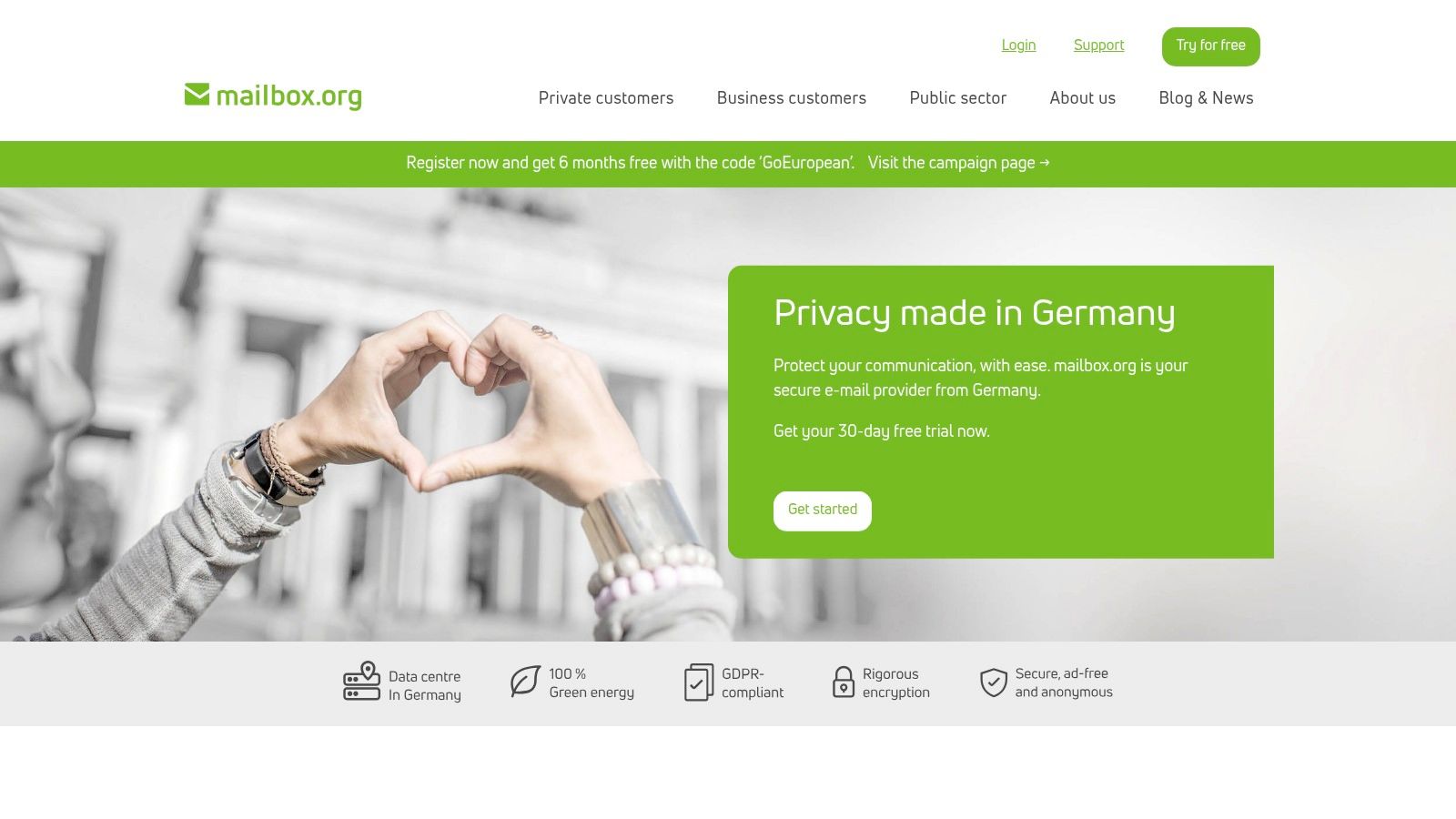
Looking for a private email provider with a robust suite of productivity tools and strong European privacy protections? Mailbox.org might be the perfect fit. Established in 2014 and based in Germany, Mailbox.org offers a comprehensive alternative to mainstream email providers, prioritizing data security and user privacy without sacrificing functionality. This makes it an excellent choice for privacy-conscious individuals, businesses, and organizations seeking a secure and reliable communication platform.
Mailbox.org stands out among private email providers by offering a fully integrated suite of applications, including calendar, cloud storage (with file sharing and syncing), and an office suite compatible with Microsoft Office formats. This integrated approach streamlines workflow and ensures all your data remains within a secure, privacy-focused environment. For users migrating from other platforms, standard protocols like IMAP, POP, and SMTP are fully supported.
One of Mailbox.org's key strengths is its commitment to security. The service supports PGP encryption, allowing users to send and receive encrypted emails for enhanced confidentiality. For situations requiring temporary email addresses (e.g., online registrations), Mailbox.org provides this feature to minimize spam and protect your primary email address. Furthermore, being hosted in Germany means Mailbox.org adheres to strict EU data privacy laws (GDPR), offering a significant advantage for users concerned about data protection.
Features:
- PGP encryption support
- Temporary email addresses
- Ad-free service
- Integrated office suite with cloud storage
- Hosted in Germany under strict EU privacy laws
- Custom domain support
- Mobile access (via apps and web interface)
Pros:
- Comprehensive suite of productivity tools
- Good balance of privacy and usability
- Supports standard protocols (IMAP, POP, SMTP)
- Affordable pricing starting at €1/month
- Strong focus on security and privacy
Cons:
- No free tier available
- Less intuitive interface than some competitors
- Not as well-known as larger providers
Pricing and Setup:
Mailbox.org offers various pricing plans starting at €1/month, catering to different needs and storage requirements. Setting up an account is straightforward, involving a standard registration process. Implementation tips include enabling two-factor authentication for added security and exploring the various settings to customize your experience. For businesses, setting up custom domains is easily managed through the control panel.
Comparison:
Compared to other private email providers like ProtonMail or Tutanota, Mailbox.org differentiates itself by offering a broader range of integrated applications, making it a more complete productivity solution. While ProtonMail and Tutanota focus primarily on secure email, Mailbox.org provides a more holistic approach to online privacy and productivity.
Why Mailbox.org Deserves its Place on this List:
Mailbox.org earns its spot as a top private email provider due to its comprehensive feature set, strong privacy focus, and commitment to security. It offers a compelling alternative to mainstream providers for individuals and organizations seeking a secure, ad-free, and productive online environment. Its adherence to EU data privacy regulations, coupled with robust security features like PGP encryption, makes it a strong contender in the private email space. Visit their website at https://mailbox.org/en/ to explore their offerings further.
5. Posteo
For the truly privacy-conscious, Posteo presents a compelling option among private email providers. Founded in Germany, this independent email service prioritizes anonymity, security, and sustainability. Unlike many providers that collect extensive user data, Posteo allows for completely anonymous registration, requiring no personal information. This, combined with its strong encryption and data minimization practices, makes it ideal for users seeking maximum privacy and control over their digital footprint. This commitment to privacy extends to their unique payment system, which accepts methods like cash sent by mail, further detaching your identity from your account.
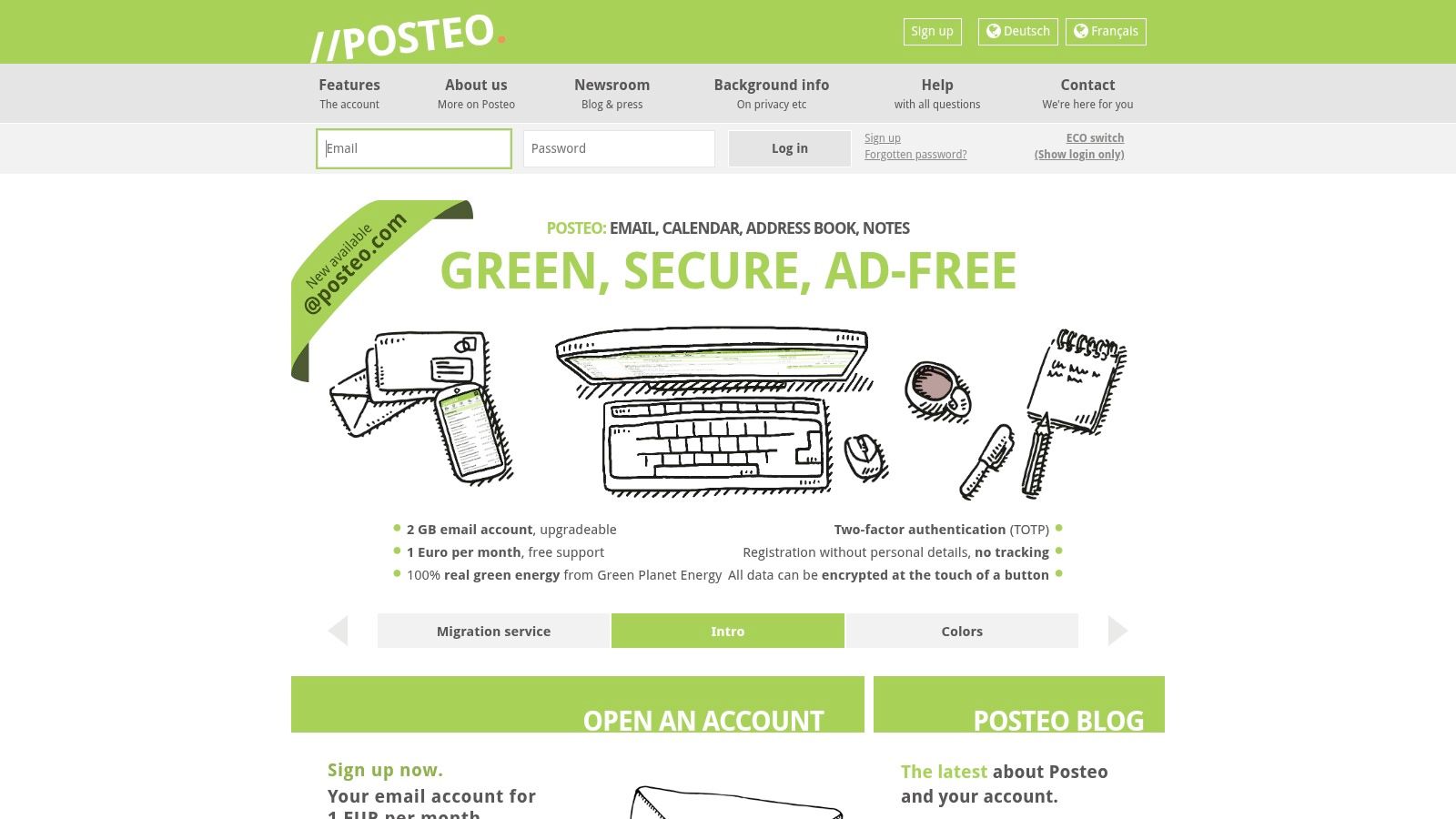
Posteo distinguishes itself further with its strong ethical and environmental stance. The company is powered by 100% renewable energy, appealing to environmentally conscious users. In a world of data-hungry corporations, Posteo's commitment to sustainability adds another layer to its appeal for those seeking a more ethical digital experience.
For practical use, Posteo offers a clean and intuitive interface with essential features like calendar and address book synchronization, and, importantly, PGP encryption support for secure communication. While it might lack some advanced features found in other providers, its core functionality is robust and reliable. Setup is straightforward, even with the emphasis on anonymity. Simply choose a username and password, select a payment method (including anonymous options), and you're ready to go.
Posteo’s pricing is exceptionally affordable at just €1 per month, with no tiered pricing plans. This single, transparent price point covers all the standard features. However, the 2GB of standard storage might be a limiting factor for users with large email archives. Additionally, Posteo does not offer custom domain support, which might be a drawback for businesses or professionals wanting a branded email address.
Compared to providers like ProtonMail or Tutanota, which also emphasize privacy and security, Posteo’s anonymous registration and payment options give it a unique edge for users prioritizing anonymity. While ProtonMail offers a free tier and Tutanota provides more storage in its free plan, neither matches Posteo’s level of anonymity.
Pros:
- Very affordable (€1/month)
- Strong commitment to sustainability and ethics
- Anonymous registration and payment options
- Strong data minimization practices
- PGP encryption support
Cons:
- No free tier available
- Limited storage (2GB standard)
- No custom domain support
Posteo deserves its place on this list for its unwavering commitment to user privacy, ethical practices, and environmental responsibility. It is an excellent choice for privacy-conscious individuals looking for a simple, secure, and sustainable email service. If anonymity and ethical considerations are paramount, Posteo is worth serious consideration. You can check out their services at https://posteo.de/en.
6. Countermail
For users prioritizing security above all else, Countermail stands out among private email providers. Operating since 2008, this Swedish service has built a reputation for its robust security features and commitment to user privacy. If you’re handling highly sensitive information or require the utmost protection against surveillance, Countermail deserves serious consideration. It's a particularly strong choice for privacy-conscious individuals, security professionals, and businesses dealing with confidential data.
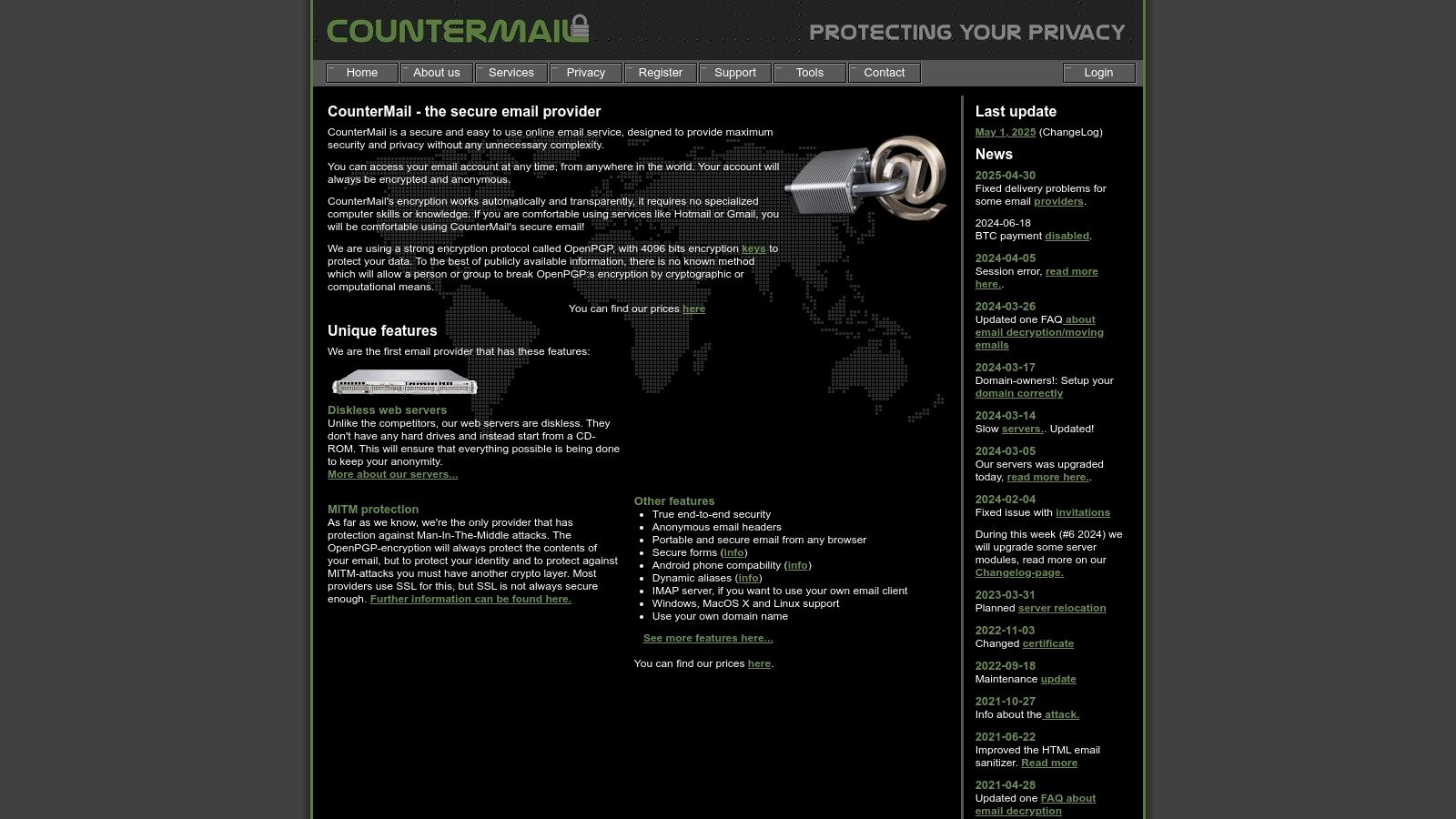
Countermail's core strength lies in its OpenPGP encryption with 4096-bit keys. This ensures that your emails are encrypted end-to-end, meaning only you and the recipient can read them. Unlike some providers that hold encryption keys, Countermail employs a diskless server architecture. Your data is stored in encrypted form, further minimizing the risk of unauthorized access, even in the event of a server breach. The optional physical USB key authentication adds another layer of security, making it virtually impossible for someone to access your account without the physical key.
Countermail goes beyond basic encryption by offering protection against sophisticated attacks like timing attacks. Anonymous email headers further enhance your privacy by obscuring identifying information. Even the password reset system is designed with security in mind, avoiding traditional methods that could be vulnerable to exploitation.
While Countermail excels in security, it does come at a premium. At $59/year, it's more expensive than many other private email providers. The user interface, while functional, isn't as intuitive as some competitors. Furthermore, there's no free tier or trial available without payment, and the storage allowance is smaller compared to other providers.
Key Features and Benefits:
- OpenPGP Encryption: Ensures end-to-end email encryption for maximum privacy.
- Diskless Servers: Data is stored encrypted, minimizing vulnerability to server breaches.
- USB Key Authentication (Optional): Provides an extra physical layer of security.
- Anonymous Email Headers: Masks identifying information for increased anonymity.
- Secure Password Reset System: Protects against common vulnerabilities.
- Strong Privacy Laws (Sweden): Benefits from Sweden's robust data protection regulations.
- Long Track Record: Proven history of providing secure and private email services.
Pros:
- Extremely security-focused architecture.
- Located in Sweden with strong privacy laws.
- Protection against sophisticated attacks.
- Long track record of privacy protection.
Cons:
- More expensive than competitors ($59/year).
- Less intuitive user interface.
- No free tier or trial without payment.
- Smaller storage allowance.
Website: https://countermail.com
Countermail earns its place on this list by providing unparalleled security features for those who prioritize privacy above all else. While it may not be the most budget-friendly or user-friendly option, its robust security measures make it a top contender for anyone handling highly sensitive information. If you're looking for the most secure private email provider, Countermail is worth exploring.
7. Mailfence
For those seeking a robust and private email provider with a comprehensive suite of features, Mailfence is a compelling option. Launched in 2013 by the team behind ContactOffice, this Belgium-based service prioritizes security and user privacy, offering end-to-end encryption, digital signatures, and a full complement of productivity tools, including integrated calendar, contacts, and document storage. This makes Mailfence a strong contender among private email providers, especially for users who want the convenience of an all-in-one platform without compromising their privacy.
Mailfence distinguishes itself from other private email providers by its commitment to robust security practices and comprehensive features. The service utilizes OpenPGP-based end-to-end encryption, meaning only you and your intended recipient can decipher your messages. This is a crucial feature for anyone concerned about the privacy of their sensitive communications. Digital signatures further enhance security by verifying the sender's identity and ensuring message integrity. Beyond email, Mailfence provides a fully integrated suite of tools, including calendars, contacts, and document storage, making it a practical alternative to mainstream providers like Gmail or Outlook, but with significantly enhanced privacy.
Key Features and Benefits:
- End-to-End Encryption: Secure your emails with OpenPGP encryption, preventing unauthorized access to your communications.
- Digital Signatures: Verify the authenticity and integrity of your emails with digital signatures.
- Integrated Suite: Manage your email, calendar, contacts, and documents all within a single platform.
- Two-Factor Authentication: Add an extra layer of security to your account by enabling two-factor authentication.
- Custom Domains: Use your own domain name for a professional and personalized email address.
- Standard Protocols: Supports IMAP, POP, and SMTP, allowing you to connect to your email using your preferred email client.
- User-Friendly Key Management: Manage your encryption keys easily and securely within the Mailfence interface.
- Strong Privacy Jurisdiction: Based in Belgium, Mailfence benefits from strong privacy laws that protect user data.
Pricing: Mailfence offers a limited free tier with 500MB of storage. Paid plans offer increased storage, advanced features, and support for custom domains. Specific pricing details are available on their website.
Technical Requirements: Mailfence is accessible through any modern web browser. You can also connect using standard email protocols (IMAP, POP, SMTP) with your preferred email client.
Implementation/Setup Tips: Setting up Mailfence is straightforward. Simply create an account on their website. For enhanced security, take the time to configure two-factor authentication and familiarize yourself with the key management features. If you are migrating from another email provider, Mailfence offers tools to import your existing emails, contacts, and calendar data.
Pros:
- Comprehensive productivity suite
- Supports standard protocols (IMAP, POP, SMTP)
- User-friendly key management
- Based in Belgium with strong privacy laws
Cons:
- Limited free tier (500MB storage)
- Not fully open-source
- Some advanced features only in paid plans
Website: https://mailfence.com
Mailfence earns its place on this list of private email providers due to its strong commitment to security and privacy, combined with a robust feature set that rivals mainstream email providers. For privacy-conscious individuals, businesses, and organizations looking for a secure and feature-rich communication platform, Mailfence offers a compelling alternative to traditional email services. While the free tier is limited, the paid plans offer excellent value for the level of security and functionality provided.
8. StartMail
StartMail is a strong contender among private email providers, especially for users who prioritize ease of use without sacrificing robust security. Developed by the same team behind the privacy-focused search engine Startpage, StartMail carries a legacy of prioritizing user privacy. Launched in 2014 and based in the Netherlands, it offers a compelling blend of simplicity and strong encryption, making it a solid choice for individuals and businesses seeking secure communication. This provider earns its place on this list due to its user-friendly PGP encryption, unlimited disposable email addresses, and commitment to data privacy under EU regulations.
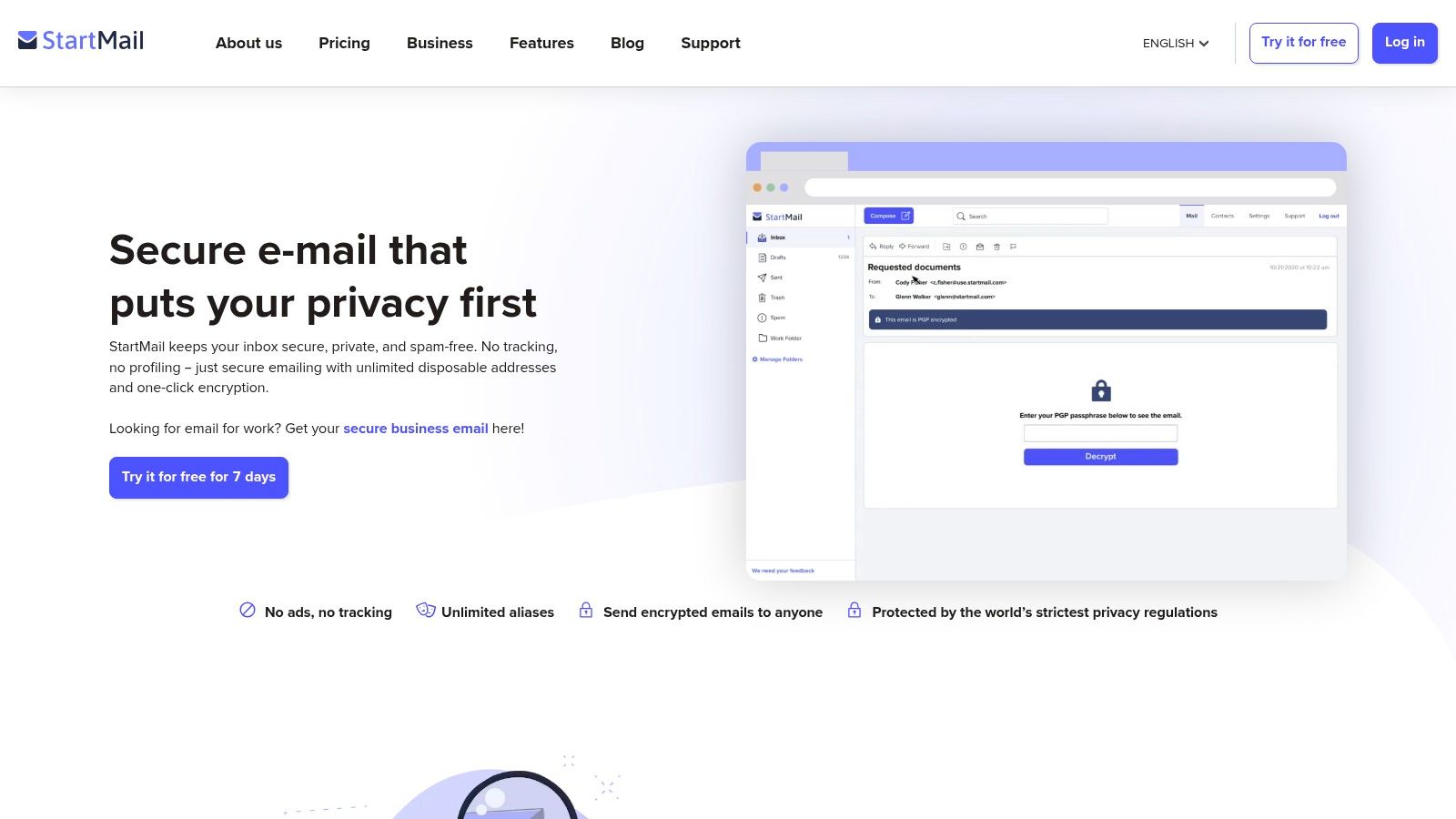
One of StartMail's standout features is its one-click PGP encryption. While PGP is renowned for its strong encryption, it can be complex to set up and use. StartMail simplifies this process significantly, making secure communication accessible to even non-technical users. This is a significant advantage for individuals and businesses who want the security of PGP without the hassle of complicated key management. For added privacy, StartMail also offers unlimited disposable email aliases. These aliases allow you to create temporary email addresses for various online registrations, effectively shielding your primary email address from spam and trackers. This is a powerful tool for minimizing your online footprint and protecting your privacy. Beyond individual use, StartMail also supports custom domains, making it suitable for businesses and organizations wanting a private and secure email solution under their own branding. The service supports standard IMAP/SMTP protocols, ensuring compatibility with most email clients.
StartMail’s pricing is on the higher end for private email providers, currently at $59.95 per year for the standard plan which includes 10GB of storage. While there is a 30-day free trial available, there is no free tier after the trial period expires. This is a significant factor to consider when comparing StartMail to other private email providers that offer free plans with limited features. Another limitation is the lack of dedicated mobile apps. StartMail is currently accessible only through its web interface, which might be inconvenient for users who prefer managing their email on mobile devices. Furthermore, while offering core privacy and security features, StartMail doesn't offer as many additional features as some competitors, such as integrated calendars or file storage.
For those seeking a private email provider that prioritizes user experience and robust security, StartMail is a worthy consideration. Its easy-to-use PGP encryption, unlimited disposable email addresses, and adherence to EU privacy laws make it a compelling option for privacy-conscious individuals and businesses. If you're comfortable with the web interface and the pricing, StartMail provides a solid platform for secure and private communication. You can explore their offerings and sign up for a free trial on their website: https://www.startmail.com
9. Runbox
Runbox is a long-standing player in the private email providers market, having been founded in 2000. Based in Norway, it prioritizes privacy, security, and environmental responsibility, offering a comprehensive email solution with robust spam filtering and large storage capacities. This makes it an attractive choice for privacy-conscious individuals, businesses, and organizations seeking a reliable and ethical email service. Runbox stands out among private email providers because of its commitment to sustainability, powered by 100% renewable hydropower. This resonates with users concerned about the environmental impact of their digital footprint. Its focus on ethical business practices further solidifies its position as a trustworthy option.
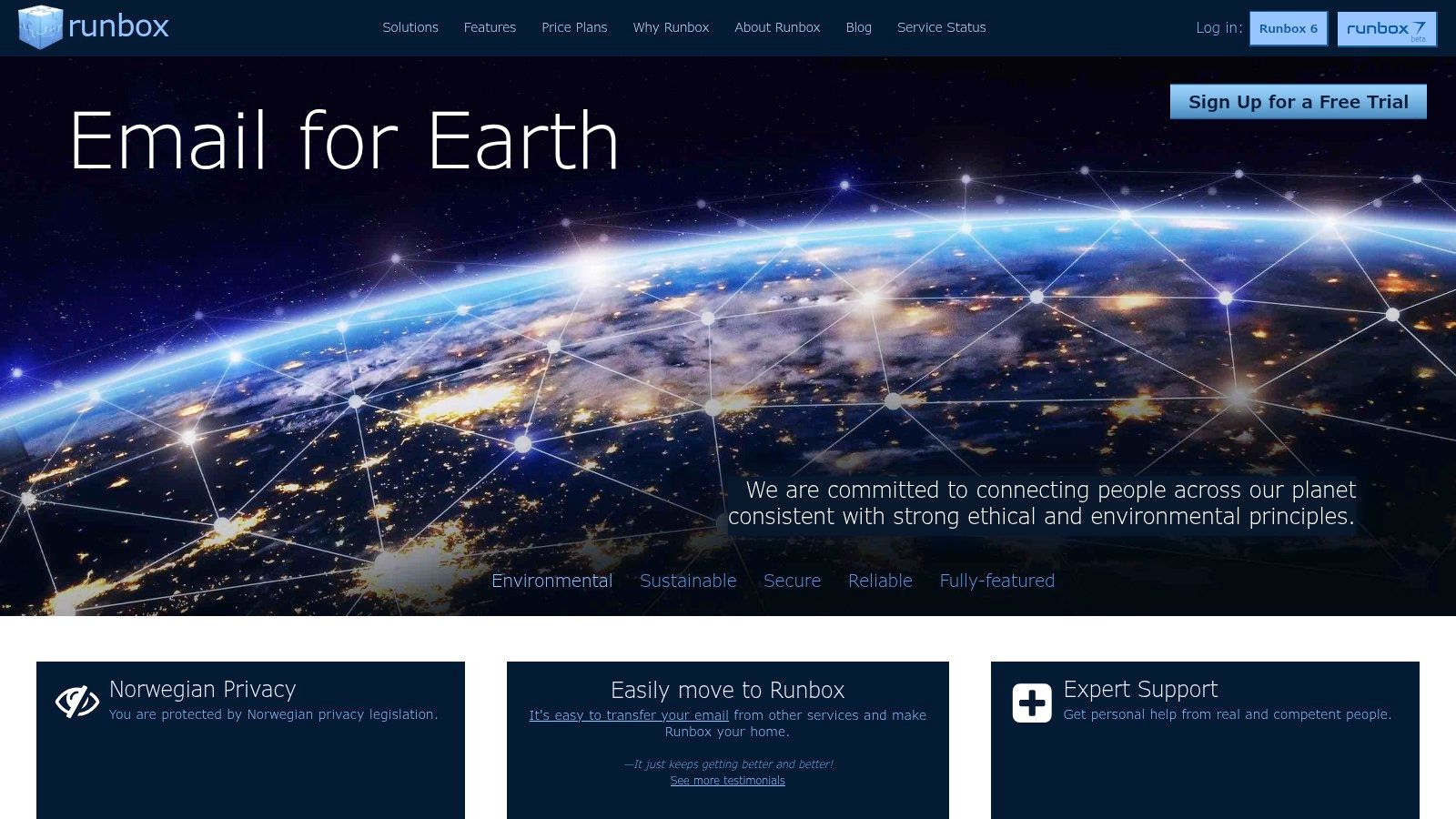
For practical application, Runbox offers a variety of features suited to different user needs. Individuals looking for an ad-free, no-tracking email experience will appreciate the focus on privacy offered by Norwegian jurisdiction. Small to medium-sized businesses can benefit from the custom domain support, allowing them to maintain a professional brand identity. IT administrators and security professionals will find value in the advanced spam and virus filtering, contributing to a more secure communication environment. And finally, remote teams and organizations will appreciate the user-friendly interface and collaboration tools.
Runbox offers several different plans with varying storage capacities ranging from 1GB to 100GB. Pricing starts at $19.95/year for the smallest plan and scales up to $79.95/year for the 100GB plan. All plans include essential features such as custom domain support, advanced spam and virus filtering, and access to webmail, IMAP, and SMTP. No free tier is currently available. Technical requirements for using Runbox are minimal, requiring only a web browser or email client capable of connecting via IMAP or SMTP.
Compared to similar private email providers like ProtonMail or Tutanota, Runbox differentiates itself with its long-standing reputation and commitment to sustainability. While ProtonMail and Tutanota offer built-in encryption, Runbox relies on third-party tools. This can be a drawback for users seeking end-to-end encryption out-of-the-box. However, Runbox shines with its generous storage allowances and excellent customer support, often cited in user reviews.
For setting up Runbox, the process is straightforward. Users can create an account on the Runbox website (https://runbox.com) and choose their desired plan. Configuration for email clients is readily available in their help documentation. Migrating existing email accounts is also supported, simplifying the transition for users switching from other providers.
While Runbox has a lot to offer, it's essential to also consider its drawbacks. The user interface, while functional, has been described as looking somewhat outdated compared to newer email services. And as mentioned earlier, the lack of built-in encryption might deter users specifically looking for that feature.
Despite these cons, Runbox deserves its place on this list of private email providers due to its robust feature set, commitment to privacy and sustainability, and its long track record. It offers a compelling alternative for users seeking a reliable and ethical email solution without compromising on features and functionality. If you prioritize a private email experience backed by a company with a strong ethical stance, Runbox is definitely worth considering.
10. CTemplar
CTemplar positions itself as "Armored Email" for the privacy-conscious individual and business. This Iceland-based private email provider prioritizes security and anonymity, leveraging the country's strong privacy laws and robust encryption to shield user data from prying eyes. If you're looking for a private email provider that takes data protection seriously, CTemplar deserves consideration among other top contenders in the space. It differentiates itself by focusing on multi-layered encryption and anonymous sign-up, appealing to users concerned about data breaches and online tracking.
CTemplar employs zero-knowledge password protection and end-to-end encryption with 4096-bit keys. This means that even CTemplar cannot access your emails. The anonymous sign-up process, requiring no personal information, further enhances privacy. Additional features like anti-phishing protection and self-destructing emails provide further layers of security and control. For individuals and businesses handling sensitive information, these features can be critical. For example, journalists communicating with confidential sources, activists organizing sensitive campaigns, or businesses dealing with confidential client data can all benefit from this level of security.
Beyond individual users, CTemplar caters to businesses with private email hosting and custom domain support. IT administrators will appreciate the focus on security and the ease of user management. Remote teams can leverage the secure communication channels for confidential collaborations. The robust anti-spam and anti-tracking features offer respite from unwanted intrusions and data mining, a welcome change for users tired of conventional email providers.
Pros:
- Strong Privacy Jurisdiction: Based in Iceland, known for its robust privacy laws and commitment to data protection.
- IP Address Protection: Built-in IP address protection prevents tracking and exposure of your location.
- Dead-Man Timer: Set a self-destruct timer for your account in case of unforeseen circumstances.
- Multi-Level Encryption: Zero-knowledge, end-to-end, and 4096-bit encryption ensure maximum data security.
Cons:
- Relatively New Service: CTemplar is a newer player in the private email market, with a shorter track record compared to established providers like ProtonMail or Tutanota.
- Higher Pricing: CTemplar's pricing is generally higher than some competitors, which might be a barrier for budget-conscious users.
- Limited Storage: Basic plans offer smaller storage allowances compared to other providers.
- Third-Party App Integration: Integration with third-party apps is more limited than with some other services.
Pricing: CTemplar offers various plans ranging from a free tier with limited features to premium subscriptions with increased storage, multiple custom domains, and priority support. Check their website for the most up-to-date pricing details.
Technical Requirements: CTemplar is accessible through web browsers and mobile apps. No special technical expertise is required for setup.
Setup Tips: Signing up is straightforward, focusing on anonymity. Choose a strong, unique password, and consider enabling two-factor authentication for added security. Explore the settings to customize features like self-destructing emails and anti-phishing measures.
CTemplar distinguishes itself among private email providers with its focus on robust security and Icelandic jurisdiction. While the higher price point and limited storage in basic plans might deter some, the commitment to privacy and anonymity makes CTemplar a strong contender for privacy-conscious users and businesses seeking a secure communication platform. If robust security and privacy are paramount, visiting their website (https://ctemplar.com) is worthwhile.
Top 10 Private Email Providers Comparison
| Email Service | Core Features ✨ | Privacy & Security ★★★★☆ | Value & Pricing 💰 | Target Audience 👥 | Unique Selling Points 🏆✨ |
|---|---|---|---|---|---|
| 🏆 Typewire | Custom domains, no ads/tracking, anti-spam, dark mode | Privacy by design, Canadian data centers | Free/Basic/Premium | Individuals & teams | Full control, no third-party clouds, 24/7 support |
| ProtonMail | End-to-end encryption, zero-access, open-source | Swiss privacy laws, no-logs policy | Free tier, paid plans higher cost | Privacy-conscious users | Self-destructing emails, cross-platform support |
| Tutanota | End-to-end including subject, encrypted calendar | Strong metadata encryption, open-source | Very affordable premium | Budget privacy users | Encrypts everything incl. subject, green energy |
| Mailbox.org | PGP support, office suite, temporary emails | German privacy laws, IMAP/POP/SMTP support | Affordable (€1+/month), no free | Privacy & productivity seekers | Complete office suite, cloud storage |
| Posteo | Anonymous signup, PGP, green energy | Strong data minimization, no ads/tracking | €1/month flat | Ethical & anonymous users | Anonymous cash payments, sustainability focus |
| Countermail | OpenPGP 4096-bit, diskless servers, USB keys | Sweden privacy laws, no logs | $59/year | Security-first users | Physical USB key, protection vs timing attacks |
| Mailfence | OpenPGP, digital signatures, 2FA, custom domains | Belgian privacy laws, standard protocols | Limited free, paid plans | Power users needing productivity | Integrated collaboration tools |
| StartMail | One-click PGP, disposable aliases, IMAP/SMTP | EU data storage | $59.95/year, 30-day trial | Users wanting ease & privacy | Unlimited disposable emails, simple encryption |
| Runbox | Custom domains, spam/virus filtering, renewable power | Norwegian privacy laws | No free tier | Eco-conscious users | 100% renewable hydropower, large storage |
| CTemplar | Zero-knowledge, 4096-bit encryption, anonymous signup | Iceland privacy laws, multi-level encryption | Higher cost, smaller basic plans | Privacy maximalists | IP protection, dead-man timer for self-destruct |
Securing Your Digital Future: Making the Switch to Privacy
Choosing the right private email provider is a significant step towards reclaiming control over your digital privacy. We've explored ten leading providers—Typewire, ProtonMail, Tutanota, Mailbox.org, Posteo, Countermail, Mailfence, StartMail, Runbox, and CTemplar—each offering unique features and benefits catering to diverse needs. From robust end-to-end encryption and advanced spam filtering to custom domain support and user-friendly interfaces, these services empower you to communicate confidently and securely. Remember, the most suitable private email provider will depend on your individual requirements, whether you prioritize ease of use, maximum security, or specific features like custom domains.
One of the most important takeaways when selecting a private email provider is understanding the different encryption methods offered. For optimal security, ensure your email communications are ideally encrypted and protected from prying eyes. This resource from Deeken.Technology GmbH provides valuable insights into email encryption best practices. In addition to encryption, consider factors such as storage capacity, pricing plans, and the provider's privacy policy. Implementing a private email solution might require some initial adjustments, but the long-term benefits for your privacy and security are undeniable.
Protecting your digital life requires proactive steps, and choosing a private email provider is a powerful move towards a more secure online experience. Your online security matters. Take control of your digital future by choosing a private email provider that aligns with your needs. Want a truly private and secure email experience backed by innovative technology? Explore Typewire, a cutting-edge private email provider designed for the modern user with a focus on both security and usability.