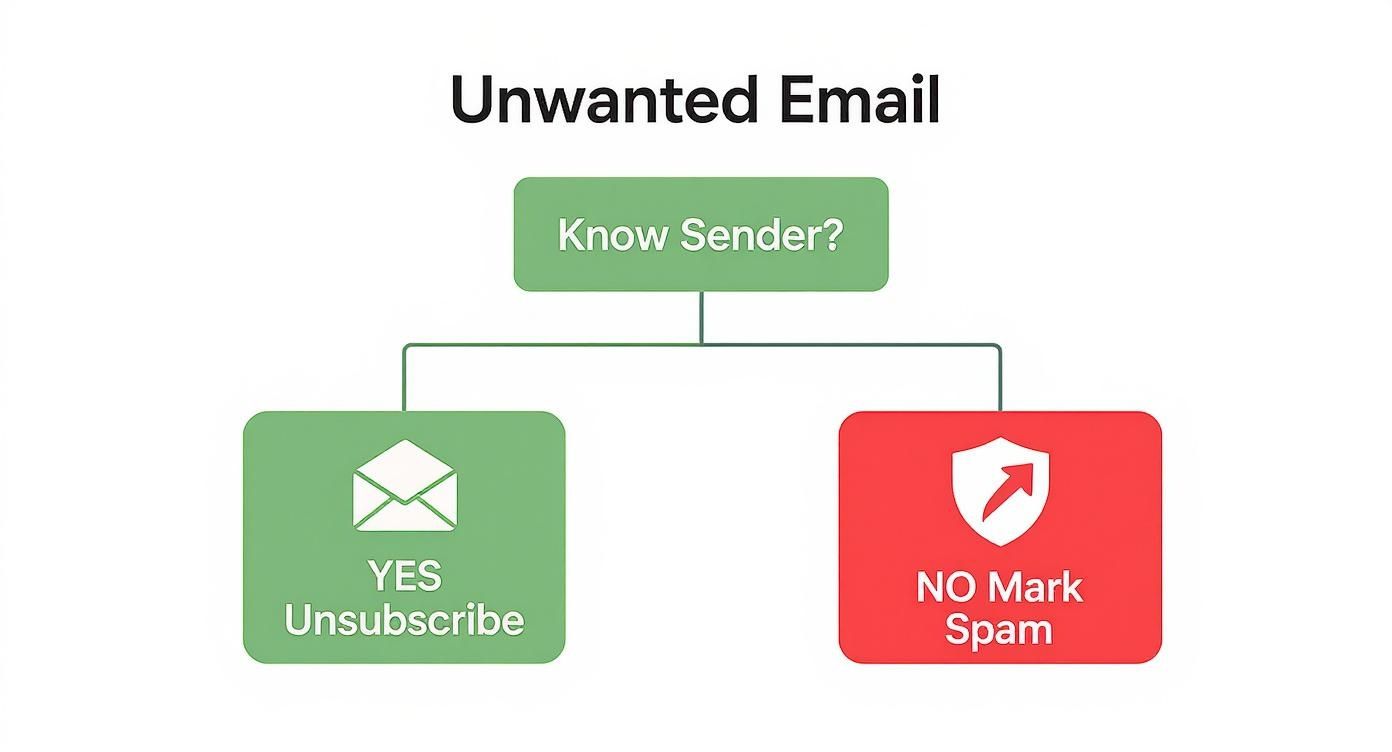
Using a generic email address like yourname88@gmail.com undermines your professional credibility and, more importantly, often sacrifices your privacy. Standard free email services frequently scan your messages for advertising data, making your personal communications a commodity. Switching to a dedicated service that supports your own domain, such as you@yourbusiness.com, is a fundamental step toward reclaiming control over your digital identity and securing your correspondence.
This guide is designed to help you navigate the crowded market of custom domain email providers. We cut through the marketing noise to deliver a comprehensive analysis of the top 12 platforms available today. The focus here is squarely on the factors that matter most to discerning users: robust email privacy, advanced email security, and the reliability of hosted email platforms. We evaluate everything from zero-access encryption and data jurisdiction to sophisticated spam filtering and administrative controls.
Whether you are a privacy-conscious individual, an IT administrator, or a small business owner, this resource will help you find the perfect fit. Part of establishing your professional online identity involves carefully choosing the right domain name for your email address, and this listicle provides the crucial next step: pairing it with a secure, reliable provider. Each entry includes detailed feature comparisons, pricing breakdowns, real-world use cases, and direct links to help you get started. Let's find the service that puts you back in control.
1. Typewire
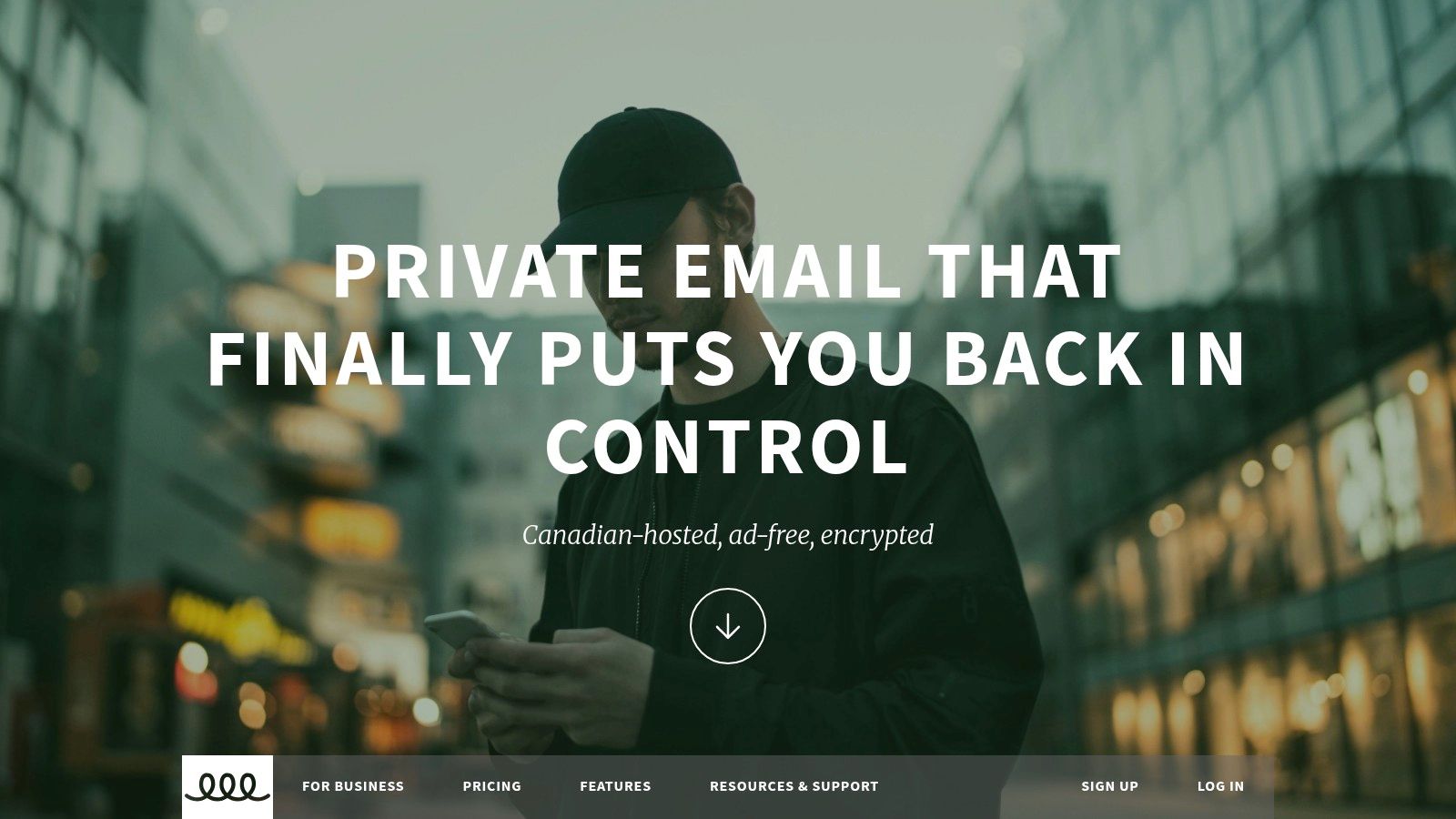
Typewire establishes itself as a premier choice among custom domain email providers by building its entire service around an uncompromising commitment to privacy and data sovereignty. It’s an ideal solution for businesses and individuals who want to completely decouple their email communications from the invasive data-harvesting practices common with mainstream services. The platform is engineered from the ground up on privately owned infrastructure in Vancouver, Canada, ensuring all user data remains protected under Canadian privacy laws (PIPEDA) and is never processed by third-party cloud giants.
This privacy-first architecture is its core differentiator. Typewire automatically blocks tracking pixels and provides robust, learning-based anti-spam and anti-phishing filters, creating a secure and clean inbox environment. The service offers a modern, responsive interface for both web and mobile, complete with powerful search and real-time notifications, ensuring productivity is not sacrificed for privacy.
Key Features and Use Cases
Typewire is particularly well-suited for security-conscious SMBs, IT teams, and remote organizations that require centralized control over user accounts and communications.
- Custom Domain Support: The premium plan supports up to five custom domains, allowing businesses to maintain a professional brand identity.
- User and Alias Management: An account can contain unlimited users, and each premium user can create up to 50 aliases. This is perfect for managing role-based addresses (e.g.,
sales@yourcompany.com) without creating new inboxes. - Privacy by Design: With end-to-end encryption for data in transit and at rest, tracker blocking, and a strict no-ads, no-data-mining policy, Typewire ensures communications remain confidential.
- Onboarding and Support: It offers a 7-day free trial for up to five users, allowing teams to fully evaluate the platform. While the trial requires a credit card, the company provides a clear refund policy and 24/7 customer support.
Practical Considerations
While its Canadian-only data hosting is a major advantage for data sovereignty, it may be a limiting factor for global organizations requiring multi-region data residency or lower latency in other parts of the world. Additionally, access to its business-centric features, including custom domains, necessitates a premium subscription. For those ready to implement their own domain, Typewire provides helpful resources to streamline the process. You can explore their detailed instructions in their guide to setting up a custom email domain.
- Best for: Privacy-conscious SMBs, Canadian businesses, and teams seeking an alternative to Big Tech email.
- Website: https://typewire.com
2. Google Workspace
Google Workspace is the go-to choice for businesses and individuals who want professional email on a custom domain, backed by the familiar and powerful interface of Gmail. It stands out by bundling email hosting with a full suite of tightly integrated productivity and collaboration tools like Drive, Docs, Sheets, and Meet. This makes it one of the most comprehensive custom domain email providers for organizations that need more than just an inbox.
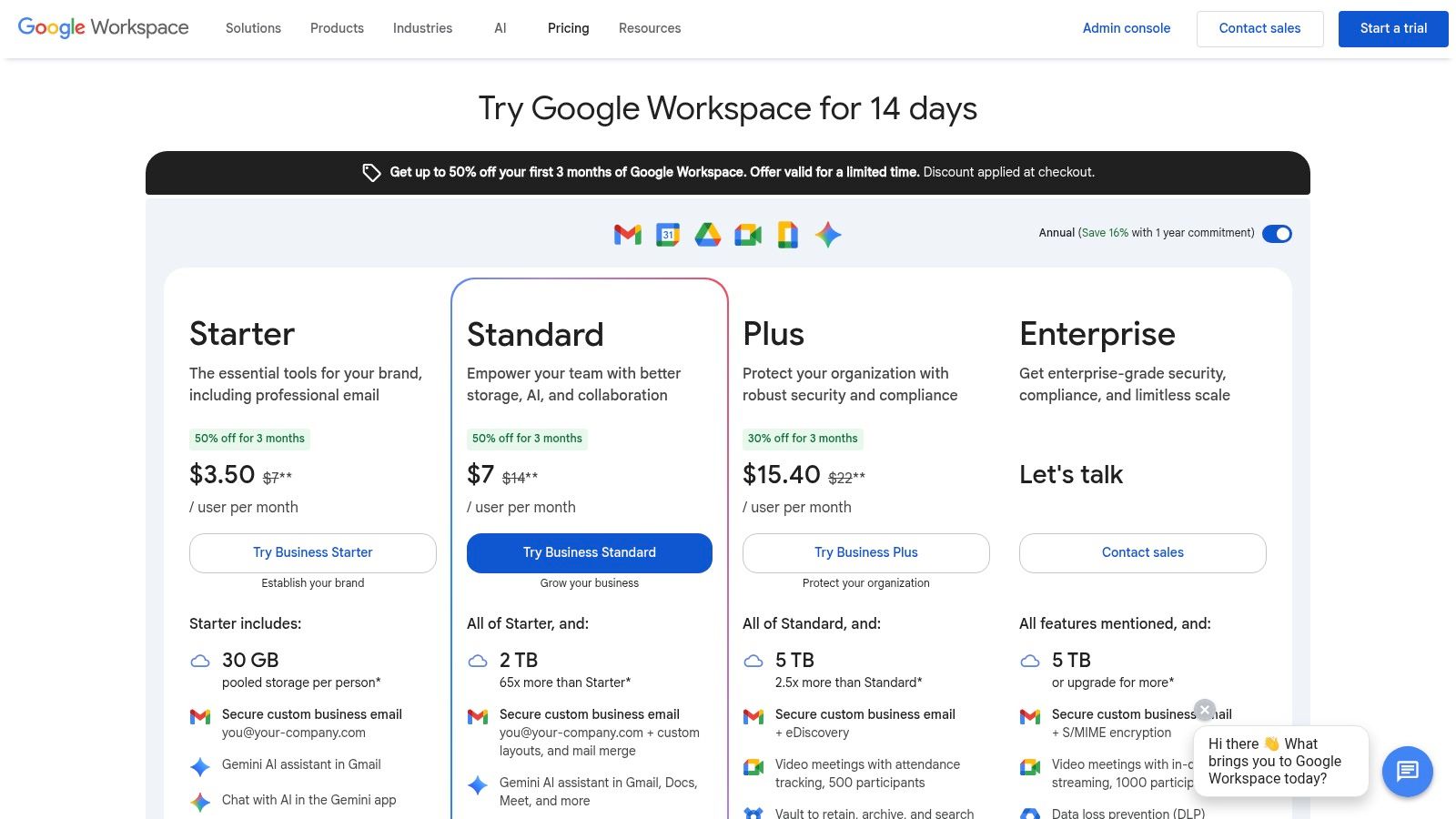
While Google’s consumer products rely on data for ad targeting, the paid Workspace platform operates under a different privacy model, offering robust security features and administrative controls. Administrators can enforce policies, manage user access, and configure advanced threat protection, making it a secure, hosted email platform suitable for business use.
Features & Use Cases
- Best For: Small to large businesses, startups, and freelancers who rely on the Google ecosystem and require extensive third-party app integrations.
- Key Features: Custom email addresses (
you@yourcompany.com), a central admin console, advanced spam filtering, and pooled cloud storage. - Implementation Tip: Use the admin console’s security dashboard to enable two-factor authentication (2FA) for all users and review login activity to enhance account security from day one.
The platform's primary strength is its exceptional deliverability and reliability, ensuring your critical communications always reach their destination. However, while it provides strong security controls, organizations with strict data privacy mandates may want to consider alternatives, as your data still resides within the broader Google infrastructure. If this is a concern, you can explore top alternatives to Google Workspace for secure email.
Website: https://workspace.google.com/pricing
3. Microsoft 365 for Business
Microsoft 365 is the definitive choice for organizations deeply integrated into the Windows ecosystem or those requiring the robust, enterprise-grade features of Microsoft Exchange. It provides professional email on a custom domain through the familiar Outlook interface, bundled with a powerful suite of productivity tools like OneDrive, Teams, and the classic Office applications. This makes it one of the leading custom domain email providers for businesses that need comprehensive security, compliance, and IT administration capabilities.
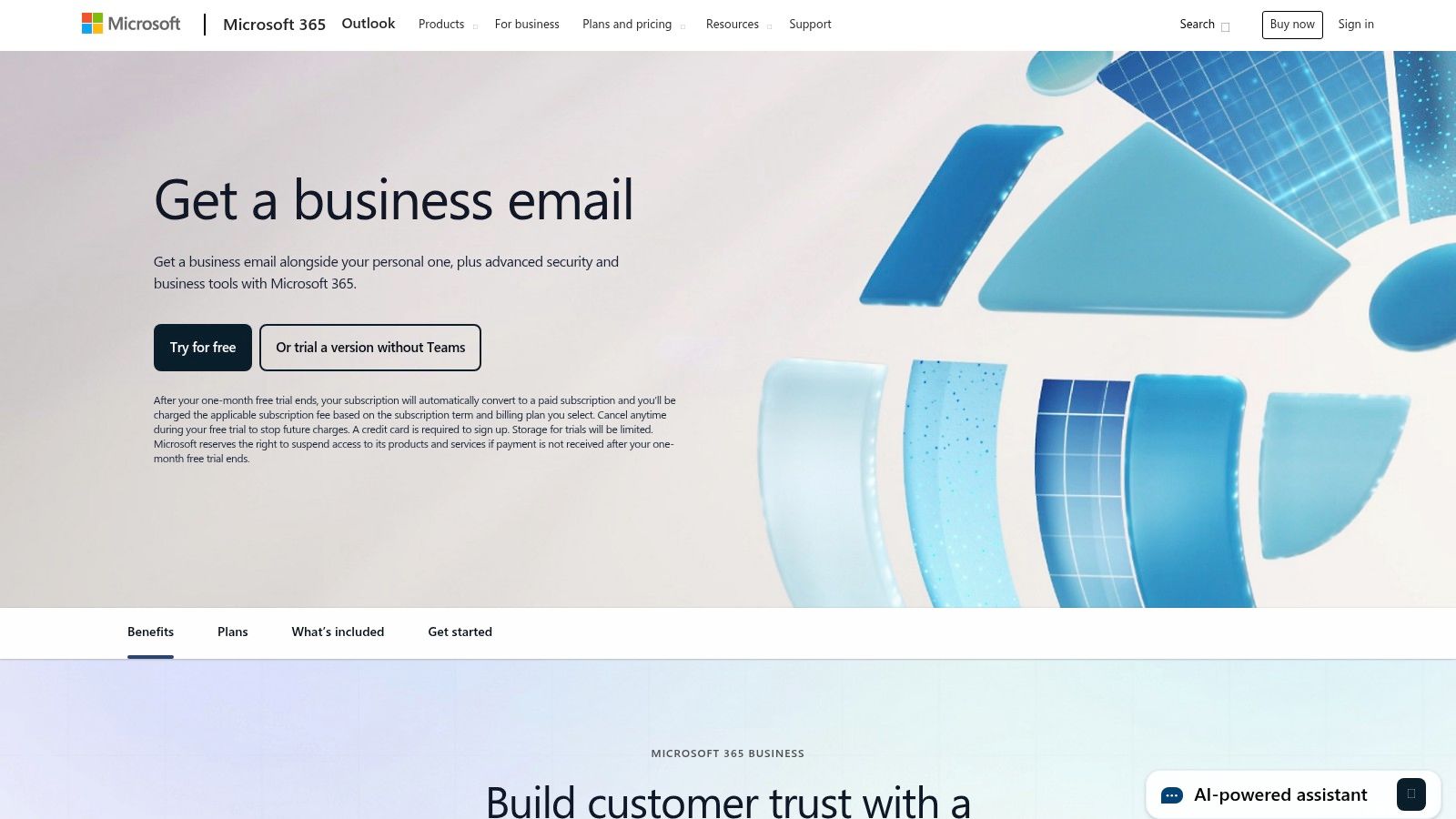
Unlike consumer-facing services, the business platform is built with security and privacy at its core. Administrators gain access to a powerful admin center to enforce security policies, manage data retention, and configure advanced threat protection against malware and phishing. These extensive controls make it a trusted hosted email platform for organizations in regulated industries, offering sophisticated tools to maintain compliance and protect sensitive communications.
Features & Use Cases
- Best For: Small to large businesses, especially those standardized on Windows and Office, that require granular IT controls and compliance features.
- Key Features: Business-class Exchange mailboxes, 1 TB OneDrive storage per user, advanced security and compliance tools, and a central admin center.
- Implementation Tip: Leverage the Microsoft 365 Defender portal to configure anti-phishing policies and set up Safe Links to protect users from malicious URLs in emails and documents.
Microsoft’s key strength lies in its exceptional IT manageability and the native integration with Outlook and other Office apps, creating a seamless user experience. However, the admin interface can be complex for founders or small teams without dedicated IT support. While the base plans are competitive, the total cost can increase with add-ons for advanced archiving or security, which is an important consideration during evaluation.
Website: https://www.microsoft.com/en-us/microsoft-365/outlook/outlook-business-email-plans
4. Zoho Mail (Zoho Workplace)
Zoho Mail offers a compelling and budget-friendly alternative for businesses seeking professional email on a custom domain, especially those wary of Big Tech ecosystems. It is part of the broader Zoho Workplace suite, which includes tools for document creation, spreadsheets, and collaboration, making it a strong contender among custom domain email providers. The platform is known for its firm commitment to user privacy, offering a completely ad-free experience, even on its lower-priced tiers.
Unlike many competitors who leverage user data, Zoho’s business model is built on paid software subscriptions, not advertising. This ensures your email content remains private and is not scanned for marketing purposes. Its robust control panel provides administrators with granular control over security policies, email routing, and spam filtering, positioning it as a secure, hosted email platform for privacy-conscious organizations. The migration tools are also notably smooth, simplifying the transition from other services.
Features & Use Cases
- Best For: Small to medium-sized businesses, startups, and budget-conscious teams looking for an affordable, privacy-focused email solution with an integrated productivity suite.
- Key Features: Ad-free custom domain email (
you@yourcompany.com), a comprehensive admin panel, end-to-end encryption, and seamless integration with Zoho CRM and other business apps. - Implementation Tip: Leverage Zoho’s extensive routing rules in the control panel to automatically forward, delete, or flag emails based on sender, subject, or content, which helps streamline workflows and bolster security.
The platform's primary appeal is its exceptional value, providing enterprise-grade features at a fraction of the cost of its main competitors. While the user experience is strongest when fully embedded in the Zoho ecosystem, its standalone email service is powerful and reliable. Note that the availability of its limited free plan can vary depending on the data center region you select during signup.
Website: https://www.zoho.com/mail/
5. Fastmail
Fastmail is an independent, privacy-focused email provider that appeals to users seeking a reliable, ad-free experience without sacrificing modern features. It stands out by prioritizing open standards like IMAP, CalDAV, and CardDAV, ensuring seamless compatibility with a wide range of third-party email clients. This commitment to standards, combined with its strong stance on user privacy and excellent deliverability, makes it a top choice among custom domain email providers for technically inclined users and privacy advocates.
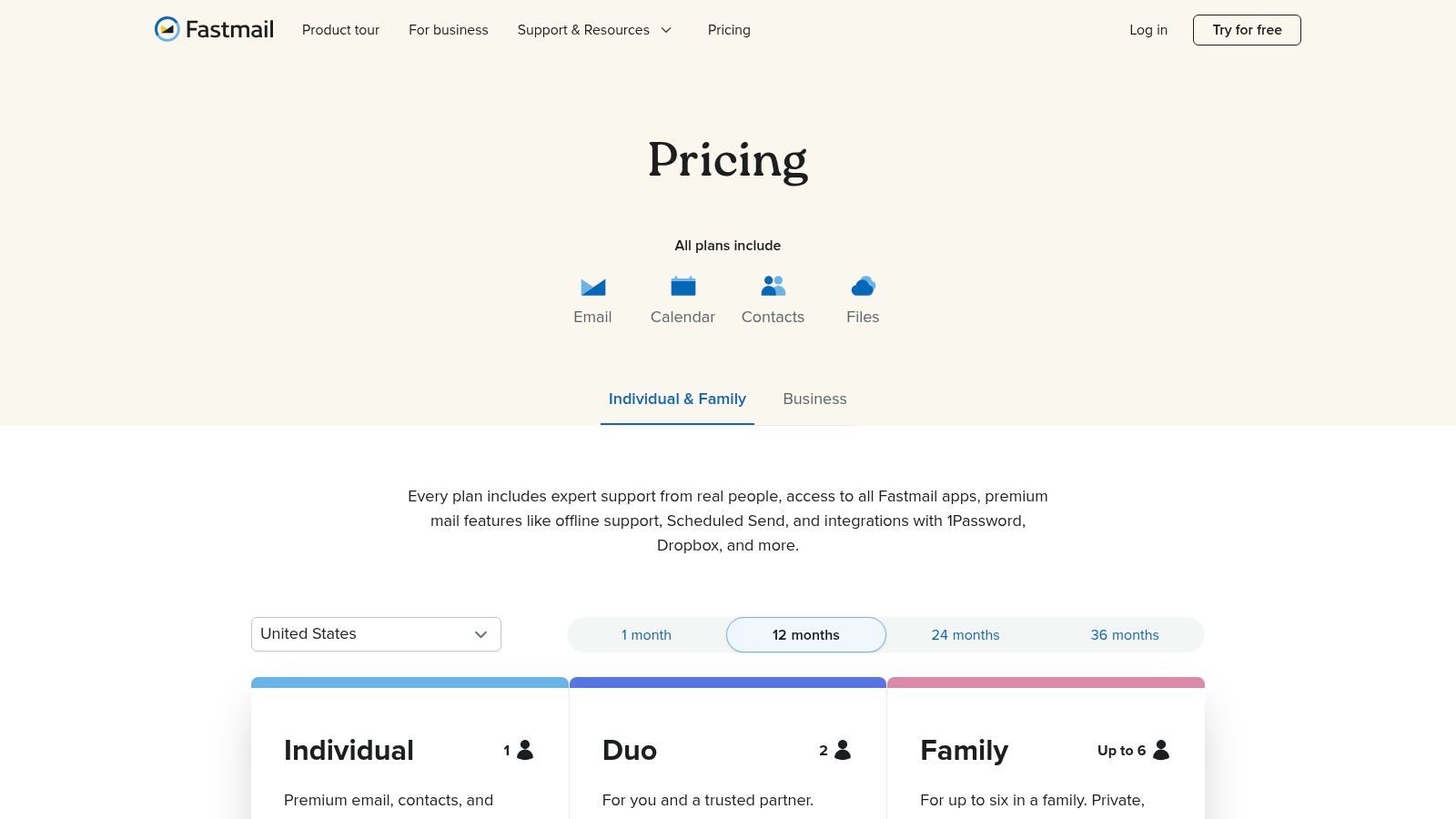
Unlike providers that bundle email with a sprawling office suite, Fastmail concentrates on perfecting its core offering: a fast, secure, and powerful email platform. Its business model is built on direct user subscriptions, not data monetization, ensuring your communications remain private. With features like masked email aliasing and customizable rules, it provides robust tools for managing your digital identity while maintaining a clean, efficient inbox free from tracking and advertisements.
Features & Use Cases
- Best For: Privacy-conscious individuals, families, and small businesses who value open standards, third-party client compatibility, and a no-nonsense approach to email.
- Key Features: Custom domain support with easy DNS setup, unlimited aliases and catch-alls, full IMAP/SMTP access, and shared mailboxes for team collaboration.
- Implementation Tip: Leverage the "Masked Email" feature to generate unique, disposable aliases for online services. This protects your primary address from spam and data breaches, allowing you to easily disable any alias that becomes compromised.
Fastmail’s strength lies in its exceptional speed, knowledgeable support, and unwavering reliability as a hosted email platform. While its storage on lower-tier plans is more modest than some competitors and it lacks an integrated office suite, its focused approach delivers a superior core email experience. It is an ideal solution for users who want complete control over their email without being locked into a single ecosystem.
Website: https://www.fastmail.com/pricing
6. Proton Mail
Proton Mail is a leader among custom domain email providers for users who prioritize privacy and security above all else. Based in Switzerland, it operates under strict privacy laws and offers end-to-end encrypted email by default, ensuring that no one, not even Proton, can read your messages. It’s an ideal hosted email platform for journalists, activists, and businesses handling sensitive information who need a secure and private communication channel.
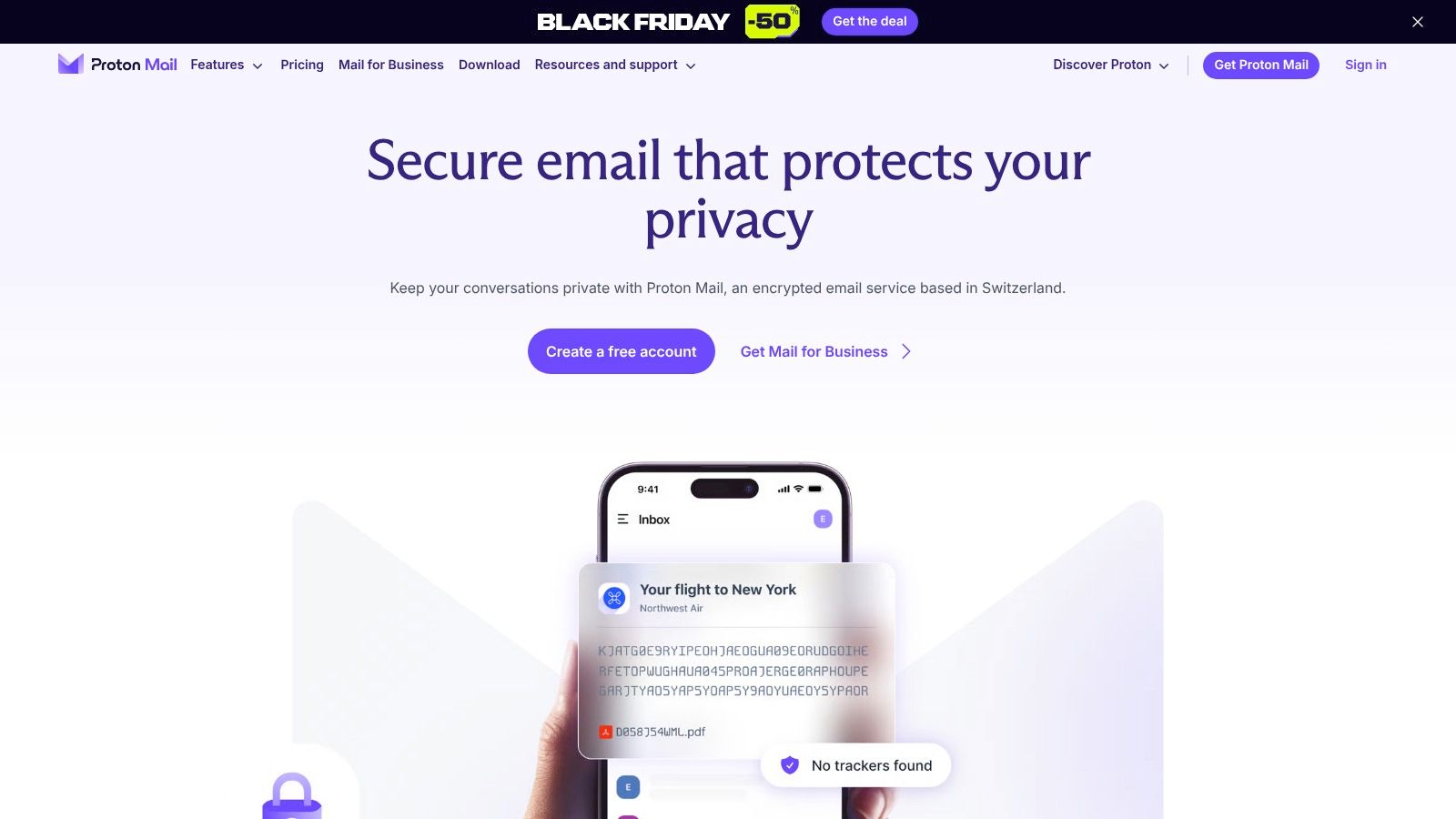
Unlike mainstream providers that may scan emails for advertising, Proton Mail is funded by user subscriptions, aligning its business model with user privacy. The platform’s zero-access architecture means your encrypted data is inaccessible to the company. While a free plan is available for personal use, custom domain support is a key feature of its paid tiers, which also bundle access to Proton Calendar, Drive, and VPN for a complete privacy-focused ecosystem.
Features & Use Cases
- Best For: Privacy-conscious individuals, healthcare professionals, and businesses that require zero-access encryption and a secure, ad-free environment.
- Key Features: End-to-end encryption, custom domain support with catch-all addresses, and a suite of privacy-first apps (Calendar, Drive, VPN).
- Implementation Tip: Use the Proton Mail Bridge application to integrate your encrypted account with popular desktop email clients like Outlook or Thunderbird, combining strong security with a familiar workflow.
The platform's primary advantage is its unwavering commitment to email security, backed by Swiss jurisdiction. However, some advanced administrative features found in competitors like Google Workspace may require a higher-tier business plan. For those weighing their options in the secure email space, you can explore a detailed comparison of top privacy-focused providers to make an informed choice.
Website: https://proton.me/mail
7. Tuta (formerly Tutanota)
Tuta is a Germany-based encrypted email service built for users who prioritize privacy and security above all else. It extends its end-to-end encryption beyond the inbox to calendars and address books, offering a complete private communications suite. For those looking to combine top-tier security with professional branding, Tuta stands out as one of the best custom domain email providers that operates entirely outside the Big Tech ecosystem.
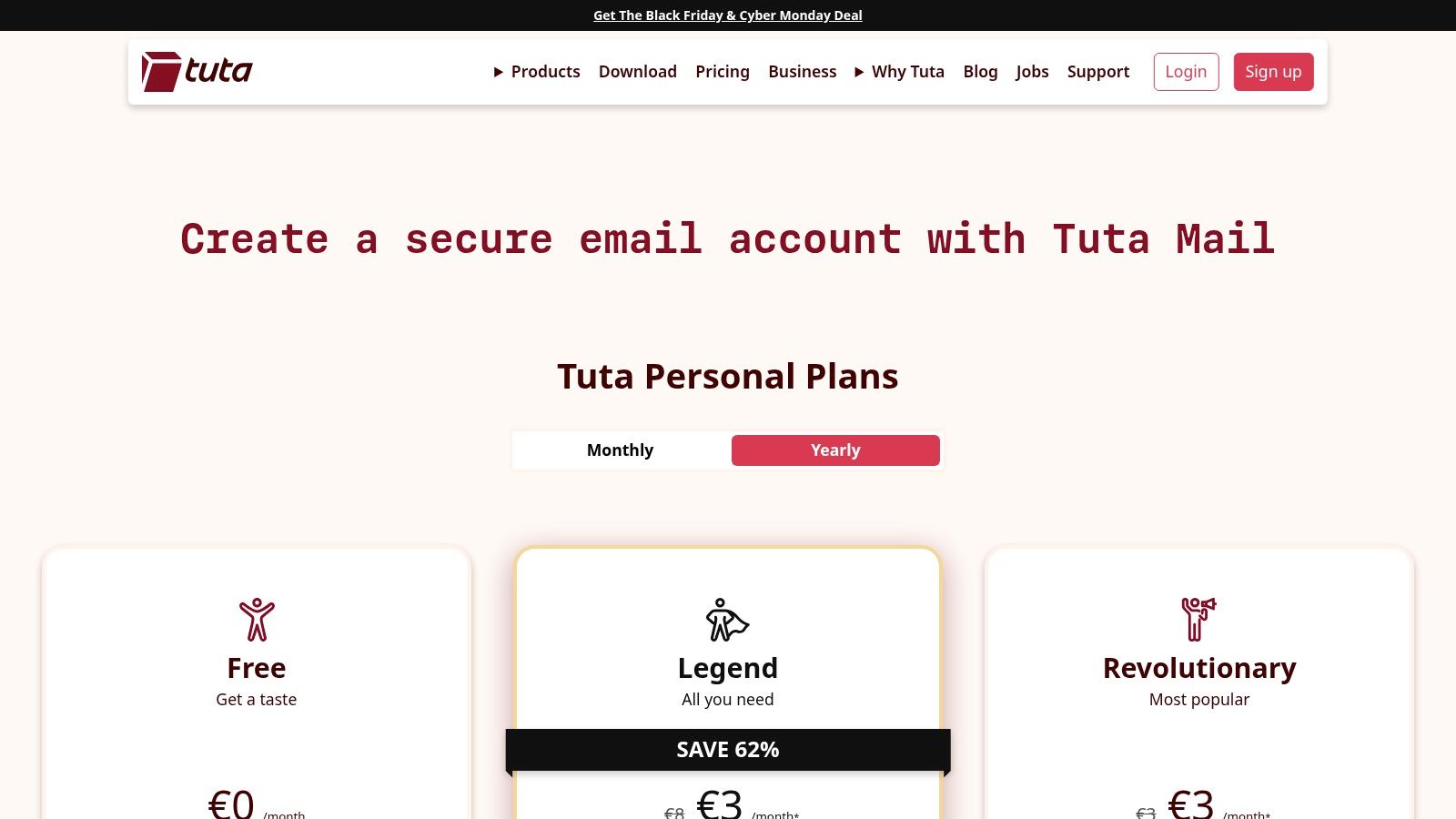
Unlike many hosted email platforms that rely on third-party clients, Tuta uses its dedicated open-source apps for web, desktop, and mobile to ensure encryption is never compromised. This focus on a closed, secure environment means your data is protected by strict EU privacy laws and is inaccessible to advertisers or data miners. Administrators get straightforward controls to manage users, aliases, and catch-all inboxes, all within a clean and intuitive interface.
Features & Use Cases
- Best For: Privacy-conscious individuals, journalists, activists, and small businesses needing a simple, highly secure, and compliant email hosting solution.
- Key Features: End-to-end encrypted emails, calendars, and contacts; custom domain support with catch-all addresses; open-source clients and zero-knowledge architecture.
- Implementation Tip: When setting up your custom domain, take advantage of the catch-all alias feature to capture all emails sent to non-existent addresses at your domain, ensuring you never miss an important message.
Tuta’s primary strength is its uncompromising commitment to privacy, making it an excellent choice for users looking to de-Google or escape data-driven services. However, its security-first design means it intentionally forgoes IMAP/SMTP support, which can be a significant drawback for users reliant on specific third-party email clients like Thunderbird or Outlook. The platform is ideal for those who value an all-in-one, encrypted ecosystem over broad third-party integration.
Website: https://tuta.com/pricing
8. IONOS
IONOS is a well-known web hosting provider that offers some of the most budget-friendly custom domain email packages on the market. It stands out by bundling a free domain for the first year with its entry-level email plans, making it an extremely attractive option for individuals or small businesses seeking an all-in-one, low-cost solution. The platform provides a straightforward path to professionalizing your communications without a significant initial investment.
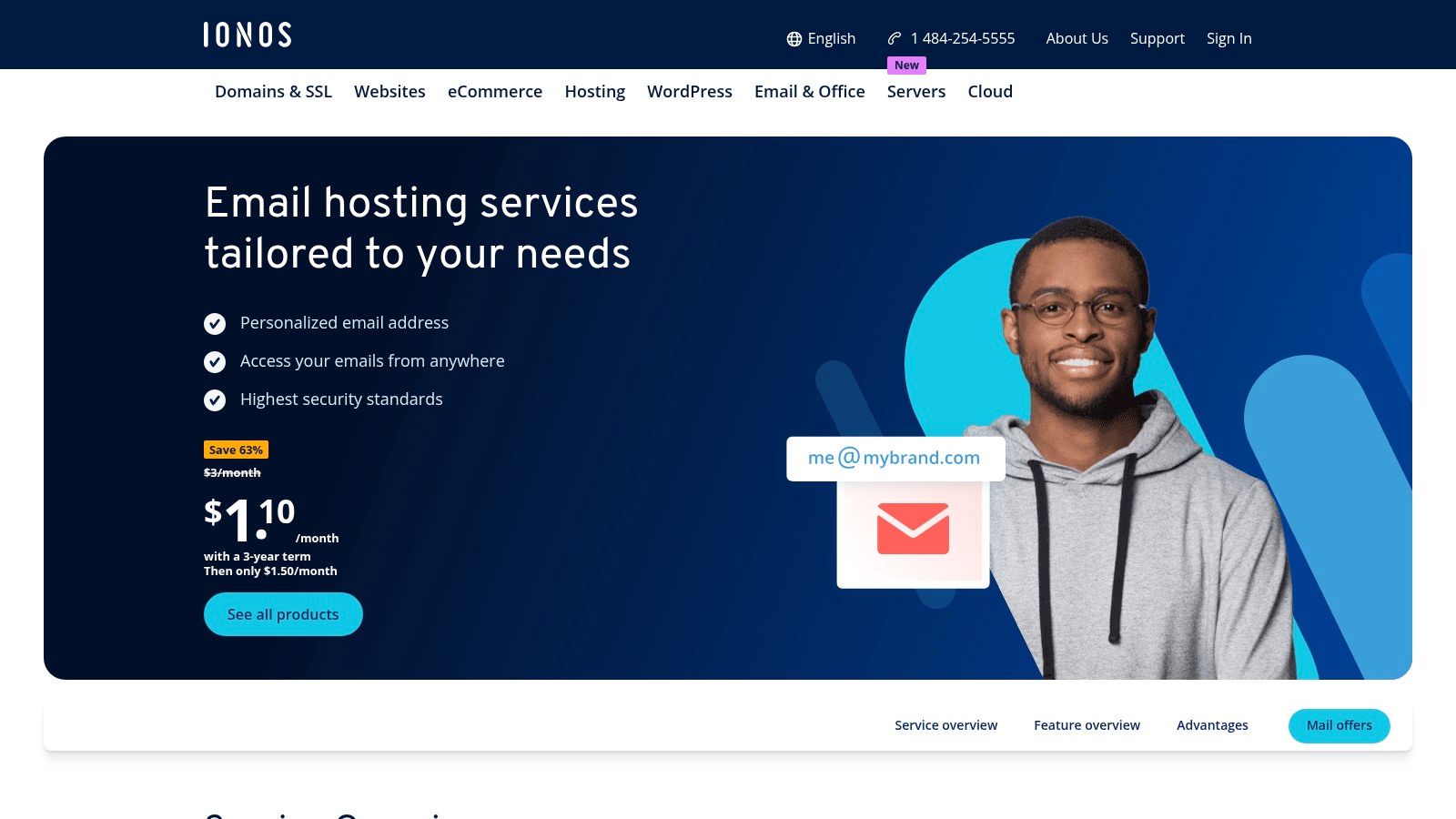
While the base plans are focused on affordability, IONOS also caters to growing businesses by offering more advanced hosted Exchange and Microsoft 365 bundles. This scalability allows users to start with a basic, cheap plan and upgrade as their needs for collaboration tools and enhanced security features evolve. The service includes robust, IONOS-run data centers that adhere to strong data protection standards, providing a secure hosted email platform.
Features & Use Cases
- Best For: Solopreneurs, freelancers, and small businesses who need a simple, affordable custom email address and prefer to manage their domain and email with a single provider.
- Key Features: Extremely low entry pricing, a free domain name included with annual plans, professional spam filtering, and 24/7 customer support.
- Implementation Tip: Take advantage of the bundled domain to simplify your setup. When configuring your email, enable the premium virus protection add-on for an extra layer of security against malware and phishing attempts.
The primary draw for IONOS is its unbeatable price point, making it one of the most accessible custom domain email providers available. However, the low-cost plans come with modest storage limits per mailbox, and there are restrictions on mass mailing that could impact marketing efforts. If you anticipate high-volume sending or need extensive storage from day one, you may need to consider their higher-tier plans or a different provider.
Website: https://www.ionos.com/office-solutions/email-hosting
9. Namecheap Private Email
Namecheap Private Email is a budget-friendly solution for individuals and small businesses looking for an affordable custom domain email provider, especially those already using Namecheap for domain registration. It offers a straightforward, no-frills email hosting service that integrates seamlessly with its domain management dashboard, simplifying the initial setup process for users. The platform focuses on providing core email functionalities without the complexity of a full productivity suite.
While its main appeal is its low cost, Namecheap includes essential security features like two-factor authentication and robust anti-spam protection. It provides standard email protocols (IMAP/POP/SMTP), allowing users to connect their accounts to third-party clients like Outlook or Apple Mail. This makes it a practical choice for those who need a professional email address on their own domain but do not require advanced collaboration tools.
Features & Use Cases
- Best For: Solopreneurs, freelancers, and small teams seeking an extremely low-cost email solution, particularly if their domain is already registered with Namecheap.
- Key Features: Custom email addresses (
you@yourdomain.com), webmail access, anti-spam protection, and support for IMAP, POP3, and SMTP. - Implementation Tip: Immediately after setup, ensure you correctly configure your domain's SPF, DKIM, and DMARC records. Some users have reported deliverability issues, and proper DNS authentication is critical to maximizing the chances of your emails reaching the inbox.
The platform's primary strength is its unbeatable price point and the convenience it offers Namecheap customers. However, its simplicity comes with trade-offs. Community reports occasionally mention intermittent deliverability issues or IP blacklisting, which can be a significant concern for business-critical communications. Careful monitoring and proper DNS setup are essential to mitigate these potential risks.
Website: https://www.namecheap.com/hosting/email/
10. Rackspace Email
Rackspace Email is a dedicated, hosted business email provider for teams that need reliable, no-frills custom domain email without being tied to a full productivity suite. It serves as a strong alternative to platforms like Google Workspace or Microsoft 365, focusing purely on providing professional email hosting backed by enterprise-grade support and infrastructure. This makes it an ideal choice for organizations prioritizing straightforward email functionality and expert, 24/7 customer service.
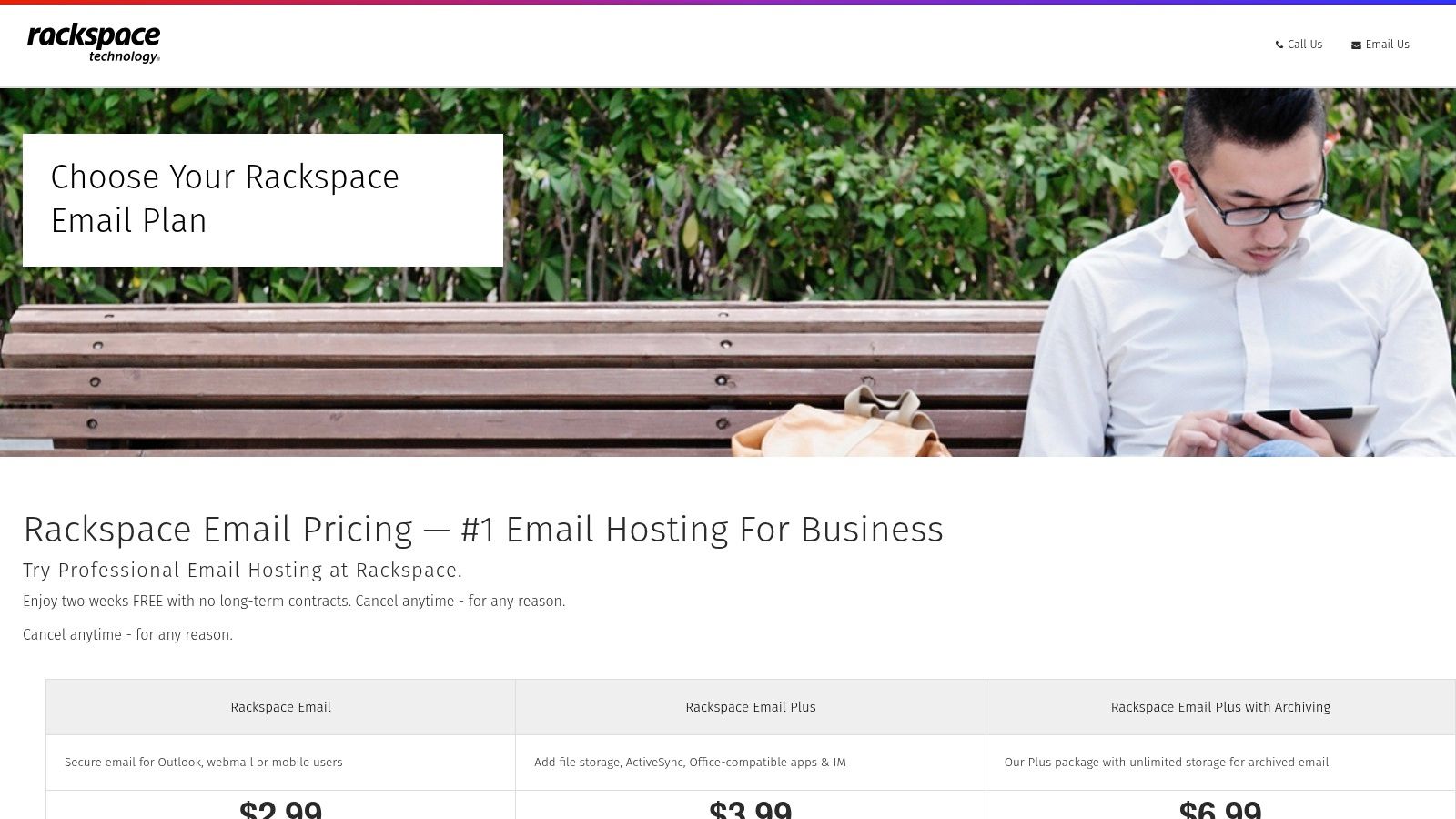
Unlike consumer-focused services, Rackspace is built for business reliability, offering a 100% uptime guarantee and robust spam and virus protection to keep your communications secure. The platform allows access via Outlook, webmail, and mobile devices, ensuring your team stays connected. With free and expert-led migrations included, transitioning your existing email accounts is designed to be a seamless process, minimizing downtime and technical hurdles for administrators.
Features & Use Cases
- Best For: Small to medium-sized businesses that want a standalone, professionally managed email solution with excellent customer support.
- Key Features: Generous 25 GB mailboxes, custom email aliases, advanced spam and virus filtering, and an optional email archiving service.
- Implementation Tip: Take advantage of the free migration service offered by Rackspace. Their dedicated team can handle the entire transfer process, which is particularly useful for businesses moving a large number of mailboxes from another provider.
While its feature set is more focused compared to all-in-one suites, its strength lies in its simplicity and reliability as a custom domain email provider. The smaller ecosystem means fewer third-party integrations, but for businesses whose primary need is dependable email backed by always-on support, Rackspace presents a compelling and cost-effective option.
Website: https://www.rackspace.com/lp/rackspace-email
11. Amazon WorkMail
Amazon WorkMail is a secure, managed business email and calendaring service built on the robust AWS cloud infrastructure. It’s an ideal choice for organizations already invested in the AWS ecosystem, offering a straightforward, no-frills approach to professional email on a custom domain. The platform prioritizes core email functionality, security, and interoperability with existing desktop and mobile email clients like Microsoft Outlook.
Unlike all-in-one productivity suites, WorkMail focuses exclusively on providing reliable and secure hosted email. It integrates seamlessly with AWS Identity and Access Management (IAM) and AWS Directory Service for granular user and access control. This makes it one of the most compelling custom domain email providers for businesses that require tight security integration and prefer managing communications within their existing cloud environment.
Features & Use Cases
- Best For: Technical teams, startups, and businesses heavily utilizing AWS services who need a secure, scalable email solution managed through a familiar console.
- Key Features: Generous 50 GB mailboxes, native Microsoft Outlook compatibility, and centralized control via the AWS Management Console.
- Implementation Tip: Leverage AWS Directory Service integration to manage user credentials and policies consistently across all your AWS resources, including WorkMail, for streamlined administration and enhanced security.
The service's main strength is its AWS-grade reliability and simple, flat-rate per-user pricing, which eliminates complexity. However, its user interface is decidedly technical and built for system administrators, not everyday users. Organizations looking for a feature-rich, user-friendly office suite may find its focused approach too limiting.
Website: https://aws.amazon.com/workmail/
12. Migadu
Migadu is a privacy-focused, standards-first email provider that disrupts the traditional per-user pricing model. Instead of charging for each mailbox, it offers plans based on daily email limits and storage, allowing for unlimited custom domain email addresses, mailboxes, and aliases. This approach makes it exceptionally cost-effective for families, freelancers, and agencies managing multiple domains or side projects who need flexibility without a linear increase in cost.
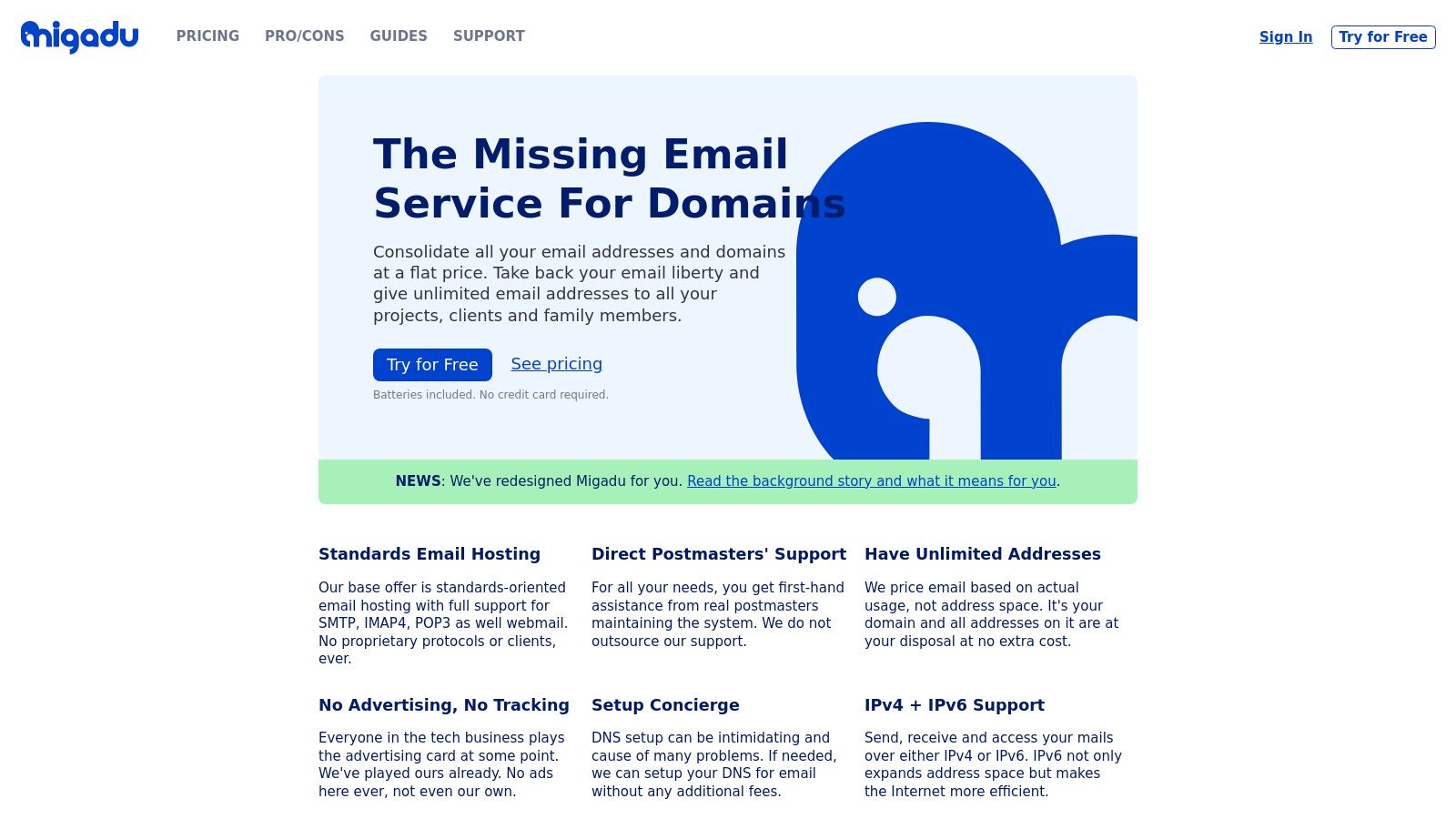
As a Swiss-based company, Migadu operates under strong privacy laws and maintains a strict no-tracking, no-ads policy, positioning it as a secure hosted email platform. It supports open standards like IMAP, POP3, and SMTP, ensuring compatibility with virtually any email client. While its webmail interface is lean and functional, the service’s core strength lies in its backend simplicity and powerful, unfiltered control over your email infrastructure.
Features & Use Cases
- Best For: Agencies, developers, and families who manage multiple domains and need a high volume of email addresses without per-mailbox fees.
- Key Features: Unlimited mailboxes and aliases, catch-all addresses, server-side Sieve filtering, and a straightforward admin panel for domain management.
- Implementation Tip: Leverage the Sieve filtering rules to automate email organization directly on the server. This ensures your sorting rules work consistently across all devices and email clients you connect to your account.
Migadu’s transparent, usage-based pricing offers incredible value, but it requires users to be mindful of their sending habits, as higher-tier plans are necessary for high-throughput needs. The ecosystem is intentionally minimalist compared to integrated suites, appealing to users who prioritize core email functionality and privacy over bundled applications. This makes it an excellent choice among custom domain email providers for those who want a simple, scalable, and private solution.
Website: https://migadu.com/
12 Custom-Domain Email Providers — Feature Comparison
| Provider | Key features (✨) | Privacy & Security (★) | UX / Admin & Integrations (★) | Value & Pricing (💰) | Target audience (👥) |
|---|---|---|---|---|---|
| Typewire 🏆 | ✨ End‑to‑end encryption, tracker blocking, anti‑spam, aliases, custom domains (premium) | ★★★★★ Canadian‑hosted, no tracking/data‑mining | ★★★★☆ Modern web/mobile UI, centralized user management, 24/7 support | 💰 Tiered (free/basic/premium), 7‑day trial, transparent refunds | 👥 Privacy‑conscious individuals, SMBs, IT/security teams |
| Google Workspace | ✨ Gmail on custom domain + Drive/Docs/Meet, vast integrations | ★★★★☆ High deliverability; Google data policies | ★★★★★ Familiar UX, large third‑party ecosystem, admin console | 💰 Mid→High; costs grow with storage/add‑ons | 👥 Teams needing collaboration & integrations |
| Microsoft 365 for Business | ✨ Exchange mailboxes, Teams, OneDrive, Office apps | ★★★★☆ Strong compliance & admin controls | ★★★★☆ Native Outlook/Exchange experience; rich IT tooling | 💰 Mid→High; add‑ons can increase cost | 👥 Enterprises & SMBs needing Exchange/IT features |
| Zoho Mail (Workplace) | ✨ Custom domains, ad‑free, Zoho app integrations | ★★★ Good privacy defaults (region varies) | ★★★ Solid admin; best experience with Zoho suite | 💰 Budget‑friendly; free tier in some regions | 👥 Startups/SMBs on a budget using Zoho apps |
| Fastmail | ✨ IMAP/CalDAV/CardDAV, aliases, modern web app | ★★★★ Strong deliverability & privacy practices | ★★★★ Fast web UI; excellent third‑party client support | 💰 Moderate; no office suite included | 👥 Professionals & families valuing standards |
| Proton Mail | ✨ End‑to‑end encryption, Proton VPN/Drive ecosystem | ★★★★★ Swiss jurisdiction, zero‑access architecture | ★★★ Good apps; limited direct IMAP/SMTP (bridge) | 💰 Moderate→High; bundles available (EUR pricing) | 👥 Privacy‑first users and businesses |
| Tuta (Tutanota) | ✨ Encrypted email/calendar/contacts, custom domains | ★★★★★ EU‑hosted strong encryption | ★★★ Focused apps; limited IMAP/SMTP support | 💰 Affordable, straightforward plans | 👥 Privacy‑minded users & small teams |
| IONOS | ✨ Very low‑cost email, free domain, Exchange bundles | ★★★ Standard hosting protections | ★★★ Simple admin; domain+email convenience | 💰 Very inexpensive per‑mailbox entry pricing | 👥 Budget users wanting domain+email bundle |
| Namecheap Private Email | ✨ IMAP/POP/SMTP, tiered storage & aliases | ★★★ Standard protections; occasional deliverability issues | ★★★ Easy for Namecheap domain customers | 💰 Very affordable annual pricing | 👥 Small teams & website owners using Namecheap |
| Rackspace Email | ✨ 25 GB mailboxes, Outlook/web/mobile, spam filtering | ★★★ Standard enterprise protections | ★★★ Enterprise support; simple pricing & migrations | 💰 Moderate; SLA & support included | 👥 Teams wanting email‑only hosting with support |
| Amazon WorkMail | ✨ 50 GB mailboxes, AWS integration, IMAP/Outlook support | ★★★★ AWS‑grade reliability & controls | ★★★★ Best for technical admins (AWS Console) | 💰 Flat per‑user pricing; cost‑effective for AWS users | 👥 Technical teams already on AWS |
| Migadu | ✨ Unlimited addresses/aliases, usage‑based pricing, IMAP/SMTP | ★★★★ Privacy‑friendly, open‑standards approach | ★★★ Lean UI; domain‑level management | 💰 Flexible usage‑based pricing; good for many domains | 👥 Agencies, projects & families needing many aliases |
Making the Right Choice for Your Email's Privacy and Security
Navigating the landscape of custom domain email providers can feel overwhelming, but the journey to secure, professional communication is well worth the effort. Throughout this guide, we've explored a dozen powerful options, from privacy-first fortresses like Typewire and Proton Mail to collaboration powerhouses like Google Workspace and Microsoft 365. The central theme remains clear: the best provider for you is the one that aligns perfectly with your core priorities, whether that's absolute data sovereignty, seamless ecosystem integration, or maximum value on a budget.
Your final decision hinges on a careful evaluation of your specific needs against what each service offers. Moving beyond the allure of a free email address to a dedicated, hosted email platform is the first and most critical step in establishing a professional identity and securing your digital correspondence.
For Uncompromising Privacy and Security
If your primary concern is shielding your communications from surveillance, data mining, and third-party access, your choice narrows significantly. Providers like Typewire, Proton Mail, and Tuta are engineered from the ground up with a privacy-first philosophy.
- Key Differentiators: Look for end-to-end encryption, zero-access architecture, and a strong legal jurisdiction (like Canada or Switzerland) that protects user data. These services intentionally limit data collection and will never monetize your inbox content.
- Implementation Note: Migrating to these platforms often means adopting their specific ecosystem of tools (calendar, contacts). While they may not offer the same sprawling third-party integrations as larger providers, this is a deliberate trade-off for a more secure, self-contained environment.
For Seamless Ecosystem Integration
For small and medium-sized businesses already embedded in a specific software suite, the path of least resistance is often the most productive. Google Workspace and Microsoft 365 remain the undisputed leaders in this category, offering a familiar interface and an unmatched suite of collaborative applications.
- Key Differentiators: The value here lies in the deep integration between email, cloud storage, video conferencing, and office productivity software. Admin controls are extensive, allowing for granular management of users and devices.
- Implementation Note: The trade-off is privacy. While these platforms offer robust security features, their business models are built on data analytics. It's crucial to carefully configure administrative settings and review their privacy policies to understand how your organization's data is handled. When evaluating providers, it's crucial to delve into their specific policies on user data and privacy, for instance, by understanding Astonish Email's Privacy Policy.
For a Balanced, Cost-Effective Solution
Not everyone needs the absolute highest level of encryption or a massive suite of enterprise tools. For freelancers, small businesses, and individuals who want a professional custom domain email without breaking the bank, a balanced provider is ideal. Zoho Mail, Fastmail, and Namecheap excel in this space.
- Key Differentiators: These services deliver an excellent core email experience with strong spam filtering, reliable uptime, and user-friendly interfaces at a highly competitive price point. They offer a significant upgrade over basic webmail without the complexity or cost of a full enterprise suite.
- Implementation Note: Pay close attention to storage limits, the number of included domains or aliases per user, and the quality of their customer support, as these are often the areas where budget-friendly providers differ most.
Ultimately, investing in one of these top-tier custom domain email providers is an investment in your brand's credibility and your data's security. By moving away from generic, ad-supported platforms, you are taking control of a vital communication channel. You are signaling to clients, colleagues, and customers that you value professionalism and privacy. Choose wisely, and your new email address will become a secure foundation for your digital identity.
Ready to prioritize your privacy without sacrificing a clean, modern email experience? Typewire is built in Canada for users who demand a secure and private custom domain email solution. Get started with Typewire and experience email as it should be: private, secure, and completely ad-free.