

You receive an email that appears to come from your bank, employer, or a delivery company. It asks you to confirm one detail, open one document, or approve one login. The request looks ordinary, but you pause because the message creates a small sense of pressure.
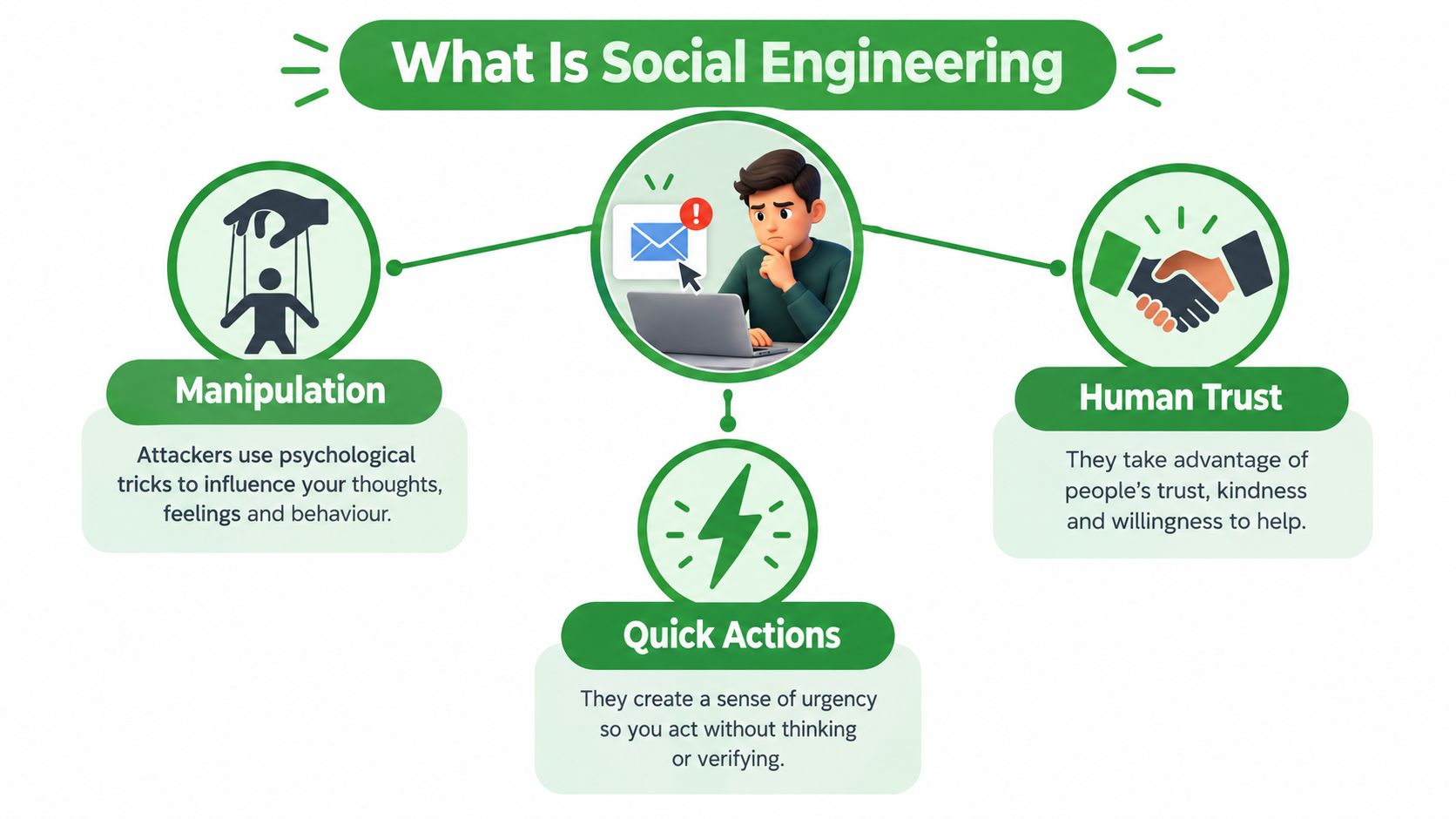
Social engineering is the act of manipulating a real person into revealing information, authorizing an action, or bypassing a security control. Phishing is its most common digital form. The attacker doesn't need to break through every technical barrier if they can persuade you to open the door yourself.
What Is Social Engineering and Why It Targets People
Technical hacking attacks software, devices, or networks directly. A social engineering attack takes a different route. It uses a believable story, a familiar name, or an urgent request to influence your judgement.
A message might ask for your password, a multifactor authentication code, a payment change, or access to a shared document. The dangerous step is often something you perform yourself. You click the link, enter your credentials, approve the sign-in, or send the information.
The trust problem behind the technology
A firewall can block suspicious network traffic. Antivirus software can detect known malicious files. Email filters can inspect sender reputation, links, attachments, and message patterns. Those controls matter, but none of them can guarantee that a legitimate user won't authorize a harmful action.
The Canadian Centre for Cyber Security defines social engineering as obtaining confidential information by manipulating legitimate users, often through phone calls or online interactions. The attacker creates a pretext, such as an executive request, account warning, invoice, or support conversation, then waits for the target to respond.
Practical rule: Treat an unexpected request as a process decision, not just an email-reading exercise.
The exposure is broad. In 2022, 70% of Canadians experienced at least one cybersecurity incident, up from 58% in 2020 and 52% in 2018, according to Statistics Canada's Canadian Internet Use Survey.
That doesn't mean every incident involved social engineering. It does show why human trust belongs in your security plan. Email filtering, domain verification, phishing detection, multifactor authentication, and staff awareness work together. None replaces the others.
Common Types of Social Engineering Attacks
Social engineering techniques often wear different costumes, but they follow the same basic pattern. Someone creates a believable situation, applies pressure or temptation, and tries to make you take an action that benefits the attacker.
Phishing and spear phishing
Phishing sends deceptive messages to many people. A fake delivery notice might say your parcel is waiting at a depot and ask you to sign in or pay a small fee. The link leads to a lookalike page that captures your password or payment details.
Spear phishing targets a particular person or organization. A finance lead might receive an invoice that mentions a real supplier, project, or colleague. Personal details make the request feel normal, even though the sender wants a payment or credential change. Our guide to spear phishing explains how these targeted attacks work.
A related tactic is quishing, which uses a malicious QR code instead of a conventional link. Our guide to protecting yourself against QR code scams explains why scanning can move the same deception from your inbox to your phone.
Pretexting, baiting, and quid pro quo
Pretexting begins with a fabricated identity or reason. An attacker might call while pretending to be an IT vendor and ask you to confirm account details.
Baiting offers something attractive. A USB drive left in a lobby may contain malware, while a free download may request credentials before it works.
Quid pro quo promises help in exchange for information or access. A fake support caller may offer to fix a problem if you provide a login code.
Tailgating
Tailgating takes place in the physical world. An unbadged person follows an employee through a secured door, relying on courtesy rather than technical access. The same trust response appears in email when someone asks you to skip a normal check because they sound familiar.
| Attack type | Typical channel | Goal |
|---|---|---|
| Phishing | Email, text, websites | Steal credentials or payment details |
| Spear phishing | Email or business workflow | Compromise a person, account, or payment |
| Pretexting | Phone, email, support chat | Obtain confidential information |
| Baiting | USB devices, downloads, online offers | Deliver malware or capture credentials |
| Quid pro quo | Phone or support interaction | Exchange fake assistance for access |
| Tailgating | Physical entry point | Gain unauthorized access |
The names help you recognize patterns, but behaviour matters more. An attacker may combine several methods during one conversation.
The Psychological Principles Attackers Exploit
A skilled attacker reads the situation like a con artist reading a room. They notice what might make you act quickly, then shape the request around that pressure.
Authority appears in a message from an executive, bank, government department, or IT administrator. A supposed CEO may ask an employee to buy gift cards immediately. The request combines authority with urgency, making the recipient feel that delay could disappoint a senior person.
Fear appears in warnings about account closure, suspicious activity, missed payments, or legal trouble. Curiosity appears in a confidential document, a shared file, or a notice about an unexpected delivery. Familiar branding makes both messages feel safer than they are.
Reciprocity is another lever. Someone may offer assistance, a refund, or a useful file before asking for a code or login. Familiar trust works through a colleague's name, a supplier relationship, or a brand you use regularly.
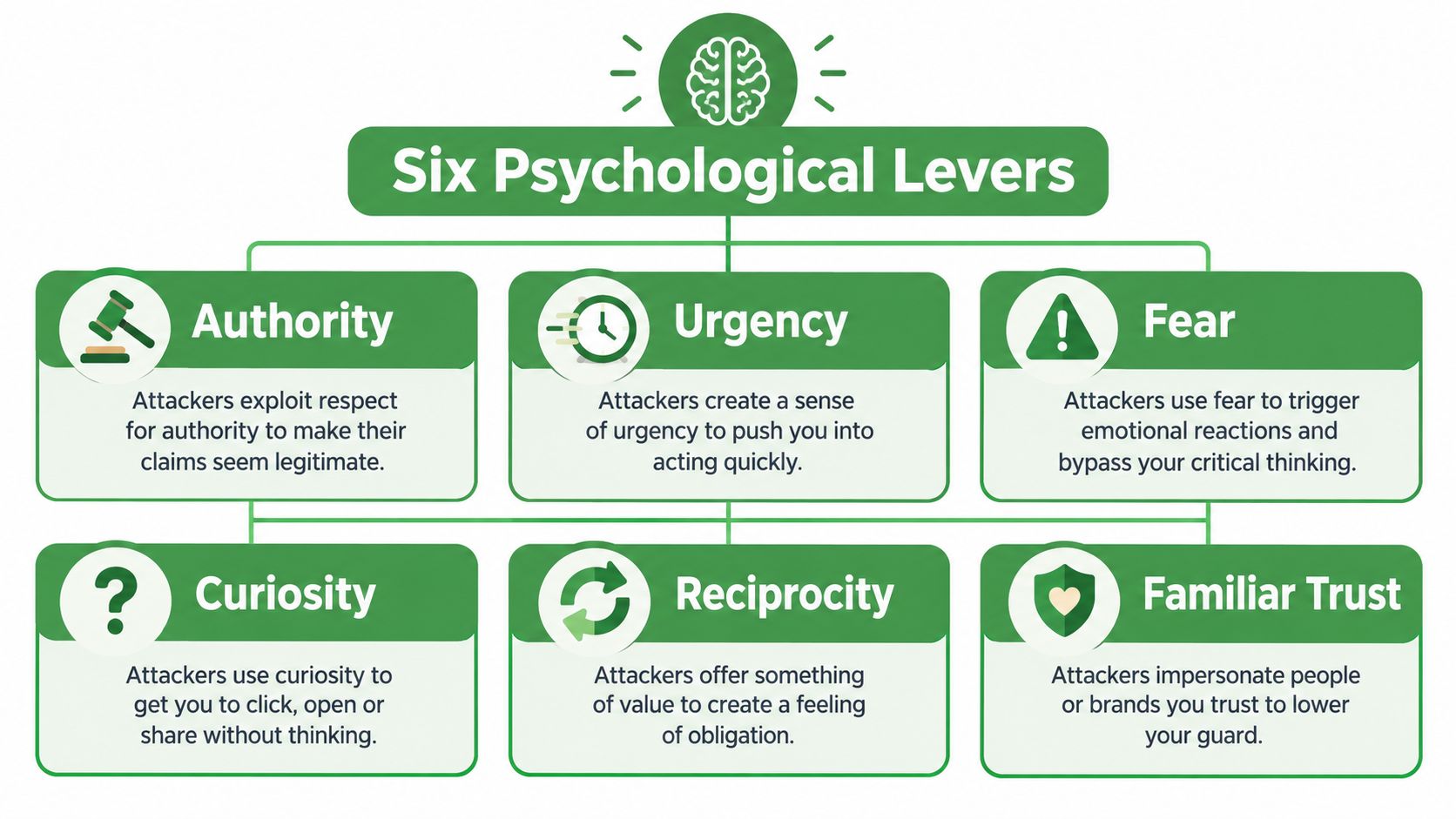
These reactions are not personal flaws. People normally respond to authority, help colleagues, investigate problems, and deal with urgent requests. The attacker creates a situation where those normal responses work against you.
Canada's Cyber Centre warns that phishing-as-a-service kits and generative-AI chatbots are increasing the scale and persuasiveness of social engineering campaigns in its Ransomware Threat Outlook 2025 to 2027.
That makes spelling and grammar weaker tests than they once were. Instead, ask what the message wants you to do and which emotional lever it uses.
If a message creates urgency before it gives you time to verify, slow the process down.
Real-World Examples of Social Engineering Attacks
A personal attack can begin with a message that looks like a notice from the Canada Revenue Agency. You click the sign-in link, reach a convincing copy of a familiar page, and enter your credentials. The attacker can then try those credentials against other services, especially if you reuse passwords.
The important detail isn't the quality of the fake page. It's the sequence. The attacker first creates a believable identity, then moves you from reading to acting. A password manager, multifactor authentication, and independent verification can interrupt that sequence.
A small business can face a more expensive version. A finance clerk receives an email from what appears to be a supplier, complete with a normal invoice and a request to use new banking details. If the clerk updates the payment without calling the supplier through a previously known number, the organization may send money to the attacker.
This is business email compromise. The message might contain no malware and no obviously dangerous link. It exploits a normal business workflow, which is why dual approval and independent verification are more reliable than asking employees to spot suspicious wording.
The financial impact of targeted deception can be severe. In 2025, spear phishing in Canada produced 813 reports, affected 571 victims, and caused C$67.9 million in reported losses, averaging roughly C$119,000 per reported victim, according to Canadian Anti-Fraud Centre data.
The lesson is easy to miss. High-impact social engineering is often conversation-driven, not link-driven. An attacker may use email to begin a discussion, then continue by phone, text, or a compromised mailbox.
Warning Signs You Can Actually Spot
Look for behavioural red flags before you inspect grammar. A polished message can still be dangerous if it pressures you to act outside normal procedures.
Pressure to act now: The sender says a delay will close an account, miss a payment, or create a penalty.
A request to bypass approval: Someone asks you to skip a second reviewer, use a personal account, or keep the change secret.
Unusual payment instructions: A supplier, executive, or customer suddenly changes banking details or requests gift cards.
A demand for secrets: The message asks for a password, authentication code, identity information, or recovery detail.
Technical clues add another layer. Check whether the display name matches the actual address, whether the sender domain resembles a real one, and whether a link leads somewhere unexpected. Treat unexpected attachments, external-sender notices, QR codes, and login pages as reasons to pause.
Recognition alone isn’t enough. In the 2026 Get Cyber Safe survey, 73% of online Canadians felt confident they could spot a phishing message. Yet 26% said they’d been a victim of a phishing attack, up from 18% in 2022.
Don't turn this into a grammar contest. A message with perfect spelling can still impersonate a real colleague. A message with awkward wording can be legitimate. The stronger test is whether the request matches your normal process.
For deeper sender analysis, see our guide to reading an email header and spotting a fake sender.
How to Protect Yourself and Your Organization
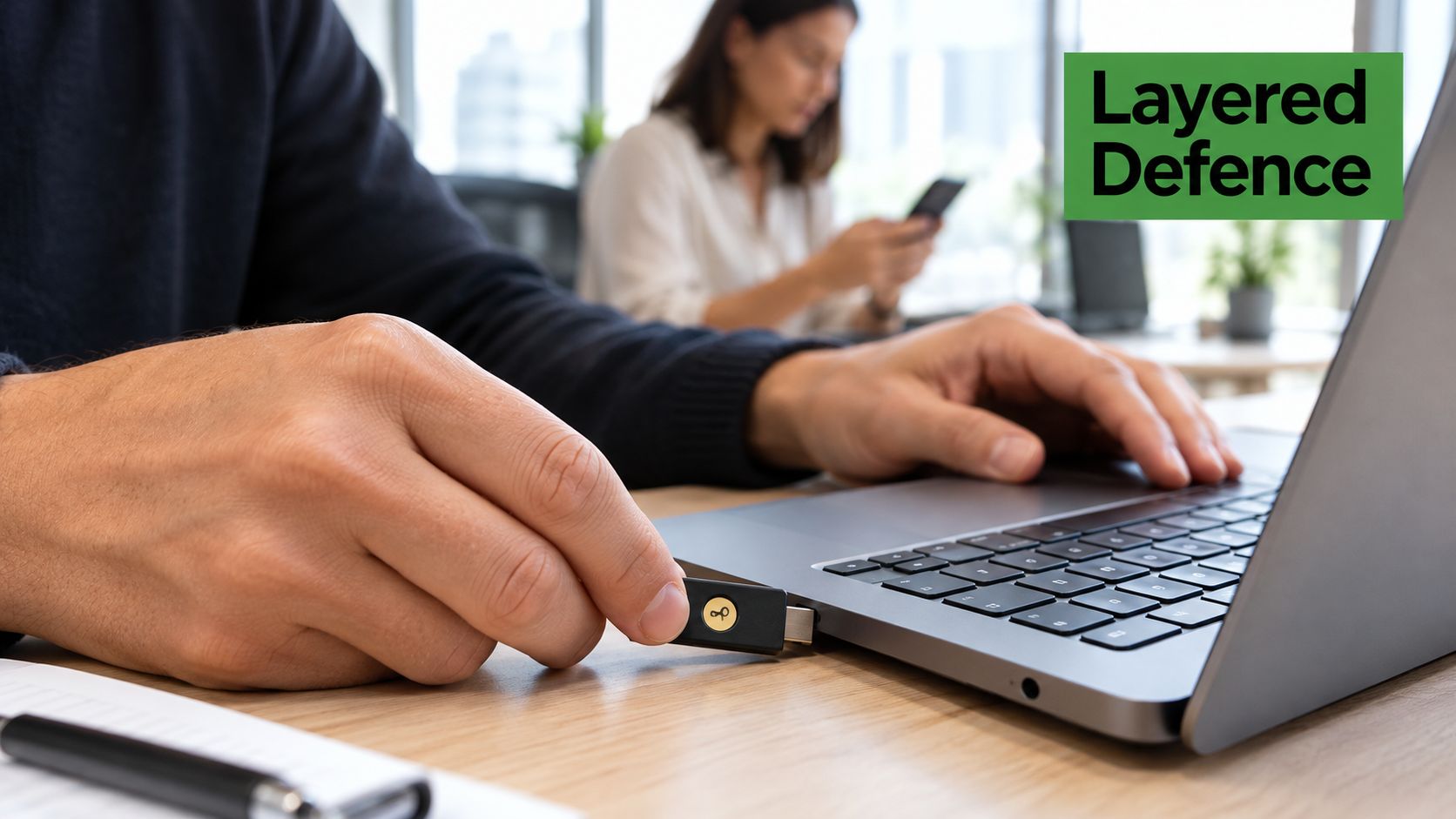
Start with controls that make a stolen password less useful. Use multifactor authentication, preferably a phishing-resistant method such as a hardware security key. Authenticator apps are also stronger than passwords alone, although you should never approve a sign-in you didn't initiate.
Verify sensitive requests through a separate channel. If an email asks you to change payment details, call the supplier using a number from an existing record. If it requests a password reset, open the service through your usual bookmark rather than the message link.
For organisations, process design matters as much as training. Use least-privilege accounts, require dual approval for transfers, and sandbox suspicious attachments and URLs. Monitor for impossible travel, unusual mailbox rules, unexpected forwarding changes, and abnormal sign-ins.
A useful control: Never let the same message provide both the request and the verification method.
Run realistic simulations, but don't shame people who click. Training works better when it teaches the next safe action, such as reporting the message, closing the page, and contacting the security team.
Statistics Canada recorded 225.1 police-reported cybercrimes per 100,000 Canadians in 2024. That’s more than twice the 2018 rate of 91.9. Fraud accounted for almost half of all cybercrime incidents.
For teams that want email hosted under Canadian jurisdiction, Typewire provides private Canadian email with phishing detection, virus filtering, domain verification, spy-pixel blocking, and Canadian data residency. The practical benefit is layered inbox protection and fewer tracking signals reaching users. Your verification processes still handle the requests that technology can’t judge alone. No email service can remove the need for careful approvals and independent verification.
Further guidance on payment controls is available in our business email compromise prevention guide.
You can also use this video as a practical introduction to layered email defence:
What to Do When You Suspect a Social Engineering Attempt
Act in an order that prevents the attacker from gaining more information.
Stop interacting. Don't click another link, reply, open an attachment, scan a QR code, or continue a suspicious conversation.
Verify independently. Contact the supposed sender through a phone number, internal directory, or website you already trust. Don't use contact details supplied in the suspicious message.
Report the message. Mark it as phishing in your email client and send it to your IT or security team. You can also report suspected fraud to the Canadian Anti-Fraud Centre.
Contain any exposure. If you clicked, replied, entered credentials, or approved a login, treat the event as a possible identity compromise. Reset the affected password, revoke active sessions, rotate authentication factors where appropriate, and review recent mailbox rules and forwarding settings.
Protect the next target. Tell your organization which account, supplier, or conversation the attacker used. A compromised mailbox may send convincing follow-up messages to colleagues or customers.
The Canadian Anti-Fraud Centre recorded 2,869 phishing reports and 467 victims in 2025. That made phishing one of the most frequently reported fraud types in Canada.
A business email compromise may require a different order. If money has already moved, contact the bank and security team immediately while preserving message and transaction details. Organizations should keep a written response runbook so people don't have to invent the process under pressure.
The strongest defence isn't perfect scam recognition. It's a system that makes unusual actions harder, verifies important requests independently, and responds quickly when someone is fooled.
If you want private email with phishing detection, virus filtering, spy-pixel blocking, and Canadian data residency, start your 7-day free trial with Typewire. Pair a protected inbox with independent verification and clear approval rules for the requests that matter most.