Category: Uncategorized

  • What Is Email Hosting and Why Does It Matter?

    What Is Email Hosting and Why Does It Matter?

    Think of your email like a piece of mail. Using a free service like Gmail is a bit like sending a postcard from the public post office. It gets the job done, but it’s not exactly private or secure.

    Email hosting, on the other hand, is like having a secure, private mailbox at your own business address. It gives you a custom account like you@yourbrand.com that’s tied directly to your domain, putting email privacy and email security first.

    Your Professional Address on the Internet Explained

    So, what exactly is email hosting? At its heart, it's a dedicated service that gives you the server space and all the technical bits and pieces needed to send, receive, and store emails under your own domain name. Instead of being one of millions using a generic address like yourname@gmail.com, you're essentially renting a secure, private corner of the internet just for your messages.

    It’s the difference between a generic P.O. box and a prime office address. A free email account tells the world you’re just another user on a massive public platform. A hosted email address, however, instantly establishes a professional identity and builds trust. It shows clients and partners you’re a serious business with your own digital real estate.

    The Foundation of Digital Trust and Security

    This difference is about more than just looks. Professional email hosting is built from the ground up with email security and privacy in mind. Free services often pay the bills by analyzing your data to show you ads, which means you are the product. A paid hosting service, especially a dedicated hosted email platform, puts you back in the driver's seat.

    Here’s why having that control is so crucial today:

    • Enhanced Security: Hosted email almost always comes with advanced security features, like powerful spam filters, malware protection, and encryption to protect your sensitive information from online threats.
    • Guaranteed Privacy: Unlike many free platforms, good email hosts have strict privacy policies. They won't scan your emails to sell you things, so your conversations stay confidential.
    • Brand Ownership: A custom domain reinforces your brand with every single email you send. For any business, that consistency is key to building a recognizable and trustworthy presence. You can learn more about how a professional email address builds credibility in our guide.

    The core value of email hosting is simple: it transforms your email from a borrowed utility into a privately-owned asset. You gain full control over your digital identity, security protocols, and data, ensuring your most critical communications are protected.

    Email isn't going anywhere. It’s still one of the most fundamental tools we use to communicate. Globally, an estimated 4.5 billion people are projected to use email in 2025, and that number is expected to climb past 4.8 billion by 2027. This just underscores how vital it is to have a secure and professional channel for your conversations. This service isn't just a technical upgrade; it's a strategic move to secure your digital identity.

    How Email Travels Through Its Digital Postal System

    To really appreciate what a dedicated email host does, it helps to pull back the curtain and see how a message gets from you to its destination. The whole thing runs like a high-tech postal service, where your email host is the postmaster, making sure every message is handled securely and delivered without a hitch.

    Think of the email app on your phone or computer—like Outlook or Apple Mail—as your personal letterbox. When you hit "send," you're essentially dropping a sealed envelope inside.

    That's when a protocol called SMTP (Simple Mail Transfer Protocol) springs into action. SMTP is the mail truck of the internet. Its one and only job is to pick up your message from your outbox and start driving it across the digital superhighway. This is the first place where a quality email host makes a huge difference, ensuring that this "mail truck" is armored with encryption so no one can snoop on your message along the way.

    Finding the Right Digital Address

    Once the SMTP mail truck is on the road, it needs to find the recipient's "house." It does this by checking the domain's MX (Mail Exchanger) records. Think of an MX record as the digital version of a zip code. It points the sending server to the exact mail server—the recipient's email host—that's set up to receive mail for that domain (like @yourbusiness.com).

    This lookup happens in a blink of an eye, but it's crucial. It guarantees your important proposal doesn't get lost in cyberspace and instead goes directly to the secure "post office" that handles the recipient's inbox.

    Your email host takes care of all these behind-the-scenes routing instructions. They manage the MX records and maintain a fast, secure, and reliable delivery network. This is what stops your messages from disappearing and keeps your communications private.

    As you can see below, this professional and secure setup is a direct line to building trust in your brand.
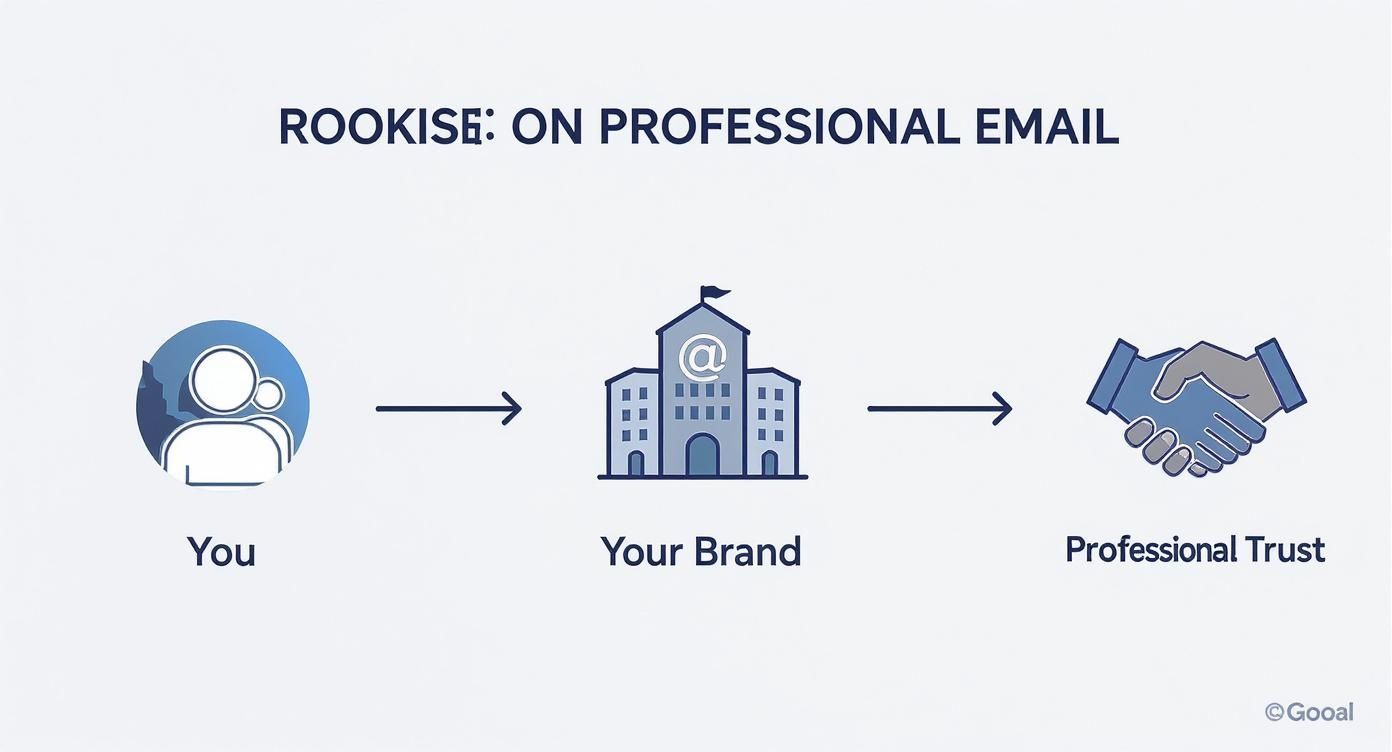
    Professional email workflow diagram showing progression from individual to brand identity to building trust

    The leap from a generic personal account to a trusted brand identity really depends on the reliability and security that a hosted email service brings to the table.

    The Final Delivery to a Secure Mailbox

    Once your email arrives at the recipient's mail server, it's time for the final delivery. This last step is handled by one of two protocols: IMAP (Internet Message Access Protocol) or POP3 (Post Office Protocol 3). These are the mail carriers who slot the letter into the recipient's private mailbox.

    They work a bit differently:

    • IMAP is all about syncing. It keeps the original email on the server, so you see the same inbox whether you're on your laptop, tablet, or phone. It’s like a cloud-based filing cabinet.
    • POP3 downloads the email to just one device, usually deleting it from the server afterward. This is like taking your mail inside the house—it’s now only in that one location.

    Your workflow often determines which one is better for you. If you're curious about the nitty-gritty, you can check out our guide that breaks down SMTP vs. POP3 and which email protocol is right for you.

    At the end of the day, your email host manages this entire ecosystem. They provide the secure servers, keep the delivery protocols humming, and make sure your digital mail is stored safely until you're ready to read it. Without a solid host, your digital communication would be unreliable, vulnerable, and far from professional.

    Comparing The Different Email Hosting Options

    When it comes to email hosting, one size definitely does not fit all. Getting your head around the different types is the first step to finding the right balance of cost, control, and security for what you actually need. The choice you make here has a real impact on your email privacy, how much technical work is on your plate, and your overall email security.

    So, let's break down the three main flavors of email hosting, starting with the most common and budget-friendly option. A good way to think about it is like choosing a place to live: are you renting an apartment, buying a house, or moving into a full-service condo?

    Three colorful miniature house models on wooden surface representing different hosting options for websites

    Shared Hosting: An Affordable Starting Point

    Think of shared hosting as renting an apartment in a big building. You get your own private space (your mailbox), but you're sharing the building's core resources—the plumbing, electricity, and security staff—with all the other tenants. On a technical level, this means your email accounts sit on a server alongside many other customers.

    This model is super cost-effective, which is why it’s so popular for personal projects, freelancers, and small businesses just getting off the ground. But, just like apartment living, this shared setup has a few potential downsides to email privacy and security.

    • The "Noisy Neighbor" Problem: If another user on your shared server starts sending spam and gets blacklisted, it can sometimes hurt your email deliverability, even if you’ve done everything right.
    • Limited Resources: Since you're all sharing the same server power, you might notice things slow down if other accounts are having a particularly busy day.
    • One-Size-Fits-All Security: You get the standard security the host provides, but there’s little to no wiggle room for custom setups. It's usually solid, but it’s not designed for specific, high-security demands.

    Dedicated Hosting: The Private House

    Next up is dedicated hosting, which is like owning your own house. You get an entire server all to yourself. This hands you the keys to the kingdom, giving you complete control over every single aspect of your email environment, from the operating system to the exact security tools you want to install.

    This is the go-to option for large organizations with their own IT teams and very strict compliance or security mandates. You get maximum power and flexibility, but it all comes with serious responsibility. You're the one on the hook for all the maintenance, security patches, and troubleshooting.

    With a dedicated server, you gain incredible control and performance. But you also take on the full weight of managing the entire system, which demands deep technical know-how and a hefty budget.

    The global email hosting market was valued at around $8.86 billion USD in 2024 and is expected to climb to $16.56 billion USD by 2035. While dedicated setups have been a mainstay, their complexity and cost are pushing more people to look for a better-balanced alternative.

    Hosted Email Platforms: The Full-Service Solution

    Finally, we have hosted email platforms. This is your premium, full-service condominium. You get a secure, private space that’s all yours, but a professional management company takes care of all the maintenance, security, and amenities behind the scenes.

    Platforms like Google Workspace, Microsoft 365, or privacy-first services like Typewire are built from the ground up to deliver a powerful and secure email experience without the technical headaches. They manage the servers, push software updates, and constantly watch for threats, which lets you get back to focusing on your work. For a broader look at hosting, a comparison of various web hosting services can be quite useful, as many of the core ideas apply to email, too.

    For most businesses and individuals, this model is the best of both worlds. It delivers the robust email security and email privacy of a dedicated environment without the technical complexity. Specialized hosted email platforms are designed specifically for secure communication, making them an ideal choice for anyone who prioritizes protecting their data. To see more options in this space, take a look at our guide to 12 email hosting solutions you should know.

    What Really Matters: Your Email Security and Privacy Checklist

    Knowing the different types of email hosting is a great start, but the real test comes down to the features that actually protect your information. When you sign up for a hosted email platform, you're not just getting an inbox—you're hiring a security team for your most private conversations. These features are the non-negotiables that stand between you and a world of digital threats, from nosy data brokers to sophisticated cyberattacks.

    Let's cut through the jargon and focus on the security and privacy tools that any top-tier provider must have. Think of these as the layers of a digital fortress, built to ensure only you and the people you trust can access your messages.
    Brown mailbox with security shield icon, padlock and email security sign representing protected email hosting

    End-to-End Encryption: The Unbreakable Digital Seal

    The absolute cornerstone of email privacy is end-to-end encryption (E2EE). Imagine you wrote a letter, sealed it in an envelope, and then locked that envelope inside a special box. Only the person you're sending it to has the key to open that box. That’s exactly how E2EE works for your emails.

    Your message gets scrambled on your device before it ever hits the internet, and it can only be unscrambled by the recipient's device. Nobody in the middle—not your internet provider, not government agencies, not even the email host itself—can read what you wrote. It’s the ultimate guarantee of a confidential conversation.

    Think of it this way: standard encryption is like sending a postcard. The mail carrier can read it. End-to-end encryption turns that postcard into a locked briefcase, making your messages completely unreadable to anyone but the final recipient. It's the gold standard for private communication.

    This isn't just a "nice-to-have." For anyone dealing with sensitive information—business contracts, financial records, or personal health details—E2EE is an absolute must.

    Two-Factor Authentication: Your Personal Mailbox Key

    If encryption is the sealed envelope, then two-factor authentication (2FA) is the unique key needed to unlock your mailbox in the first place. It adds a second, powerful layer of security that stops hackers in their tracks, even if they somehow manage to steal your password.

    It's a simple, two-step process:

    1. You enter your password: This is the first factor, something you know.
    2. You provide a second code: This is something you have, like a temporary code sent to your phone or generated by an app like Google Authenticator or Authy.

    This one simple step is incredibly effective. It's proven to block a staggering 99.9% of all compromised account attacks. A trustworthy email host won't just offer 2FA; they'll actively encourage you to use it.

    Advanced Spam and Phishing Filters: Your Digital Bodyguard

    Your email provider should also act as a vigilant guard at the gate, screening every incoming message for threats before they can do any harm. This is about more than just a basic junk folder. Modern email security depends on smart, proactive systems that identify and block malicious attacks.

    • Spam Filters: These use sophisticated logic to recognize and quarantine unwanted junk mail, keeping your inbox clean and letting you focus on what matters.
    • Phishing Protection: This is the real game-changer. Phishing emails are designed to trick you into giving away passwords or financial information. Advanced filters spot the red flags—like suspicious links or forged sender addresses—and neutralize the threat automatically.

    Think of these filters as a proactive defense. They don't just clean up the mess; they prevent security breaches from ever happening, protecting you from fraud and identity theft.

    Data Sovereignty: Knowing Where Your Data Lives

    Finally, there’s a critical piece of the email privacy puzzle that often gets missed: data sovereignty. In simple terms, this means you know—and have some control over—the physical country where your email data is stored. Why does this matter? Because the location of the server determines which country's laws apply to your data.

    For instance, data stored on servers in the United States could be subject to laws like the CLOUD Act, which can give government agencies access. In contrast, providers who store data in countries with strict privacy laws, like Switzerland or Germany, offer a powerful layer of legal protection.

    A transparent email host will be upfront about their server locations. Choosing a provider in a jurisdiction with strong privacy laws means your data isn't just protected by technology—it's also protected by law. That’s true peace of mind.

    Your Security and Privacy Feature Checklist

    Use this checklist to evaluate hosted email platforms and ensure they meet the highest standards for data protection.

    Feature Why It's Critical for Privacy What to Look For
    End-to-End Encryption Makes your emails unreadable to everyone except you and the recipient. Clear implementation of PGP or similar open-source standards. It should be easy to use, not just a technical option.
    Two-Factor Authentication Prevents unauthorized access even if your password is stolen. Support for authenticator apps (TOTP), security keys (U2F/WebAuthn), and SMS codes.
    Zero-Knowledge Architecture Ensures the provider cannot access your data because they don't hold the encryption keys. Explicit statements in their privacy policy confirming they cannot decrypt your stored emails or attachments.
    Spam & Phishing Filters Proactively blocks malicious emails, scams, and malware from reaching your inbox. Advanced, learning-based filters that can be customized. Look for protection against spoofing and impersonation.
    Data Sovereignty Puts your data under the protection of strong, privacy-friendly laws. Transparent information about server locations (e.g., Switzerland, Germany, Canada). Avoid providers in Five Eyes countries.
    Anonymous Signup Allows you to create an account without providing personally identifiable information. Options to sign up without a phone number and pay with privacy-preserving methods like cryptocurrency.

    Choosing a service that checks all these boxes is the best way to ensure your digital communications remain truly yours. It moves your email from being a potential liability to a secure asset.

    How to Choose the Right Email Hosting Provider

    Picking an email hosting provider is a big deal. It’s a decision that goes straight to the heart of your digital privacy and security. The key is to look past the flashy marketing and figure out what really matters: their actual commitment to keeping your data safe. This means taking a hard look at their security setup, their privacy policies, and how transparent they are about their business.

    Think of it like hiring a security guard for your most sensitive conversations. You wouldn't just hire the first person who showed up; you'd ask some tough questions first. The same goes for your email host. A provider you can trust will be open to that scrutiny and won't hide how they handle your information.

    Evaluating Security and Privacy Policies

    Your first stop should be the provider's privacy policy. This isn't just a wall of legal text—it's a mission statement. It tells you exactly how they make money. Are you paying them for a service, or are they making money by analyzing and selling your data?

    Look for plain, direct language. A provider who genuinely cares about email privacy will come right out and say they don't scan your emails for ads, track what you do, or sell your data to anyone. If you have to dig through paragraphs of confusing jargon to find that promise, or if it's missing entirely, that's a huge red flag.

    A great example of this is a privacy-first hosted email platform like Typewire, which is built on a zero-knowledge principle. Their entire system is designed so that no one—not even their own employees—can access or read your messages. That’s how you know your conversations stay private.

    Your main goal here is simple: figure out if you're the customer or the product. A secure email host sells a service to protect your data. A free platform often sells your data as its service.

    This is a critical distinction. When your data is the product, your privacy will always take a backseat to the provider's bottom line. By choosing a paid, privacy-focused service, you ensure their goals are aligned with yours: keeping your information secure.

    Key Questions to Ask Potential Providers

    After you've checked out their privacy stance, it's time to get into the nuts and bolts. The answers to these questions will reveal how serious a provider really is about email security. Don't be shy about contacting their support team to get straight answers.

    Here are the essential questions everyone should be asking:

    1. Where are your servers located? As we've covered, data sovereignty is a big deal. The physical location of the servers dictates which country's laws apply to your data. You want a provider with servers in countries known for strong privacy laws, like Switzerland, Germany, or Canada.

    2. What is your data retention policy? You need to know how long they hang onto your data after you delete it and what happens if you decide to close your account. A provider who respects your privacy should have a policy of immediate and permanent deletion.

    3. What encryption standards do you use? Find out if they offer end-to-end encryption (E2EE). Ask them what protocols they use to protect your data when it's moving (TLS) and when it's stored on their servers (like AES-256). The stronger and more transparent their encryption, the better.

    4. Do you support two-factor authentication (2FA)? This is a basic, non-negotiable security layer. Make sure they support modern 2FA methods like authenticator apps or physical security keys, not just the less-secure SMS option.

    Making a Confident and Informed Decision

    Once you have this information, you can compare different hosted email platforms with confidence and pick a partner that truly has your back. The demand for reliable, secure email hosting is skyrocketing, which is part of a much larger shift in how we handle our digital lives. In fact, the global email hosting services market is set for major growth, pushed by the needs of small and medium businesses all over the world. You can learn more about the email hosting market's growth and what's driving it.

    Ultimately, making the right choice isn't about finding the cheapest service. It's an investment in a partner that will act as a true guardian for your digital identity. When you prioritize providers with transparent policies, solid security, and a real dedication to user privacy, you're taking a huge step toward locking down your communications for good.

    Taking Control of Your Digital Identity and Security

    We started this guide with a simple question: "what is email hosting?" By now, it's clear that the answer goes far beyond a technical definition. The real takeaway is that your choice in email hosting is a huge investment in your professional brand, your digital privacy, and your online security.

    When you ditch the free services that mine your data and treat you as the product, you're making a conscious decision to take back control. You're choosing how your information is handled. As we've seen, the right provider becomes a digital guardian, wrapping your conversations in layers of robust security.

    Building Your Digital Brand with Confidence

    Opting for a secure, hosted email platform is your first big step in protecting your professional communications. It sends a clear signal to clients and partners that you're serious, trustworthy, and that you value privacy in every email you send.

    This control over your primary communication channel is the bedrock of your entire digital presence. Of course, securing your professional email is just one piece of the puzzle. Actively managing your online footprint is just as vital. For a closer look at this topic, this a guide to managing your online reputation offers some fantastic insights.

    Ultimately, selecting the right email hosting service is about empowerment. It’s a conscious decision to own your digital identity rather than renting it from a corporation that profits from your data.

    This single choice lets you communicate with the confidence that comes from knowing your data is locked down with strong encryption and backed by transparent privacy policies. You stop being just another user in a massive system and become a valued client whose privacy is the priority.

    You now have the knowledge to pick a service that not only protects your identity but empowers you to communicate with the security you deserve. With a privacy-first provider, you’re investing in a platform built from the ground up to keep your digital conversations secure, private, and truly your own.

    Frequently Asked Questions About Email Hosting

    Even after you've got a good handle on the basics, a few practical questions always seem to come up. Let's tackle some of the most common ones to clear up any lingering confusion about email hosting, security, and privacy.

    Can I Use Email Hosting Without a Website?

    Absolutely. You don't need a website to set up a professional email address. All you really need is a registered domain name (like yourbrand.com).

    Once you have that, you can connect it directly to a dedicated hosted email platform. This is a fantastic route for freelancers, consultants, or new businesses that want to look professional and keep their communications secure right from the start, even before a full website is in the picture.

    What Is the Difference Between Email Hosting and Web Hosting?

    Think of it like renting two different spaces: one is your storefront, and the other is your private mailroom.

    Web hosting is the storefront—it provides the online space and technology to store your website's files and make them visible to the world. Email hosting, on the other hand, is your secure mailroom, built specifically to handle sending, receiving, and storing all your messages.

    Many web hosts bundle the two together, which can be convenient. However, a dedicated hosted email platform is almost always better for email security and email privacy because that's their entire focus.

    Is Paid Email Hosting Really More Secure Than Free Services?

    Yes, and the difference is night and day. Free email services aren't truly free; you often pay with your privacy. Many of these providers scan your email content to build an advertising profile on you.

    Paid hosting services have a completely different business model: you are the customer, not the product. Their job is to protect your information, not sell it. This means you get much stronger security features, like end-to-end encryption, advanced spam filtering, and strict privacy policies that prohibit data mining.

    Think about it this way: a data breach on a huge free platform can affect billions of accounts. A dedicated host offers a smaller, more secure, and less attractive target for attackers, drastically lowering your risk.

    How Much Technical Skill Do I Need to Set Up Hosted Email?

    For most modern hosted email platforms, you need almost no technical skill. Good providers know their customers aren't all IT experts, so they make the setup process incredibly simple.

    Usually, the most "technical" part is just changing a couple of settings with your domain registrar to point your email to the new servers. Even then, most services provide clear, step-by-step guides and have a support team ready to help if you get stuck. The whole point is to give you powerful security without the headache of managing the tech yourself.


    Ready to take control of your digital communications? Typewire offers a secure, private email hosting platform designed to protect your data. With no ads, no tracking, and a commitment to your privacy, you can communicate with confidence. Start your free trial and experience the difference at https://typewire.com.
  • Best custom domain email providers for 2025

    Best custom domain email providers for 2025

    Using a generic email address like yourname88@gmail.com undermines your professional credibility and, more importantly, often sacrifices your privacy. Standard free email services frequently scan your messages for advertising data, making your personal communications a commodity. Switching to a dedicated service that supports your own domain, such as you@yourbusiness.com, is a fundamental step toward reclaiming control over your digital identity and securing your correspondence.

    This guide is designed to help you navigate the crowded market of custom domain email providers. We cut through the marketing noise to deliver a comprehensive analysis of the top 12 platforms available today. The focus here is squarely on the factors that matter most to discerning users: robust email privacy, advanced email security, and the reliability of hosted email platforms. We evaluate everything from zero-access encryption and data jurisdiction to sophisticated spam filtering and administrative controls.

    Whether you are a privacy-conscious individual, an IT administrator, or a small business owner, this resource will help you find the perfect fit. Part of establishing your professional online identity involves carefully choosing the right domain name for your email address, and this listicle provides the crucial next step: pairing it with a secure, reliable provider. Each entry includes detailed feature comparisons, pricing breakdowns, real-world use cases, and direct links to help you get started. Let's find the service that puts you back in control.

    1. Typewire

    Typewire establishes itself as a premier choice among custom domain email providers by building its entire service around an uncompromising commitment to privacy and data sovereignty. It’s an ideal solution for businesses and individuals who want to completely decouple their email communications from the invasive data-harvesting practices common with mainstream services. The platform is engineered from the ground up on privately owned infrastructure in Vancouver, Canada, ensuring all user data remains protected under Canadian privacy laws (PIPEDA) and is never processed by third-party cloud giants.

    This privacy-first architecture is its core differentiator. Typewire automatically blocks tracking pixels and provides robust, learning-based anti-spam and anti-phishing filters, creating a secure and clean inbox environment. The service offers a modern, responsive interface for both web and mobile, complete with powerful search and real-time notifications, ensuring productivity is not sacrificed for privacy.

    Typewire

    Key Features and Use Cases

    Typewire is particularly well-suited for security-conscious SMBs, IT teams, and remote organizations that require centralized control over user accounts and communications.

    • Custom Domain Support: The premium plan supports up to five custom domains, allowing businesses to maintain a professional brand identity.
    • User and Alias Management: An account can contain unlimited users, and each premium user can create up to 50 aliases. This is perfect for managing role-based addresses (e.g., sales@yourcompany.com) without creating new inboxes.
    • Privacy by Design: With end-to-end encryption for data in transit and at rest, tracker blocking, and a strict no-ads, no-data-mining policy, Typewire ensures communications remain confidential.
    • Onboarding and Support: It offers a 7-day free trial for up to five users, allowing teams to fully evaluate the platform. While the trial requires a credit card, the company provides a clear refund policy and 24/7 customer support.

    Practical Considerations

    While its Canadian-only data hosting is a major advantage for data sovereignty, it may be a limiting factor for global organizations requiring multi-region data residency or lower latency in other parts of the world. Additionally, access to its business-centric features, including custom domains, necessitates a premium subscription. For those ready to implement their own domain, Typewire provides helpful resources to streamline the process. You can explore their detailed instructions in their guide to setting up a custom email domain.

    • Best for: Privacy-conscious SMBs, Canadian businesses, and teams seeking an alternative to Big Tech email.
    • Website: https://typewire.com

    2. Google Workspace

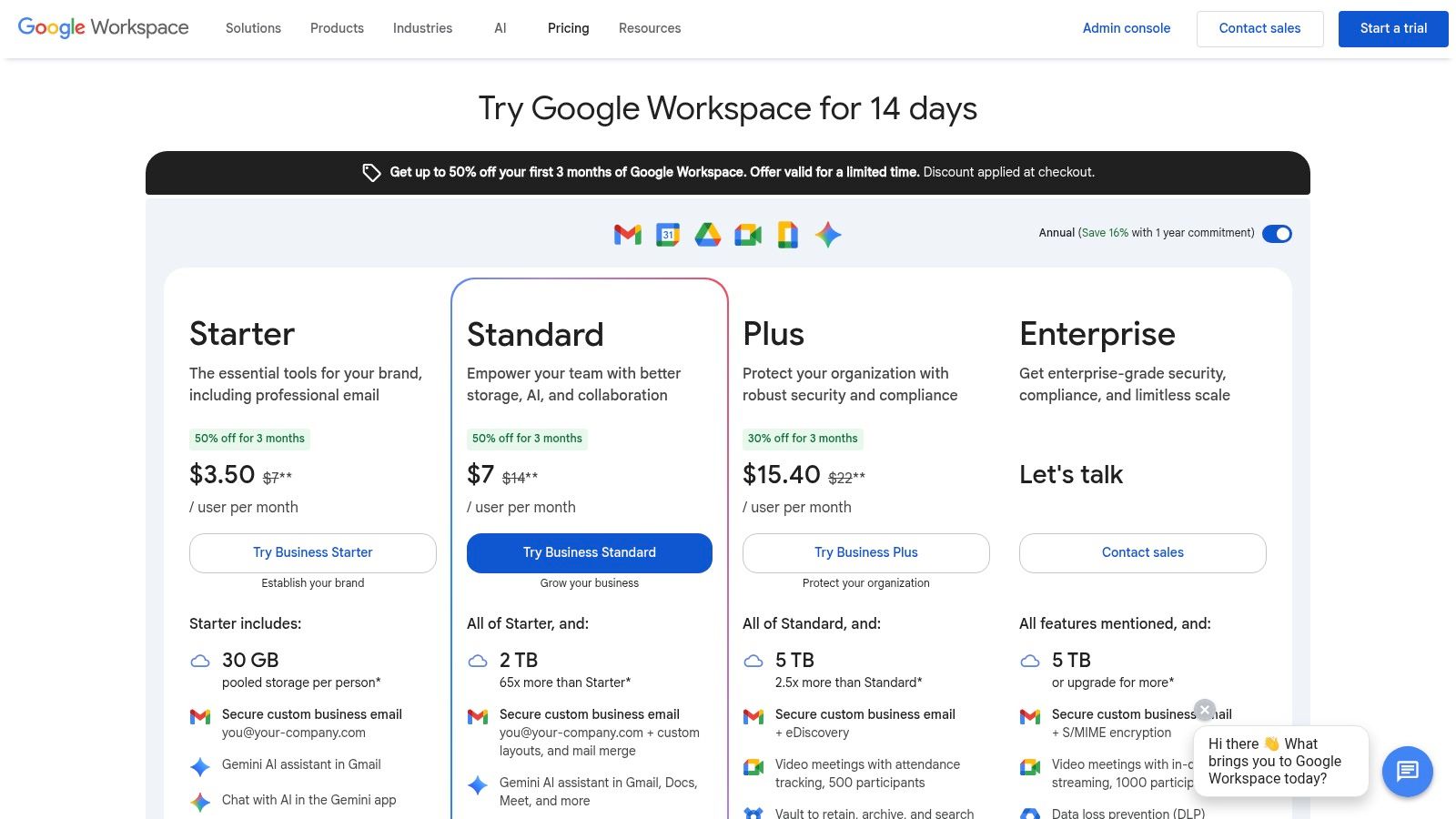
    Google Workspace is the go-to choice for businesses and individuals who want professional email on a custom domain, backed by the familiar and powerful interface of Gmail. It stands out by bundling email hosting with a full suite of tightly integrated productivity and collaboration tools like Drive, Docs, Sheets, and Meet. This makes it one of the most comprehensive custom domain email providers for organizations that need more than just an inbox.

    Google Workspace

    While Google’s consumer products rely on data for ad targeting, the paid Workspace platform operates under a different privacy model, offering robust security features and administrative controls. Administrators can enforce policies, manage user access, and configure advanced threat protection, making it a secure, hosted email platform suitable for business use.

    Features & Use Cases

    • Best For: Small to large businesses, startups, and freelancers who rely on the Google ecosystem and require extensive third-party app integrations.
    • Key Features: Custom email addresses (you@yourcompany.com), a central admin console, advanced spam filtering, and pooled cloud storage.
    • Implementation Tip: Use the admin console’s security dashboard to enable two-factor authentication (2FA) for all users and review login activity to enhance account security from day one.

    The platform's primary strength is its exceptional deliverability and reliability, ensuring your critical communications always reach their destination. However, while it provides strong security controls, organizations with strict data privacy mandates may want to consider alternatives, as your data still resides within the broader Google infrastructure. If this is a concern, you can explore top alternatives to Google Workspace for secure email.

    Website: https://workspace.google.com/pricing

    3. Microsoft 365 for Business

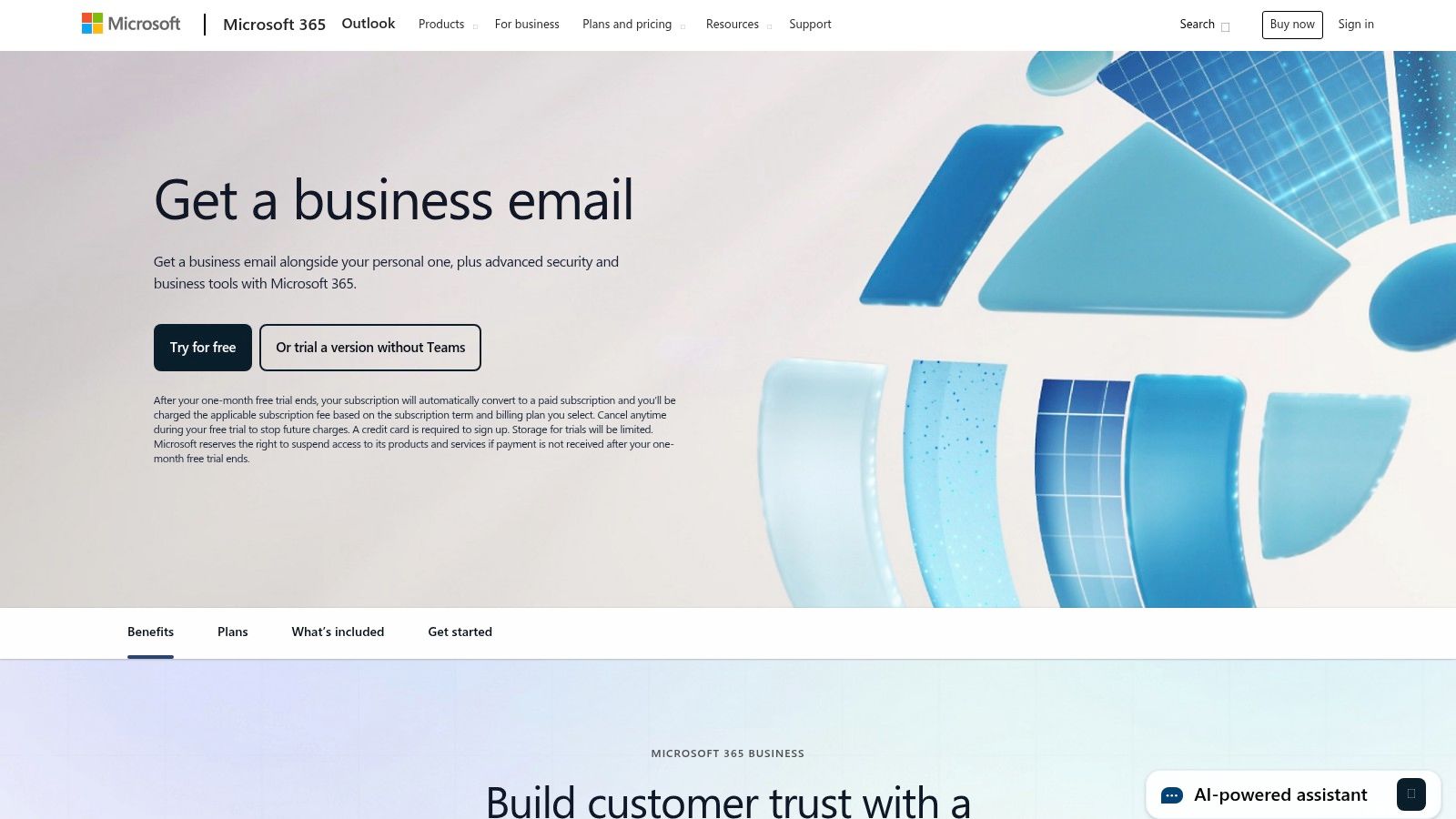
    Microsoft 365 is the definitive choice for organizations deeply integrated into the Windows ecosystem or those requiring the robust, enterprise-grade features of Microsoft Exchange. It provides professional email on a custom domain through the familiar Outlook interface, bundled with a powerful suite of productivity tools like OneDrive, Teams, and the classic Office applications. This makes it one of the leading custom domain email providers for businesses that need comprehensive security, compliance, and IT administration capabilities.

    Microsoft 365 for Business

    Unlike consumer-facing services, the business platform is built with security and privacy at its core. Administrators gain access to a powerful admin center to enforce security policies, manage data retention, and configure advanced threat protection against malware and phishing. These extensive controls make it a trusted hosted email platform for organizations in regulated industries, offering sophisticated tools to maintain compliance and protect sensitive communications.

    Features & Use Cases

    • Best For: Small to large businesses, especially those standardized on Windows and Office, that require granular IT controls and compliance features.
    • Key Features: Business-class Exchange mailboxes, 1 TB OneDrive storage per user, advanced security and compliance tools, and a central admin center.
    • Implementation Tip: Leverage the Microsoft 365 Defender portal to configure anti-phishing policies and set up Safe Links to protect users from malicious URLs in emails and documents.

    Microsoft’s key strength lies in its exceptional IT manageability and the native integration with Outlook and other Office apps, creating a seamless user experience. However, the admin interface can be complex for founders or small teams without dedicated IT support. While the base plans are competitive, the total cost can increase with add-ons for advanced archiving or security, which is an important consideration during evaluation.

    Website: https://www.microsoft.com/en-us/microsoft-365/outlook/outlook-business-email-plans

    4. Zoho Mail (Zoho Workplace)

    Zoho Mail offers a compelling and budget-friendly alternative for businesses seeking professional email on a custom domain, especially those wary of Big Tech ecosystems. It is part of the broader Zoho Workplace suite, which includes tools for document creation, spreadsheets, and collaboration, making it a strong contender among custom domain email providers. The platform is known for its firm commitment to user privacy, offering a completely ad-free experience, even on its lower-priced tiers.

    Unlike many competitors who leverage user data, Zoho’s business model is built on paid software subscriptions, not advertising. This ensures your email content remains private and is not scanned for marketing purposes. Its robust control panel provides administrators with granular control over security policies, email routing, and spam filtering, positioning it as a secure, hosted email platform for privacy-conscious organizations. The migration tools are also notably smooth, simplifying the transition from other services.

    Features & Use Cases

    • Best For: Small to medium-sized businesses, startups, and budget-conscious teams looking for an affordable, privacy-focused email solution with an integrated productivity suite.
    • Key Features: Ad-free custom domain email (you@yourcompany.com), a comprehensive admin panel, end-to-end encryption, and seamless integration with Zoho CRM and other business apps.
    • Implementation Tip: Leverage Zoho’s extensive routing rules in the control panel to automatically forward, delete, or flag emails based on sender, subject, or content, which helps streamline workflows and bolster security.

    The platform's primary appeal is its exceptional value, providing enterprise-grade features at a fraction of the cost of its main competitors. While the user experience is strongest when fully embedded in the Zoho ecosystem, its standalone email service is powerful and reliable. Note that the availability of its limited free plan can vary depending on the data center region you select during signup.

    Website: https://www.zoho.com/mail/

    5. Fastmail

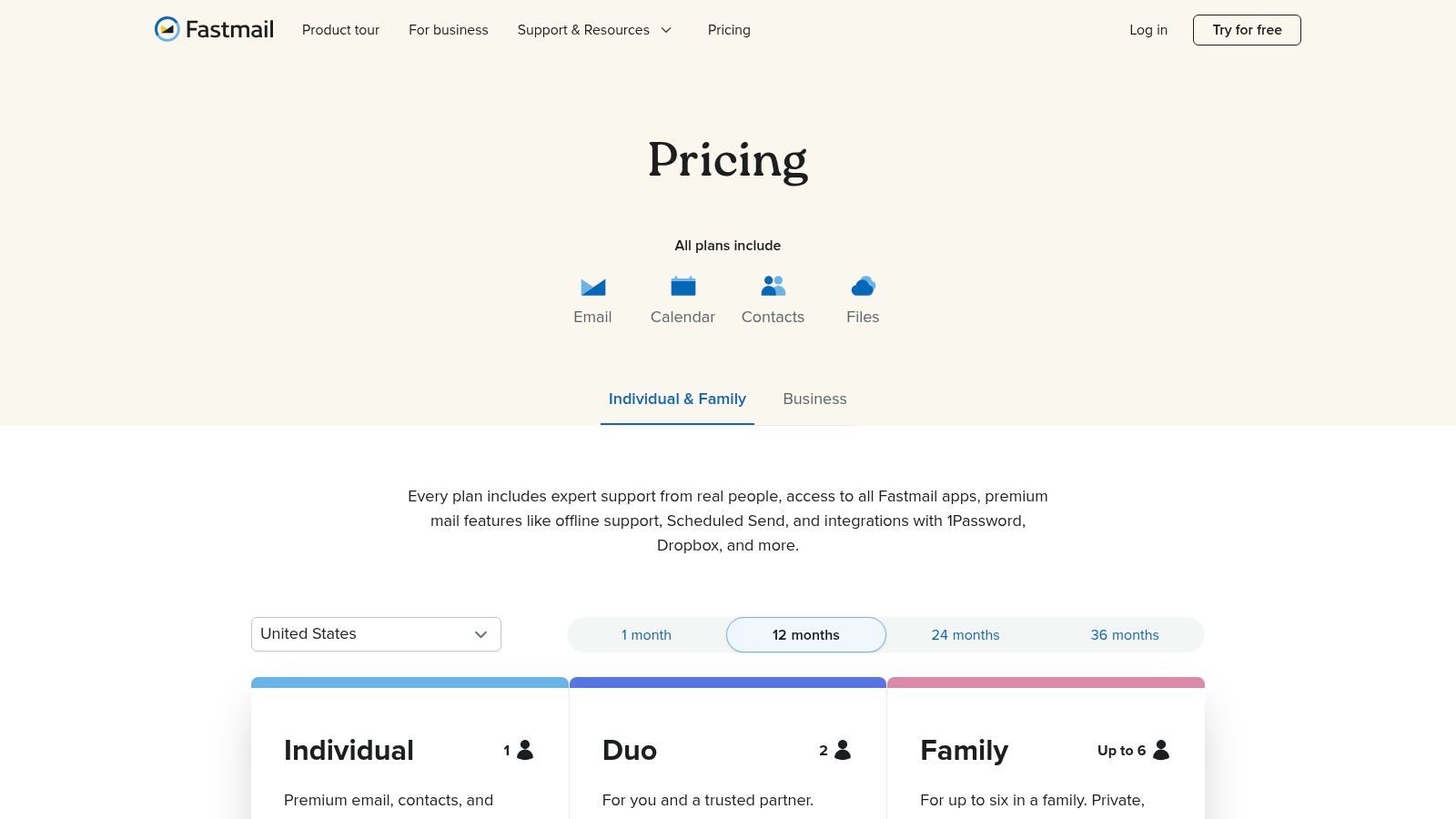
    Fastmail is an independent, privacy-focused email provider that appeals to users seeking a reliable, ad-free experience without sacrificing modern features. It stands out by prioritizing open standards like IMAP, CalDAV, and CardDAV, ensuring seamless compatibility with a wide range of third-party email clients. This commitment to standards, combined with its strong stance on user privacy and excellent deliverability, makes it a top choice among custom domain email providers for technically inclined users and privacy advocates.

    Fastmail

    Unlike providers that bundle email with a sprawling office suite, Fastmail concentrates on perfecting its core offering: a fast, secure, and powerful email platform. Its business model is built on direct user subscriptions, not data monetization, ensuring your communications remain private. With features like masked email aliasing and customizable rules, it provides robust tools for managing your digital identity while maintaining a clean, efficient inbox free from tracking and advertisements.

    Features & Use Cases

    • Best For: Privacy-conscious individuals, families, and small businesses who value open standards, third-party client compatibility, and a no-nonsense approach to email.
    • Key Features: Custom domain support with easy DNS setup, unlimited aliases and catch-alls, full IMAP/SMTP access, and shared mailboxes for team collaboration.
    • Implementation Tip: Leverage the "Masked Email" feature to generate unique, disposable aliases for online services. This protects your primary address from spam and data breaches, allowing you to easily disable any alias that becomes compromised.

    Fastmail’s strength lies in its exceptional speed, knowledgeable support, and unwavering reliability as a hosted email platform. While its storage on lower-tier plans is more modest than some competitors and it lacks an integrated office suite, its focused approach delivers a superior core email experience. It is an ideal solution for users who want complete control over their email without being locked into a single ecosystem.

    Website: https://www.fastmail.com/pricing

    6. Proton Mail

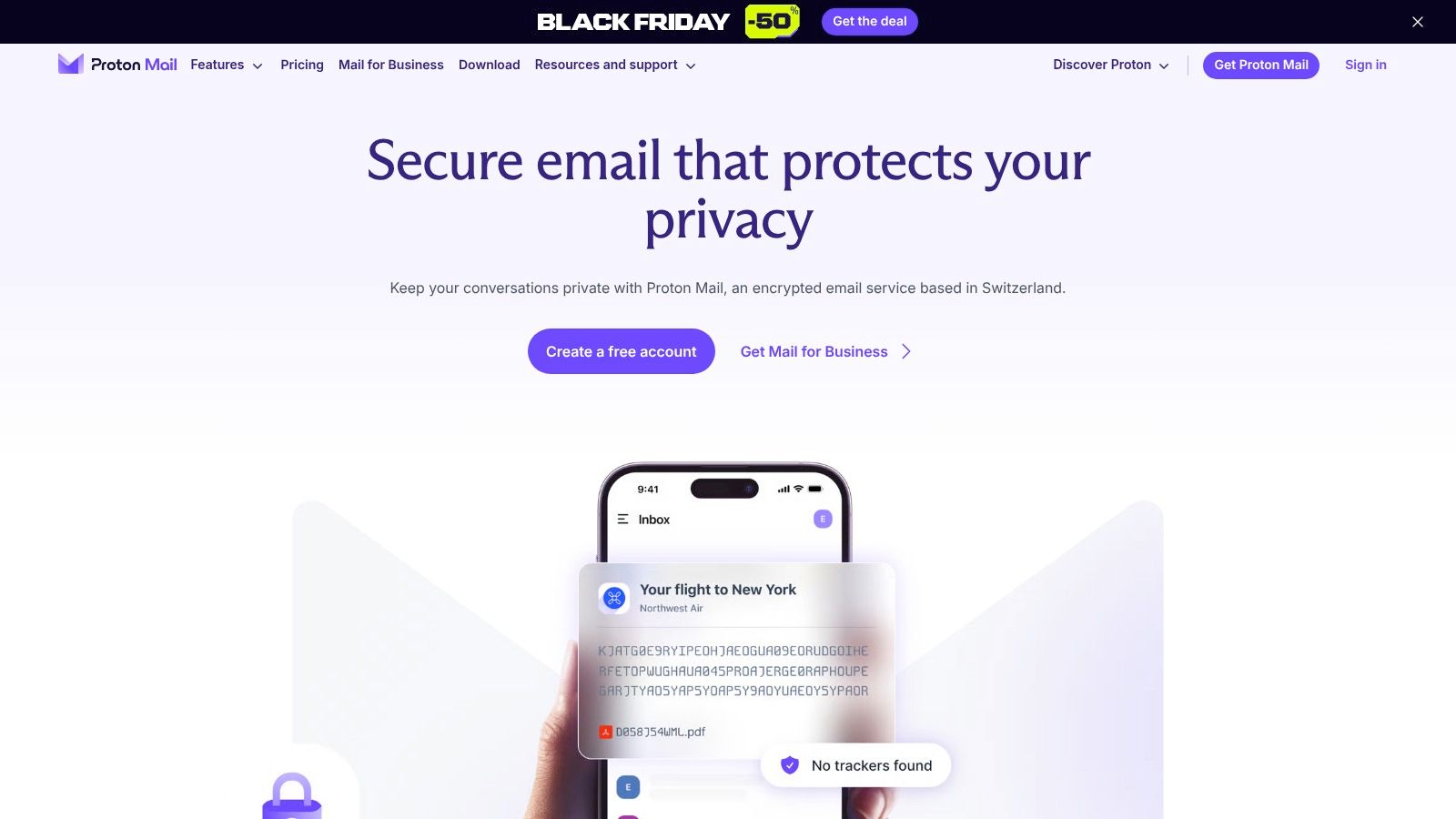
    Proton Mail is a leader among custom domain email providers for users who prioritize privacy and security above all else. Based in Switzerland, it operates under strict privacy laws and offers end-to-end encrypted email by default, ensuring that no one, not even Proton, can read your messages. It’s an ideal hosted email platform for journalists, activists, and businesses handling sensitive information who need a secure and private communication channel.

    Proton Mail

    Unlike mainstream providers that may scan emails for advertising, Proton Mail is funded by user subscriptions, aligning its business model with user privacy. The platform’s zero-access architecture means your encrypted data is inaccessible to the company. While a free plan is available for personal use, custom domain support is a key feature of its paid tiers, which also bundle access to Proton Calendar, Drive, and VPN for a complete privacy-focused ecosystem.

    Features & Use Cases

    • Best For: Privacy-conscious individuals, healthcare professionals, and businesses that require zero-access encryption and a secure, ad-free environment.
    • Key Features: End-to-end encryption, custom domain support with catch-all addresses, and a suite of privacy-first apps (Calendar, Drive, VPN).
    • Implementation Tip: Use the Proton Mail Bridge application to integrate your encrypted account with popular desktop email clients like Outlook or Thunderbird, combining strong security with a familiar workflow.

    The platform's primary advantage is its unwavering commitment to email security, backed by Swiss jurisdiction. However, some advanced administrative features found in competitors like Google Workspace may require a higher-tier business plan. For those weighing their options in the secure email space, you can explore a detailed comparison of top privacy-focused providers to make an informed choice.

    Website: https://proton.me/mail

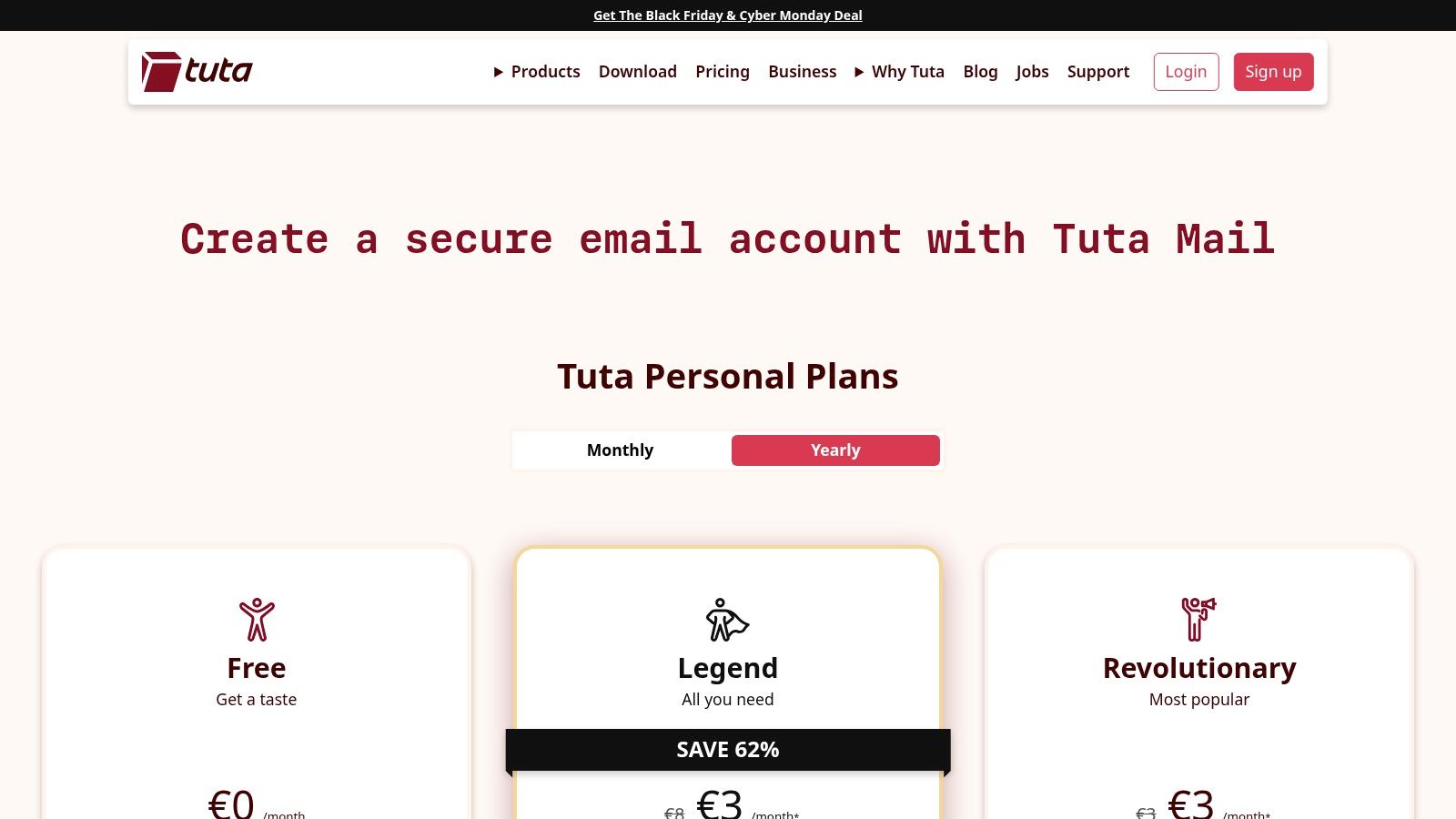
    7. Tuta (formerly Tutanota)

    Tuta is a Germany-based encrypted email service built for users who prioritize privacy and security above all else. It extends its end-to-end encryption beyond the inbox to calendars and address books, offering a complete private communications suite. For those looking to combine top-tier security with professional branding, Tuta stands out as one of the best custom domain email providers that operates entirely outside the Big Tech ecosystem.

    Tuta (formerly Tutanota)

    Unlike many hosted email platforms that rely on third-party clients, Tuta uses its dedicated open-source apps for web, desktop, and mobile to ensure encryption is never compromised. This focus on a closed, secure environment means your data is protected by strict EU privacy laws and is inaccessible to advertisers or data miners. Administrators get straightforward controls to manage users, aliases, and catch-all inboxes, all within a clean and intuitive interface.

    Features & Use Cases

    • Best For: Privacy-conscious individuals, journalists, activists, and small businesses needing a simple, highly secure, and compliant email hosting solution.
    • Key Features: End-to-end encrypted emails, calendars, and contacts; custom domain support with catch-all addresses; open-source clients and zero-knowledge architecture.
    • Implementation Tip: When setting up your custom domain, take advantage of the catch-all alias feature to capture all emails sent to non-existent addresses at your domain, ensuring you never miss an important message.

    Tuta’s primary strength is its uncompromising commitment to privacy, making it an excellent choice for users looking to de-Google or escape data-driven services. However, its security-first design means it intentionally forgoes IMAP/SMTP support, which can be a significant drawback for users reliant on specific third-party email clients like Thunderbird or Outlook. The platform is ideal for those who value an all-in-one, encrypted ecosystem over broad third-party integration.

    Website: https://tuta.com/pricing

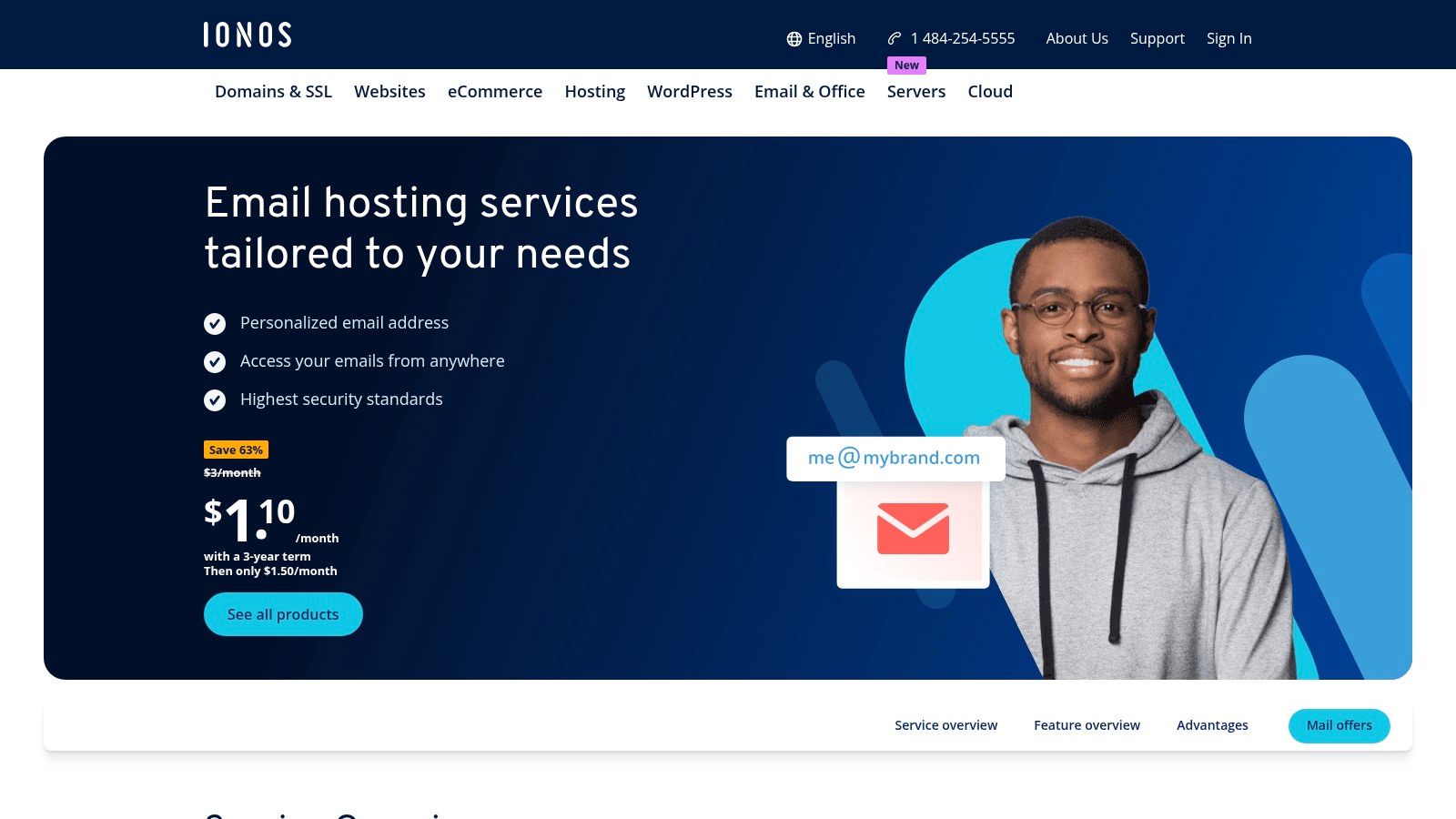
    8. IONOS

    IONOS is a well-known web hosting provider that offers some of the most budget-friendly custom domain email packages on the market. It stands out by bundling a free domain for the first year with its entry-level email plans, making it an extremely attractive option for individuals or small businesses seeking an all-in-one, low-cost solution. The platform provides a straightforward path to professionalizing your communications without a significant initial investment.

    IONOS

    While the base plans are focused on affordability, IONOS also caters to growing businesses by offering more advanced hosted Exchange and Microsoft 365 bundles. This scalability allows users to start with a basic, cheap plan and upgrade as their needs for collaboration tools and enhanced security features evolve. The service includes robust, IONOS-run data centers that adhere to strong data protection standards, providing a secure hosted email platform.

    Features & Use Cases

    • Best For: Solopreneurs, freelancers, and small businesses who need a simple, affordable custom email address and prefer to manage their domain and email with a single provider.
    • Key Features: Extremely low entry pricing, a free domain name included with annual plans, professional spam filtering, and 24/7 customer support.
    • Implementation Tip: Take advantage of the bundled domain to simplify your setup. When configuring your email, enable the premium virus protection add-on for an extra layer of security against malware and phishing attempts.

    The primary draw for IONOS is its unbeatable price point, making it one of the most accessible custom domain email providers available. However, the low-cost plans come with modest storage limits per mailbox, and there are restrictions on mass mailing that could impact marketing efforts. If you anticipate high-volume sending or need extensive storage from day one, you may need to consider their higher-tier plans or a different provider.

    Website: https://www.ionos.com/office-solutions/email-hosting

    9. Namecheap Private Email

    Namecheap Private Email is a budget-friendly solution for individuals and small businesses looking for an affordable custom domain email provider, especially those already using Namecheap for domain registration. It offers a straightforward, no-frills email hosting service that integrates seamlessly with its domain management dashboard, simplifying the initial setup process for users. The platform focuses on providing core email functionalities without the complexity of a full productivity suite.

    While its main appeal is its low cost, Namecheap includes essential security features like two-factor authentication and robust anti-spam protection. It provides standard email protocols (IMAP/POP/SMTP), allowing users to connect their accounts to third-party clients like Outlook or Apple Mail. This makes it a practical choice for those who need a professional email address on their own domain but do not require advanced collaboration tools.

    Features & Use Cases

    • Best For: Solopreneurs, freelancers, and small teams seeking an extremely low-cost email solution, particularly if their domain is already registered with Namecheap.
    • Key Features: Custom email addresses (you@yourdomain.com), webmail access, anti-spam protection, and support for IMAP, POP3, and SMTP.
    • Implementation Tip: Immediately after setup, ensure you correctly configure your domain's SPF, DKIM, and DMARC records. Some users have reported deliverability issues, and proper DNS authentication is critical to maximizing the chances of your emails reaching the inbox.

    The platform's primary strength is its unbeatable price point and the convenience it offers Namecheap customers. However, its simplicity comes with trade-offs. Community reports occasionally mention intermittent deliverability issues or IP blacklisting, which can be a significant concern for business-critical communications. Careful monitoring and proper DNS setup are essential to mitigate these potential risks.

    Website: https://www.namecheap.com/hosting/email/

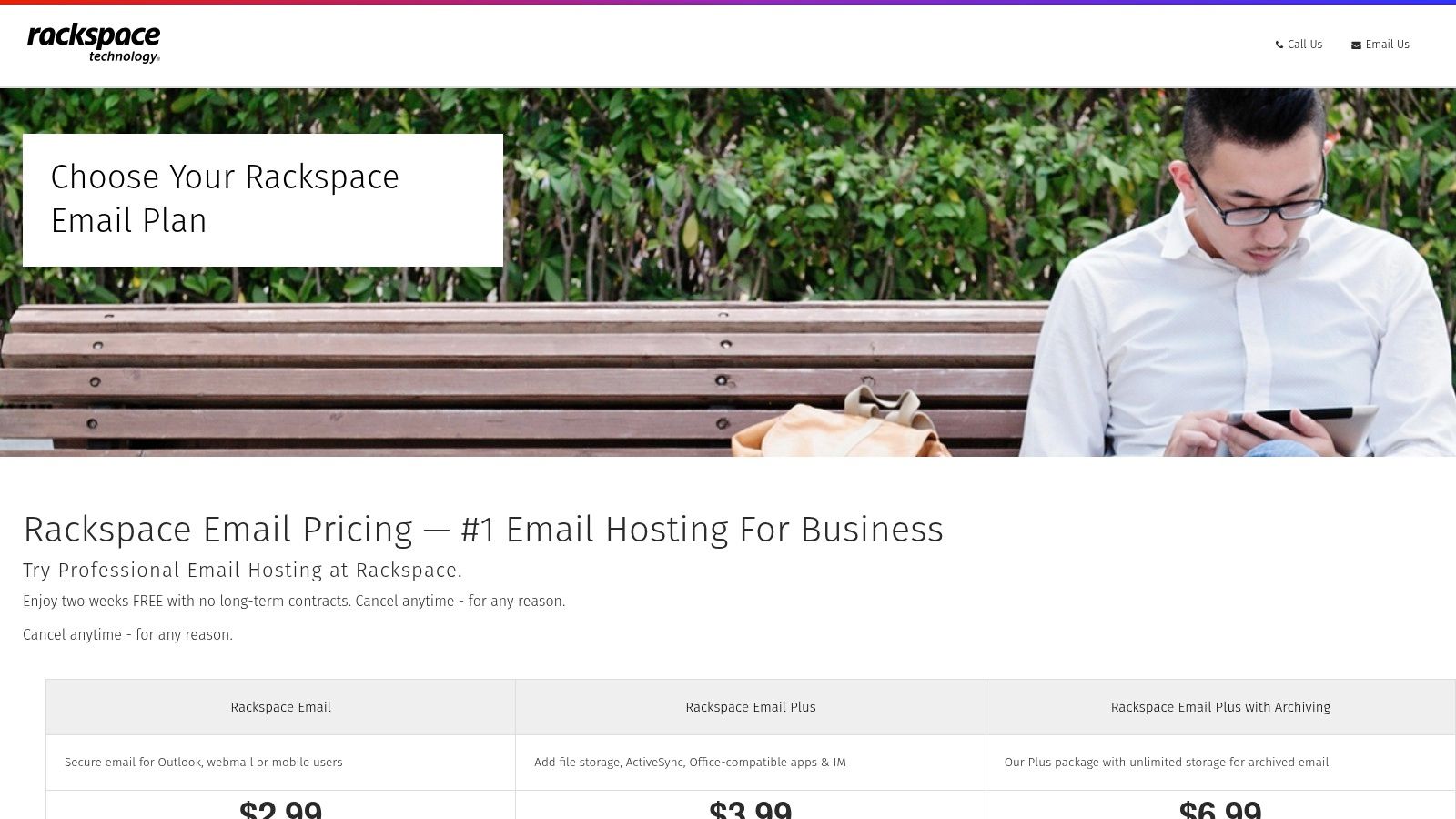
    10. Rackspace Email

    Rackspace Email is a dedicated, hosted business email provider for teams that need reliable, no-frills custom domain email without being tied to a full productivity suite. It serves as a strong alternative to platforms like Google Workspace or Microsoft 365, focusing purely on providing professional email hosting backed by enterprise-grade support and infrastructure. This makes it an ideal choice for organizations prioritizing straightforward email functionality and expert, 24/7 customer service.

    Rackspace Email

    Unlike consumer-focused services, Rackspace is built for business reliability, offering a 100% uptime guarantee and robust spam and virus protection to keep your communications secure. The platform allows access via Outlook, webmail, and mobile devices, ensuring your team stays connected. With free and expert-led migrations included, transitioning your existing email accounts is designed to be a seamless process, minimizing downtime and technical hurdles for administrators.

    Features & Use Cases

    • Best For: Small to medium-sized businesses that want a standalone, professionally managed email solution with excellent customer support.
    • Key Features: Generous 25 GB mailboxes, custom email aliases, advanced spam and virus filtering, and an optional email archiving service.
    • Implementation Tip: Take advantage of the free migration service offered by Rackspace. Their dedicated team can handle the entire transfer process, which is particularly useful for businesses moving a large number of mailboxes from another provider.

    While its feature set is more focused compared to all-in-one suites, its strength lies in its simplicity and reliability as a custom domain email provider. The smaller ecosystem means fewer third-party integrations, but for businesses whose primary need is dependable email backed by always-on support, Rackspace presents a compelling and cost-effective option.

    Website: https://www.rackspace.com/lp/rackspace-email

    11. Amazon WorkMail

    Amazon WorkMail is a secure, managed business email and calendaring service built on the robust AWS cloud infrastructure. It’s an ideal choice for organizations already invested in the AWS ecosystem, offering a straightforward, no-frills approach to professional email on a custom domain. The platform prioritizes core email functionality, security, and interoperability with existing desktop and mobile email clients like Microsoft Outlook.

    Amazon WorkMail

    Unlike all-in-one productivity suites, WorkMail focuses exclusively on providing reliable and secure hosted email. It integrates seamlessly with AWS Identity and Access Management (IAM) and AWS Directory Service for granular user and access control. This makes it one of the most compelling custom domain email providers for businesses that require tight security integration and prefer managing communications within their existing cloud environment.

    Features & Use Cases

    • Best For: Technical teams, startups, and businesses heavily utilizing AWS services who need a secure, scalable email solution managed through a familiar console.
    • Key Features: Generous 50 GB mailboxes, native Microsoft Outlook compatibility, and centralized control via the AWS Management Console.
    • Implementation Tip: Leverage AWS Directory Service integration to manage user credentials and policies consistently across all your AWS resources, including WorkMail, for streamlined administration and enhanced security.

    The service's main strength is its AWS-grade reliability and simple, flat-rate per-user pricing, which eliminates complexity. However, its user interface is decidedly technical and built for system administrators, not everyday users. Organizations looking for a feature-rich, user-friendly office suite may find its focused approach too limiting.

    Website: https://aws.amazon.com/workmail/

    12. Migadu

    Migadu is a privacy-focused, standards-first email provider that disrupts the traditional per-user pricing model. Instead of charging for each mailbox, it offers plans based on daily email limits and storage, allowing for unlimited custom domain email addresses, mailboxes, and aliases. This approach makes it exceptionally cost-effective for families, freelancers, and agencies managing multiple domains or side projects who need flexibility without a linear increase in cost.

    Migadu

    As a Swiss-based company, Migadu operates under strong privacy laws and maintains a strict no-tracking, no-ads policy, positioning it as a secure hosted email platform. It supports open standards like IMAP, POP3, and SMTP, ensuring compatibility with virtually any email client. While its webmail interface is lean and functional, the service’s core strength lies in its backend simplicity and powerful, unfiltered control over your email infrastructure.

    Features & Use Cases

    • Best For: Agencies, developers, and families who manage multiple domains and need a high volume of email addresses without per-mailbox fees.
    • Key Features: Unlimited mailboxes and aliases, catch-all addresses, server-side Sieve filtering, and a straightforward admin panel for domain management.
    • Implementation Tip: Leverage the Sieve filtering rules to automate email organization directly on the server. This ensures your sorting rules work consistently across all devices and email clients you connect to your account.

    Migadu’s transparent, usage-based pricing offers incredible value, but it requires users to be mindful of their sending habits, as higher-tier plans are necessary for high-throughput needs. The ecosystem is intentionally minimalist compared to integrated suites, appealing to users who prioritize core email functionality and privacy over bundled applications. This makes it an excellent choice among custom domain email providers for those who want a simple, scalable, and private solution.

    Website: https://migadu.com/

    12 Custom-Domain Email Providers — Feature Comparison

    Provider Key features (✨) Privacy & Security (★) UX / Admin & Integrations (★) Value & Pricing (💰) Target audience (👥)
    Typewire 🏆 ✨ End‑to‑end encryption, tracker blocking, anti‑spam, aliases, custom domains (premium) ★★★★★ Canadian‑hosted, no tracking/data‑mining ★★★★☆ Modern web/mobile UI, centralized user management, 24/7 support 💰 Tiered (free/basic/premium), 7‑day trial, transparent refunds 👥 Privacy‑conscious individuals, SMBs, IT/security teams
    Google Workspace ✨ Gmail on custom domain + Drive/Docs/Meet, vast integrations ★★★★☆ High deliverability; Google data policies ★★★★★ Familiar UX, large third‑party ecosystem, admin console 💰 Mid→High; costs grow with storage/add‑ons 👥 Teams needing collaboration & integrations
    Microsoft 365 for Business ✨ Exchange mailboxes, Teams, OneDrive, Office apps ★★★★☆ Strong compliance & admin controls ★★★★☆ Native Outlook/Exchange experience; rich IT tooling 💰 Mid→High; add‑ons can increase cost 👥 Enterprises & SMBs needing Exchange/IT features
    Zoho Mail (Workplace) ✨ Custom domains, ad‑free, Zoho app integrations ★★★ Good privacy defaults (region varies) ★★★ Solid admin; best experience with Zoho suite 💰 Budget‑friendly; free tier in some regions 👥 Startups/SMBs on a budget using Zoho apps
    Fastmail ✨ IMAP/CalDAV/CardDAV, aliases, modern web app ★★★★ Strong deliverability & privacy practices ★★★★ Fast web UI; excellent third‑party client support 💰 Moderate; no office suite included 👥 Professionals & families valuing standards
    Proton Mail ✨ End‑to‑end encryption, Proton VPN/Drive ecosystem ★★★★★ Swiss jurisdiction, zero‑access architecture ★★★ Good apps; limited direct IMAP/SMTP (bridge) 💰 Moderate→High; bundles available (EUR pricing) 👥 Privacy‑first users and businesses
    Tuta (Tutanota) ✨ Encrypted email/calendar/contacts, custom domains ★★★★★ EU‑hosted strong encryption ★★★ Focused apps; limited IMAP/SMTP support 💰 Affordable, straightforward plans 👥 Privacy‑minded users & small teams
    IONOS ✨ Very low‑cost email, free domain, Exchange bundles ★★★ Standard hosting protections ★★★ Simple admin; domain+email convenience 💰 Very inexpensive per‑mailbox entry pricing 👥 Budget users wanting domain+email bundle
    Namecheap Private Email ✨ IMAP/POP/SMTP, tiered storage & aliases ★★★ Standard protections; occasional deliverability issues ★★★ Easy for Namecheap domain customers 💰 Very affordable annual pricing 👥 Small teams & website owners using Namecheap
    Rackspace Email ✨ 25 GB mailboxes, Outlook/web/mobile, spam filtering ★★★ Standard enterprise protections ★★★ Enterprise support; simple pricing & migrations 💰 Moderate; SLA & support included 👥 Teams wanting email‑only hosting with support
    Amazon WorkMail ✨ 50 GB mailboxes, AWS integration, IMAP/Outlook support ★★★★ AWS‑grade reliability & controls ★★★★ Best for technical admins (AWS Console) 💰 Flat per‑user pricing; cost‑effective for AWS users 👥 Technical teams already on AWS
    Migadu ✨ Unlimited addresses/aliases, usage‑based pricing, IMAP/SMTP ★★★★ Privacy‑friendly, open‑standards approach ★★★ Lean UI; domain‑level management 💰 Flexible usage‑based pricing; good for many domains 👥 Agencies, projects & families needing many aliases

    Making the Right Choice for Your Email's Privacy and Security

    Navigating the landscape of custom domain email providers can feel overwhelming, but the journey to secure, professional communication is well worth the effort. Throughout this guide, we've explored a dozen powerful options, from privacy-first fortresses like Typewire and Proton Mail to collaboration powerhouses like Google Workspace and Microsoft 365. The central theme remains clear: the best provider for you is the one that aligns perfectly with your core priorities, whether that's absolute data sovereignty, seamless ecosystem integration, or maximum value on a budget.

    Your final decision hinges on a careful evaluation of your specific needs against what each service offers. Moving beyond the allure of a free email address to a dedicated, hosted email platform is the first and most critical step in establishing a professional identity and securing your digital correspondence.

    For Uncompromising Privacy and Security

    If your primary concern is shielding your communications from surveillance, data mining, and third-party access, your choice narrows significantly. Providers like Typewire, Proton Mail, and Tuta are engineered from the ground up with a privacy-first philosophy.

    • Key Differentiators: Look for end-to-end encryption, zero-access architecture, and a strong legal jurisdiction (like Canada or Switzerland) that protects user data. These services intentionally limit data collection and will never monetize your inbox content.
    • Implementation Note: Migrating to these platforms often means adopting their specific ecosystem of tools (calendar, contacts). While they may not offer the same sprawling third-party integrations as larger providers, this is a deliberate trade-off for a more secure, self-contained environment.

    For Seamless Ecosystem Integration

    For small and medium-sized businesses already embedded in a specific software suite, the path of least resistance is often the most productive. Google Workspace and Microsoft 365 remain the undisputed leaders in this category, offering a familiar interface and an unmatched suite of collaborative applications.

    • Key Differentiators: The value here lies in the deep integration between email, cloud storage, video conferencing, and office productivity software. Admin controls are extensive, allowing for granular management of users and devices.
    • Implementation Note: The trade-off is privacy. While these platforms offer robust security features, their business models are built on data analytics. It's crucial to carefully configure administrative settings and review their privacy policies to understand how your organization's data is handled. When evaluating providers, it's crucial to delve into their specific policies on user data and privacy, for instance, by understanding Astonish Email's Privacy Policy.

    For a Balanced, Cost-Effective Solution

    Not everyone needs the absolute highest level of encryption or a massive suite of enterprise tools. For freelancers, small businesses, and individuals who want a professional custom domain email without breaking the bank, a balanced provider is ideal. Zoho Mail, Fastmail, and Namecheap excel in this space.

    • Key Differentiators: These services deliver an excellent core email experience with strong spam filtering, reliable uptime, and user-friendly interfaces at a highly competitive price point. They offer a significant upgrade over basic webmail without the complexity or cost of a full enterprise suite.
    • Implementation Note: Pay close attention to storage limits, the number of included domains or aliases per user, and the quality of their customer support, as these are often the areas where budget-friendly providers differ most.

    Ultimately, investing in one of these top-tier custom domain email providers is an investment in your brand's credibility and your data's security. By moving away from generic, ad-supported platforms, you are taking control of a vital communication channel. You are signaling to clients, colleagues, and customers that you value professionalism and privacy. Choose wisely, and your new email address will become a secure foundation for your digital identity.


    Ready to prioritize your privacy without sacrificing a clean, modern email experience? Typewire is built in Canada for users who demand a secure and private custom domain email solution. Get started with Typewire and experience email as it should be: private, secure, and completely ad-free.