
Last updated: November 13, 2026
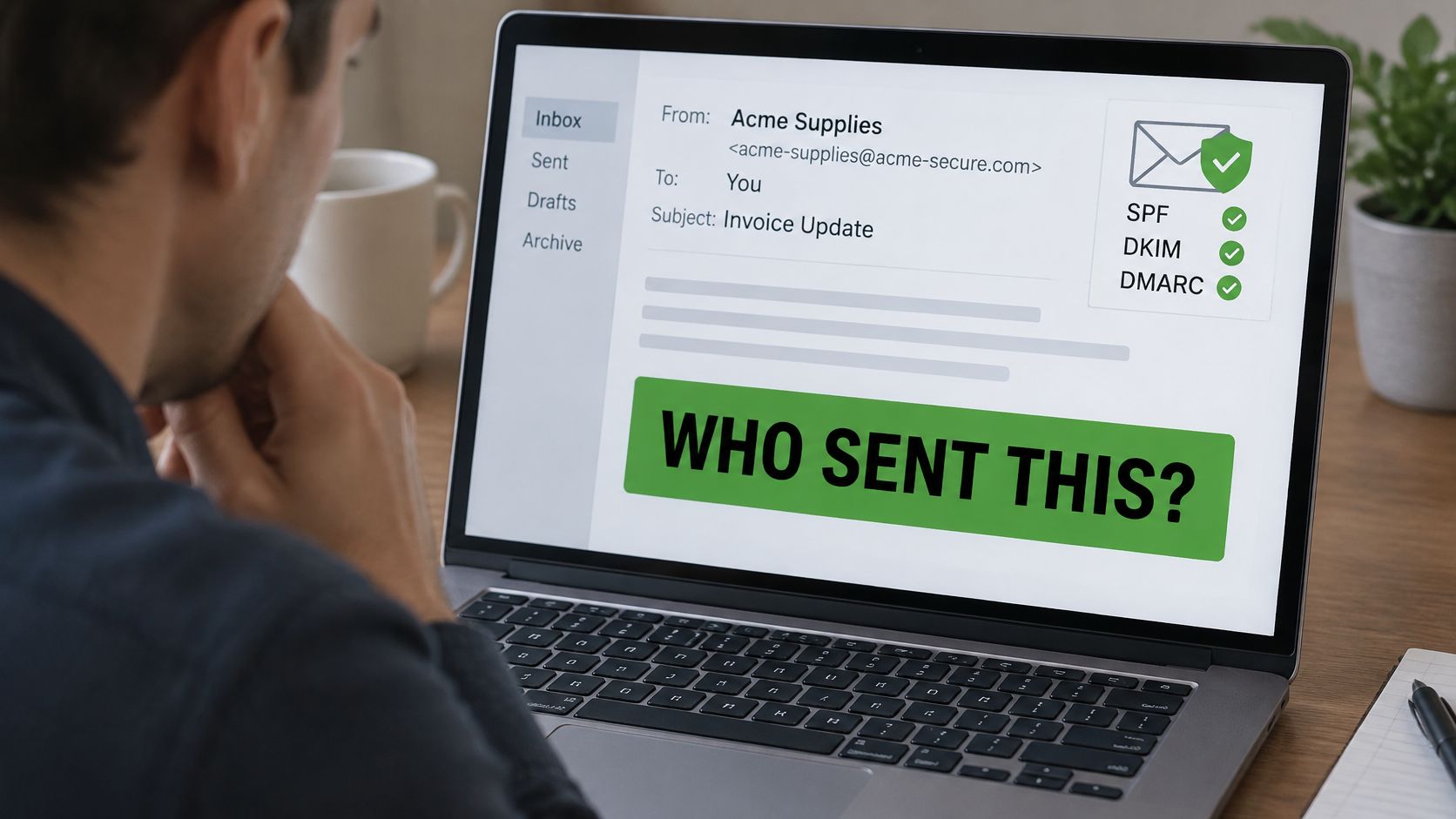
You're reviewing an invoice from a familiar supplier. The sender's name looks right, the logo matches, and the message asks you to use updated bank details. Before you pay, you need to answer a harder question than whether the email looks normal: did that supplier send it?
Email spoofing means forging sender details so a message appears to come from someone you trust. Checking the full address helps, but even a passing authentication result doesn't prove a request is safe. You need technical checks for the sender and a separate check for the action they're asking you to take.
What Is Email Spoofing?
Say an accounts clerk receives an invoice that appears to come from a long-standing supplier. The amount fits an expected order, and the signature includes the usual contact's name. Nothing looks unusual until the clerk notices a request to pay into a different account.
Email spoofing lets an attacker disguise a message's origin by changing its sender information. The attacker may copy a person's friendly display name, forge an address on a real organization's domain, or combine several misleading details. A familiar From line alone doesn't establish who wrote the message.
The risk often appears during ordinary work, not in an obviously suspicious message.
A Return Address Isn't Identification
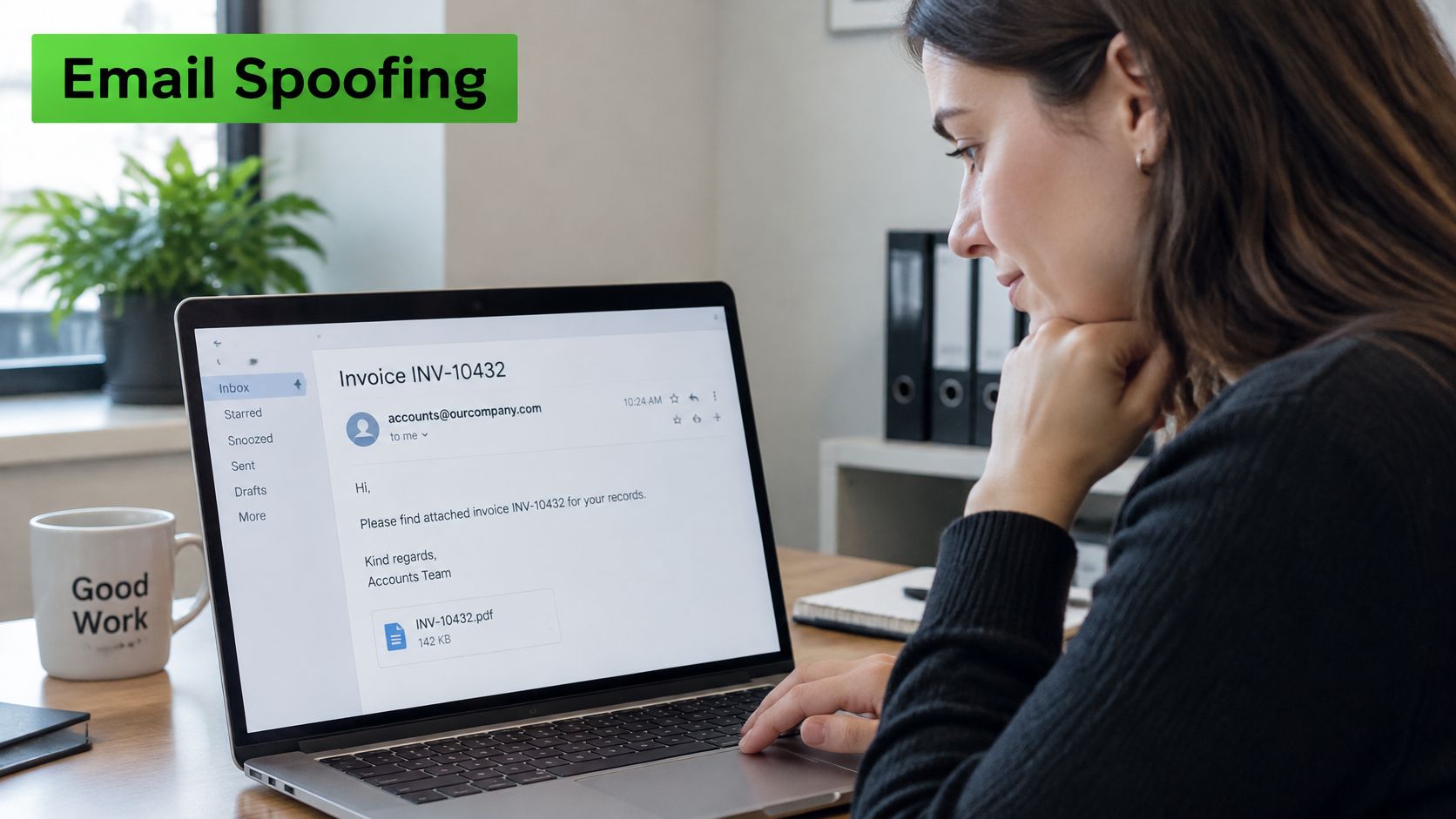
Think of a handwritten return address on an envelope. Anyone can write a trusted company's name there without permission. Email has a similar weakness: the visible sender details are fields within the message, rather than automatic proof of identity.
SMTP, short for Simple Mail Transfer Protocol, moves email between servers. Its basic design doesn't authenticate the visible From address. Providers add checks around that process, but the distinction between a claimed identity and a verified identity still matters.
Fraud extends well beyond spoofed messages. Canadians reported more than $704 million in fraud losses in 2025, according to the Canadian Anti-Fraud Centre. That total covers fraud generally, not email spoofing alone.
Practical rule: Treat the sender line as a claim that needs checking, not identification you can accept on sight.
The useful distinction is between who a message claims to represent, whether its domain authorizes it, and whether its request makes sense. Understanding those separate questions helps you spot forgeries without assuming every unusual email is malicious.
How Email Spoofing Works
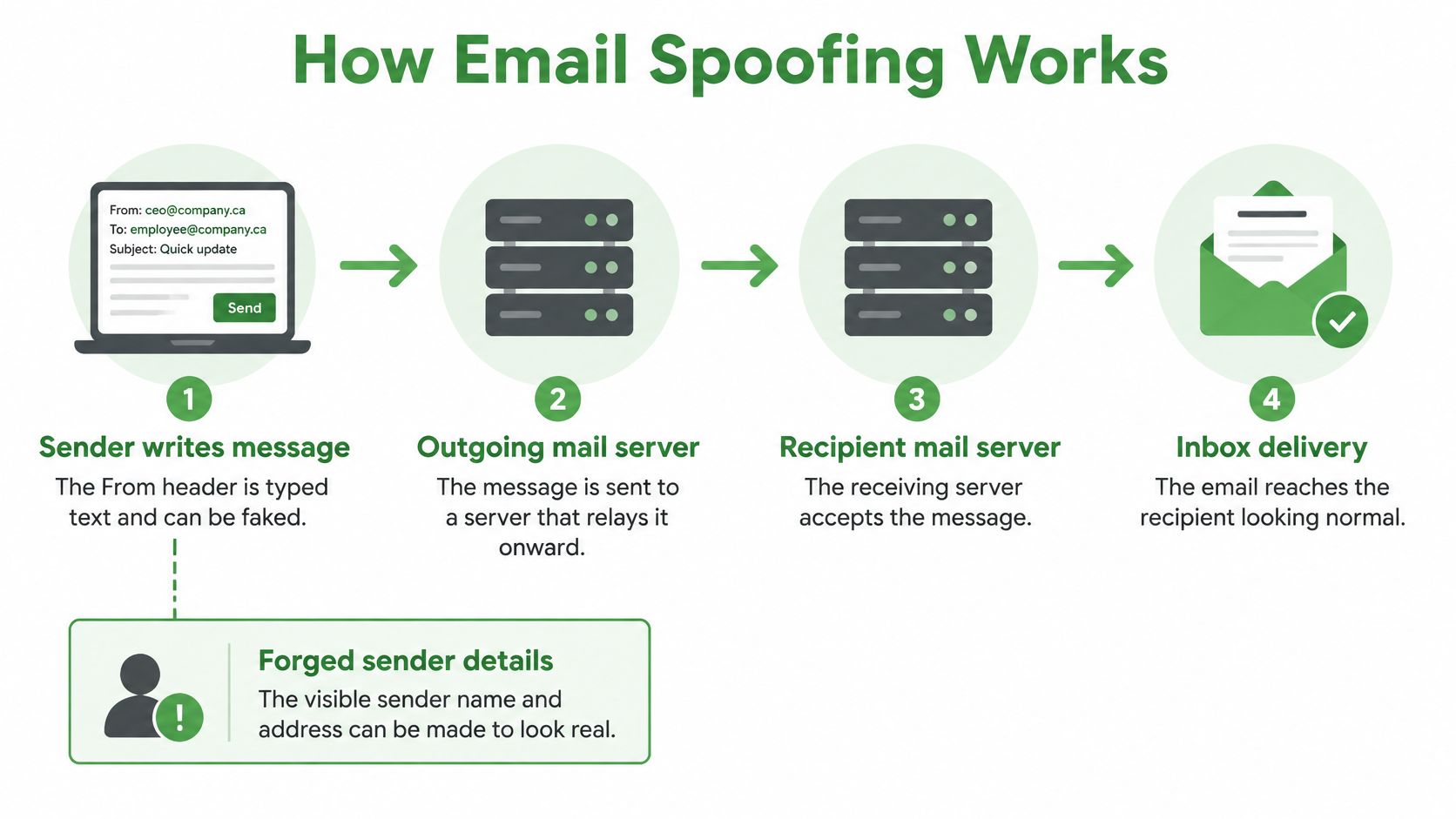
An email app hands a message to an outgoing mail server. That server relays it towards the recipient's server, which checks the message and decides whether to accept, filter, or reject it. If accepted, the message may reach the inbox looking like routine correspondence.
The From header forms part of the message's content. An attacker using infrastructure they control can insert another person's name and address there. Legitimate providers may restrict which addresses their users can send from, but those restrictions don't stop attackers from using another server.
The message path helps explain where a forgery can enter.
From Forged Identity to Fake Sign-In
Consider a message that copies your bank's logo and warns that your account needs immediate attention. Its button opens a convincing sign-in page. When you enter your password, you give it to the attacker rather than the bank.
The Competition Bureau's phishing and smishing guidance describes fraudsters claiming to represent established organizations to collect usernames, passwords, account numbers, and other confidential information. It also warns that reputable organizations won't ask you to provide personal information through email or text.
Spoofing and phishing aren't interchangeable terms. Spoofing disguises identity; phishing uses deception to get information or prompt an unsafe action. A forged sender address can make the phishing request more persuasive.
Check the Destination Independently
Expand the sender details rather than relying on the name your app displays. For an unexpected account warning, open the organization's website through a trusted bookmark or an address you already know. Don't use the message's contact details to validate the message itself.
A spoofer may send through a server the impersonated domain hasn't authorized. Sender authentication can expose that mismatch, although delivery paths and provider settings affect the outcome.
A copied logo proves that someone copied a logo. It doesn't prove that the organization sent the message.
Forging sender text takes little effort. Your attention belongs on the underlying address, the destination, and the requested action, not the polished appearance.
Domain vs. Display Name Spoofing
Email apps often emphasize a friendly name while hiding the full address. That creates room for several kinds of email impersonation, each requiring a different response.
The display name is the label you see beside a message. The address identifies the claimed mailbox, while the domain is the part after the @ sign. A convincing label can conceal an unrelated address, but an exact-looking address can also contain forged information.
Spoofing Types Compared by What Is Forged and What Catches It
| Spoofing type | What is forged | What the recipient sees | What catches it |
|---|---|---|---|
| Display name spoofing | Friendly name in the From field | A familiar name from a stranger's address | Checking the address and domain, not just the name |
| Domain spoofing | Claimed use of the domain after the @ sign | An address on the company's real domain | Aligned SPF or DKIM, with DMARC enforcement set to reject |
| Look-alike domain | A near-copy of a real domain, such as a swapped letter | A plausible address on a domain the company doesn't own | Domain monitoring and user checks, since the attacker's domain can pass DMARC |
| Compromised account | Nothing necessarily forged; the mailbox is real | A message from a known colleague | Out-of-band confirmation and payment-change rules |
Domain spoofing is harder to catch by reading the address because the attacker claims the legitimate domain. Domain authentication provides a stronger defence against that specific deception than checking the display name.
A look-alike domain presents a different problem. An attacker can register a similar name and correctly authenticate mail from it. Authentication then verifies the attacker's domain, not the organization you thought you recognized.
A Genuine Mailbox Can Still Carry Fraud
With a compromised account, the attacker uses someone else's real mailbox. The address may be correct, and normal authentication may succeed. That's account misuse rather than necessarily a forged sender.
This distinction prevents misplaced confidence. Check names and domains to detect impersonation, but use independent approval procedures to decide whether a sensitive request deserves action.
Real Examples
The most useful examples show how an attacker connects a believable identity to a specific task. These scenarios illustrate common patterns, rather than documented incidents involving named businesses.
An Executive Requests a Secret Transfer
A finance employee receives a message appearing to come from the chief executive. It asks for an urgent transfer, explains that the executive can't take calls, and tells the employee to keep the transaction confidential.
The Competition Bureau's business fraud guidance describes this fake CEO scam. In 2025, Canadians reported $67.9 million in losses to spear phishing, the CAFC category that covers these targeted requests. The CAFC estimates only 5% to 10% of victims report fraud.
The warning sign isn't merely urgency. It's an instruction to bypass normal payment controls while avoiding verification. A call using an established internal number, followed by the usual approval process, could expose the false request before money leaves.
For the executive-focused version of this threat, our guide to whaling and executive email fraud explains the targeting in more detail.
A Supplier Changes Banking Details
Say a supplier's invoice arrives during an active order. A preceding message says the supplier has changed banks, so the accounts clerk updates its payment record.
The invoice itself may contain accurate order information. The dangerous change is the destination account, which could send a legitimate payment to the attacker. Treat bank-detail changes as a separate approval event, not a routine edit to an existing supplier record.
Payment safeguard: Call a previously verified supplier contact before changing where money goes. Don't call a number introduced in the change request.
An Agency Notice Demands Action
A message appearing to come from a tax or benefits agency asks you to settle an outstanding balance or confirm your identity. It offers a convenient link and threatens consequences if you delay.
The potential harm includes stolen credentials, exposed identity information, or payment to a fraudulent recipient. Open the agency's official service independently and check whether the notice exists there.
Published loss totals don't capture every incident. The practical lesson is to recognize the task an attacker wants you to rush, then protect that task with a verification rule staff can follow without seeking special permission.
How to Spot a Spoofed Email
Visual checks have limits. A carefully chosen look-alike domain can survive a quick glance, and a stolen mailbox may look exactly right. Your aim isn't to pronounce every message safe or unsafe from its appearance.
Instead, look for reasons to pause before opening files, entering credentials, or moving money. A warning sign calls for verification, not an automatic accusation against the apparent sender.
Use this checklist as a pause point before acting.
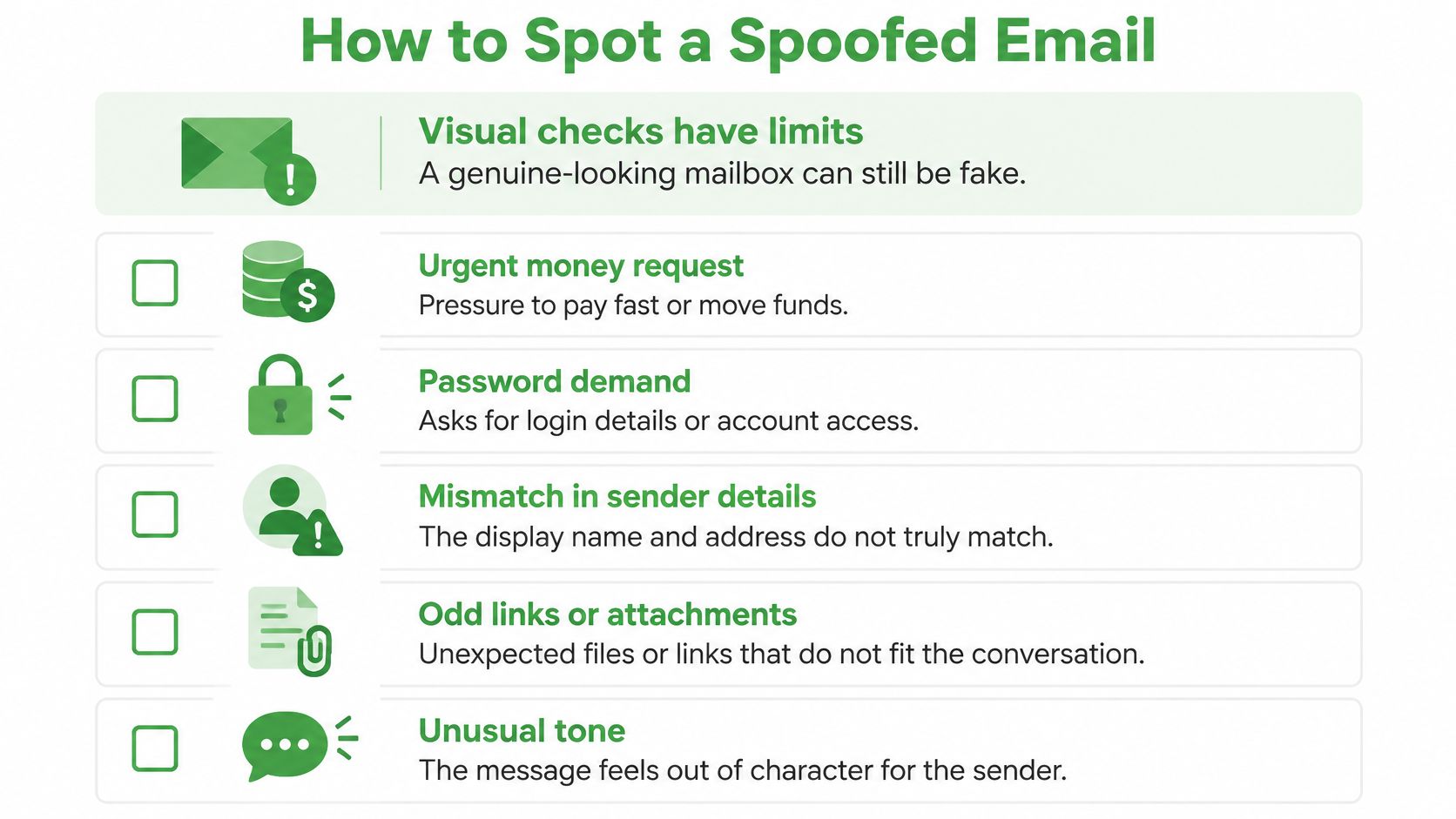
Warning Signs of a Spoofed Email and the Check for Each
| Warning sign | What it may indicate | Check to run |
|---|---|---|
| Urgent request for money or a bank change | Business email compromise or a fake executive request | Confirm by phone using a number from a verified source |
| Reply-to address differs from the From address | Replies routed to an attacker | Compare both addresses before replying |
| Link text shows one address, but the link goes elsewhere | A credential-harvesting page | Hover over the link or open the service independently |
| Greeting without your name or with odd wording | A mass campaign or copied template | Judge the request, not the greeting, and verify it |
| Unexpected attachment or macro prompt | Possible malware delivery | Leave it unopened and report it to your IT team |
| Sign-in request within a message | A fake login page | Go to the service directly instead of using the email link |
A different Reply-To address can be legitimate, particularly for mailing services and support systems. Likewise, a personal greeting doesn't establish authenticity. Attackers can know your name, job, and supplier relationships.
Open the Full Message Details
In Gmail, look for Show original in the message menu. In Outlook, look for message details or internet headers; the location changes between versions. These views expose routing information and authentication results that the inbox view hides.
Our guide to reading an email header and spotting a fake sender explains how to interpret those fields. If you're unsure, preserve the message and ask your administrator rather than guessing from unfamiliar technical labels.
For requests involving money, credentials, or confidential information, your final check should happen outside that email conversation. Use an established phone number or a separate, trusted work channel before taking action.
How SPF, DKIM & DMARC Stop Spoofing
Domain owners need controls that test a sender's claim before recipients must judge it themselves. SPF, DKIM, and DMARC address different parts of that problem.
A reception desk offers a useful comparison: authorization, evidence of tampering, and entry policy serve different purposes.
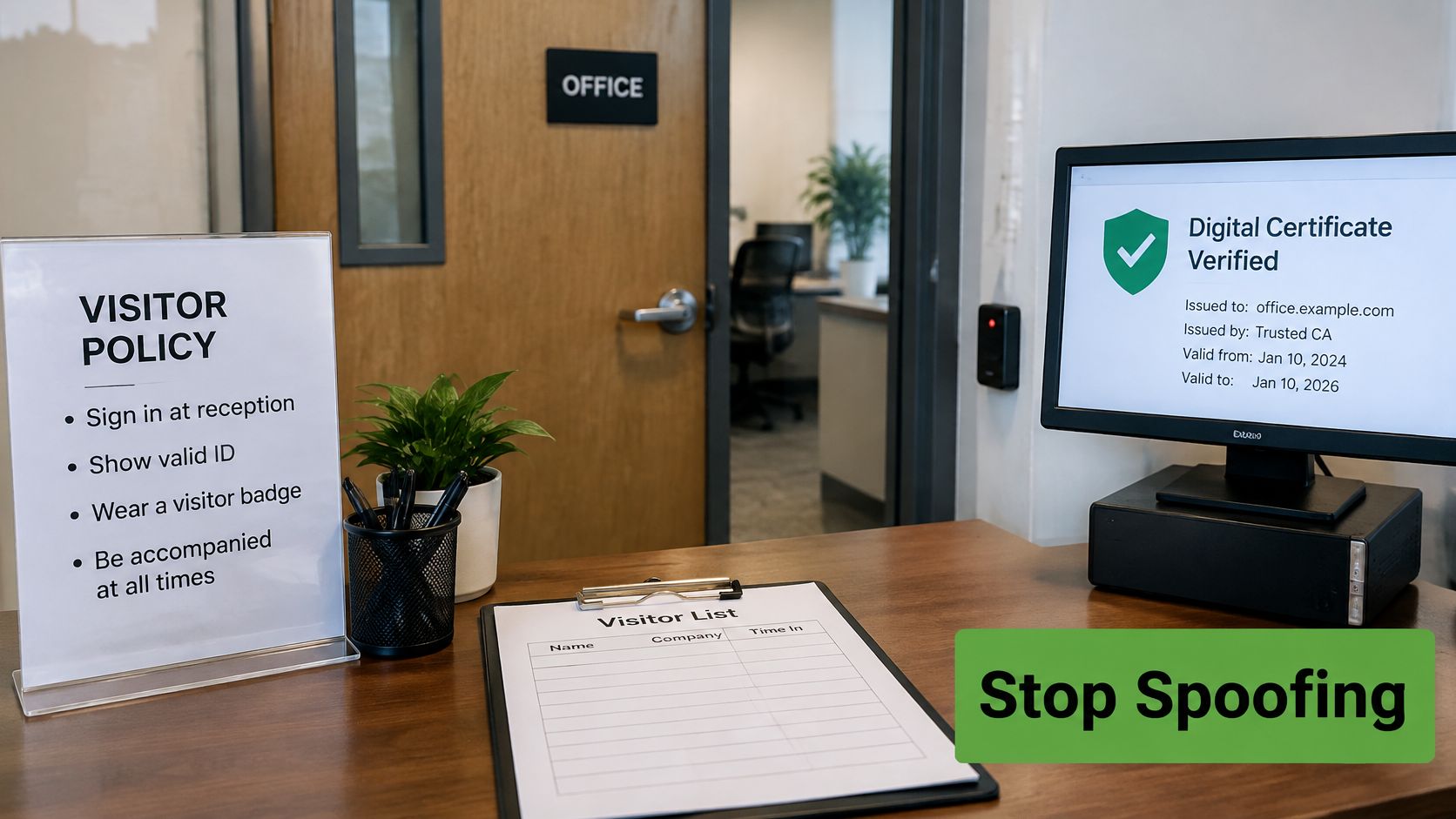
Authorization, Signatures, and Alignment
SPF, Sender Policy Framework, works like a guest list. It identifies servers authorized to send for an envelope-sender domain, which isn't necessarily the visible From domain.
DKIM, DomainKeys Identified Mail, adds a cryptographic signature, like a tamper-evident seal. The recipient uses a published public key to verify the signature and detect changes to signed content.
DMARC, Domain-based Message Authentication, Reporting and Conformance, connects authentication to the visible From domain through alignment. At least one successful SPF or DKIM result must align with that domain. The Canadian Centre for Cyber Security’s email security guidance recommends quarantine or rejection rather than observation alone.
| Control | What it checks | Main gap | Policy or setting |
|---|---|---|---|
| SPF (RFC 7208) | Whether the sending server is authorized for the envelope-sender domain | Doesn't independently validate the visible From address; forwarding can break it | Authorized senders and failure handling |
| DKIM (RFC 6376) | A domain's signature and integrity of signed content | Doesn't establish the sender's intent; mailing-list changes can break signatures | Signing domain and key management |
| DMARC (RFC 7489) | Whether SPF or DKIM passes and aligns with the visible From domain | Monitoring alone doesn't request blocking | p=none, p=quarantine, or p=reject |
Publishing Isn't Enforcing
Many domains publish a DMARC record but never move past monitoring. Publishing a record and requesting active rejection are different steps.
Monitoring gathers evidence without requesting special handling. Quarantine asks receivers to isolate failing messages, while reject asks them to refuse delivery. Receivers still apply their own handling rules.
For implementation context, see our guide to DMARC and email security.
The accompanying video provides another way to approach the authentication concepts.
A pass is evidence, not proof of safety. Apply this decision path:
Confirm the domain. Match the visible domain to the organization you expect.
Inspect authentication. Read the SPF, DKIM, and DMARC results in trusted receiver-generated headers.
Verify sensitive requests. Confirm payment, password, or account instructions through a separate channel.
Withhold trust until confirmed. Technical success doesn't authorize the requested action.
What to Do If Your Domain Is Spoofed
A customer replies to an invoice they never received, or a supplier asks why your company requested a bank change. That is often the first sign your domain is being used as a costume. Split the work in two: protect the person holding the message, then repair the domain controls behind it.
If You Receive the Message
Stop interacting. Don't reply, click links, or open unexpected attachments.
Verify independently. Contact the organization using a number from its verified website or your established records.
Report the attempt. Notify your security contact, the impersonated organization, and the Canadian Anti-Fraud Centre.
Preserve the original. Attach the original message to your report and note when it arrived. Don't send only copied text.
Original headers, timestamps, sender and recipient details, and attachments give investigators the evidence to compare the displayed sender with the authentication results. That comparison shows which systems handled the message and where the impersonation entered the path.
If you entered credentials or sent money, tell your administrator or financial institution immediately. Include what you shared and when, without waiting to complete your own investigation.
If You Own the Domain
Review aggregate reports. Investigate unfamiliar sending sources and unexplained failures.
Inventory legitimate senders. Include invoicing platforms, support tools, newsletters, and other services before tightening enforcement.
Advance the policy carefully. Confirm legitimate sending paths authenticate correctly before asking receivers to quarantine or refuse failing mail.
Maintain signing keys. Rotate DKIM keys through a controlled process that preserves legitimate delivery.
Protect the human workflow. Monitor look-alike domains and require independent approval for payment changes.
Authentication can show whether a message used an authorized path. It cannot prove the request inside is honest, so a clean result still needs human judgment for bank details, passwords, and account changes. That balance stops spoofing from becoming a DNS-only exercise: enforcement limits forged use of the domain, while a payment process catches messages that pass checks and still ask for the wrong thing.
Start DMARC in monitoring mode this week and set a date to move to enforcement.
At Typewire, we offer ad-free, encrypted email with custom domain support, phishing detection, and anti-spam filtering on our own infrastructure in Canada. Start your 7-day Typewire free trial and pair private email hosting with your wider approach to sender authentication.