Your organization’s email isn't just a communication tool; it’s a critical business asset and a legal record. From contractual agreements to daily operational discussions, your inboxes contain a vast repository of data that is vital for continuity, compliance, and eDiscovery. But as this data grows exponentially, relying on a standard email server or user-managed PST files becomes a significant risk. This is where dedicated email archive solutions become essential, moving beyond simple backup to provide a secure, searchable, and tamper-proof repository.
This comprehensive guide is designed to help you navigate the complex market of email archiving. We’ve done the heavy lifting to review and compare the leading platforms, providing an in-depth analysis to match the right solution to your specific needs. Whether you're an IT administrator for a small business needing custom domain support, a compliance officer at a highly regulated enterprise, or a security professional focused on data integrity, this resource will clarify your options.
Inside, you will find detailed reviews for twelve top-tier email archive solutions. Each analysis includes:
- Real-world use cases and implementation considerations.
- An honest assessment of features and potential limitations.
- Direct links and screenshots to give you a clear view of each platform.
Our goal is straightforward: to provide you with the necessary insights to select a platform that not only secures your data but also streamlines your eDiscovery processes and ensures you meet stringent regulatory requirements. Let’s dive into the solutions that can transform your email management from a liability into a strategic advantage.
1. Typewire
Typewire distinguishes itself as a premier choice for secure email hosting and archiving by fundamentally prioritizing user privacy and data sovereignty. Unlike mainstream providers that treat user data as a commodity, Typewire operates on a strict no-ads, no-tracking, and zero-data-mining policy. This commitment is physically backed by its use of privately owned data centers in Canada, a strategic decision that sidesteps the potential vulnerabilities and data access policies associated with third-party cloud giants like AWS or Google Cloud. This infrastructure provides a fortified environment ideal for organizations that require robust email archive solutions grounded in security.
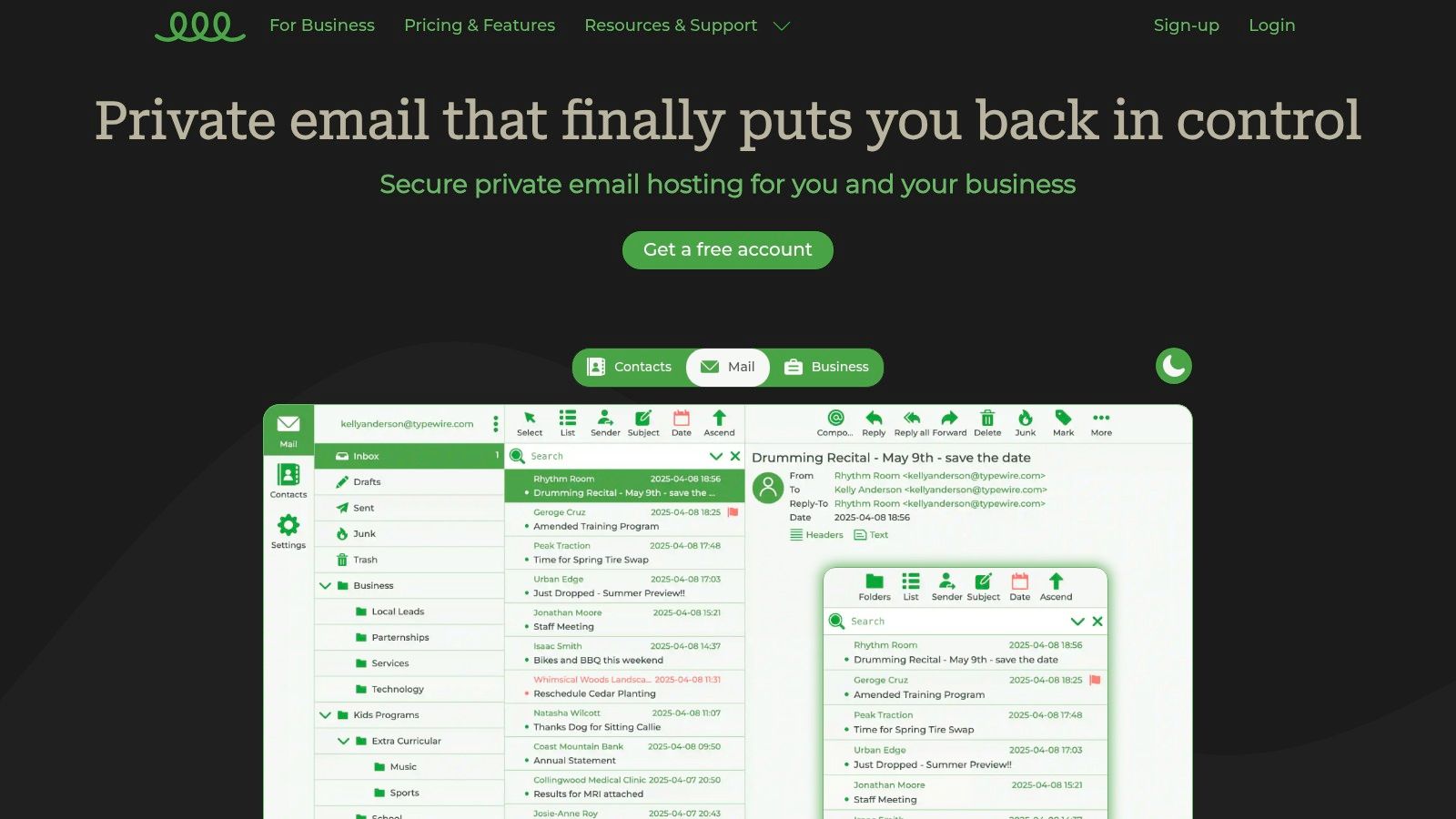
This platform is particularly effective for small to medium-sized businesses (SMBs), legal firms, and healthcare providers who handle sensitive information and must adhere to strict data privacy regulations. The combination of secure hosting and inherent archiving capabilities ensures that all communications are stored safely, are easily searchable, and remain under the company's exclusive control. For IT administrators, this simplifies compliance and eDiscovery processes significantly.
Key Features and Analysis
Typewire’s feature set is designed for security, control, and usability, making it a comprehensive solution.
- Privacy-Centric Infrastructure: Operating on private servers in Canada provides a significant security advantage. This architecture minimizes exposure to broad data subpoenas and the privacy compromises common with large-scale cloud providers.
- Advanced Security Protocols: The platform integrates sophisticated anti-spam and virus protection, effectively filtering threats before they reach the inbox. This proactive defense keeps the archive clean and secure from malicious content.
- Intuitive User Management: For businesses, Typewire offers straightforward tools for managing team accounts and custom domains. Onboarding new employees or adjusting access permissions is a simple process, reducing administrative overhead.
- Modern Web Interface: The user experience is a clear strength. The clean, responsive interface, complete with light and dark modes, ensures that managing and searching through vast email archives is fast and efficient, not a chore.
The platform's approach to archiving is less about a separate, complex tool and more about providing a secure, permanent, and searchable home for all your email from the start. A helpful resource on their site details strategies for data preservation, and you can learn more about how to recover lost emails from their blog.
Practical Considerations
While Typewire excels in privacy and security, prospective users should note that detailed pricing for its tiered plans (free, basic, premium) requires direct inquiry or signing up for the 7-day free trial. This is a deliberate choice to engage potential customers directly. Furthermore, the experience is primarily web-based, as a dedicated mobile app is not a core feature, though the responsive web design works well on mobile browsers.
Ultimately, Typewire is an exceptional choice for any individual or organization that views email as a critical asset to be protected, not monetized. It provides the robust infrastructure and user-centric tools necessary for a secure, private, and well-managed email archive.
2. MailStore
MailStore offers a highly accessible and versatile approach to email archiving, making it a standout choice for small to mid-sized businesses (SMBs) and managed service providers (MSPs). Unlike enterprise-focused solutions that often come with complex setups and high price tags, MailStore prioritizes a user-friendly experience, from initial installation to daily operation. Its core strength lies in its broad compatibility, seamlessly integrating with Microsoft 365, Google Workspace, Exchange Server, and virtually any IMAP or POP3-based email server.
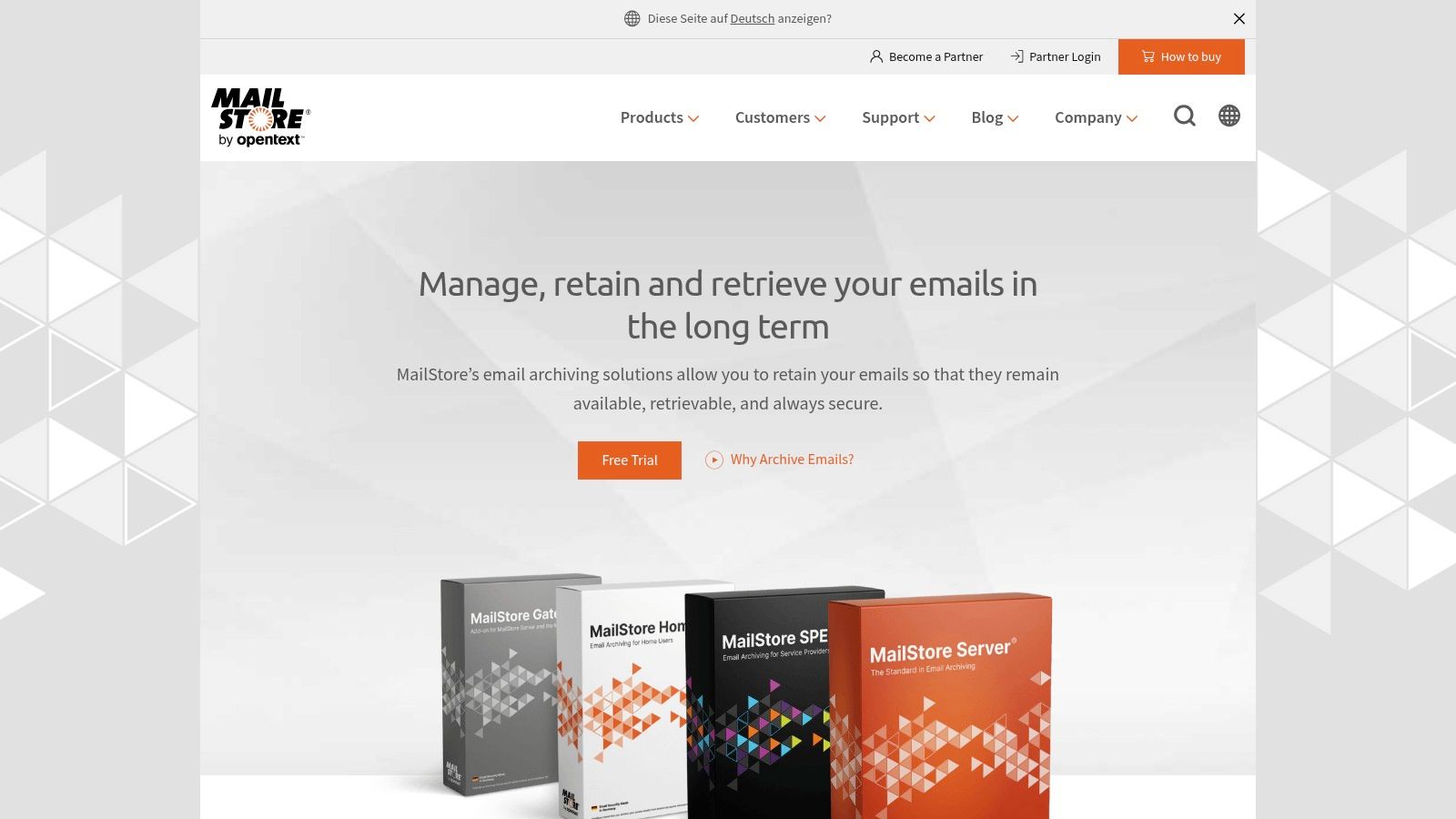
This flexibility makes it one of the most practical email archive solutions for organizations with mixed email environments or those planning future platform migrations. The software creates a 1:1, tamper-proof copy of all emails in a central archive, ensuring data integrity and long-term availability. This is crucial for meeting legal and compliance requirements, including GDPR, for which MailStore Server is certified.
Key Features and User Experience
The platform is lauded for its straightforward interface and reliable performance. Users can access the archive via a desktop client, web access, or an Outlook add-in, providing flexible retrieval options. The search functionality is notably powerful and fast, allowing users to quickly locate specific emails or attachments across years of data.
- Best For: SMBs, MSPs, and home users needing a cost-effective, self-hosted archiving solution.
- Implementation Tip: Utilize the 30-day free trial to test archiving profiles for all your different email sources. This ensures full compatibility before committing to a license.
- Limitation: While excellent for its target market, MailStore may lack the advanced eDiscovery features and massive scalability required by very large, multinational enterprises.
Pricing is based on the number of users, with perpetual licenses available, making it a predictable and affordable investment.
Website: https://www.mailstore.com/en/
3. Barracuda Cloud Archiving Service
Barracuda offers a robust, cloud-native archiving solution specifically engineered for organizations heavily invested in the Microsoft 365 ecosystem. Its primary strength lies in its seamless, deep integration with Outlook and the wider Microsoft platform, providing a frictionless experience for both administrators and end-users. The service captures a tamper-proof copy of every email and attachment directly from the source, storing it in the Barracuda cloud with unlimited capacity.
This tight integration makes it one of the most effective email archive solutions for companies that want to enhance Microsoft 365's native capabilities without introducing a disjointed, third-party tool. Barracuda simplifies compliance and eDiscovery by centralizing data from email, Teams conversations, and other sources into a single, searchable repository, ensuring that organizations can meet strict regulatory and legal hold requirements with ease.
Key Features and User Experience
The platform is designed for straightforward deployment and management, eliminating the need for on-premises hardware. Users can access their personal archives directly through a familiar Microsoft 365 plugin, which significantly reduces the training overhead. The administrative search and eDiscovery tools are comprehensive, allowing for granular filtering, tagging, and exporting for legal review.
- Best For: Organizations of all sizes using Microsoft 365 that need advanced compliance, eDiscovery, and unlimited cloud storage.
- Implementation Tip: During setup, leverage Barracuda’s tools to import historical email data from PST files or legacy servers to create a complete, unified archive from day one.
- Limitation: The pricing model requires direct contact with the sales team, which can be less transparent than competitors with upfront pricing. Its rich feature set may also be overly complex for very small businesses with basic archiving needs.
Barracuda's per-user subscription model includes unlimited storage and retention, offering predictable costs as data volumes grow.
Website: https://www.barracuda.com/products/cloud-archiving-service
4. Mimecast Cloud Archive
Mimecast Cloud Archive stands as a powerful, enterprise-grade solution that extends beyond traditional email archiving to include critical communication platforms like Microsoft Teams. Designed for medium to large organizations with strict regulatory and data continuity needs, it offers a secure, centralized repository for all electronic communications. Its primary advantage lies in its seamless integration with Mimecast’s broader email security platform, creating a unified ecosystem for protection, archiving, and recovery.
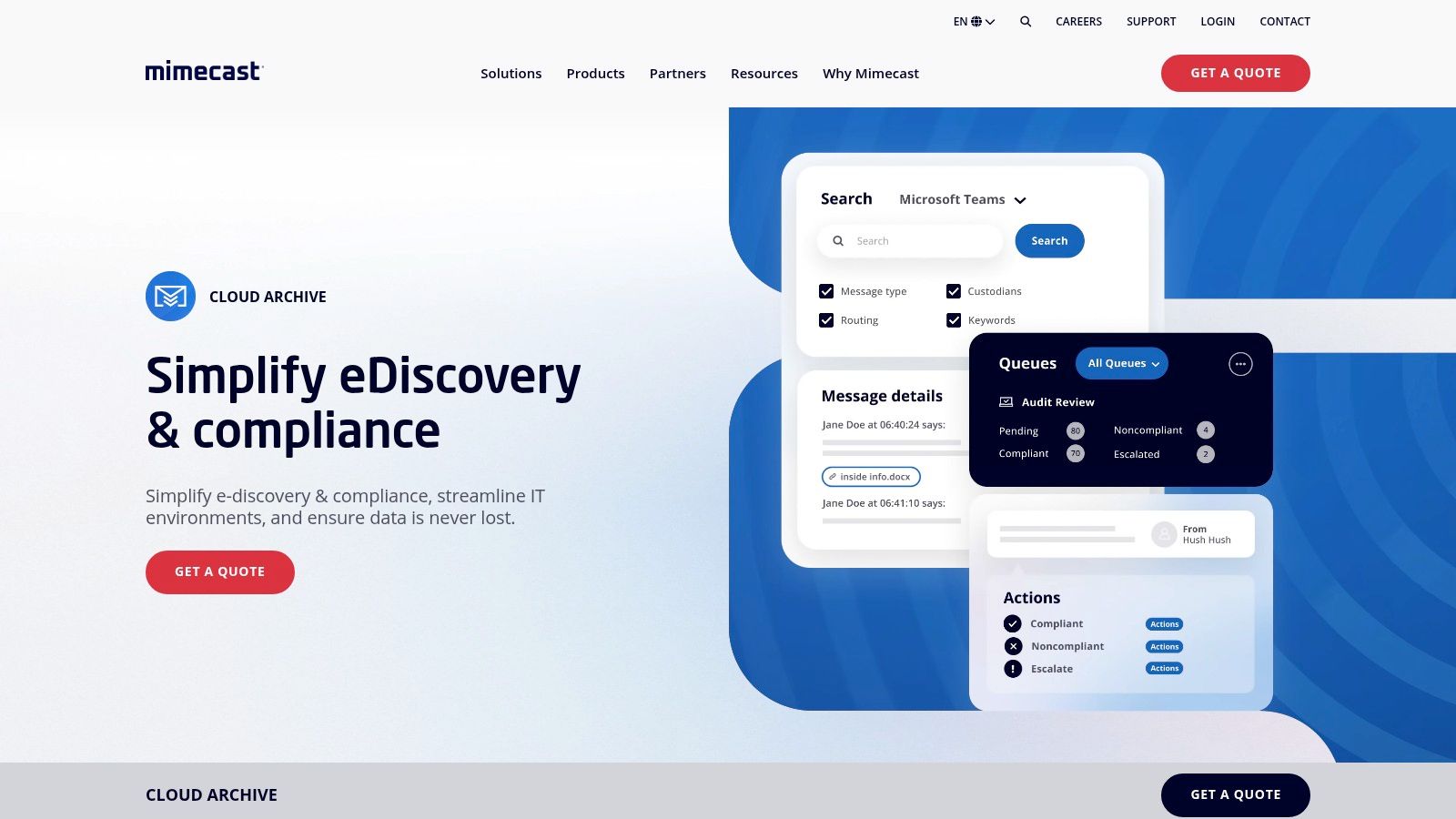
This holistic approach ensures that data is protected from threats before being immutably stored in a tamper-resistant, encrypted cloud archive. For businesses in highly regulated sectors like finance and healthcare, Mimecast provides robust compliance features that adhere to standards such as SEC, FINRA, and HIPAA. These comprehensive features position Mimecast as one of the most dependable email archive solutions for organizations where data integrity is paramount.
Key Features and User Experience
The platform is recognized for its high scalability and performance, capable of handling massive data volumes without compromising search speed. Its near real-time search capabilities and advanced e-Discovery tools empower legal and compliance teams to conduct rapid, granular investigations. The proactive compliance scanning feature automatically monitors communications for policy violations, adding another layer of risk management.
- Best For: Medium to large enterprises in regulated industries needing integrated security, compliance, and archiving.
- Implementation Tip: Engage Mimecast’s professional services for a guided setup to ensure all compliance policies and retention rules are correctly configured from day one.
- Limitation: The platform’s extensive features can introduce a steeper learning curve, and pricing is not publicly disclosed, often requiring a custom quote.
Pricing is tailored to organizational needs, reflecting the solution's enterprise focus. You can learn more about how Mimecast Cloud Archive fits into the broader market by exploring our complete guide to archiving solutions.
Website: https://www.mimecast.com/products/cloud-archive/
5. Proofpoint Archive
Proofpoint Archive moves beyond basic email storage, offering a comprehensive, cloud-native information governance platform for large enterprises. It is designed for organizations with complex regulatory and legal obligations, archiving not just emails but also data from social media, SMS, and other collaboration tools. This holistic approach ensures all critical business communications are captured, preserved, and discoverable in a single, unified repository. Its primary strength lies in its advanced e-Discovery and compliance management capabilities.
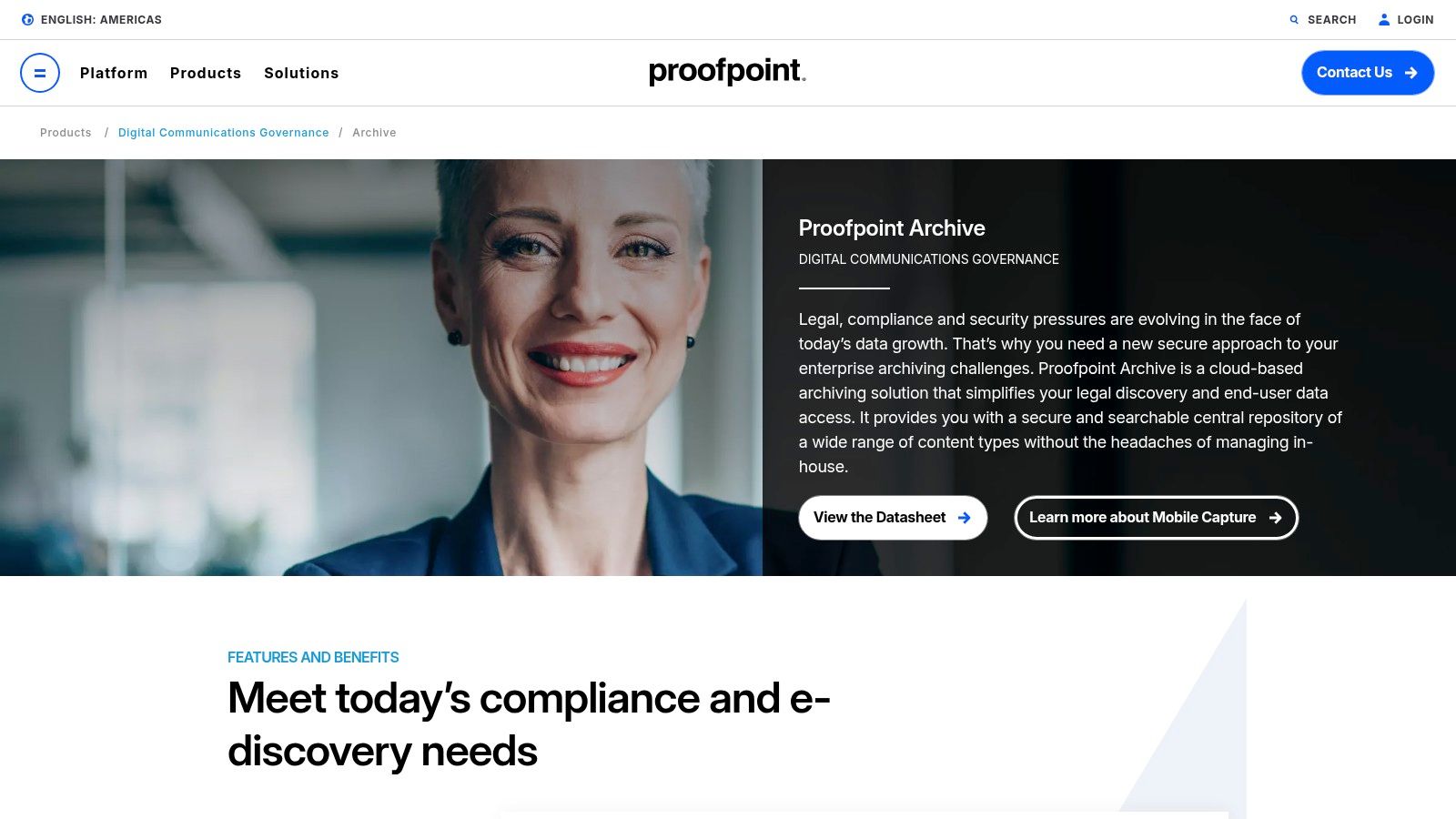
This makes Proofpoint one of the most robust email archive solutions for global corporations facing varied data sovereignty laws. The platform allows for the creation of granular, geography-specific retention policies, ensuring data is managed according to local regulations. Automated legal hold and detailed audit reporting further streamline the litigation response process, significantly reducing risk and administrative burden.
Key Features and User Experience
The user experience is centered on a responsive, modern dashboard with helpful data visualizations. The platform provides fast, self-service search access for end-users and powerful e-Discovery tools for legal teams. The ability to manage multiple data types in one place is a significant differentiator, simplifying information governance across the enterprise.
- Best For: Large, multinational enterprises requiring comprehensive information archiving and advanced e-Discovery for strict compliance.
- Implementation Tip: Leverage their managed service options during setup to properly configure geography-specific retention rules and integrate all necessary data sources from the start.
- Limitation: The complexity and feature set are overkill for most small or mid-sized businesses, and the pricing model requires direct sales engagement, which can be a lengthy process.
Pricing is customized based on organizational needs and requires contacting their sales team directly.
Website: https://www.proofpoint.com/us/products/information-archiving
6. Smarsh
Smarsh positions itself as a leader in enterprise-level information archiving, extending far beyond traditional email to capture a vast array of digital communications. Designed for highly regulated industries like finance and government, its platform provides robust tools to meet stringent compliance, eDiscovery, and risk management requirements. Smarsh excels at ingesting data from over 80 channels, including email, instant messaging, social media, mobile, and voice, consolidating them into a unified, searchable archive.
This comprehensive approach makes it one of the most powerful email archive solutions for organizations needing to enforce supervision policies and respond to legal holds across their entire communications landscape. The platform ensures data is preserved in its native format with full metadata, providing an immutable, audit-ready record critical for litigation and regulatory scrutiny. End-to-end encryption secures data both in transit and at rest.
Key Features and User Experience
Smarsh is built for compliance officers and legal teams, offering advanced, granular search capabilities and sophisticated policy management. Users can run complex queries across all archived content and export results efficiently for review. The platform also provides a Personal Archive, allowing end-users controlled access to their own archived data without compromising security or compliance protocols.
- Best For: Large enterprises in regulated sectors (finance, healthcare, government) that need to archive diverse communication types.
- Implementation Tip: Engage with Smarsh's team to map all your communication channels during onboarding to ensure complete data capture from day one.
- Limitation: The platform’s extensive feature set and enterprise focus can be overly complex and costly for smaller businesses with simpler archiving needs.
Pricing is tailored to each organization's specific requirements and is not publicly listed, reflecting its enterprise-focused sales model.
Website: https://www.smarsh.com/
7. Jatheon Technologies
Jatheon Technologies carves out its niche by focusing on seamless data migration and flexible deployment, making it a strong contender for organizations transitioning from legacy systems. It offers robust hardware, virtual, and cloud-based email archiving solutions compatible with all major platforms like Microsoft 365, Google Workspace, and Exchange. This adaptability ensures that businesses can choose an architecture that aligns perfectly with their existing IT infrastructure and security policies.
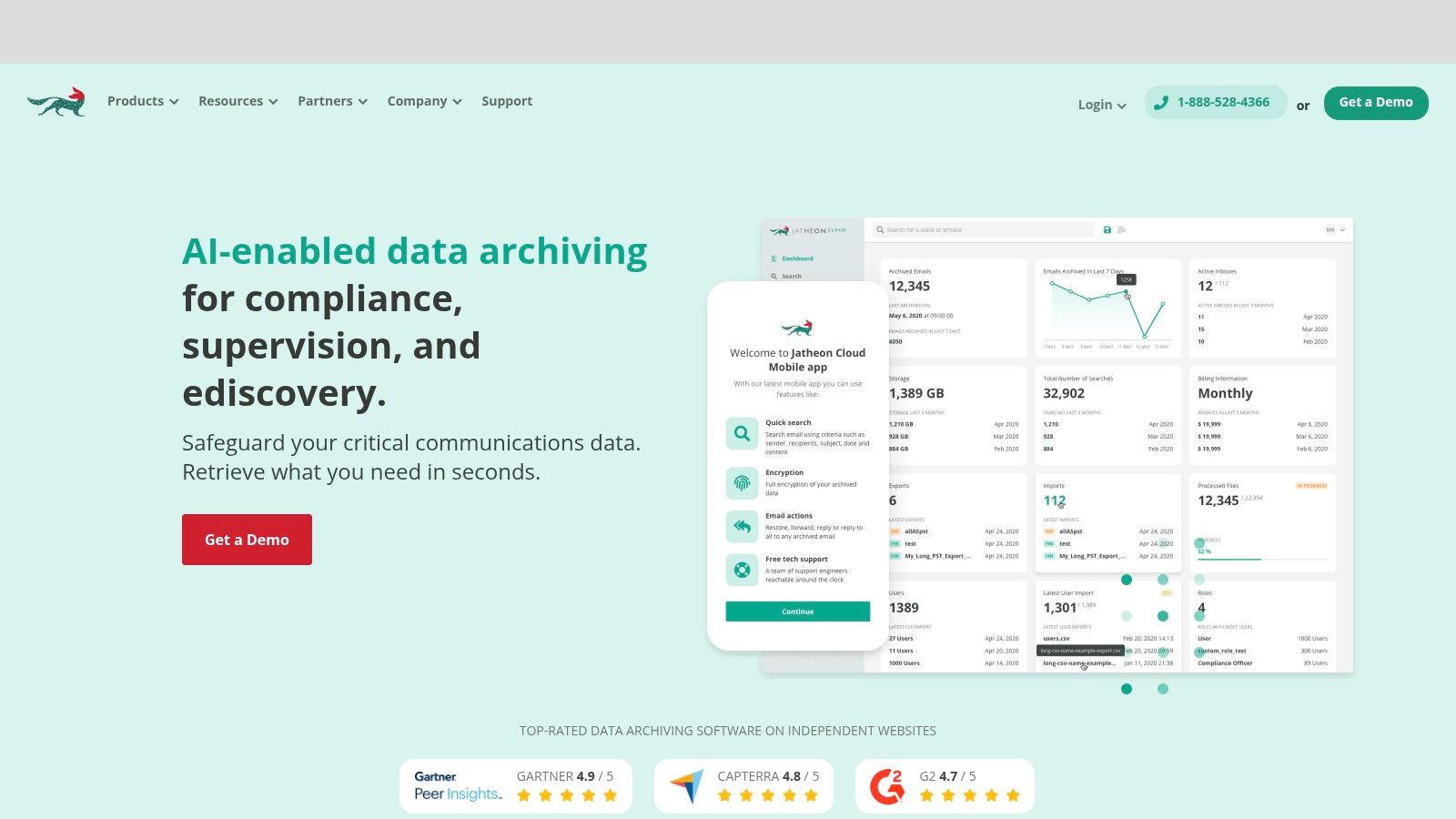
A key differentiator is Jatheon’s expertise in data migration. The company provides automated tools and managed services to move data from over 20 competitor and legacy systems, including free import of PST and EML files. This service is invaluable for companies looking to consolidate disparate archives without risking data loss or extensive downtime, positioning Jatheon as one of the most practical email archive solutions for system upgrades.
Key Features and User Experience
The platform is engineered for compliance and usability, featuring an intuitive interface and a powerful search function that allows for granular eDiscovery. End-users can access their personal archives directly through an Outlook Add-in, which minimizes the learning curve and reduces the support burden on IT departments. The system provides tamper-proof storage to help organizations meet stringent regulatory requirements.
- Best For: Organizations needing to migrate from outdated archiving systems or requiring flexible cloud, virtual, or on-premise deployment options.
- Implementation Tip: Take advantage of their free legacy data import service (PST/EML) to centralize scattered archives before fully rolling out the new system.
- Limitation: Pricing is not publicly available and requires contacting the sales team, which can slow down the initial evaluation process for some businesses.
Jatheon's pricing is customized based on deployment type and user count, requiring a direct quote.
Website: https://jatheon.com/
8. ArcTitan by TitanHQ
ArcTitan by TitanHQ delivers a powerful, cloud-based email archiving solution designed for simplicity and efficiency, particularly for small to mid-sized enterprises. It automatically creates immutable, identical copies of all inbound and outbound emails, storing them in a secure, centralized cloud archive. This approach not only ensures data integrity for compliance but also significantly offloads storage demands from primary email servers like Microsoft 365, potentially reducing server storage needs by up to 75%.
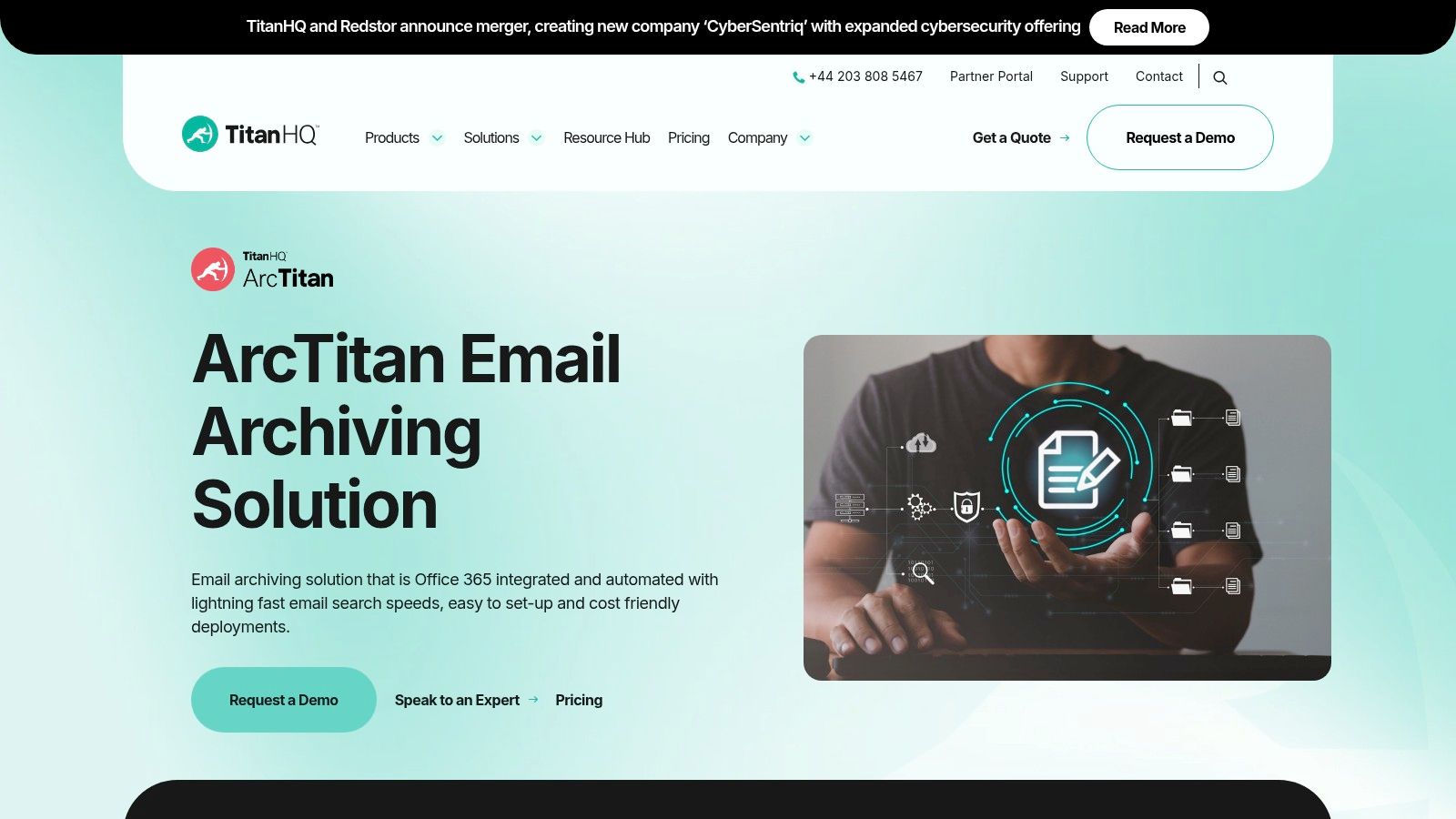
The platform stands out with its combination of affordability and robust functionality. Unlike some complex enterprise systems, ArcTitan prioritizes easy deployment and management, allowing IT administrators to set up and maintain the archive with minimal effort. Its focus on providing essential email archive solutions without an overwhelming feature set makes it a practical choice for businesses needing to meet legal and eDiscovery requirements without a steep learning curve or high costs.
Key Features and User Experience
ArcTitan is praised for its incredibly fast search capabilities, which allow users to sift through millions of emails in seconds using advanced query options. The user interface is clean and intuitive, ensuring that both administrators and end-users can find what they need without extensive training. Integration with Microsoft 365 is seamless, providing a unified experience.
- Best For: Small to mid-sized businesses and MSPs seeking a cost-effective, high-performance cloud archiving solution with strong compliance support.
- Implementation Tip: During setup, define user roles and access permissions carefully to ensure that employees can only search their own archives, protecting privacy and security.
- Limitation: While highly effective for its target audience, ArcTitan may not offer the granular, complex eDiscovery workflows required by very large, litigation-heavy enterprises.
Pricing is transparent and competitive, often cited as a key advantage for budget-conscious organizations.
Website: https://www.titanhq.com/email-archiving/
9. Dropsuite Email Archiving
Dropsuite offers a robust, cloud-native approach to email archiving that is particularly well-suited for businesses already invested in Microsoft 365 or Google Workspace. Its strength lies in providing a seamless, set-it-and-forget-it backup and archiving service that requires minimal IT overhead. The platform is designed to automate the capture of all email data in a secure, encrypted, and tamper-proof cloud vault, making it an excellent choice for organizations prioritizing data protection and regulatory adherence without the complexity of on-premise hardware.
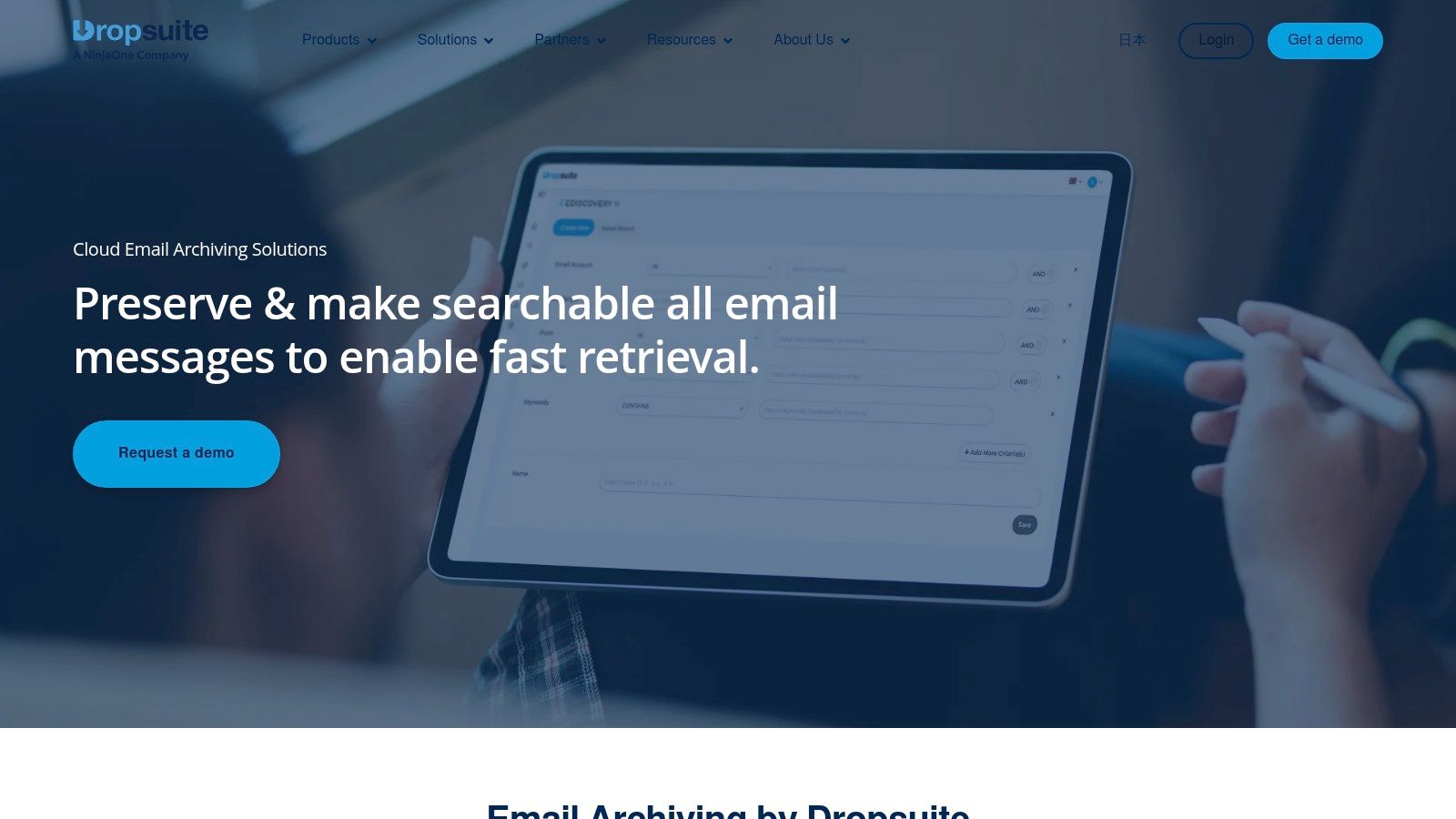
This solution is engineered to support stringent compliance standards like GDPR, HIPAA, and FINRA, providing peace of mind for businesses in regulated industries. As a comprehensive data management tool, Dropsuite extends beyond just email to include backup for SharePoint, OneDrive, and Teams, offering a consolidated data protection strategy. This makes it a valuable asset for organizations looking for holistic email archive solutions that also cover broader collaboration platforms.
Key Features and User Experience
Dropsuite is praised for its intuitive, user-friendly interface, which simplifies the otherwise complex tasks of eDiscovery and compliance audits. Its advanced search capabilities allow administrators and compliance officers to perform granular searches with multiple criteria, apply legal holds, and export data quickly and efficiently. The platform’s journaling-based archiving ensures a complete and unaltered record of all communications is captured in real-time.
- Best For: Businesses using Microsoft 365 or Google Workspace that need a fully managed, compliant, and easy-to-use cloud archiving and backup solution.
- Implementation Tip: Leverage the insights and analytics dashboard to monitor storage usage and search activity, helping you proactively manage your data and identify potential compliance issues.
- Limitation: Pricing is not publicly listed and requires contacting their sales team, which can be a hurdle for smaller businesses seeking immediate cost estimates.
The service is often bundled and sold through managed service providers (MSPs), making it a popular and reliable partner-channel product.
Website: https://dropsuite.com/products/email-archiving/
10. Libraesva Email Archiver
Libraesva Email Archiver delivers a robust, compliance-focused platform designed for organizations prioritizing email governance and risk management. It stands out by combining comprehensive archiving capabilities with an exceptionally user-friendly interface, making complex tasks like eDiscovery and compliance reporting accessible to IT administrators without extensive training. The solution integrates smoothly with major email platforms, including Microsoft 365 and Exchange, ensuring automated, tamper-proof ingestion of all inbound, outbound, and internal communications.
This focus on simplicity and powerful backend processing makes it one of the more practical email archive solutions for businesses needing to meet strict regulatory standards like GDPR. Libraesva ensures every email is indexed and stored securely in its original form, complete with metadata, providing an immutable audit trail. Features like role-based access control and detailed audit logs further enhance data security and governance.
Key Features and User Experience
The platform is consistently praised for its intuitive dashboard and simple deployment, which can be done on-premises, in a private cloud, or as a service. End-users benefit from a seamless experience via an Outlook Add-in, allowing them to search and retrieve their archived emails directly from their inbox without needing IT intervention. The search function is both fast and granular, enabling precise data retrieval.
- Best For: Organizations in regulated industries (finance, healthcare, legal) needing a turnkey solution for compliance and eDiscovery.
- Implementation Tip: Leverage the Outlook Add-in during a trial period to gauge user adoption and ease of use. This is a key selling point for reducing IT support tickets.
- Limitation: The platform’s advanced features, while powerful, may require some initial configuration and user training to be fully utilized, and pricing is not publicly listed.
Pricing is available upon request and is tailored to the organization's specific needs, including the number of mailboxes and deployment model.
Website: https://www.libraesva.com/products/email-archiver/
11. Intradyn Email Archiving
Intradyn delivers a focused and powerful platform aimed at making regulatory compliance and data protection accessible for organizations of all sizes. It stands out by combining essential archiving features with robust eDiscovery tools, all within a package that emphasizes affordability and straightforward management. The solution automatically captures and indexes every inbound and outbound email, creating a secure, tamper-proof repository. This ensures businesses can meet strict legal and industry-specific regulations, such as FINRA, HIPAA, and public records laws.
This makes it a compelling choice for sectors like finance, healthcare, and government, where legal hold and swift data retrieval are not just operational needs but legal mandates. As one of the more streamlined email archive solutions, Intradyn ensures that complex compliance requirements don't necessitate an overly complex or expensive system, offering deployment options that include cloud, on-premises hardware, or virtual appliances to fit diverse IT infrastructures.
Key Features and User Experience
Intradyn’s interface is designed for efficiency, particularly its search and eDiscovery capabilities. Users can execute granular searches and place messages on legal hold with just a few clicks, drastically reducing the time and cost associated with litigation or audits. The platform also provides valuable usage analytics and reporting, giving administrators insight into email activity and archive health.
- Best For: Regulated industries like finance and government, as well as any business needing strong eDiscovery tools without an enterprise-level budget.
- Implementation Tip: Before full deployment, work with your legal or compliance team to configure retention policies and legal hold tags to match your specific regulatory obligations.
- Limitation: While easy to manage, unlocking the full potential of its advanced eDiscovery and reporting tools may require some initial training for non-technical users.
Pricing is customized and requires contacting their sales team, but the platform is known for its competitive and affordable entry point.
Website: https://www.intradyn.com/email-archiving/
12. Veritas Enterprise Vault
Veritas Enterprise Vault stands as a heavyweight champion in the information archiving space, designed for large enterprises managing vast and complex data ecosystems. Its capabilities extend far beyond simple email storage, offering a comprehensive platform that archives data from Microsoft Exchange, SharePoint, IBM Domino, social media, and various file systems. This multi-source support makes it a centralized solution for organizations aiming to unify their information governance strategies and reduce data fragmentation across the enterprise.
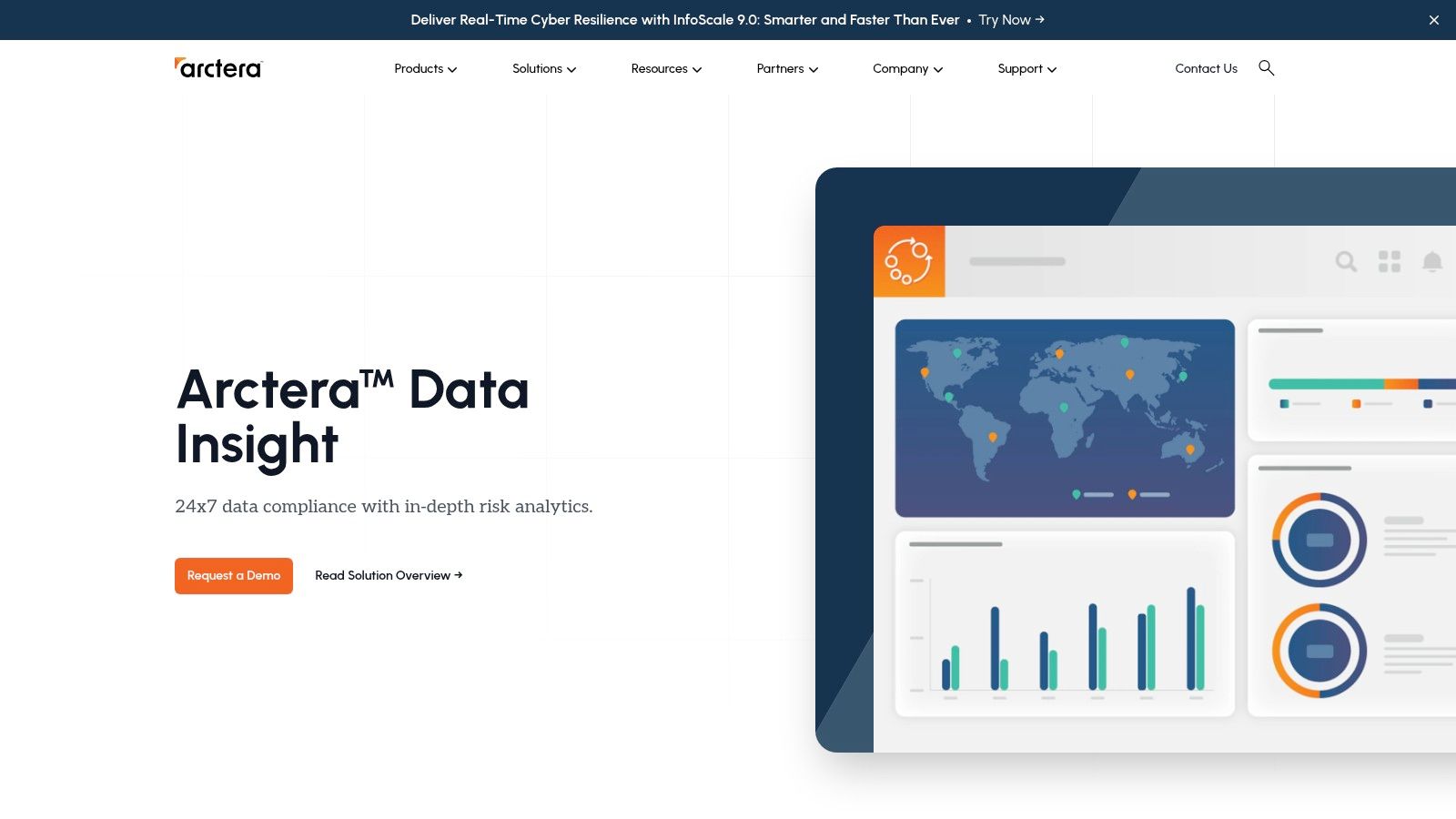
The platform's core strength is its powerful, policy-based data management. Administrators can automate data classification, retention, and deletion based on content, age, and other metadata. This not only optimizes storage through de-duplication and compression but is also essential for enforcing a compliant email record retention policy. For global corporations facing stringent regulatory demands, Enterprise Vault provides one of the most robust email archive solutions available.
Key Features and User Experience
Enterprise Vault focuses on industrial-grade performance, security, and compliance. Its eDiscovery and supervision features are built to handle complex legal holds and internal investigations, allowing for granular searches and review workflows. The platform is highly scalable, designed to manage petabytes of data without a significant drop in performance.
- Best For: Large, multinational enterprises in regulated industries like finance, healthcare, and government that require a powerful, all-in-one information governance platform.
- Implementation Tip: Due to its complexity, a phased rollout is recommended. Start with a single data source, like Exchange, to master the policy engine before expanding to other systems like SharePoint or file shares.
- Limitation: The platform's extensive feature set and on-premises focus can result in a complex and costly implementation, making it unsuitable for most SMBs.
Pricing is tailored to enterprise needs and requires direct engagement with the Veritas sales team.
Website: https://www.veritas.com/upgrade-enterprise-vault
Email Archive Solutions Feature Comparison
| Product | Core Features/Characteristics | User Experience/Quality ★ | Value Proposition 💰 | Target Audience 👥 | Unique Selling Points ✨ |
|---|---|---|---|---|---|
| 🏆 Typewire | Private hosting, no ads/tracking, anti-spam, custom domains | ★★★★☆ Responsive web interface | Flexible free/basic/premium plans | Privacy-conscious individuals & SMBs | Operates on private Canadian data centers |
| MailStore | Multi-platform support, GDPR certified, easy setup | ★★★★☆ User-friendly | Cost-effective for SMBs | Small to mid-sized businesses | Broad platform compatibility |
| Barracuda Cloud Archiving | Unlimited storage, e-Discovery, MS 365 integration | ★★★★☆ Seamless MS 365 plugin | Contact sales for pricing | Microsoft-centric organizations | Granular retention & legal hold |
| Mimecast Cloud Archive | Email + MS Teams archiving, compliance tools | ★★★★☆ High scalability | Pricing on request | Medium to large enterprises | Proactive compliance scanning |
| Proofpoint Archive | Archives multiple data types, geo-specific retention | ★★★★☆ Responsive dashboard | Contact sales for pricing | Large enterprises | Covers social media, SMS + collaboration |
| Smarsh | Multi-channel archiving, advanced analytics | ★★★★☆ End-to-end encryption | Pricing on request | Regulated industries & enterprises | Archives voice, IM, web data |
| Jatheon Technologies | Compatibility with major platforms, migration tools | ★★★★☆ User-friendly | Contact sales for pricing | Organizations upgrading archives | Automated legacy data import |
| ArcTitan by TitanHQ | Cloud storage, fast search, reduces server storage | ★★★★☆ Easy management | Affordable pricing | Small to mid-sized enterprises | Up to 75% storage reduction |
| Dropsuite Email Archiving | Multi-platform support, encryption, compliance | ★★★★☆ User-friendly | Contact sales for pricing | Mid-sized orgs with compliance needs | Easy integration, advanced e-Discovery |
| Libraesva Email Archiver | Governance, risk mgmt, GDPR export, Outlook add-in | ★★★★☆ Intuitive interface | Contact sales for pricing | Compliance-focused organizations | Automated ingestion, GDPR-ready tools |
| Intradyn Email Archiving | Affordable, legal hold, analytics reporting | ★★★★☆ Easy deployment | Affordable pricing | Organizations of all sizes | Automated syncing, legal hold |
| Veritas Enterprise Vault | Multi-source archiving, indexing, de-duplication | ★★★★☆ Advanced features | Contact sales for pricing | Large enterprises | Comprehensive data management |
Securing Your Digital Legacy Starts Today
Navigating the landscape of email archive solutions can feel overwhelming, but as we've explored, making a deliberate choice is no longer an optional IT task. It's a foundational pillar of modern business strategy, impacting everything from legal defensibility and regulatory compliance to operational efficiency and knowledge management. We have delved into a dozen distinct platforms, from comprehensive enterprise-grade systems like Veritas Enterprise Vault and Mimecast to more specialized or accessible options like ArcTitan and Dropsuite, each with its own set of strengths and ideal use cases.
The key takeaway is that the "best" solution is not a one-size-fits-all product but the one that aligns perfectly with your organization's unique requirements. A small business owner’s primary concern might be cost-effective, set-it-and-forget-it storage, while a healthcare IT administrator must prioritize HIPAA compliance and robust eDiscovery features above all else. Understanding your specific drivers is the critical first step.
Your Roadmap to Choosing the Right Archiving Partner
Before you commit to a long-term contract, it’s essential to distill your needs into a clear set of criteria. This process will transform your search from a confusing maze of features into a structured evaluation.
Here are the pivotal questions to guide your selection process:
- What is your primary "why"? Are you driven by compliance mandates (like GDPR, HIPAA, or SEC), the need for litigation support, the desire to improve server performance, or the goal of preserving corporate knowledge? Your primary motivation will heavily influence which features you prioritize.
- What is your infrastructure reality? Do you have the on-premises resources to manage a solution like MailStore Server, or does a fully cloud-native platform like Barracuda Cloud Archiving Service better suit your IT model? Consider your team's expertise and long-term maintenance capacity.
- How deep do your search needs go? Basic keyword search might suffice for some, but if you anticipate complex eDiscovery requests, you'll need a tool with advanced capabilities. Look for features like granular search logic, metadata filtering, and support for complex queries, which are hallmarks of solutions like Proofpoint and Jatheon.
- What is your total cost of ownership (TCO)? Look beyond the initial subscription or license fee. Factor in potential costs for implementation, data migration, training, and ongoing support. A seemingly cheaper solution could become more expensive if it requires significant hands-on management from your IT staff.
Implementation: The Final Frontier
Once you've selected your ideal email archive solution, the journey isn't over. A successful implementation is just as crucial as the selection itself. Meticulous planning is non-negotiable. This includes defining your retention policies from the outset, planning the migration of legacy email data (a process known as journaling or ingestion), and establishing clear access controls for administrators and end-users.
Engage with your chosen vendor’s support team early and often. They can provide invaluable guidance on best practices for deployment, helping you avoid common pitfalls and ensuring a smooth transition. Remember, your email archive is a living system. It requires periodic review of its policies and performance to ensure it continues to meet your organization's evolving needs. Taking these deliberate steps ensures your chosen solution becomes a strategic asset rather than just another piece of software.
If your search for secure digital communication extends beyond archiving to the core of your email experience, consider how Typewire prioritizes privacy and control. For those who value ad-free, no-tracking communication and robust security features, Typewire offers a private email hosting solution that puts you back in command of your inbox. Secure your communications from the ground up with a service designed for privacy-conscious users and businesses.