Author: williamwhite

  • Top 10 Best Encrypted Email Services for Privacy in 2025

    Top 10 Best Encrypted Email Services for Privacy in 2025

    Your standard email inbox is a digital liability. Services like Gmail and Outlook, while convenient, often treat your personal and business communications as a product, scanning them for advertising data and leaving them vulnerable to surveillance and data breaches. For anyone handling sensitive information – from client contracts and financial records to personal health details – relying on these free services is a significant risk. Encrypted email isn't just a niche tool for activists or security experts anymore; it's a fundamental necessity for maintaining digital privacy and control.

    This comprehensive guide is designed to cut through the noise and technical jargon, helping you find the best encrypted email services for your specific needs. We’ve done the heavy lifting, rigorously testing and analyzing the leading platforms on the market. Whether you're a privacy-focused individual tired of invasive ads, a small business owner needing secure client communication with a custom domain, or an IT professional sourcing a solution for your team, this resource provides the clarity you need to make an informed decision.

    Inside, you'll find detailed, hands-on reviews of services like ProtonMail, Tuta, Typewire, and more. Each breakdown covers critical factors:

    • Security Architecture: A straightforward look at their encryption protocols (like PGP and end-to-end encryption) and what they actually protect.
    • Practical Use Cases: Honest assessments of who each service is truly for, from individual users to enterprise teams.
    • Key Features & Limitations: An analysis of standout features and potential drawbacks, so you know exactly what you’re getting.
    • Pricing and Tiers: Clear comparisons of free and paid plans to match your budget and requirements.

    We provide screenshots for a real-world feel and direct links to each platform, making your transition to a secure inbox as seamless as possible. Forget marketing fluff; this is your definitive roadmap to reclaiming your digital privacy.

    1. Typewire

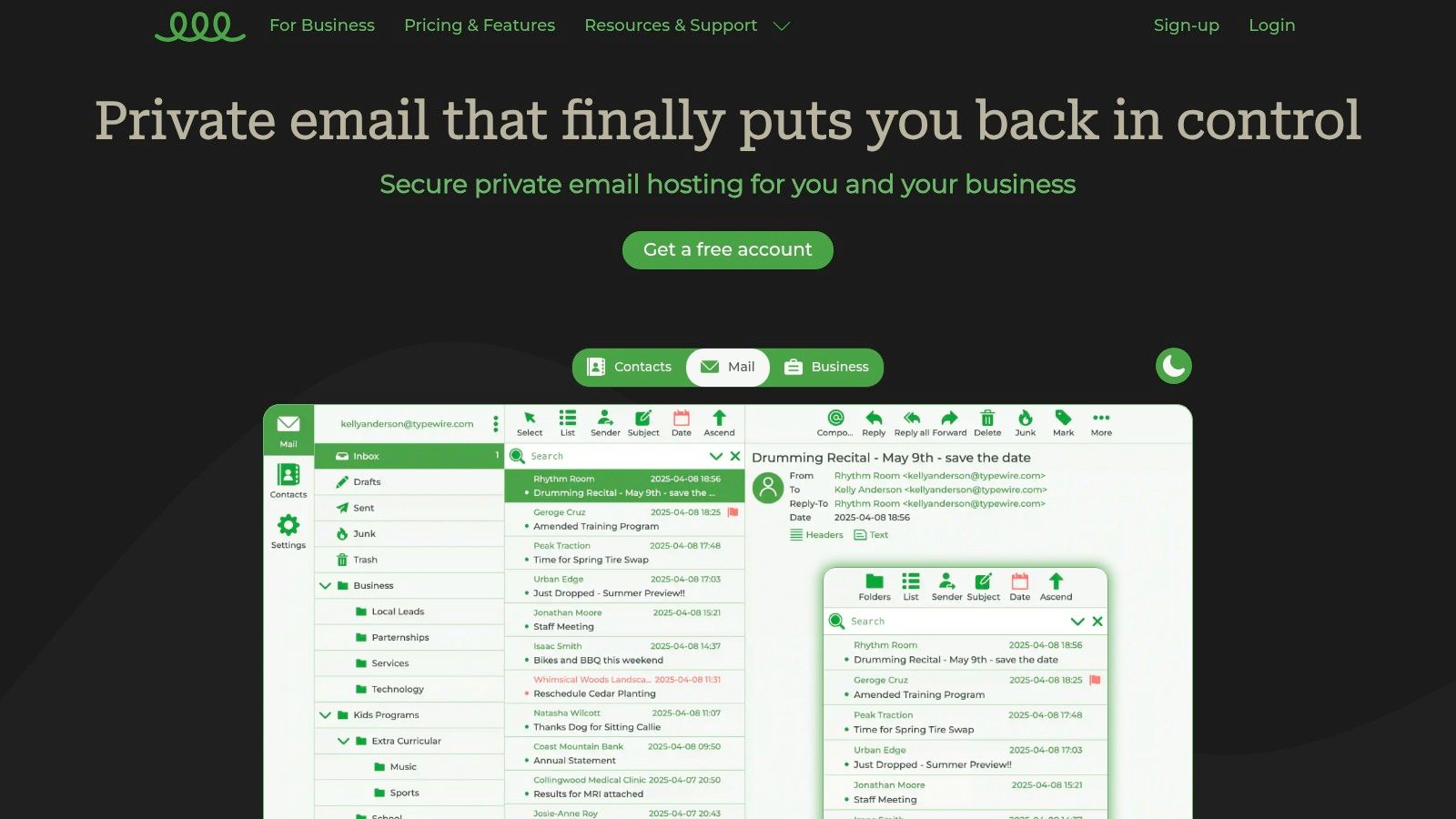
    Typewire positions itself as a robust, privacy-first email hosting platform, making it a powerful contender for one of the best encrypted email services available. It's engineered from the ground up to provide users with complete control over their digital communications, eliminating ads, tracking, and data mining entirely. This commitment makes it an exceptional choice for privacy-conscious individuals, small businesses, and IT professionals who need to manage secure communications without compromise.

    Typewire

    What truly sets Typewire apart is its infrastructure. Unlike many competitors that rely on third-party cloud providers, Typewire operates on its own privately owned and managed data centers in Vancouver, Canada. This provides a significant security advantage by minimizing external data exposure and reinforcing network privacy at a fundamental level.

    Key Strengths and User Experience

    Typewire’s interface is clean, fast, and highly intuitive, clearly designed by email power users. It includes both light and dark modes and is fully responsive for seamless access across devices. The user experience is streamlined, making tasks like setting up custom domains or managing team accounts straightforward.

    Advanced anti-spam and virus filters are another core strength. The system is exceptionally effective at reducing clutter, with algorithms that continuously learn and improve, ensuring your inbox remains clean and secure.

    Practical Use Cases

    • Small to Medium-Sized Businesses: SMBs can leverage custom domain hosting to establish a professional, branded communication channel. The platform's team management tools simplify adding or removing users, making it scalable as the business grows.
    • Privacy-Conscious Individuals: For users transitioning from Gmail or Outlook, Typewire offers a secure haven. Its strict no-tracking policy means personal conversations remain private, free from invasive ad targeting and data profiling.
    • IT Administrators: Security professionals will appreciate the control offered by privately owned infrastructure. The platform provides the tools needed to enforce strict communication policies and protect sensitive organizational data effectively.

    Pricing and Access

    Typewire offers a flexible pricing structure that includes a free tier, making it accessible to everyone. For more advanced features like custom domains and increased storage, users can opt for Basic or Premium plans.

    Plan Price (Billed Annually) Key Features
    Free $0 1 GB storage, basic security features
    Basic $2.50/month 10 GB storage, custom domain support, priority support
    Premium $5.00/month 25 GB storage, advanced team management, enhanced security

    A 7-day free trial is available for paid plans, allowing you to test its full capabilities risk-free.

    Pros:

    • Privacy-First Design: Guarantees zero tracking, no ads, and no data mining.
    • Private Infrastructure: Hosts on its own Canadian servers for enhanced security and data sovereignty.
    • User-Friendly Interface: Clean, responsive design with light and dark modes.
    • Advanced Security: Powerful anti-spam and virus protection.
    • Custom Domain Support: Ideal for establishing a professional brand identity.

    Cons:

    • Fewer Integrations: Lacks the extensive third-party app ecosystem of larger providers like Google Workspace or Microsoft 365.
    • Paid Tiers for Full Features: Access to custom domains and advanced tools requires a paid subscription.

    Website: https://typewire.com

    2. ProtonMail

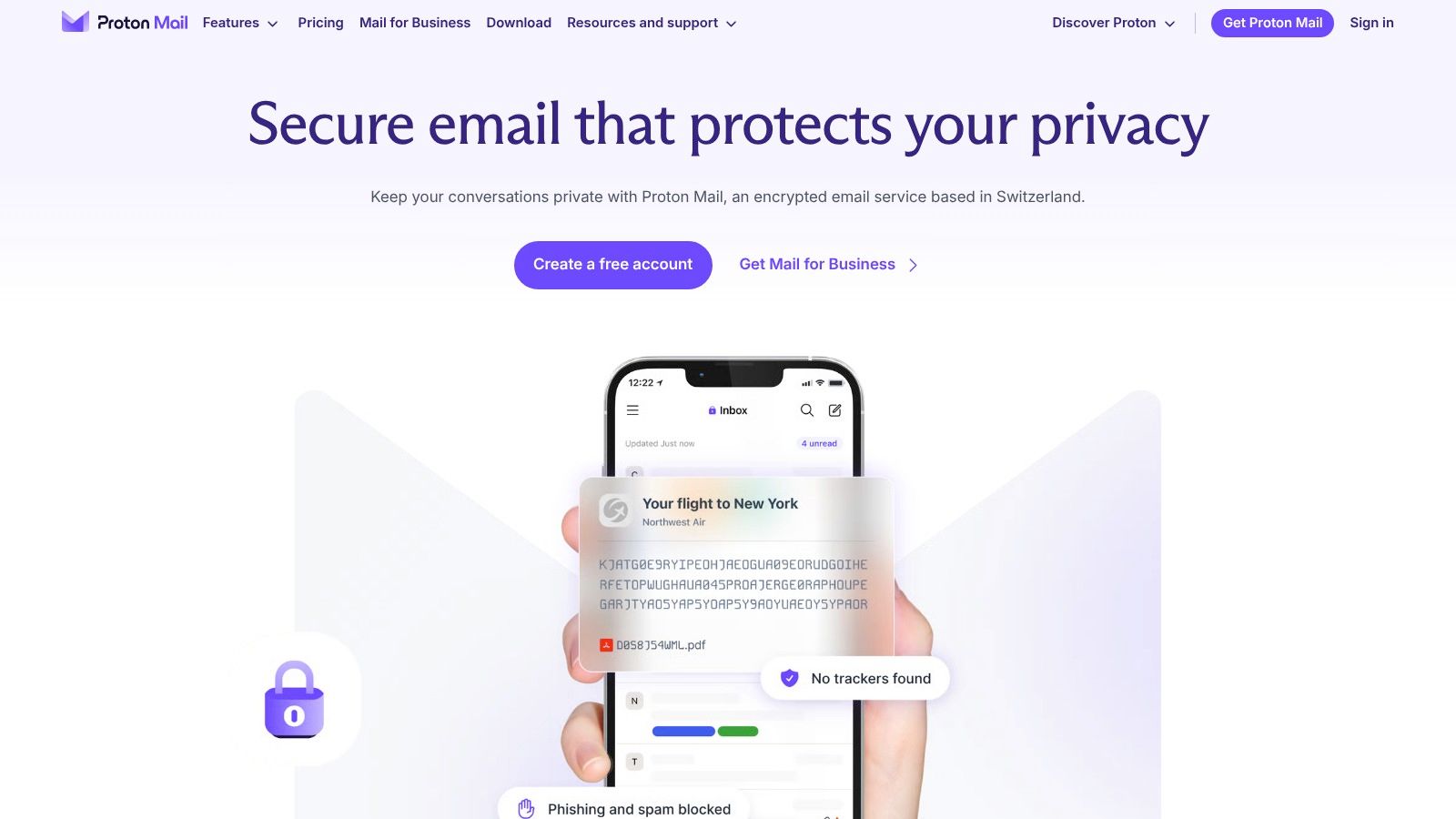
    Based in Switzerland, a country known for its stringent privacy laws, ProtonMail has established itself as a cornerstone in the secure communication space. It stands out by offering robust end-to-end encryption by default, ensuring that no one, not even ProtonMail itself, can access the content of your emails. This makes it an exceptional choice for journalists, activists, and anyone serious about keeping their digital correspondence confidential.

    ProtonMail

    The platform’s user experience is clean and intuitive, closely resembling traditional email clients, which significantly lowers the barrier to entry for users new to encrypted services. One of its most practical features is the ability to send self-destructing emails, even to non-ProtonMail users, by setting an expiration timer.

    Key Features and Pricing

    ProtonMail operates on a freemium model. The free plan is quite generous for personal use, though it comes with storage limitations (1 GB) and a cap on daily messages. For professionals and businesses, the paid plans unlock crucial features.

    • Proton Mail Plus: Starts at €4.99/month, offering 15 GB of storage, one custom email domain, and expanded sending limits.
    • Proton Unlimited: At €12.99/month, this bundle includes all Proton services (Mail, Calendar, Drive, VPN) with 500 GB of total storage and support for three custom domains.

    The open-source nature of its applications adds a layer of trust and transparency, allowing the security community to vet its code. For those exploring different providers, you can see how ProtonMail stacks up against other top-tier options by reviewing this guide on finding the best encrypted email solutions. Its combination of Swiss legal protection, user-centric design, and a strong feature set makes it one of the best encrypted email services available today.

    Website: https://proton.me/mail

    3. Tuta (formerly Tutanota)

    Operating from Germany, Tuta (formerly Tutanota) has carved out a strong reputation for its unwavering commitment to privacy and open-source principles. It offers end-to-end encryption not just for emails but also for its integrated calendar and contacts, providing a full-suite solution for secure personal information management. Its standout feature is the pioneering implementation of post-quantum cryptography, ensuring that user data remains secure against future threats from quantum computers.

    Tuta (formerly Tutanota)

    The user interface is clean, fast, and completely free of ads, reflecting Tuta’s core belief in a private, tracking-free experience. This makes it an excellent choice for privacy advocates and anyone looking to de-Google their digital life without sacrificing usability. Its open-source nature allows for complete transparency, as its code is publicly available for security audits.

    Key Features and Pricing

    Tuta provides a compelling free tier and affordable paid plans, making it accessible for a wide range of users. The free plan is ideal for individual use but comes with a 1 GB storage limit and does not support custom domains.

    • Revolutionary Plan: Starts at €3.60/month, providing 20 GB of storage, three custom domains, and 15 alias email addresses.
    • Legend Plan: For €9.60/month, users get 500 GB of storage, ten custom domains, and 30 alias addresses, along with premium support.

    By encrypting the entire mailbox by default, Tuta ensures that all stored data is inaccessible to anyone but the user. This comprehensive approach underscores the top benefits of using encrypted email for protecting sensitive communications. With its forward-thinking security and user-first philosophy, Tuta rightly earns its spot among the best encrypted email services.

    Website: https://tuta.com

    4. Hushmail

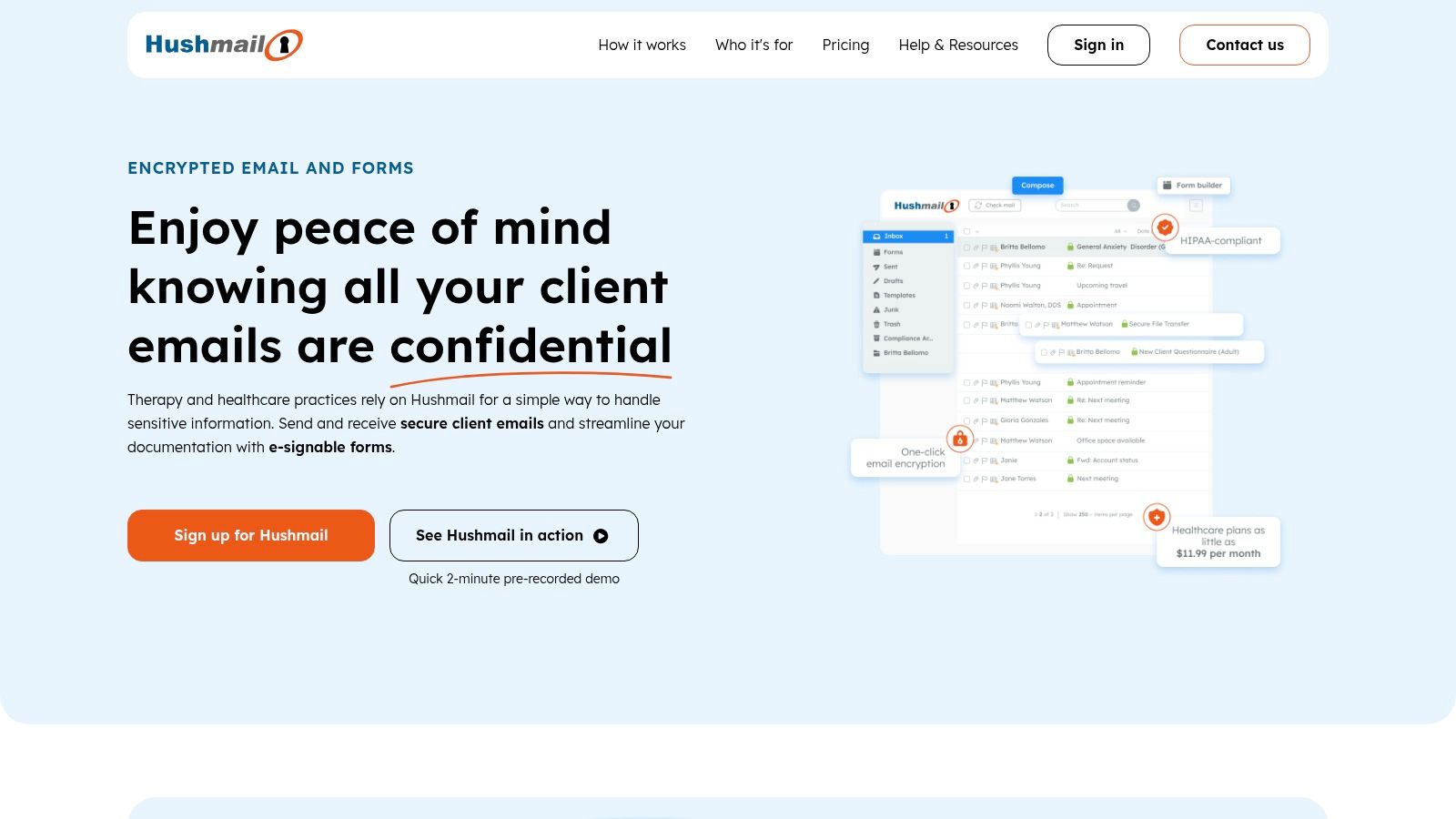
    Based in Canada, Hushmail has carved out a niche by providing secure email solutions specifically tailored for professional sectors, particularly healthcare and law. It leverages OpenPGP standards to deliver end-to-end encryption, ensuring that sensitive client communications remain confidential. Its standout feature is its focus on compliance, offering solutions that meet the stringent requirements of regulations like HIPAA.

    Hushmail

    The platform is designed with a user-friendly interface, making it accessible even for those not technically inclined. A key differentiator is the integration of secure web forms and electronic signatures, which streamlines client intake and data collection for businesses. While it offers a robust service, its primary drawback is the absence of a free plan, positioning it as a premium-only option.

    Key Features and Pricing

    Hushmail's pricing structure reflects its focus on professional and business users, with no freemium tier available. Each plan is designed to meet specific industry needs, from solo practitioners to small businesses.

    • Hushmail for Personal Use: Starts at $49.98 per year, providing 10 GB of storage and two-step verification.
    • Hushmail for Small Business: Priced at $5.99 per user/month, this plan includes custom domain support, secure web forms, and an email archive.
    • Hushmail for Healthcare: Begins at $9.99 per month, offering HIPAA-compliant email and forms, plus a signed Business Associate Agreement (BAA).

    Its industry-specific features make Hushmail one of the best encrypted email services for professionals who handle legally protected information. The combination of strong encryption, regulatory compliance, and integrated forms provides a comprehensive solution that goes beyond simple secure messaging, directly addressing the workflow needs of legal and medical practices.

    Website: https://www.hushmail.com

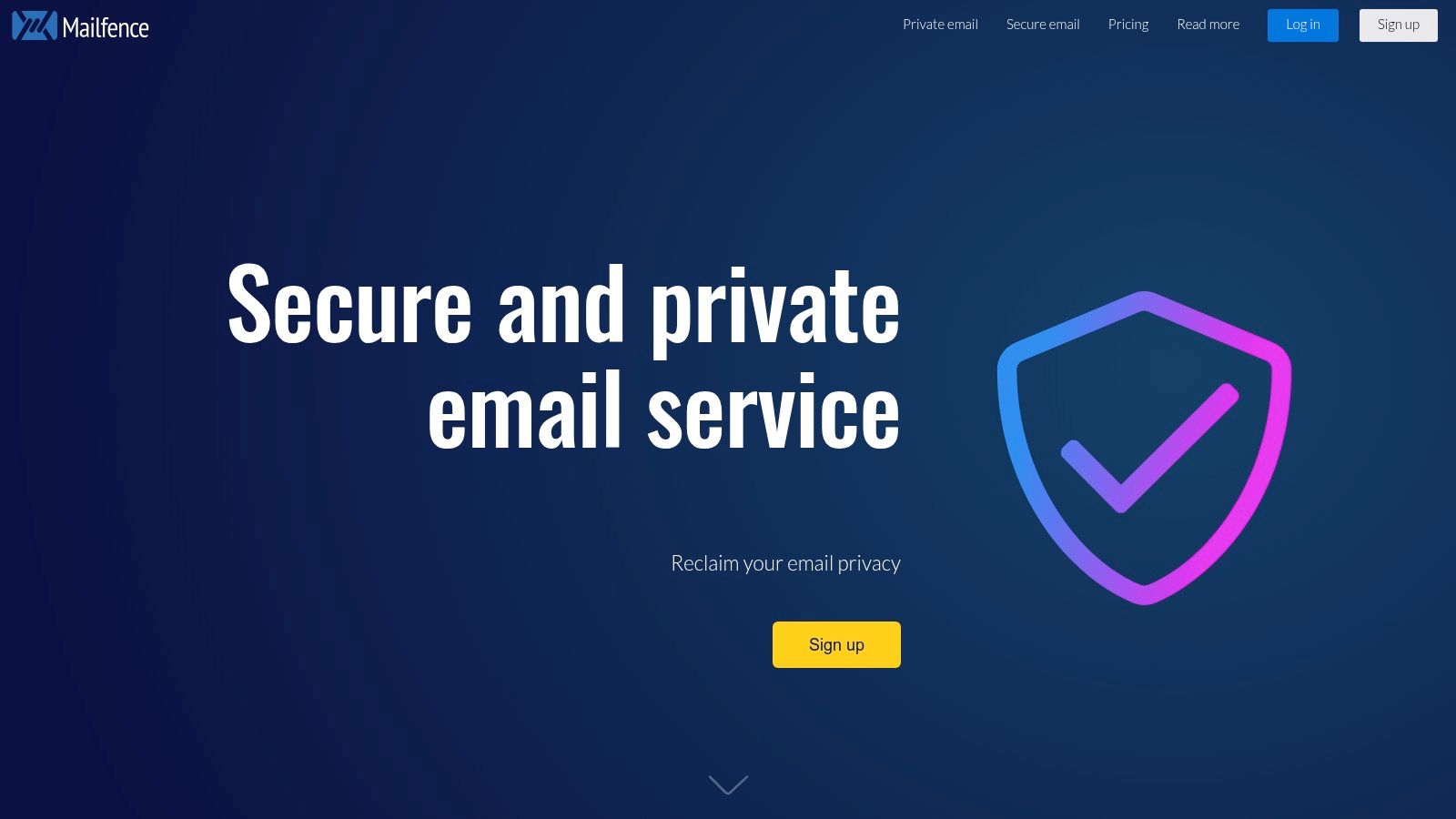
    5. Mailfence

    Operating from Belgium, Mailfence leverages the country's strong privacy legislation to offer a secure and private email suite. It distinguishes itself by integrating end-to-end encryption using the open-standard OpenPGP, not just for email but across its entire suite of tools. This makes it a comprehensive solution for users who want to manage their calendars, contacts, and documents within the same encrypted ecosystem, ensuring holistic data protection.

    Mailfence

    The platform’s strength lies in its full collaboration suite, which includes an encrypted calendar, contacts management, and document storage. While the interface is clean, setting up OpenPGP keys can present a slight learning curve for beginners. However, once configured, its digital signature feature provides excellent email authenticity, confirming the sender's identity and preventing tampering.

    Key Features and Pricing

    Mailfence provides a functional free plan, though with limited storage. Its paid tiers offer a significant upgrade in features and capacity, catering to both individuals and professional teams.

    • Free Plan: Includes 500 MB of email storage and 500 MB for documents, with basic support.
    • Entry Plan: Starts at €3.50/month, increasing email storage to 10 GB, document storage to 30 GB, and adding support for one custom domain.
    • Pro Plan: At €9.50/month, this plan provides 50 GB for emails, 70 GB for documents, 10 custom domains, and priority support.

    Mailfence is a solid contender among the best encrypted email services for those who value an all-in-one productivity suite without compromising on security fundamentals. If you want to dive deeper into securing your digital communications, you can find valuable insights in this guide on how to make your email secure. Its commitment to no ads, no tracking, and transparent privacy policies makes it a trustworthy choice.

    Website: https://www.mailfence.com

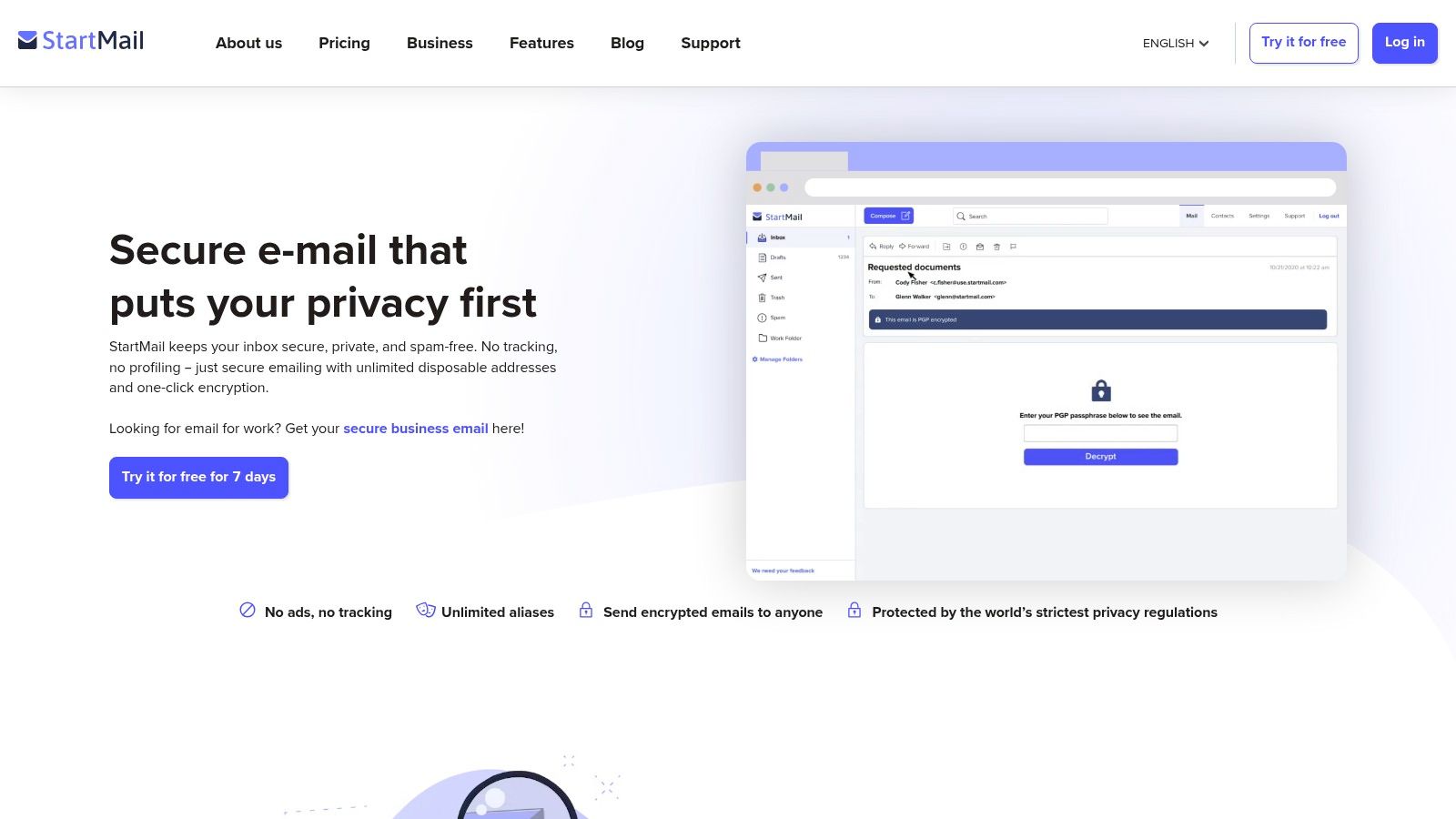
    6. StartMail

    Hailing from the Netherlands, StartMail is brought to you by the team behind the private search engine Startpage, extending their strong commitment to user privacy into the email domain. It provides robust, one-click PGP encryption, making it accessible even for those unfamiliar with setting up Pretty Good Privacy manually. This service is designed for users who prioritize straightforward privacy and want to avoid data mining and intrusive advertising, all while being protected by Dutch privacy laws.

    StartMail

    One of StartMail's most valuable features is its unlimited email aliases, which allow you to create disposable addresses on the fly. This is perfect for signing up for newsletters or services without revealing your primary email, significantly reducing spam and protecting your identity. Its clean interface and support for IMAP/SMTP mean you can easily integrate it with your favorite third-party email clients like Outlook or Thunderbird.

    Key Features and Pricing

    StartMail does not offer a free plan, instead focusing entirely on its premium, privacy-first service. This business model ensures its revenue comes from subscriptions, not from selling user data.

    • Personal Plan: Starts at $59.95/year, offering 10 GB of storage, unlimited aliases, and support for custom domains.
    • Business Plan: Custom pricing is available for teams, which includes an administrative console for easy user management and organization-wide security settings.

    While it may lack the comprehensive ecosystem of services like a calendar or cloud drive that some competitors offer, StartMail excels at its core mission: providing a simple, secure, and private email experience. For those looking for one of the best encrypted email services that is easy to use and champions user anonymity through features like aliases, StartMail is an excellent and focused choice.

    Website: https://www.startmail.com

    7. Mailbox.org

    Operating out of Germany, Mailbox.org offers more than just encrypted email; it provides a full productivity suite built with privacy at its core. It distinguishes itself by bundling secure email, calendar, contacts, cloud storage, and even video conferencing into one cohesive package. This makes it a powerful alternative for users looking to de-Google their digital life without sacrificing functionality, positioning it as one of the best encrypted email services for those who need an all-in-one solution.

    Mailbox.org

    The platform is powered by 100% eco-friendly energy and enforces robust German data protection standards. Its user interface is clean and functional, integrating established open-source tools like Dovecot and Roundcube. A key advantage is its straightforward implementation of PGP encryption, allowing users to secure their communications with a few simple clicks directly within the webmail interface.

    Key Features and Pricing

    Mailbox.org does not offer a free plan, instead focusing on providing a premium, ad-free experience with a low-cost entry point. The plans are designed to scale based on storage and feature needs, making them suitable for individuals and small teams.

    • LIGHT: For just €1/month, this plan provides 2 GB of mail storage, 3 aliases, and basic calendar/contact sync.
    • STANDARD: At €3/month, users get 10 GB of mail storage, 25 GB of cloud storage, support for custom domains, and access to the online office suite.
    • PREMIUM: Starts at €9/month, offering 25 GB of mail storage, 100 GB of cloud storage, and expanded features for professional use.

    Its comprehensive feature set and commitment to user privacy under strong German jurisdiction make it a compelling choice. While some advanced security features might present a slight learning curve for beginners, the platform’s extensive documentation provides clear guidance.

    Website: https://mailbox.org

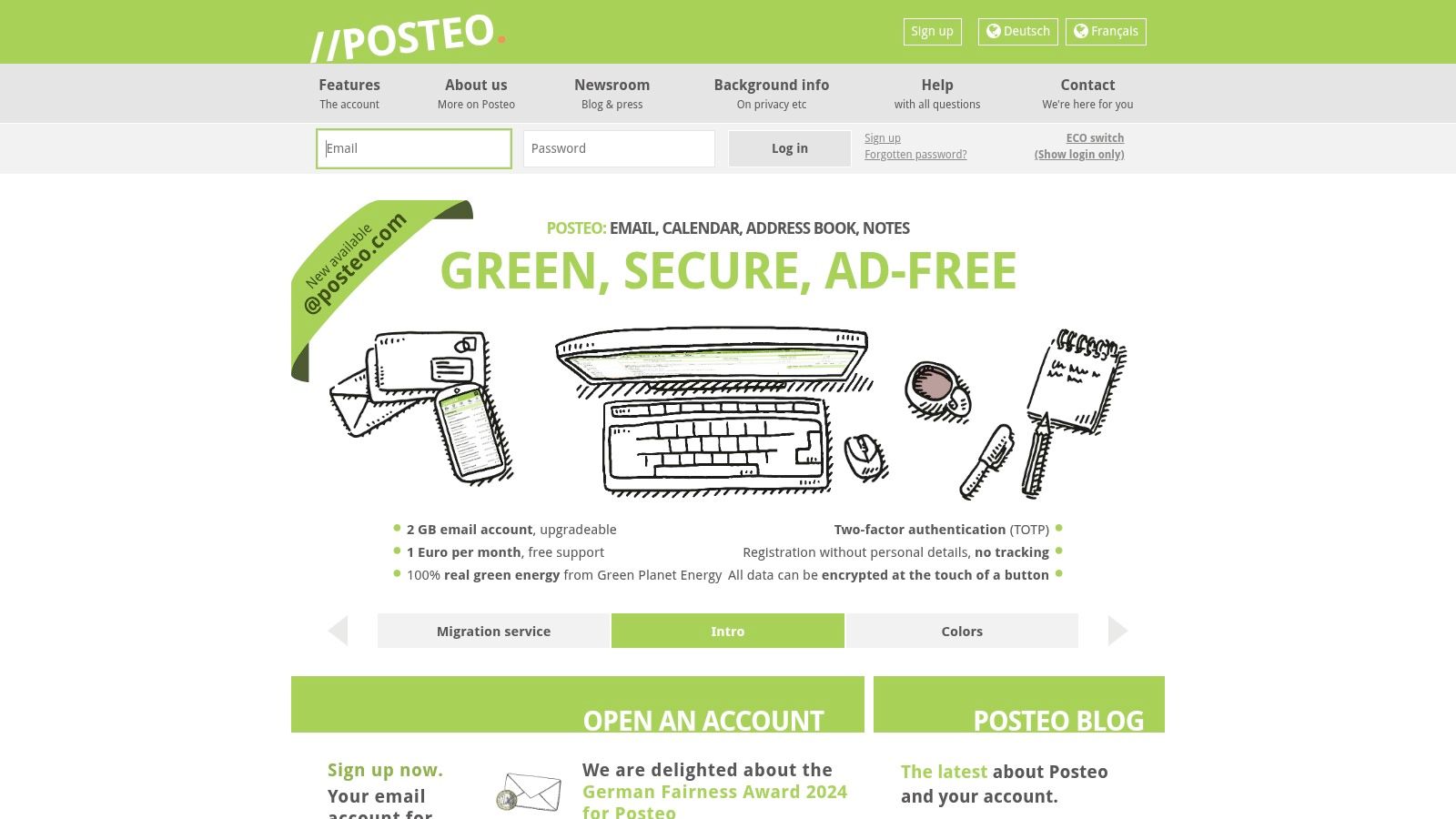
    8. Posteo

    Operating out of Germany, Posteo offers a unique blend of robust security, a strong commitment to user anonymity, and an impressive focus on sustainability. Unlike many providers, Posteo is entirely self-financed and ad-free, ensuring its operations are aligned solely with its users' privacy interests. It stands out by facilitating anonymous sign-up and payment methods, such as cash by mail, allowing users to create an account without leaving a digital financial trail.

    The service is powered by 100% green energy from Greenpeace Energy, making it an excellent choice for environmentally-conscious individuals. Posteo's interface is straightforward and functional, providing essential tools like an integrated calendar and address book that sync across devices. While it doesn't offer a free plan, its low-cost, all-inclusive model provides exceptional value, making it one of the best encrypted email services for those prioritizing privacy and ethics over extensive features.

    Key Features and Pricing

    Posteo's pricing is refreshingly simple, with a single, affordable plan that covers all its core features. There is no free tier, a deliberate choice to ensure financial independence and a business model that isn't reliant on data.

    • Standard Plan: Costs just €1/month. This includes 2 GB of storage, two aliases, and access to all security and privacy features.
    • Storage Upgrades: Users can increase their storage up to a maximum of 20 GB, with each additional GB costing €0.25/month.

    The platform provides comprehensive encryption for data in transit and at rest. While end-to-end encryption is supported via OpenPGP and S/MIME, it requires user-side configuration with a compatible email client like Thunderbird. This approach gives users more control but involves a steeper learning curve compared to services with built-in E2EE.

    Website: https://posteo.de

    9. Zoho Mail

    Emerging from a comprehensive suite of business applications, Zoho Mail provides a secure and professional email solution that prioritizes user privacy. While it's widely recognized for its business tools, its email service stands on its own as a powerful option for both individuals and companies seeking an ad-free, encrypted environment. Based in India, Zoho offers a compelling package by integrating robust security with a full-featured productivity ecosystem.

    Zoho Mail ensures data is encrypted both at rest and in transit, using TLS for connections and offering S/MIME for end-to-end message encryption. Its user interface is clean and highly customizable, allowing users to tailor the experience to their workflow. The real standout feature is its seamless integration with other Zoho apps like Docs, Calendar, and Projects, making it a unified hub for productivity and one of the best encrypted email services for business users.

    Key Features and Pricing

    Zoho Mail offers a "Forever Free Plan" that supports up to five users on a single domain, which is exceptional for small teams, although it has a 5 GB per user storage cap. Its paid plans are highly competitive and scale effectively.

    • Mail Lite: Starting at just $1/user/month, this plan offers 5 GB or 10 GB of storage, custom domain support, and a host of routing and collaboration features.
    • Mail Premium: For $4/user/month, storage is boosted to 50 GB per user and adds advanced features like email backup, S/MIME encryption, and white-labeling options.

    The platform's commitment to being completely ad-free, even on the free plan, is a significant advantage for privacy-focused users. For those who need more than just email, Zoho Mail’s integration capabilities offer a level of convenience and efficiency that is hard to match.

    Website: https://www.zoho.com/mail

    10. Runbox

    Operating out of Norway, Runbox offers a unique proposition in the secure email market by combining strong privacy protections with a firm commitment to environmental sustainability. Its services are powered entirely by renewable hydropower, making it an excellent choice for users who prioritize both data privacy and ecological responsibility. Runbox provides robust security features, including PGP encryption support and two-factor authentication, all protected by strong Norwegian privacy laws.

    Runbox

    The platform is designed with a clean and user-friendly webmail interface, ensuring a smooth transition for those accustomed to mainstream email providers. A key advantage is its integration of email hosting with encrypted cloud storage, allowing users to securely manage both their communications and files within a single, privacy-focused ecosystem. While it doesn't offer a free plan, its paid tiers are competitively priced for the features provided.

    Key Features and Pricing

    Runbox focuses on providing a reliable, ad-free experience with transparent pricing. It doesn't have a free tier, instead offering a 30-day free trial on all its plans to allow users to test the service thoroughly.

    • Micro: Starts at $19.95/year, providing 2 GB of mail storage and 200 MB of file storage, ideal for light personal use.
    • Mini: At $34.95/year, this plan increases storage to 10 GB for mail and 1 GB for files, along with support for one custom domain.
    • Medium: For $49.95/year, users get 25 GB of mail storage and 2 GB for files, plus support for five custom domains.
    • Max: The top-tier plan costs $79.95/year and includes 50 GB of mail storage, 10 GB of file storage, and support for 25 custom domains.

    With its strong ethical foundation, solid security infrastructure, and user-centric design, Runbox is one of the best encrypted email services for individuals and small businesses looking for a dependable and sustainable provider.

    Website: https://runbox.com

    11. Librem Mail

    Developed by Purism, a company dedicated to building privacy-respecting hardware and software, Librem Mail is a key component of the Librem One bundle. It offers end-to-end encrypted email with a strong ethical foundation, appealing to users who want to support a broader ecosystem committed to digital freedom. The service leverages standard OpenPGP encryption, ensuring that your communications remain private and secure from interception.

    Librem Mail

    What sets Librem Mail apart is its integration into a comprehensive suite that includes a chat client, social media platform, and VPN. This holistic approach provides a seamless, privacy-first alternative to mainstream tech giants. A notable security feature is its policy of automatically deleting unencrypted emails from the server after 30 days, minimizing your data footprint.

    Key Features and Pricing

    Librem Mail does not offer a free tier, positioning itself as a premium, all-in-one privacy solution. Its pricing is straightforward, bundling all its services into a single subscription model. This makes it an excellent choice for those looking to de-google their digital life completely.

    • Librem One Basic: For $1.99/month, this plan includes Librem Mail, Chat, and Social.
    • Librem One Plus: At $5.99/month, it adds the Librem Tunnel (VPN) to the basic package.
    • Librem One Family: Starting at $14.99/month, this plan provides accounts for up to five family members.

    While it lacks a free plan and its storage is more limited than some competitors, its user-friendly interface and bundled services present a compelling value proposition. For users seeking one of the best encrypted email services that is part of a complete privacy suite, Librem Mail is a strong contender.

    Website: https://librem.one

    12. Fastmail

    Operating from Australia, Fastmail has built a strong reputation over two decades by focusing on speed, reliability, and user privacy. While it does not offer end-to-end encryption by default like some zero-knowledge providers, it secures data with robust encryption in transit and at rest. Fastmail stands out as a premium, ad-free alternative to mainstream services, prioritizing a clean and efficient user experience over data monetization.

    Fastmail

    The platform is celebrated for its powerful, web-based interface that feels incredibly responsive, along with its excellent search functionality. Fastmail fully supports open standards like IMAP and SMTP, allowing seamless integration with third-party email clients. For users seeking one of the best encrypted email services that combines traditional email functionality with modern security practices and a commitment to privacy, Fastmail presents a compelling case.

    Key Features and Pricing

    Fastmail is a paid-only service, which underpins its ad-free, privacy-first business model. It offers a 30-day free trial to test its features before committing.

    • Basic Plan: Starts at $3/month, offering 2 GB of storage per user, email, and calendar support.
    • Standard Plan: At $5/month, this plan increases storage to 30 GB and adds support for custom domains, making it ideal for professionals and small businesses.
    • Professional Plan: For $9/month, users get 100 GB of storage and archived email storage, targeting power users and teams with higher demands.

    A significant advantage is its sophisticated rule and filter system, which gives users granular control over their inbox. While it may not have the default E2EE of competitors like ProtonMail, its dedication to security, speed, and a superior user experience makes it a top-tier choice for those who value performance and privacy.

    Website: https://www.fastmail.com

    Encrypted Email Services Feature Comparison

    Service Core Features/Characteristics User Experience/Quality ★ Value Proposition 💰 Target Audience 👥 Unique Selling Points ✨
    🏆 Typewire Secure private email, custom domains, anti-spam & virus filters, Vancouver-based servers ★★★★☆ Fast, responsive UI with light/dark modes Free, Basic, Premium plans with 7-day trial Privacy-conscious individuals, SMBs, IT pros Privacy by design, no ads/tracking, own data centers
    ProtonMail End-to-end encryption, open-source, self-destructing emails ★★★★☆ Easy to use, mobile apps Free & Paid plans Privacy-focused users, individuals Swiss privacy laws, open-source transparency
    Tuta (Tutanota) End-to-end encryption (email/calendar/contacts), post-quantum crypto ★★★★☆ User-friendly Affordable paid plans Privacy enthusiasts, SMBs Post-quantum security, open-source
    Hushmail OpenPGP encryption, HIPAA-compliant plans, e-signature forms ★★★★☆ User-friendly UI Paid plans only Healthcare, legal, business users Industry-specific solutions (HIPAA)
    Mailfence Encryption with OpenPGP, digital signatures, calendar & docs ★★★★☆ Strong security tools Free & Paid plans Security-conscious professionals Integrated collaboration suite
    StartMail PGP encryption, unlimited aliases, 10GB storage ★★★★☆ Simple UI Paid plans only Privacy-focused individuals Unlimited aliases, no ads/tracking
    Mailbox.org PGP encryption, calendar, contacts, encrypted cloud storage ★★★★☆ Robust toolset Paid plans only Businesses & privacy advocates Video conferencing, integrated cloud storage
    Posteo End-to-end encryption, anonymous signup/payment, 2GB storage ★★★☆☆ Fair UI Paid plans only Privacy & eco-conscious users Anonymous signup, 100% green energy
    Zoho Mail End-to-end encryption, productivity tools integration ★★★★☆ Feature-rich Free & Paid plans Businesses & individuals Integrated productivity suite
    Runbox PGP encryption, 2FA, encrypted cloud storage, renewable energy ★★★★☆ User-friendly Paid plans only Privacy & sustainability focused Powered by renewable energy
    Librem Mail End-to-end encryption, built-in VPN, auto deletion of unencrypted emails ★★★★☆ Privacy focused Paid plans only Privacy advocates, tech-savvy Integration with Librem One VPN
    Fastmail 2FA, custom domains, calendar/contacts integration, no ads ★★★★☆ Fast, reliable Paid plans only Individuals & businesses Speed & reliability

    Final Thoughts

    Navigating the landscape of secure communication can feel complex, but as we've explored, the path to digital privacy is more accessible than ever. The core takeaway from our deep dive into the best encrypted email services is that there is no single, perfect solution for everyone. Instead, the "best" service is the one that aligns precisely with your specific threat model, technical comfort level, and daily workflow requirements.

    For some, the an all-in-one privacy suite like Proton Mail, with its integrated calendar, VPN, and cloud storage, offers a seamless and powerful ecosystem. For others, the uncompromising open-source principles and post-quantum cryptography of Tuta (formerly Tutanota) represent the pinnacle of security. The choice isn't just about features; it's about philosophy and trust.

    How to Choose the Right Encrypted Email for You

    Making the final decision requires a careful assessment of your own needs. To simplify this process, consider the following framework to guide your choice:

    • For the Everyday Privacy Seeker: If your goal is to escape the data-mining practices of mainstream providers like Gmail and Outlook, services like Posteo and Mailbox.org offer an excellent balance. They deliver robust privacy features, sustainable business models, and user-friendly interfaces without a steep learning curve.
    • For Small Businesses and Professionals: When custom domains, user management, and HIPAA compliance are non-negotiable, solutions like Hushmail for Business, Zoho Mail, and Mailfence shine. They provide the administrative controls and professional features necessary to run a business securely while maintaining end-to-end encryption.
    • For Journalists, Activists, and the Highly Security-Conscious: If your work exposes you to significant digital threats, your evaluation criteria must be stricter. Prioritize services with a proven track record, strong jurisdictional advantages (like Switzerland), open-source codebases, and advanced features like anonymous sign-up options. Proton Mail and Tuta are often the top contenders in this category.
    • For the Tech-Savvy User and Developer: If you value flexibility, integration capabilities via IMAP/SMTP, and a more classic email experience enhanced with modern security, options like Fastmail and Runbox are compelling. They cater to users who want more control over their clients and workflow without sacrificing privacy.

    Final Implementation Checklist

    Before you fully commit and migrate your digital life, take these final steps to ensure a smooth transition:

    1. Utilize the Free Tier: Most services, including Proton Mail and Tuta, offer a free plan. Use it as a sandbox to test the user interface, mobile apps, and overall feel of the platform.
    2. Review the Privacy Policy: Don't just skim it. Understand what metadata is logged, how long it's kept, and the legal jurisdiction the company operates under. This is a critical step in verifying a provider's claims.
    3. Plan Your Migration: Set up forwarding from your old email account. Export your contacts. Decide whether you need to import old emails or are comfortable with a fresh start. A phased approach is often less stressful than an abrupt switch.

    Ultimately, choosing one of the best encrypted email services is a proactive step toward reclaiming your digital autonomy. It's an investment in your privacy and a statement that your personal communications are not a commodity to be mined and sold. By making this deliberate choice, you are not just adopting a new tool; you are embracing a more secure and private way of engaging with the digital world.


    Ready to elevate your team's communication with a tool designed for secure, efficient collaboration? While the services above focus on external email, Typewire provides a secure, internal platform that organizes your team's most important updates, discussions, and knowledge. Discover how a dedicated space for asynchronous communication can reduce internal email clutter and keep your entire team in sync at Typewire.

  • How to Make Email Secure: Top Tips to Protect Your Account

    How to Make Email Secure: Top Tips to Protect Your Account

    Securing your email isn’t about finding a single magic bullet – it requires multiple layers of protection. Your inbox is the command center for your digital life, holding keys to your bank accounts, social media, and sensitive conversations. Leaving it poorly defended is an invitation for trouble.

    Understanding the Pillars of Email Security

    Image

    Email usage is massive and growing. We’re looking at a jump from roughly 4.83 billion global users in 2025 to nearly 523 billion daily emails by 2030. This volume makes email an irresistible target for attackers, which is why a solid security strategy is essential.

    The Four Core Security Pillars

    A truly secure email setup comes down to four key areas:

    • Authentication: Proving your identity with more than just a password – your first and most critical defense against account hijacking.

    • Threat Awareness: Training yourself to spot and sidestep scams, especially phishing emails designed to steal your credentials.

    • Encryption: Making your data unreadable by scrambling messages so intercepted information is useless without the decryption key.

    • Provider & Client Security: Choosing a secure email host and apps to access your mail. A weak foundation undermines everything else.

    The biggest mistake people make is relying solely on a strong password. True email security is a system where each layer supports the others.

    Building Your First Line of Defense With Strong Authentication

    Image

    True digital security isn’t just about password complexity – it’s about building an authentication system that’s difficult for attackers but easy for you.

    Ditch Traditional Passwords

    Instead of hard-to-remember jumbles like Tr0ub4dor&3, use a passphrase – a sequence of random, unrelated words like correct-horse-battery-staple. Better yet, use a password manager to generate and store unique, complex passphrases for every service. You only remember one master password.

    The Power of Multi-Factor Authentication

    Even with a strong passphrase, you’re vulnerable if credentials get exposed in a breach. Multi-Factor Authentication (MFA or 2FA) is your secret weapon, adding a second layer that stops attackers even if they have your password.

    MFA is the single most effective step you can take to secure your email. It neutralizes stolen passwords, which is how most accounts are compromised. Microsoft reports a 99.9% reduction in automated attacks with MFA enabled.

    Security measures are making a difference. Projections show spam dropping from 48% of email traffic in 2025 to 43% by 2030, with phishing success rates plummeting from 0.12% to just 0.03%. You can dig deeper into these trends in cloudhq’s comprehensive email statistics report.

    Choosing Your MFA Method

    • SMS Text Messages: Convenient but weakest due to SIM-swapping risks.

    • Authenticator Apps: Apps like Google Authenticator, Microsoft Authenticator, or Authy generate time-sensitive codes on your device. This is far more secure than SMS and should be the baseline for most people.

    • Physical Security Keys: Hardware devices like YubiKey offer the highest security and are practically immune to phishing.

    How to Enable MFA on Popular Platforms

    Getting MFA set up is a quick win—it usually takes less than five minutes. Here’s how you can get it done on the major email platforms:

    1. Gmail: Head to your Google Account settings, click on the “Security” tab, and find the “2-Step Verification” section. From there, you can follow the prompts to add an authenticator app.

    2. Outlook/Microsoft: Sign into your Microsoft account, choose “Security,” and then “Advanced security options.” You can enable two-step verification and add the Microsoft Authenticator app as your method.

    3. Apple Mail/iCloud: On your iPhone or Mac, open System Settings, tap your name, then go to “Password & Security.” You’ll see the option to turn on Two-Factor Authentication right there.

    How to Spot and Defeat Phishing Scams

    Technical setups are only half the battle. The other half is learning to spot psychological tricks designed to make you act without thinking.

    Phishing remains the number one inbox threat. In 2025, an estimated 3.4 billion phishing emails are sent daily. AI-driven phishing attempts have exploded by 4,000% since 2022, making them harder than ever to catch. You can dig into the specifics of this trend by reading the full research on phishing statistics at DeepStrike.io.

    Deconstructing the Modern Phishing Attack

    Modern phishing emails fake legitimacy and create urgency to force snap decisions. A common scenario: an email appears from Microsoft or your bank with official-looking logos and formatting, warning of a security alert or locked account that demands immediate action.

    That’s the trap. Attackers count on panic to make you click before you think.

    The core goal of any phishing email is to make you act on emotion rather than logic. Scammers know that when you’re worried or rushed, you’re far more likely to miss the subtle red flags that expose their con.

    The infographic below really drives home the difference in risk and cost between secure and insecure email, highlighting why stopping these attacks is so crucial.

    Image

    The data is clear. Encrypted, properly secured email dramatically cuts down both the chance of a successful attack and the financial damage if a breach does happen.

    Evolving Threats: Quishing and Spear Phishing

    Scammers never stand still. Two of the craftiest tactics gaining traction are “quishing” and AI-powered spear phishing. You need to have these on your radar.

    • Quishing (QR Code Phishing): Emails contain QR codes instead of links. Security scanners check text and links, not images, so these slip past defenses. You scan the code and land on a fake login page.
    • AI-Powered Spear Phishing: Scammers use AI to scrape your LinkedIn, company website, and social media, then craft highly targeted emails referencing your boss, recent projects, or conferences you attended.

    These hyper-personalized attacks are tough to spot. For a deeper dive into real-world examples and what to do, check out our guide on how to identify phishing emails with expert tips.

    Your Practical Phishing Detection Checklist

    When an email feels off, stop and run through this checklist:

    1. Examine the full sender address. Hover over the “From” field to see the real email address behind it. An official alert from Microsoft is never going to come from microsoft.security@notice-123.net.

    2. Inspect links before you click. Hover over buttons or hyperlinks to see the true destination URL. If it looks weird or doesn’t match the sender, don’t click.

    3. Analyze the tone. Is it trying to scare you? Demanding immediate action? Using generic greetings when companies usually use your name? Those are classic phishing tells.

    4. Question every unexpected attachment. Never open attachments you didn’t request, even from people you know. Their account could be hacked.

    5. Verify through a separate channel. Don’t use links in the email. Open a new browser tab, type the company’s website yourself, and log in there. Real notifications will be waiting.

    Making this checklist a habit is how you go from being a potential target to being an active defender of your own inbox.

    Using Email Encryption for True Privacy

    Most standard email security works like a postcard – protected during transit but readable at the “postal hubs” (email servers). Transport Layer Security (TLS) is the default for Gmail and Outlook, stopping attackers from intercepting emails in transit. But your provider can still technically access message contents.

    The Shift to End-to-End Encryption

    For genuine privacy, you need End-to-End Encryption (E2EE). Your message locks on your device before sending and only unlocks for the intended recipient. Not even your email provider can read it.

    This is essential for professionals in healthcare, finance, or law handling sensitive client data.

    The core idea behind E2EE is simple: only the sender and the recipient hold the keys to unlock the message. It effectively removes the email provider from your circle of trust, ensuring your conversations remain completely private.

    This isn’t just a “nice-to-have” in certain fields; it’s an absolute necessity. For professionals in healthcare, finance, or law, handling sensitive client data without this level of protection is a major risk. For a deep dive into specific industry requirements, our guide on HIPAA compliant email encryption explains what’s at stake.

    Built-in Encryption Tools and Their Limits

    The big email providers have noticed the growing demand for privacy and have rolled out their own “confidential” or “encrypted” modes. They’re a step in the right direction, but it’s vital to understand their limitations.

    • Gmail’s Confidential Mode: Sets expiration dates and blocks forwarding, but Google still has access – it’s not true E2EE.
    • Outlook’s Encrypt-Only: Restricts access to authenticated users, but Microsoft manages encryption keys and can technically access content.

    These built-in options prevent casual snooping but don’t deliver absolute privacy.

    FeatureBest ForKey Limitation
    TLS EncryptionEveryday, non-sensitive emailsProvider can access message content on their servers.
    Gmail Confidential ModePreventing forwarding/printingNot true E2EE; Google retains access to content.
    Outlook Encrypt-OnlyRestricting access to authenticated usersNot true E2EE; Microsoft manages the encryption keys.
    True E2EEHighly sensitive data (legal, financial, health)Requires a dedicated service or tool for absolute privacy.

    When to Demand Absolute Privacy with E2EE

    So, how do you decide what’s good enough? The answer comes down to the sensitivity of the information you’re sending.

    Let’s get practical. Think about these real-world scenarios:

    • Financial Records: You’re sending tax documents to your accountant, complete with your social security number and detailed financial history.
    • Legal Matters: You’re discussing a confidential case with your attorney, where maintaining attorney-client privilege is non-negotiable.
    • Business Strategy: You’re sharing proprietary trade secrets or M&A plans with fellow executives.

    For these cases, use dedicated E2EE providers like Typewire or ProtonMail. These services are built on a “zero-access” architecture, meaning they are structurally incapable of accessing your data. Your privacy is guaranteed by design.

    Advanced Email Infrastructure Security

    Implement Email Authentication Protocols (DMARC, SPF, and DKIM)

    If you manage a domain, implementing these three email authentication protocols significantly reduces spoofing and phishing attacks against your domain.

    SPF (Sender Policy Framework): Publishes a list of authorized mail servers permitted to send emails on behalf of your domain, preventing attackers from forging your domain in the “from” address.

    DKIM (DomainKeys Identified Mail): Adds a digital signature to outgoing emails, verifying that message content hasn’t been altered during transit.

    DMARC (Domain-based Message Authentication, Reporting, and Conformance): Builds on SPF and DKIM by instructing receiving mail servers how to handle emails that fail authentication checks. You can set policies from “none” (monitoring) to “quarantine” or “reject.”

    Benefits: PayPal reported a 70% reduction in fraudulent emails after implementing DMARC, while the U.S. Federal government achieved an 80% reduction in spoofing attempts.

    Implementation tips:

    • Start with monitoring mode (p=none) to identify all legitimate senders
    • Implement SPF and DKIM before DMARC
    • Gradually tighten policies from p=none to p=quarantine to p=reject
    • Use third-party tools to analyze DMARC reports

    Consider a Secure Email Gateway (SEG)

    For organizations, a Secure Email Gateway acts as a vigilant gatekeeper, scanning all incoming and outgoing email traffic to intercept threats before they reach users.

    What it does:

    • Scans emails for malware, phishing URLs, and spam
    • Tests suspicious attachments in a sandboxed environment
    • Prevents data leaks through outgoing email inspection
    • Provides centralized threat intelligence and reporting

    When to use: Organizations handling sensitive data, operating in regulated industries, or facing frequent email-borne threats benefit most from SEG implementation.

    Popular providers: Proofpoint, Mimecast, Cisco Secure Email, Barracuda Email Protection

    Securing the Devices and Apps You Use for Email

    Image

    Your email security is only as strong as its weakest link – often the device you’re using. A compromised device gives attackers a front-row seat to your digital life, making encryption and passwords useless.

    Perform a Full Device Security Sweep

    Run a full security sweep regularly. Nearly 60% of data breaches are linked to known but unpatched vulnerabilities.

    Basic Checklist:

    • Operating System: Make sure your Windows, macOS, Android, or iOS is set to update automatically. This is your device’s foundational defense.
    • Browser and Extensions: Your browser is your main gateway to the web. Keep it updated and be ruthless—remove any extensions you don’t actively use or trust.
    • Email Client: Whether you use the Outlook desktop app, Apple Mail, or something else, confirm it’s the latest version.
    • Antivirus/Anti-Malware: Run a full scan with a reputable security program. Just as important, make sure its threat definitions are updated daily.

    A common mistake I see is people focusing only on the operating system. Your browser and its extensions are just as critical. A forgotten, outdated browser extension can become a backdoor for an attacker to slip right through, completely bypassing all your other security efforts.

    Audit and Revoke App Permissions

    Over time, you’ve granted dozens of apps access to your email. Each connection is a potential security risk.

    Go to your account’s security settings and find “Apps with access to your account.” For each app, ask:

    • Do I still actively use this service?
    • Does this app really need access to my email?
    • Do I even recognize this company?

    If the answer to any of these is “no,” revoke its access immediately.

    Secure Your Network Connection

    Finally, let’s talk about the network you’re using. Connecting to an unsecured public Wi-Fi at a café or airport can expose your traffic to anyone else on that network. While most email traffic is now encrypted in transit with TLS, a poorly configured network can still present serious risks.

    At home, use a strong, unique Wi-Fi password (not the router default) with WPA3 or WPA2 encryption. This prevents unauthorized users from snooping on your network.

    Apply the Principle of Least Privilege

    The Principle of Least Privilege (PoLP) means granting users only the email access absolutely necessary for their job role. This minimizes damage from compromised accounts, insider threats, and data breaches.

    How it works: Instead of blanket access to all email features, configure granular permissions for each user account based on job responsibilities. This might mean restricting access to shared mailboxes, limiting delegation rights, or tightly managing administrative privileges.

    Benefits:

    • Minimizes impact of compromised accounts
    • Reduces insider threat risk
    • Simplifies compliance with regulations
    • Makes unauthorized activities easier to detect

    Implementation tips:

    • Audit current email permissions and remove unnecessary access
    • Use role-based access controls (RBAC) rather than individual permissions
    • Implement just-in-time access for administrative tasks
    • Conduct quarterly access reviews with department managers
    • Automatically revoke access when employees change roles or leave

    Email Backup and Recovery

    Losing access to emails due to accidental deletion, system crashes, or ransomware attacks can be devastating. Comprehensive email backup and recovery ensures you can restore data when primary systems fail.

    Essential features of a backup solution:

    • Automated, scheduled backups to eliminate human error
    • Point-in-time recovery to restore to specific moments
    • Immutable storage to protect backups from ransomware
    • Granular recovery options (individual emails, folders, or entire mailboxes)
    • Encryption of backup data both in transit and at rest

    Why it matters: A law firm recovered seven years of critical client communications after a ransomware attack using immutable backups. A manufacturing company avoided paying a $2 million ransom by restoring from offline backups.

    Best practices:

    • Follow the 3-2-1 rule: 3 copies of data on 2 different media types, with 1 copy stored offsite
    • Maintain air-gapped backups disconnected from production networks
    • Regularly test recovery procedures with realistic scenarios
    • Align retention policies with legal and compliance requirements

    Popular solutions: Veeam Backup for Microsoft 365, Barracuda Email Backup, Druva inSync

    Building Better Habits for Real-World Email Security

    The best security tech can’t save you from a bad click. A 2025 analysis found that 95% of all data breaches were caused by human mistakes like sending emails to the wrong person. If you’re curious about the details, Mimecast’s State of Human Risk report is an eye-opening read.

    Shrink Your Digital Footprint

    Every bit of personal information you share online is a breadcrumb for attackers. Your birthday on Facebook, job title on LinkedIn, and city on Twitter help scammers craft convincing spear-phishing emails.

    Review social media privacy settings and ask: “Does this need to be public?” Treat personal information like cash – that’s exactly what it is to scammers.

    Compartmentalize Your Email Addresses

    Stop using one email for everything. If one account gets compromised, the damage is contained.

    Recommended setup:

    • Primary Personal Email: For close friends and family only. Never for sign-ups.
    • Financial & Admin Email: Exclusively for banking, bills, taxes, and sensitive correspondence.
    • Public-Facing Email: For online shopping, newsletters, and non-critical sign-ups.

    Adopt a “Zero-Trust” Mindset

    Treat every email, link, and attachment as potentially hostile, no matter who it’s from. Even emails from colleagues or family could be threats if their account was hacked.

    Before clicking, pause and ask:

    • Was I expecting this?
    • Does this request seem normal?
    • Can I verify this through another channel (text or phone call)?

    Frequently Asked Questions About Email Security

    Is a VPN Enough to Secure My Email?

    No. A VPN encrypts your internet connection, which protects you on public Wi-Fi, but offers zero protection if your email provider gets hacked or you click a phishing link. A VPN is valuable but not a complete solution.

    Can I Trust My Email Provider’s Built-in Security?

    For most people, yes. Google and Microsoft have powerful spam filters and TLS encryption. However, the single most important step is enabling Multi-Factor Authentication (MFA or 2FA) – even if a scammer steals your password, they can’t access your account without the second authentication factor.

    For truly sensitive information, use end-to-end encryption services like Typewire or ProtonMail where not even your provider can read your messages.

    How Often Should I Change My Password?

    Forget the old 90-day rule. That leads to weak, predictable passwords. Instead, create unique, strong passphrases for each account and store them in a password manager. Only change passwords when you have specific reason to believe an account was compromised or a service announces a breach.

    In passwords, strength and uniqueness beat frequency.


    Ready to take control of your email privacy? Typewire offers secure, private email hosting built on a foundation of zero-access encryption. Say goodbye to ads and data mining, and protect your communications with a platform designed for true security. Explore our plans and start your free 7-day trial.