Choosing an email service for your small business is a foundational decision that impacts your brand's credibility and operational security. Your email isn't just a communication tool; it’s a digital handshake, a primary sales channel, and a repository for sensitive client data. Graduating from a generic free address to a professional, custom-domain email like you@yourbusiness.com is essential for building trust with customers and partners.
But the market is crowded, and the stakes are high. Some platforms offer sprawling productivity suites, while others champion uncompromising privacy and security. Making the wrong choice can lead to hidden costs, frustrating user management, or critical security vulnerabilities. This guide is designed to cut through the marketing clutter and provide clear, actionable insights.
We have rigorously evaluated 12 of the top providers to help you identify the best email service for small business based on your specific needs. For each option, we provide a detailed analysis of its core features, pricing, security protocols, and real-world usability, complete with screenshots and direct links. Our goal is to equip you with the information needed to select a service that not only secures your communications but also supports your company's growth.
1. Typewire
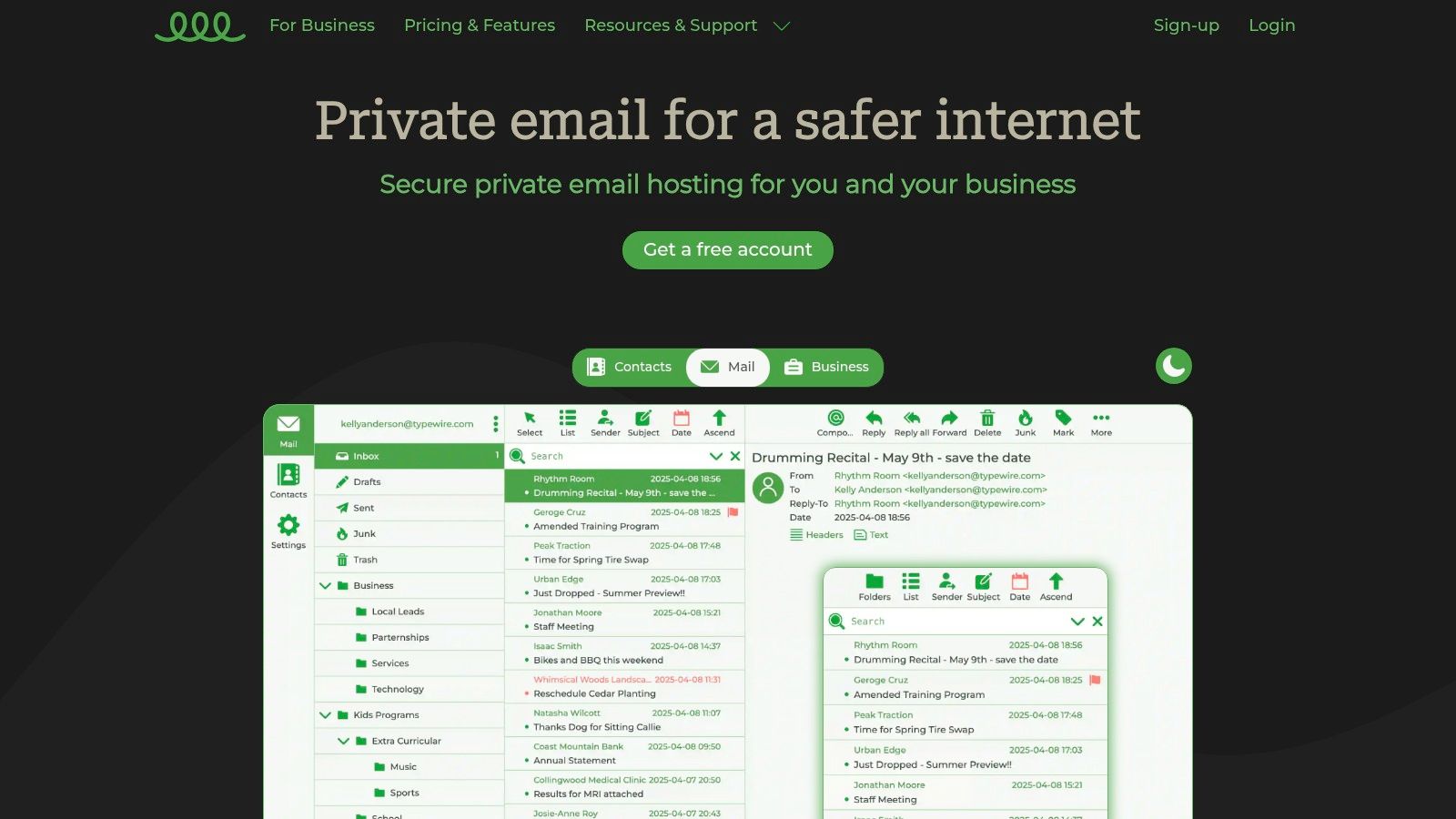
Typewire stands out as a formidable choice for the best email service for small business, especially for those prioritizing data sovereignty and privacy. Its core philosophy revolves around giving users complete control over their communications, a stark contrast to mainstream providers that often leverage user data for advertising. This commitment is physically manifested in its infrastructure; Typewire operates exclusively on privately owned, Canadian-based data centers, completely avoiding third-party cloud services like AWS or Google Cloud. This guarantees that your business's sensitive information remains secure and subject to Canadian privacy laws.
The platform offers a clean, modern, and notably fast web interface with both light and dark modes, ensuring a seamless user experience across devices. For a small business, this means less time spent wrestling with a clunky UI and more time focusing on communication.
Why It's a Top Pick
Typewire excels with a "privacy by design" approach. It offers a powerful, ad-free environment where business communications are never scanned or monetized. The service's advanced anti-spam and virus filters are highly effective, significantly reducing inbox clutter and bolstering security against phishing and malware threats. This focus on a clean and secure inbox is a significant advantage for businesses handling sensitive client information.
Moreover, the platform is designed for scalability. With flexible plans that include free, basic, and premium tiers, it can accommodate a solopreneur just starting out or a growing team needing robust user management tools. Setting up professional email addresses is straightforward, and for those new to the process, Typewire provides excellent resources, such as their comprehensive guide on setting up a custom email domain.
Key Features & Considerations
| Feature | Analysis |
|---|---|
| Data Sovereignty | Operating on private Canadian servers offers unparalleled security and privacy, a critical factor for businesses in regulated industries. |
| Custom Domain Support | Easily implement professional you@yourbusiness.com email addresses across all paid plans, reinforcing brand identity. |
| Advanced Security | The proprietary anti-spam and anti-virus filters are a core strength, effectively protecting against a wide range of email-based threats. |
| User Interface | The responsive and intuitive webmail client simplifies email management, boosting productivity without a steep learning curve. |
| Pricing & Access | A 7-day free trial allows for a full evaluation. While specific pricing requires contact, the tiered structure (Free, Basic, Premium) is designed to fit various business sizes and needs. |
Pros:
- Complete Privacy: Guarantees no ads, tracking, or data mining.
- Secure Infrastructure: Privately owned Canadian data centers enhance security.
- Flexible Plans: Tiers accommodate individuals and teams with custom domains.
- Effective Spam Filtering: Advanced protection keeps inboxes clean and secure.
- Modern UI: Fast, user-friendly interface with light and dark modes.
Cons:
- Lacks the vast third-party app ecosystem of giants like Google Workspace.
- Detailed pricing beyond the tier overview is not publicly listed.
Website: https://typewire.com
2. Google Workspace
For small businesses already familiar with Gmail, Google Workspace is a natural and powerful step up. It leverages the intuitive interface of Gmail and transforms it into a professional powerhouse by allowing you to use your own custom domain (e.g., you@yourbusiness.com). This seamless transition makes it an incredibly popular choice and a strong contender for the best email service for small business, especially for teams that prioritize real-time collaboration.
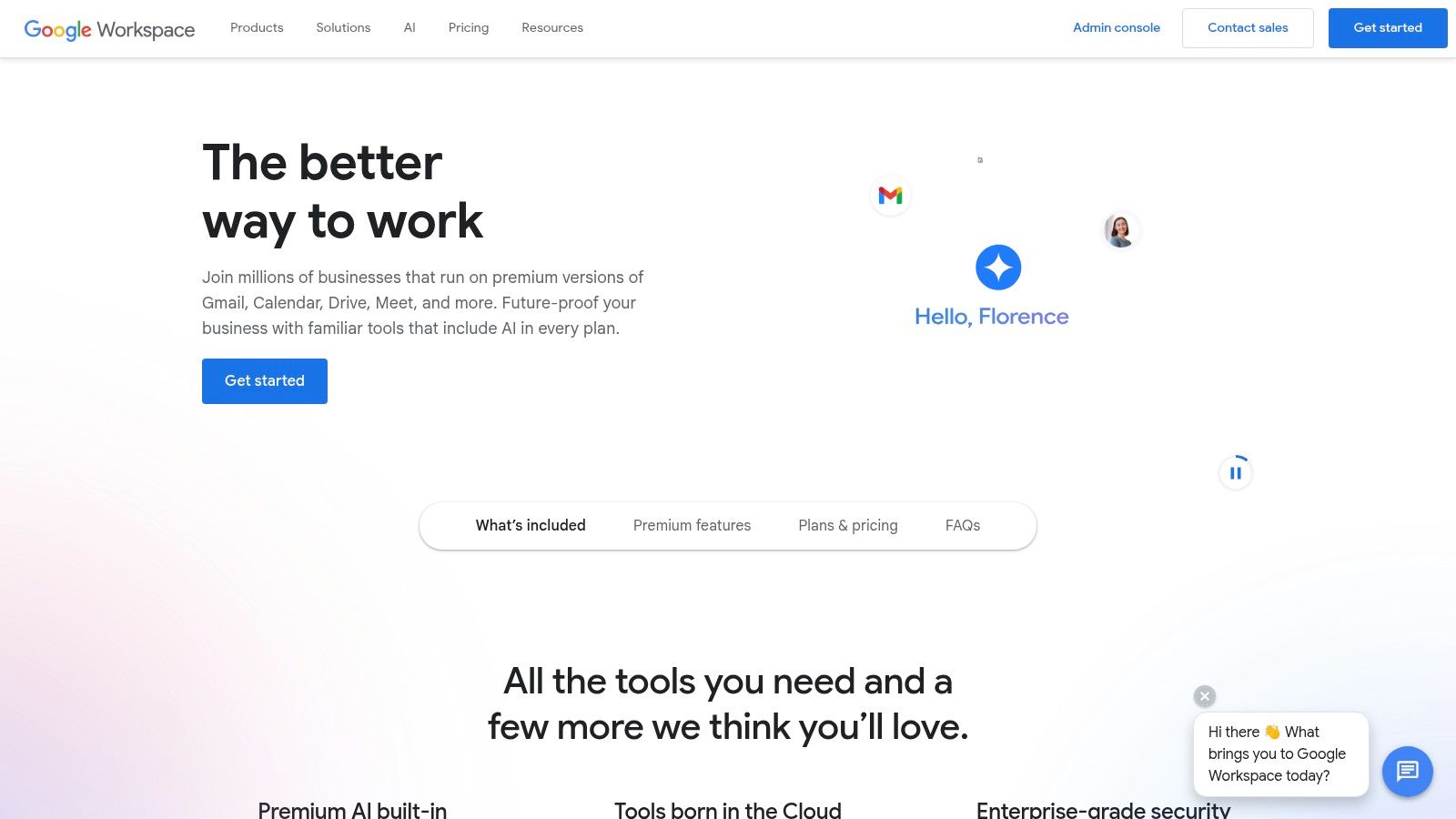
The platform’s strength lies in its tightly integrated ecosystem. Your email, calendar, cloud storage (Google Drive), and video conferencing (Google Meet) all work together flawlessly. For example, you can save an email attachment directly to Drive or launch a video meeting from a calendar invite with a single click.
Key Features and Considerations
The Business Starter plan, priced at $6 per user per month, provides a solid entry point. It includes 30GB of cloud storage per user, which is a significant amount for email and document storage. The platform's security is robust, offering features like two-factor authentication and advanced phishing protection.
- Pros:
- Extremely user-friendly and familiar interface.
- Unmatched integration with a suite of essential business tools.
- Highly scalable to grow alongside your business.
- Cons:
- Starting price is higher than some dedicated email-only hosts.
- Full offline access requires some initial setup with the Google Chrome browser.
Website: https://workspace.google.com/
3. Microsoft 365
For businesses deeply integrated into the Windows and Office environment, Microsoft 365 is a standout choice. It delivers professional, business-class email through the familiar Outlook interface, allowing you to use your custom domain name (e.g., contact@yourcompany.com). More than just an email host, it’s a comprehensive productivity suite, making it one of the best email service for small business options for teams that rely on applications like Word, Excel, and Teams.
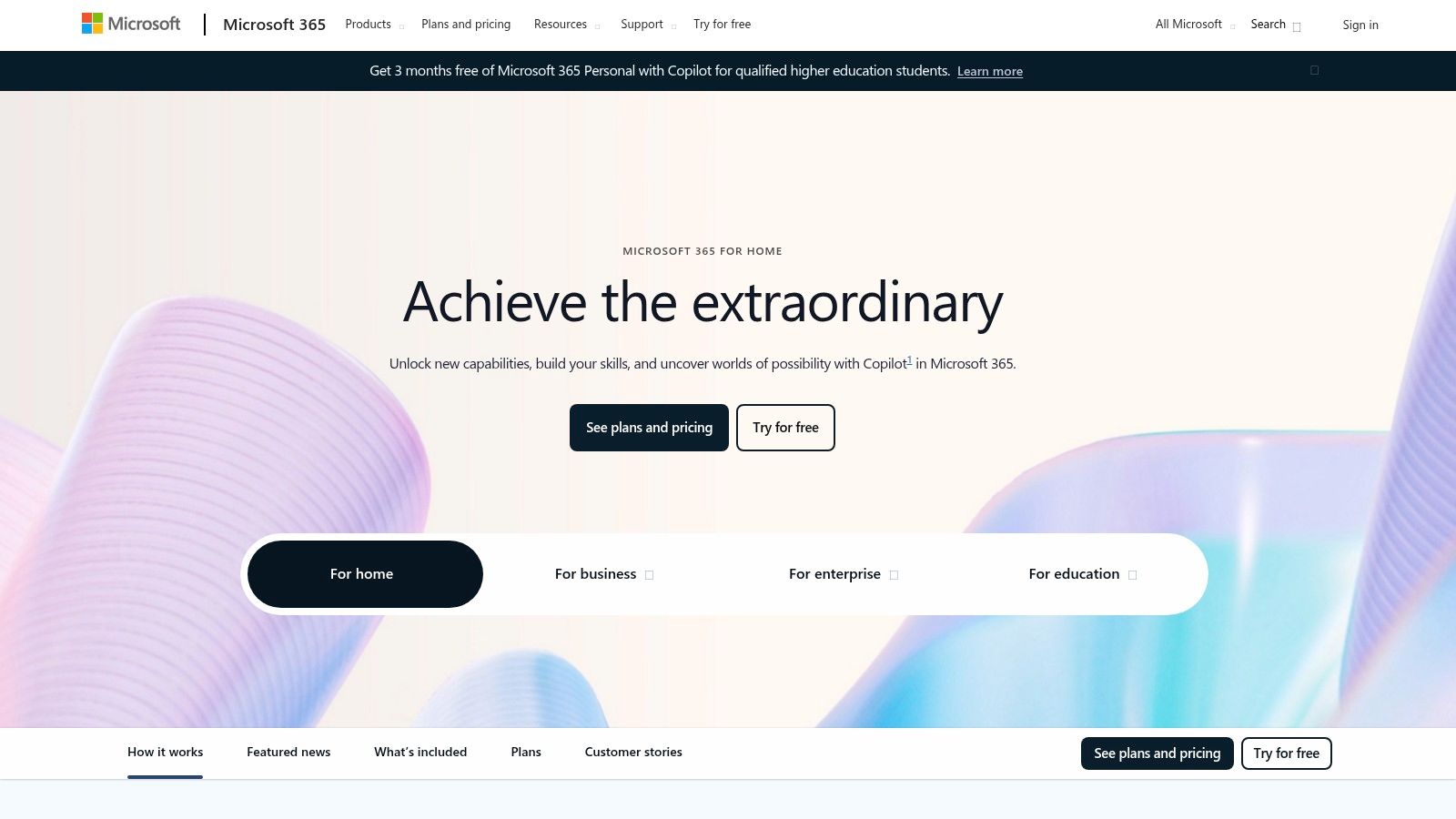
The platform's core advantage is its cohesive integration. Your email via Outlook, cloud storage on OneDrive, and collaboration through Microsoft Teams are designed to work together seamlessly. This means you can easily schedule a Teams meeting directly from an email, co-author a Word document stored in OneDrive, and manage all communications from a central hub.
Key Features and Considerations
The Business Basic plan is an excellent starting point, providing each user with a 50GB mailbox and a massive 1TB of OneDrive storage. Microsoft places a strong emphasis on security, offering advanced threat protection and compliance tools. For those concerned with data protection, you can learn more about securing your small business email with Microsoft 365.
- Pros:
- Comprehensive suite of essential productivity and collaboration tools.
- Robust security and compliance features built-in.
- Familiar interface for the millions who already use Microsoft Office.
- Cons:
- Can feel complex and overwhelming for users new to the Microsoft ecosystem.
- Higher-tier plans can be more expensive than some competitors.
Website: https://www.microsoft.com/en-us/microsoft-365
4. Zoho Mail
For businesses prioritizing affordability without sacrificing professionalism, Zoho Mail presents an exceptional value proposition. It offers a secure, ad-free email hosting experience that allows you to use your custom domain (you@yourbusiness.com), establishing credibility from the start. Its clean interface and focus on privacy make it a standout choice for small businesses seeking a cost-effective yet powerful email solution.
Zoho’s strength comes from its integrated suite of business applications. While the email service is robust on its own, it connects seamlessly with Zoho's CRM, project management, and accounting tools. This allows businesses to build a comprehensive operational ecosystem as they grow, all under one roof.
Key Features and Considerations
The Mail Lite plan, priced at just $1 per user per month, is incredibly accessible. It provides 5GB of storage per user, custom domain hosting, and access to integrated calendar and notes applications. Security is a core focus, with end-to-end encryption and advanced anti-phishing measures built-in.
- Pros:
- Extremely affordable, with a generous free-forever plan.
- Strong privacy commitment with an ad-free experience.
- Excellent integration with the wider Zoho business ecosystem.
- Cons:
- The user interface can feel less intuitive than competitors like Gmail.
- Lower storage limits on entry-level plans may require upgrades.
Website: https://www.zoho.com/mail/
5. ProtonMail
For small businesses where confidentiality is paramount, ProtonMail offers an unmatched focus on security and privacy. It was designed from the ground up with end-to-end encryption, meaning that from the moment you send an email to the moment it's opened, no one-not even ProtonMail-can access its contents. This makes it the best email service for small business in sectors like law, healthcare, or finance, where client data must be protected rigorously.
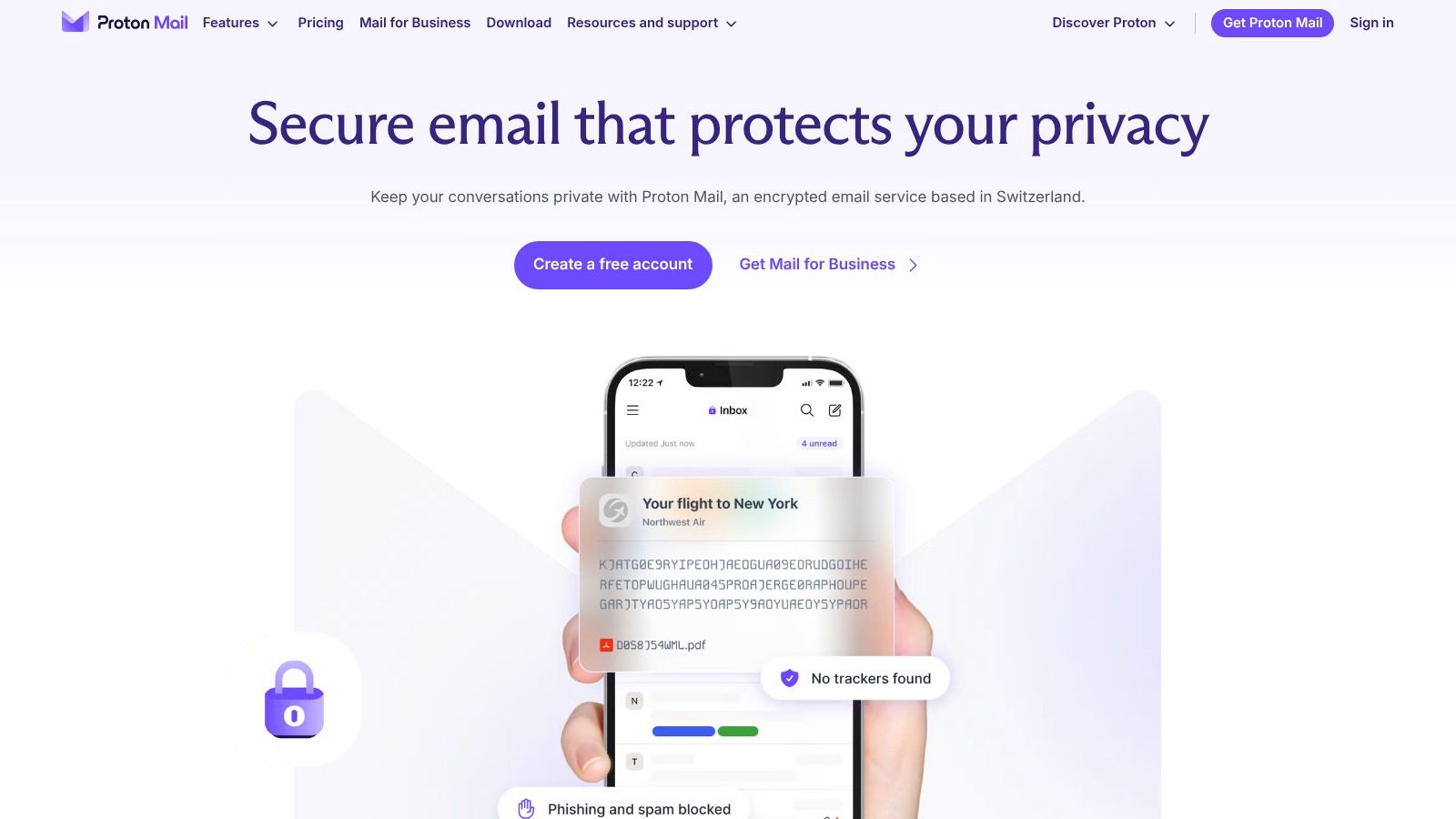
Based in Switzerland, the company operates under strict Swiss privacy laws, providing an additional layer of legal protection for your data. The platform’s zero-access architecture ensures that your encrypted emails are inaccessible to anyone but you and your intended recipient. You can even send password-protected, self-destructing emails to users outside the ProtonMail ecosystem.
Key Features and Considerations
The Mail Business plan, starting at approximately $6.99 per user per month, provides custom domain support (you@yourbusiness.com), 500GB of shared storage, and administrative tools. While the storage is less generous than some competitors on entry plans, the focus is squarely on security. For those interested in secure communication, you can learn more about top private email providers for security in 2025.
- Pros:
- Unparalleled security with automatic end-to-end encryption.
- Clean, user-friendly interface with no advertisements.
- Based in Switzerland for strong privacy law protection.
- Cons:
- Storage on lower-tier plans is limited compared to mainstream providers.
- Full feature integration with third-party apps is less extensive.
Website: https://proton.me/mail
6. Fastmail
For small businesses that prioritize privacy, speed, and simplicity over an all-in-one productivity suite, Fastmail is an exceptional choice. It provides a clean, ad-free email experience and stands out with a strong commitment to user privacy and data ownership. By focusing purely on core email, calendar, and contact functionalities, it delivers a reliable and efficient service for businesses that need professional email at their own custom domain without unnecessary complexity.
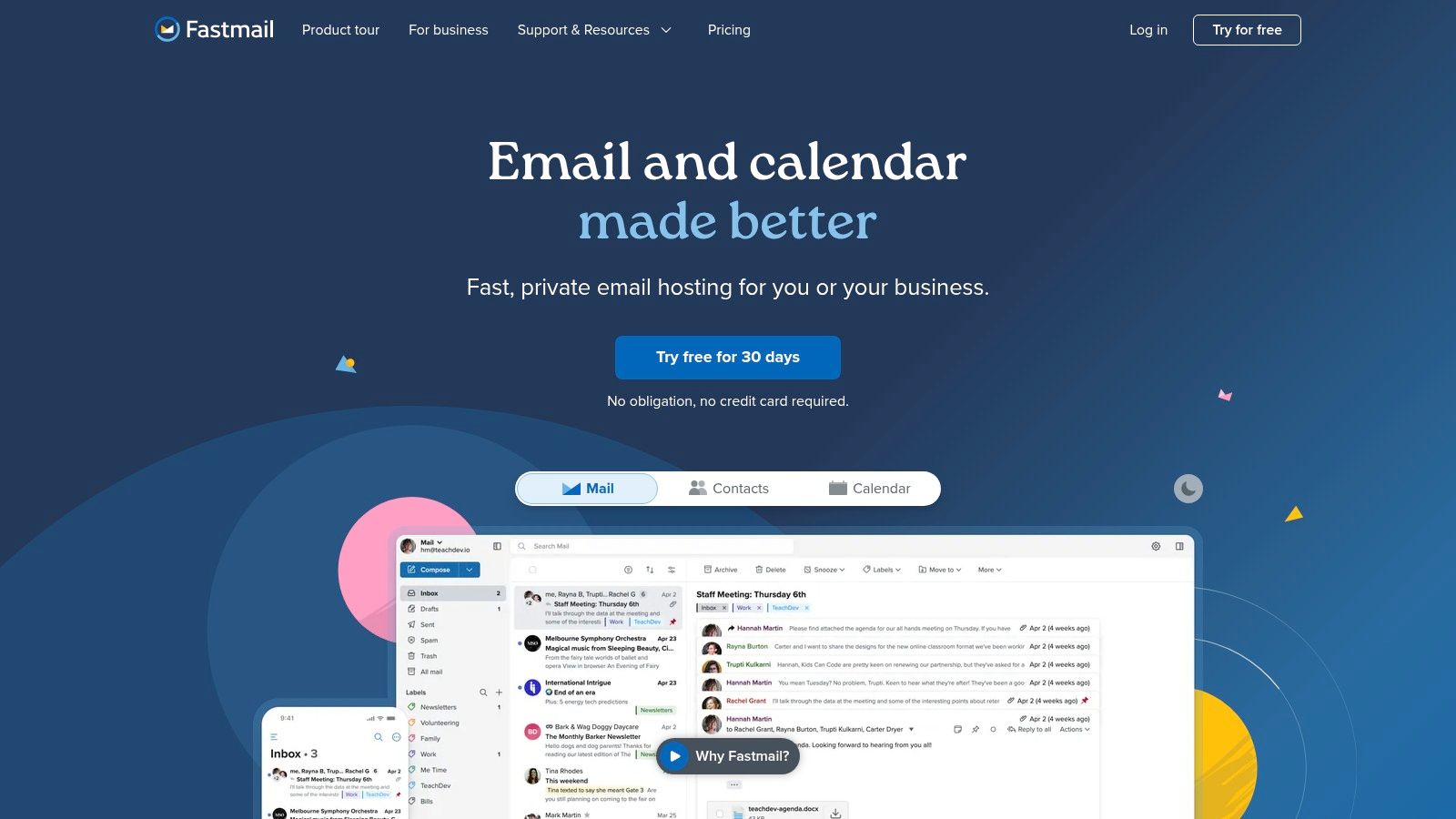
Fastmail's interface is intuitive and fast, making it easy to manage communications without a steep learning curve. The platform is built on open standards, ensuring compatibility with your favorite third-party email clients. This focus on core email excellence makes it one of the best email services for small businesses that value a straightforward, secure, and private communication tool.
Key Features and Considerations
The Standard plan, priced at $5 per user per month, is a great starting point, offering custom domains and 30GB of storage per user. All plans include integrated calendars and contacts, robust spam filtering, and a strict no-advertisement policy. This ensures your business communications remain confidential and focused.
- Pros:
- Simple and intuitive interface focused on core email functions.
- Strong commitment to user privacy with no ad-based tracking.
- Reliable and fast performance with excellent uptime.
- Cons:
- Lacks the integrated collaboration tools found in larger suites.
- There is no free plan available for businesses to test.
Website: https://www.fastmail.com/
7. Bluehost
For new small businesses building their online presence from the ground up, Bluehost offers a highly convenient and cost-effective solution. Primarily a web hosting giant, Bluehost bundles professional email hosting directly with its website hosting plans. This consolidation allows business owners to manage their website and custom domain emails (e.g., contact@yourstartup.com) from a single, unified dashboard, simplifying administration and billing.
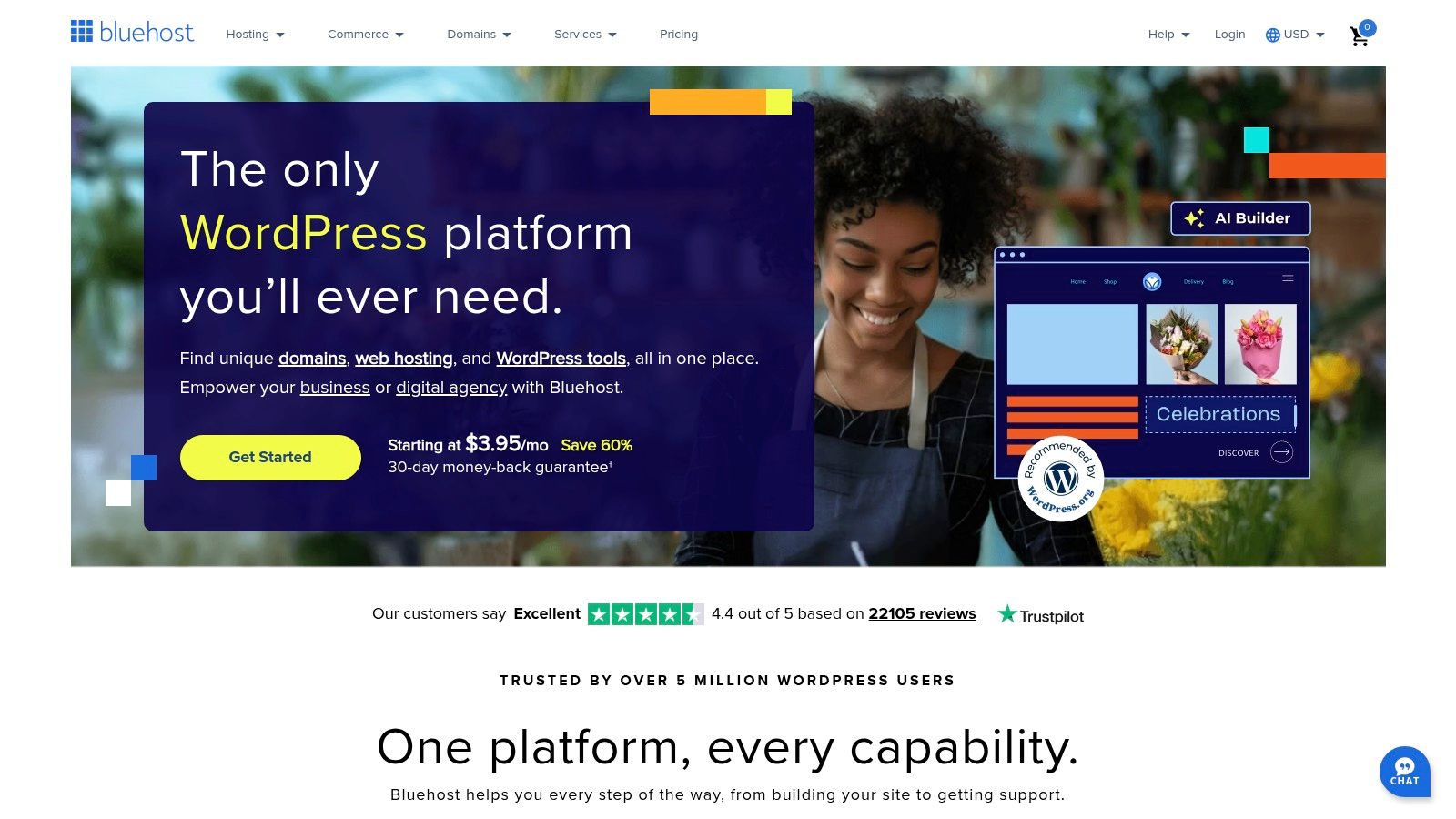
This all-in-one approach is Bluehost’s main advantage. Instead of juggling separate providers for web and email hosting, you get everything under one roof. The platform provides easy webmail access and straightforward integration with popular email clients. For those needing more power, it also offers a seamless upgrade path to Microsoft 365.
Key Features and Considerations
Bluehost's hosting plans, such as the Choice Plus plan, often include free professional email for the first year, making it an incredibly budget-friendly entry point. You can create multiple email accounts, and each mailbox comes with a standard 15GB of storage and essential spam protection. While not as feature-rich as standalone email providers, it is an excellent email service for small business owners who prioritize convenience and affordability.
- Pros:
- Convenient bundling with web hosting simplifies management.
- Extremely competitive pricing, often included free for the first year.
- Reliable 24/7 customer support for both hosting and email.
- Cons:
- Email services are an add-on, not a core standalone product.
- Lacks the advanced collaboration and security tools of specialized email suites.
Website: https://www.bluehost.com/
8. DreamHost
For small businesses that want to decouple their email hosting from their website hosting, DreamHost offers a compelling and affordable standalone solution. This approach is ideal for businesses that already have a website hosted elsewhere or simply want a dedicated, specialized service for their professional email. By focusing solely on email, DreamHost provides a streamlined and secure platform without the complexity of a full productivity suite, making it a strong candidate for the best email service for small business on a budget.
The service is built around providing a professional email address using your own custom domain (e.g., contact@yourcompany.com). Its strength lies in its simplicity and reliability, offering generous storage and robust security features without locking you into a larger ecosystem. You get ad-free webmail and full IMAP support, allowing you to easily sync your email across all your devices using clients like Outlook or Apple Mail.
Key Features and Considerations
DreamHost’s email hosting plan starts at just $1.67 per mailbox per month when billed annually. Each mailbox comes with a substantial 25GB of storage, which is more than enough for most small business users. The platform includes smart anti-spam, virus, and phishing filters that automatically adapt to new threats, ensuring your inbox remains secure and clean.
- Pros:
- Highly affordable standalone email hosting.
- Generous 25GB of storage per mailbox.
- Strong built-in security and spam filtering.
- Cons:
- Lacks the integrated collaboration tools of larger suites.
- There is no free trial or free plan available.
Website: https://www.dreamhost.com/email-hosting/
9. Hostinger
For small businesses and startups where budget is a primary concern, Hostinger offers an incredibly compelling and affordable email hosting solution. It strips away the complexity of larger suites, focusing on delivering reliable, professional email at a fraction of the cost. By allowing you to use a custom domain (e.g., contact@yourstartup.com), it provides the essential professional polish without requiring a significant investment, making it a top choice for those just starting out.
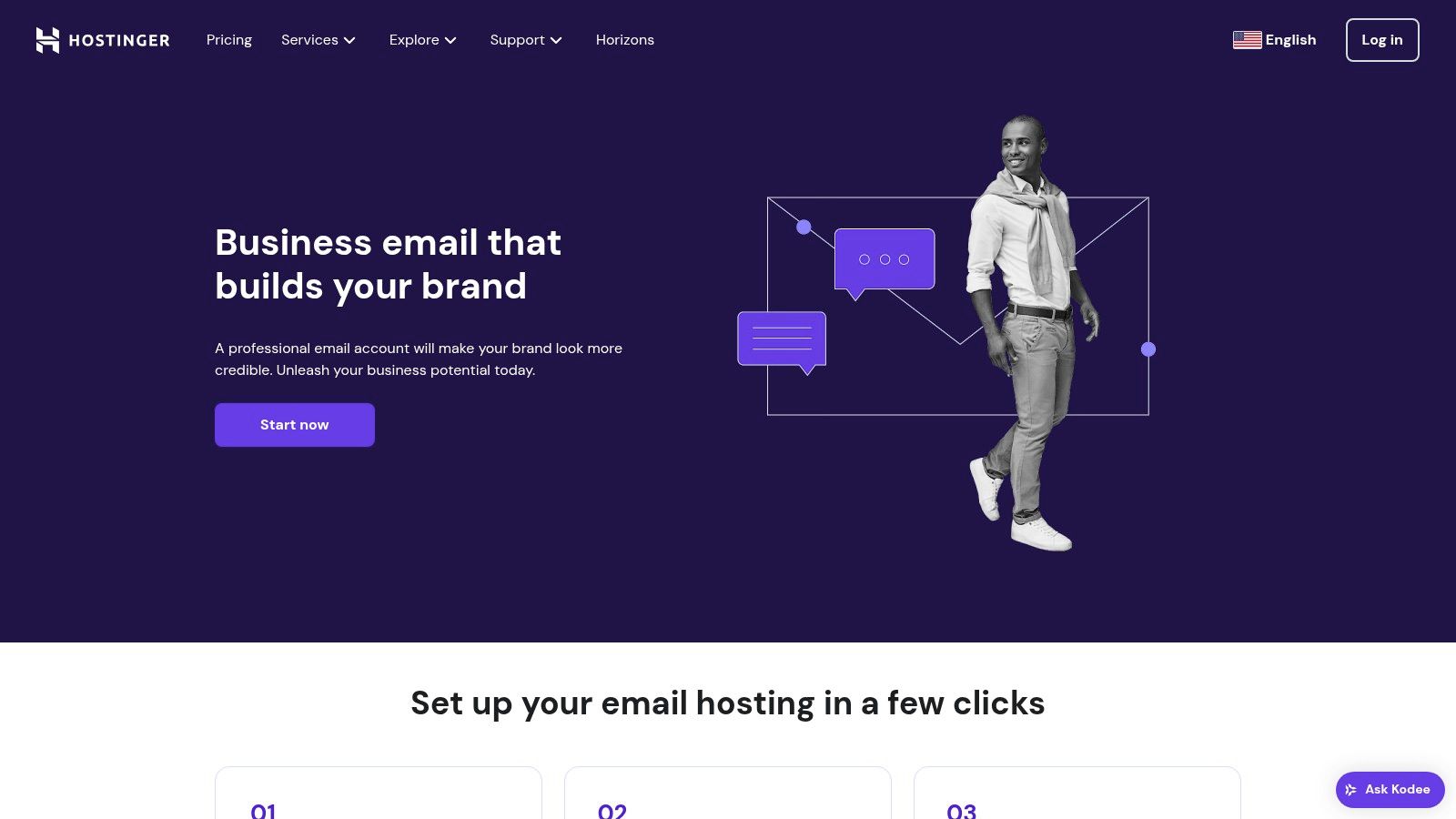
Hostinger stands out by prioritizing simplicity and performance at a low price point. The user-friendly control panel makes it easy to create mailboxes, set up aliases, and manage accounts without technical expertise. It's a straightforward service that does one thing and does it well: provide dependable email hosting.
Key Features and Considerations
The Business Email plan is exceptionally priced, starting as low as a few dollars per month per mailbox. Each mailbox comes with 10GB of storage, which is ample for most standard business communication needs. The service includes robust anti-spam and antivirus protection, ensuring your inbox remains clean and secure, which is why it's a solid contender for the best email service for small business on a budget.
- Pros:
- Extremely affordable, market-leading pricing.
- Intuitive and user-friendly control panel for easy management.
- Reliable performance with good uptime guarantees.
- Cons:
- Lacks the advanced collaboration tools of larger suites.
- Storage per mailbox is lower than premium competitors.
Website: https://www.hostinger.com/email-hosting
10. Titan
Titan is an email service built from the ground up with the needs of small businesses and solopreneurs in mind. It moves beyond basic email hosting by bundling productivity-focused features directly into the inbox, making it a strong contender for the best email service for small business for those who want professional tools without the complexity of a full office suite. It provides custom domain email (you@yourbusiness.com) with a clean and modern interface.
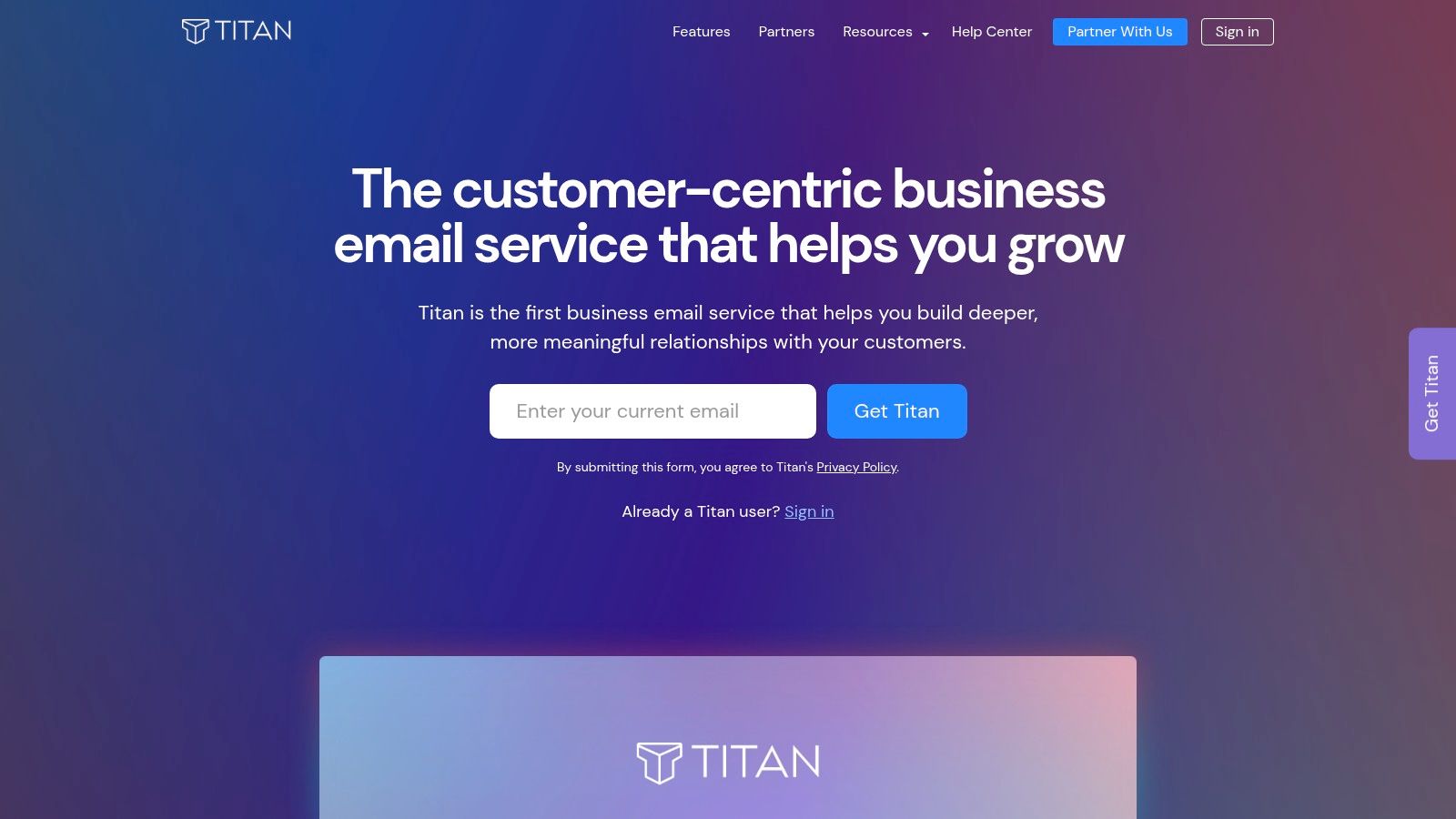
The platform's standout quality is its focus on communication efficiency. Features like read receipts, follow-up reminders, and email templates are integrated natively, helping you manage client conversations and sales pipelines more effectively directly from your inbox. It also includes an integrated calendar and contacts, keeping essential business functions in one place.
Key Features and Considerations
Titan is often bundled with hosting providers but can be purchased directly. The pricing is competitive, designed to be accessible for new businesses establishing their professional presence. The service includes robust mobile apps for both iOS and Android, ensuring you can manage your business communications on the go.
- Pros:
- Excellent productivity features like read receipts and scheduling.
- Clean, user-friendly interface that is easy to navigate.
- Specifically tailored for the needs of small businesses.
- Cons:
- Integrations with third-party apps are more limited than larger suites.
- No free plan is available for users to test the service.
Website: https://titan.email/
11. IceWarp
For businesses seeking a comprehensive yet affordable alternative to mainstream suites, IceWarp presents a compelling all-in-one communication platform. It bundles professional email with a custom domain (you@yourbusiness.com) alongside a full suite of integrated tools. This makes it a strong candidate for the best email service for small business for teams that want to consolidate their communication stack and avoid managing multiple separate subscriptions.
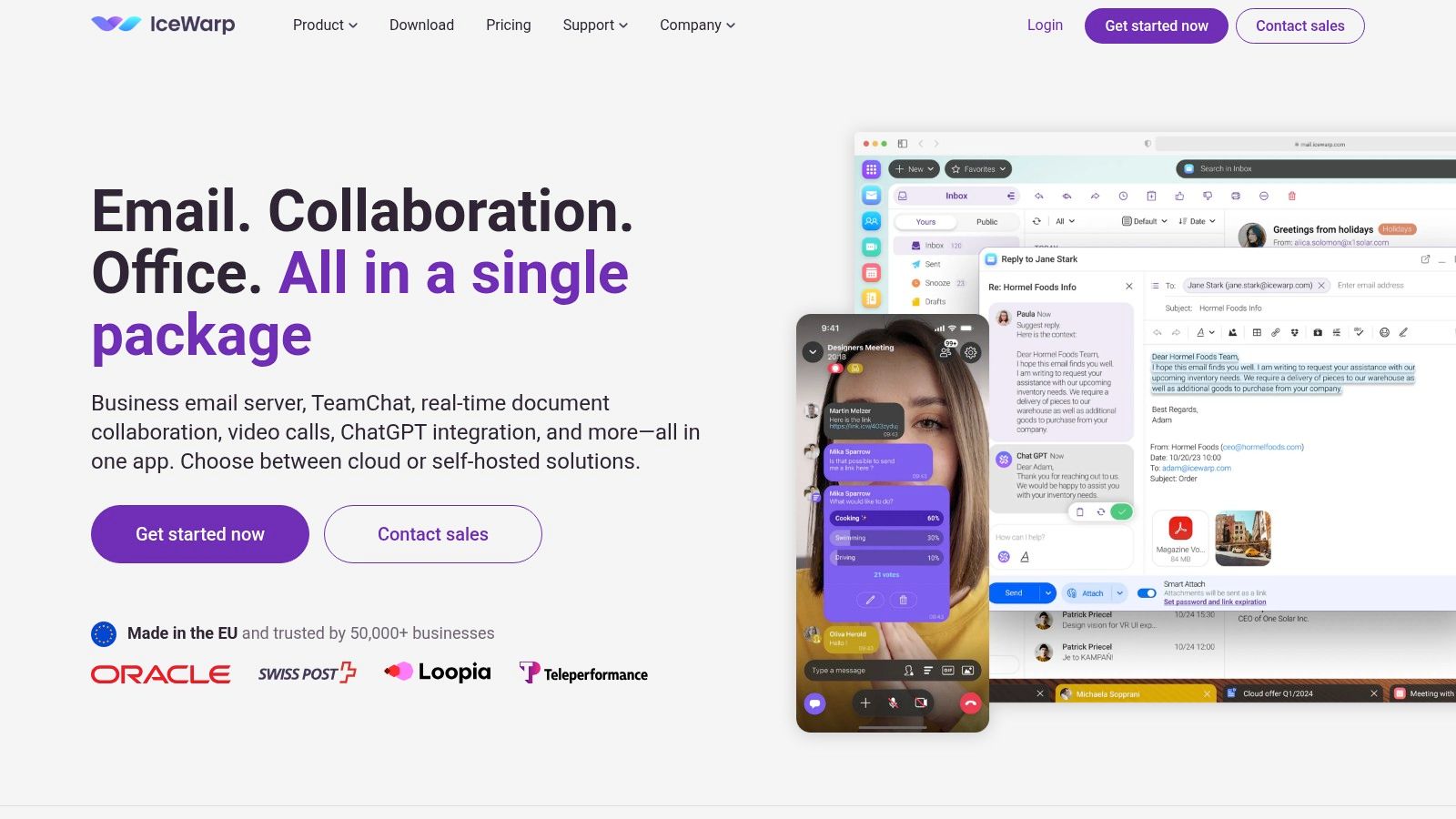
The platform’s core advantage is its unified environment where email, team chat, video conferencing, and online document editors all coexist. This integration allows for a seamless workflow, such as turning an email thread into a chat conversation or starting a video call directly from the application, streamlining team collaboration without needing third-party add-ons.
Key Features and Considerations
IceWarp’s Standard plan, starting around $2.50 per user per month, is highly competitive. It includes professional email, 200 GB of pooled file storage, and access to its collaborative TeamChat and online office suite. The platform also emphasizes security with advanced anti-spam and anti-virus protection built-in.
- Pros:
- Extremely affordable all-in-one suite of communication tools.
- Strong focus on integrated chat, video, and document collaboration.
- Robust security measures are included in standard plans.
- Cons:
- Less brand recognition compared to Google or Microsoft.
- The number of third-party app integrations is limited.
Website: https://www.icewarp.com/
12. Mailbox.org
For small businesses where data privacy and security are non-negotiable, Mailbox.org offers a compelling solution. Based in Germany, it operates under strict European data protection laws (GDPR), providing a secure and ad-free environment. This service is designed for businesses that want to completely avoid data mining and prioritize confidential communications, making it an excellent candidate for the best email service for small business for those in legal, healthcare, or consulting fields.
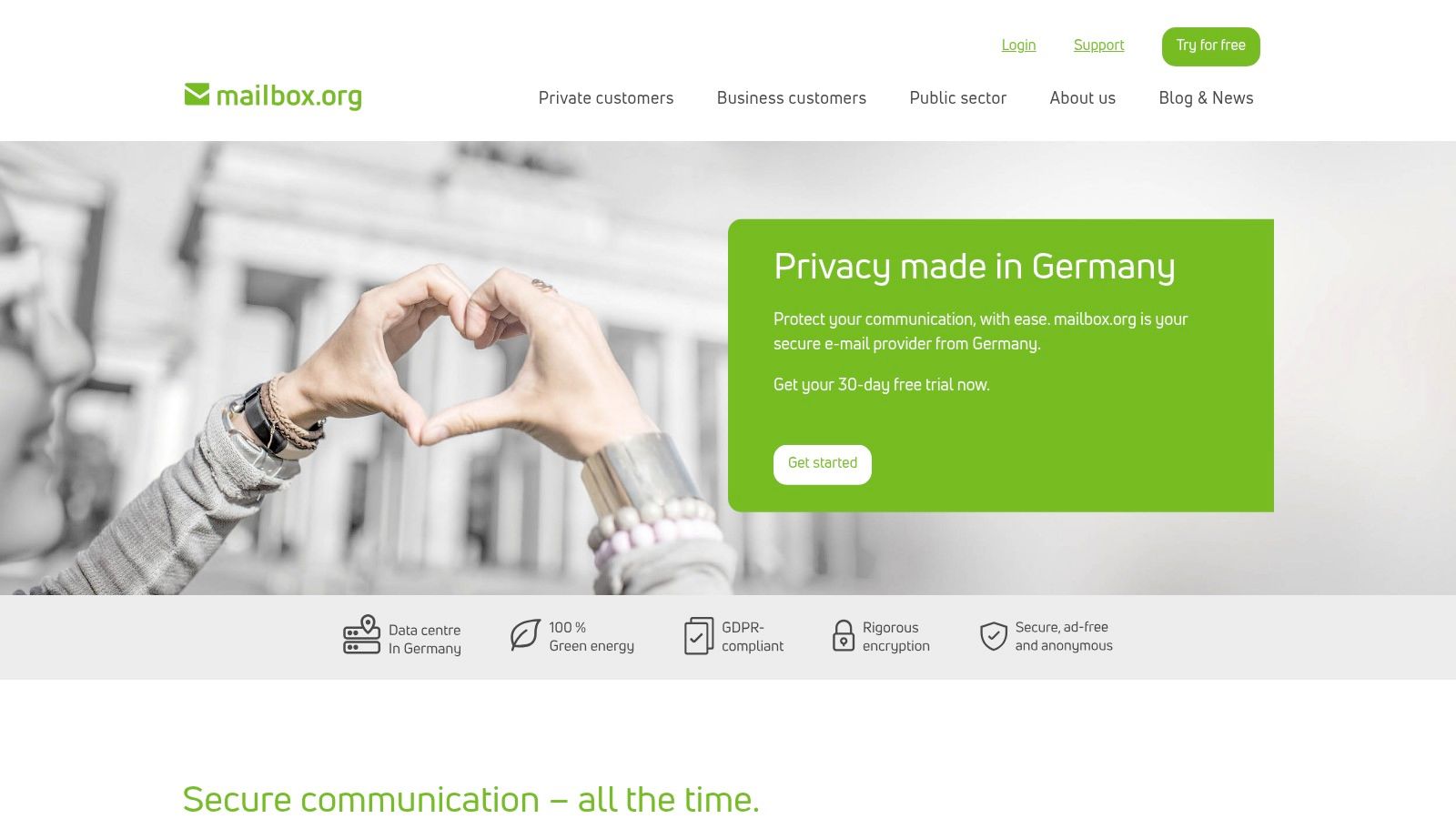
Beyond just email, Mailbox.org provides an integrated suite of productivity tools, including a calendar, contacts, tasks, and even cloud storage, all secured with the same privacy-first ethos. The platform supports custom domains, allowing you to maintain a professional brand identity while benefiting from its robust security infrastructure, including easy-to-use PGP end-to-end encryption.
Key Features and Considerations
The STANDARD plan, starting at a very competitive €3 per user per month, includes 10GB of mail storage and 5GB of cloud storage. A key differentiator is its commitment to transparency and security, ensuring your business data is never scanned or sold. The user interface is clean and functional, focused on efficiency rather than flash.
- Pros:
- Strong emphasis on privacy and GDPR compliance.
- Comprehensive suite of productivity tools included.
- Transparent and affordable pricing.
- Cons:
- Limited third-party integrations compared to larger platforms.
- No free plan is available for initial testing.
Website: https://mailbox.org/
Top 12 Email Services for Small Business Comparison
| Provider | Core Features & Security | User Experience & Interface | Value & Pricing | Target Audience | Unique Selling Points | Rating |
|---|---|---|---|---|---|---|
| 🏆 Typewire | Privacy-first, no ads/tracking, custom domains, advanced anti-spam ✨ | Fast, responsive UI with light/dark mode | Free, Basic & Premium plans 💰 | 👥 Individuals & SMBs & IT pros | Canadian-owned data centers, zero data mining ✨ | ★★★★★ |
| Google Workspace | Custom domain, 30GB storage, 2FA security | User-friendly, seamless app integration | Higher starting cost 💰 | 👥 SMBs needing collaboration | Suite integration (Docs, Meet) | ★★★★☆ |
| Microsoft 365 | 50GB mailbox, 1TB OneDrive, compliance tools | Familiar MS Office interface | Premium pricing 💰 | 👥 Microsoft ecosystem users | Office apps + Teams integration | ★★★★☆ |
| Zoho Mail | Custom domains, 5GB free storage, end-to-end encryption | Clean, ad-free UI | Affordable plans 💰 | 👥 Budget-conscious SMBs | Privacy with integrated calendar/tasks | ★★★☆☆ |
| ProtonMail | End-to-end encryption, zero-access, custom domains | Simple, no ads | Limited free with paid upgrades 💰 | 👥 Privacy-focused users | Open-source, self-destructing emails ✨ | ★★★★☆ |
| Fastmail | Custom domain, 2-100GB storage, spam filter | Simple & intuitive | No free plan, tiered paid 💰 | 👥 Users wanting privacy + simplicity | Strong privacy, no ads | ★★★★☆ |
| Bluehost | Unlimited emails (hosting required), 25GB/mailbox | Bundled with web hosting | Competitive pricing 💰 | 👥 Web hosting clients needing email | Web & email in one place | ★★★☆☆ |
| DreamHost | 25GB mailbox, ad-free, spam & virus protection | User-friendly | Affordable standalone 💰 | 👥 SMBs wanting independent email hosting | Standalone email with strong security | ★★★☆☆ |
| Hostinger | 10GB storage, spam/virus protection, IMAP/POP3 | Easy control panel | Very affordable 💰 | 👥 Budget small businesses | Budget-friendly, reliable | ★★★☆☆ |
| Titan | Custom domains, calendar, read receipts, templates | User-friendly | Paid plans only 💰 | 👥 Small & medium businesses | Productivity features tailored for SMBs | ★★★☆☆ |
| IceWarp | Custom domains, chat/video, doc collaboration | All-in-one communication suite | Affordable pricing 💰 | 👥 Businesses wanting unified platform | Integrated chat & collaboration ✨ | ★★★☆☆ |
| Mailbox.org | Custom domain, PGP encryption, calendar & tasks | Ad-free, privacy-focused | No free plan, transparent 💰 | 👥 Privacy-conscious European businesses | GDPR compliant, strong privacy | ★★★★☆ |
Making the Final Call: Your Business's Ideal Email Partner
Selecting the best email service for your small business is far more than just picking a new inbox. It's a strategic decision that directly impacts your brand's professionalism, your team's productivity, and your company's digital security posture. Throughout this guide, we've explored a diverse landscape of providers, each with a unique value proposition tailored to different business needs.
On one side, you have the integrated behemoths, Google Workspace and Microsoft 365. These platforms are the clear frontrunners for businesses that prioritize an all-in-one ecosystem, where email is just one piece of a much larger collaboration puzzle including document editing, cloud storage, and video conferencing. Their deep integration and familiar interfaces make them a default choice for teams that need seamless workflow continuity.
On the other end of the spectrum are the privacy-centric champions like ProtonMail and Typewire. These services are built on a foundation of security and user control, making them the superior choice for businesses that handle sensitive client information, prioritize data sovereignty, or simply want to operate without their communications being scanned for advertising data. Their focus isn't on bundling dozens of apps; it's on delivering a secure, reliable, and private email experience.
Then, there are the budget-friendly and bundled options. Web hosting providers like Bluehost, DreamHost, and Hostinger offer an incredible value proposition for new businesses by bundling free email hosting with their web hosting plans. Meanwhile, specialists like Zoho Mail, Fastmail, and Titan carve out their own niches by offering powerful features, excellent user interfaces, and competitive pricing, often striking a balance between the massive suites and the focused privacy providers.
Your Actionable Decision Framework
So, how do you make the final call? Move beyond feature lists and focus on your core operational priorities. Ask yourself these critical questions:
- What is our primary goal? Is it maximum collaboration (Google/Microsoft), ironclad security and privacy (Typewire/ProtonMail), or the best possible value for a new venture (Hostinger/Zoho Mail)? Your main objective will immediately narrow the field.
- What is our true budget? Look beyond the monthly per-user fee. Factor in potential costs for migration, the need for add-on security features, and the long-term value of included apps. A slightly more expensive plan that includes tools you'd otherwise pay for separately can be more cost-effective.
- How important is data privacy to our business and clients? For industries like healthcare, law, or finance, end-to-end encryption and a no-logs policy aren't just features; they're requirements. Prioritizing a service that puts privacy first can be a significant competitive advantage and a cornerstone of client trust.
- What is our team's technical comfort level? A user-friendly interface and straightforward admin controls can save countless hours in training and IT support. Utilize the free trials offered by nearly every provider on this list to get a real-world feel for the daily user experience before making a commitment.
Choosing the best email service for a small business is about finding a partner that aligns with your values, supports your workflow, and protects your most critical asset: your information. Use this guide not as a final verdict, but as a map to help you navigate the options and confidently select the platform that will help your business communicate, grow, and thrive securely.
Ready to prioritize security and reclaim control over your business communications? Typewire is engineered for small businesses that demand a private, ad-free, and secure email experience. With privately-owned infrastructure and a steadfast commitment to user privacy, it offers the professional tools you need without compromising your data. Discover how Typewire can be the secure foundation for your business's communication today.