Category: Uncategorized

  • How to Protect Against Ransomware via Email

    How to Protect Against Ransomware via Email

    When it comes to stopping ransomware, you have to start with your email. It's the #1 way attackers get in the door. The best defense is a two-pronged approach: a rock-solid, secure hosted email platform combined with smart, well-trained users who know how to spot a threat. Nail this, and you’ve built the foundation for a truly effective anti-ransomware strategy.

    Why Your Inbox Is Ransomware’s Front Door

    To build a real defense, you first need to understand the battlefield. Your inbox isn't just for sending and receiving messages; to an attacker, it's a wide-open highway leading straight to your company's most critical systems. Most ransomware attacks don't kick off with some sophisticated, movie-style hack. They start with a simple, cleverly disguised email.

    And we're not talking about those old, poorly written phishing scams anymore. Modern attacks use highly targeted social engineering to create a false sense of trust and urgency. Think about getting an email that looks exactly like an invoice from a supplier you work with every week, or a frantic message from your CEO demanding an immediate wire transfer. These emails are designed to prey on human nature, pushing you to make one quick, catastrophic click.

    How an Email Attack Unfolds

    The process is disturbingly simple, yet it works time and time again. It all starts when someone on your team gets a carefully crafted email carrying either a malicious link or a weaponized attachment.

    • Malicious Links: A single click can take you to a login page that looks completely legitimate but is actually designed to steal your credentials. Once they have those, attackers can just walk right in.
    • Infected Attachments: Opening what looks like a harmless PDF invoice or a Word document can trigger a hidden script, which then quietly downloads the ransomware onto the network.

    Once it's running, the malware gets to work encrypting everything it can find, grinding your entire operation to a halt. The key takeaway here is that email security isn't just an IT task to check off a list—it's a core business function. To get better at this, everyone needs to learn how to identify phishing emails with expert tips to stay safe.

    The financial stakes are absolutely massive. Globally, cybercrime is expected to cost businesses a mind-boggling $10.5 trillion annually by 2025. That number isn't just the ransom itself; it includes the cost of recovery, lost business, and damage to your reputation. You can dig deeper into the staggering costs of cybercrime to see the full picture.

    Developing Smarter Email Habits
    A person sitting at a desk, carefully examining an email on their computer screen, with a padlock icon overlaying the monitor to symbolize email security.

    All the best firewalls in the world won't save you if someone on your team clicks the wrong link. That single moment of human error is what attackers count on, which is why your "human firewall" is arguably your most important defense.

    This isn't just about repeating the old advice to "not click strange links." It’s about building the right kind of muscle memory—a healthy, automatic skepticism—to spot and neutralize threats before they ever have a chance to launch. Attackers are masters of psychological manipulation, using urgency and fear to rush you into a mistake. Slowing down is your first line of defense.

    Scrutinize Every Sender

    Before you read a single word of the email body, look at who it's from. Attackers love to use domain spoofing, a tactic where an email address looks right at first glance but is intentionally misspelled. Think accounting@yourcompanny.com instead of accounting@yourcompany.com. It's a classic trick that still works.

    Get in the habit of hovering over the sender's name to see the full email address behind it. Watch out for these red flags:

    • Sneaky character swaps: Using a "1" for an "l" or "rn" to look like an "m" (arnazon instead of amazon).
    • Wrong top-level domains: A message from service@microsoft.co is not the same as one from service@microsoft.com.
    • Public email accounts: Your bank will never send you a password reset link from a @gmail.com or @outlook.com address. Period.

    Spotting these details is a fundamental skill. It helps shift your team's mindset from being potential victims to being active defenders. This cultural change is a big piece of what's covered in your guide to information security awareness training.

    Safely Inspect Links and Attachments

    Never, ever click a link or open an attachment without a second thought. A hyperlink can easily be disguised to say one thing but lead you somewhere else entirely. Instead of blindly clicking, just hover your mouse over the link. Your browser or email client will show you the real destination URL, usually in the bottom-left corner. If it looks fishy or doesn't match where you expect to go, just delete the email.

    Attachments are even more dangerous. What looks like an innocent invoice PDF or a simple Word doc could actually be an executable file in disguise, ready to install ransomware the second it's opened.

    If an attachment shows up unexpectedly—even if it's from a colleague or a trusted vendor—don't open it. Their account could be compromised. Pick up the phone or send them a message on a separate platform (like Teams or Slack) to confirm they actually sent it. This simple "trust but verify" habit can stop an attack in its tracks.

    Choosing Your Hosted Email Platform

    Your email habits are one part of the ransomware puzzle, but the technology running your inbox is just as critical. The hosted email platform you choose isn't just a mailbox; it's a fundamental layer in your defense. Think of it as the difference between a simple deadbolt and a full-blown security system for your digital front door.

    Not all hosted email platforms are created equal. Standard services and truly secure, privacy-focused platforms are built on entirely different philosophies. While giants like Google Workspace and Microsoft 365 offer robust security, they also scan your data for advertising and product development. On the other hand, privacy-first providers like ProtonMail build their entire architecture around zero-knowledge principles, meaning not even the company can access your data.

    Differentiating Security Features

    When you're evaluating a hosted email platform, it's easy to get distracted by storage space and a slick interface. But to truly defend against ransomware, you need to dig deeper and focus on the features that actively hunt for and neutralize threats before they ever land in your inbox.

    Here are a few non-negotiable features I always look for:

    • Attachment Sandboxing: This is a game-changer. Instead of just a basic virus scan, the platform opens attachments in a secure, isolated virtual environment (a "sandbox"). It then watches what the file does. If it tries to encrypt files or call home to a malicious server, it's flagged and blocked.
    • Advanced Link Protection: You'll sometimes see this called URL rewriting. When you click a link, the service checks it in real-time against a constantly updated list of malicious sites. This is crucial for catching delayed attacks, where a link is harmless at first but is later weaponized.
    • Data Loss Prevention (DLP): While often used to stop employees from leaking sensitive data, DLP can also spot the tell-tale signs of a ransomware attack. These systems can flag unusual activity, like someone trying to download or access thousands of files at once—a common precursor to the encryption stage.

    Choosing the right platform is about prioritizing tangible security value over simple familiarity. It’s an active decision to fortify your primary communication channel, which is absolutely essential for anyone serious about protecting their systems from ransomware.

    Mainstream Platforms vs. Privacy-First Alternatives

    There's no denying that Google Workspace and Microsoft 365 dominate the business email landscape. Their security suites, especially in the higher-tier plans, are incredibly powerful and benefit from the massive amount of threat data they process every second.

    However, privacy-focused platforms like ProtonMail offer a different, compelling approach. They are often built from the ground up on end-to-end encryption, a method that ensures a message is scrambled on the sender's device and can only be unscrambled by the intended recipient. This architecture inherently shields your email content from prying eyes—including the provider's. The trade-off is that because the provider cannot scan your email content, some automated threat detection features that rely on content analysis may be less effective.

    This developer's desktop serves as a great reminder that even with advanced platform security, the basics—like updating your software—are still critically important.
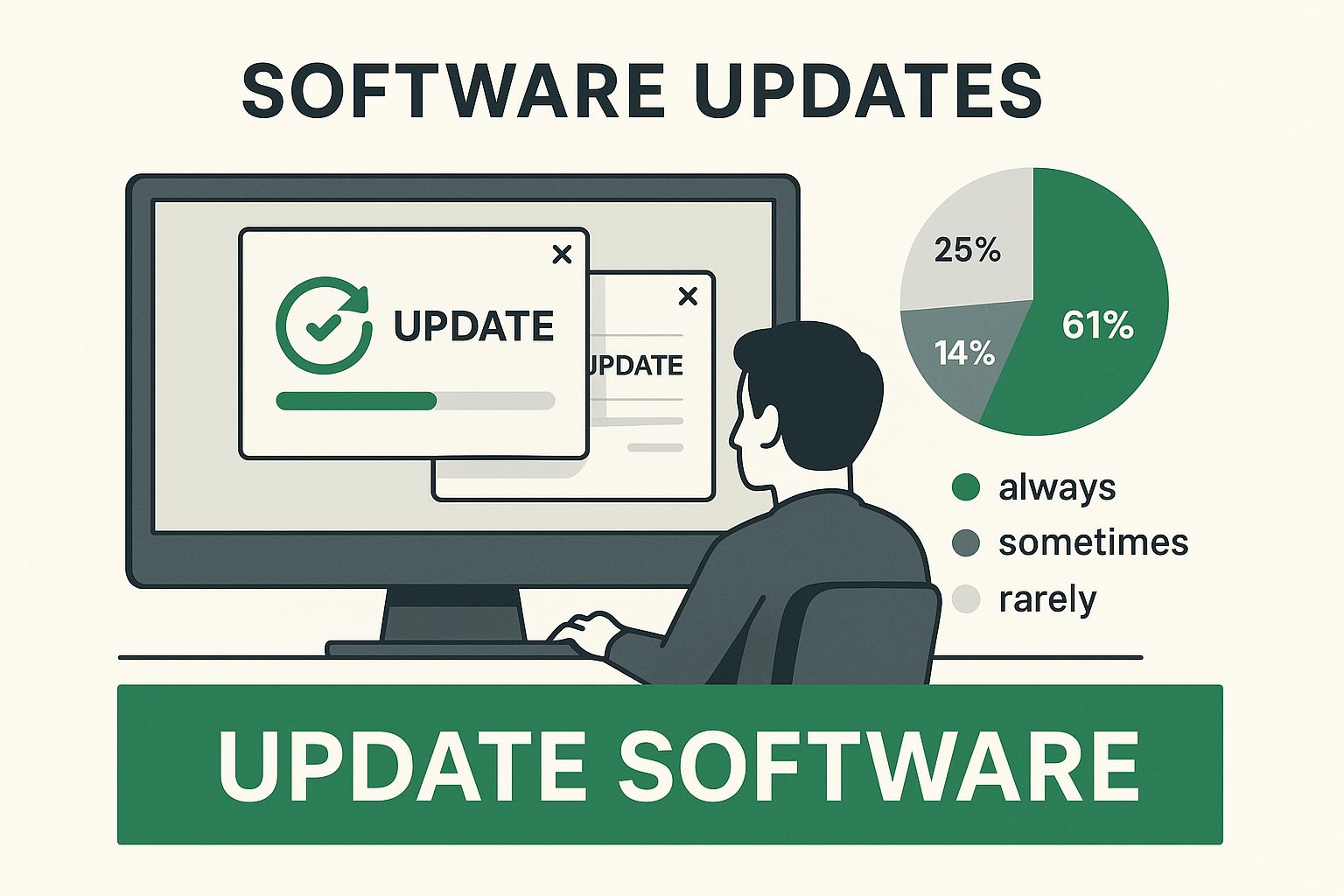
    Infographic about how to protect against ransomware

    This image really drives home the point: your platform's features and your own security habits have to work together.

    The table below provides a quick look at how these different platform types stack up when it comes to key security features that help stop ransomware.

    Comparing Hosted Email Platform Security Features

    Security Feature Google Workspace Microsoft 365 Privacy-Focused Platforms (e.g., ProtonMail)
    Attachment Sandboxing Available (Security Sandbox) Available (Safe Attachments) Less common; focus is on encryption, not active threat analysis
    Advanced Link Protection Available (Enhanced pre-delivery checks) Available (Safe Links) Varies; some offer phishing protection, but not always as advanced
    Data Loss Prevention (DLP) Included in higher-tier plans Included in higher-tier plans Generally not a core feature
    End-to-End Encryption Limited (requires specific configuration) Limited (requires specific configuration) Core feature; often enabled by default between platform users
    Phishing/Spam Filtering Advanced; uses machine learning Advanced; uses machine learning Strong, with a focus on privacy-preserving methods

    As you can see, the major platforms offer more active threat-hunting tools, while privacy-focused alternatives excel at protecting the data itself.

    While end-to-end encryption alone won't stop you from clicking a malicious link, the "privacy-by-design" philosophy of these platforms often leads to stricter filtering and a smaller overall attack surface. For many organizations, the best solution is a hybrid one: use a major platform and enhance it with a specialized security layer. You can explore some of the top email filtering solutions for enhanced inbox security to see how this layered approach gives you the best of both worlds.

    Configuring Advanced Email Defenses

    Choosing a secure email platform is a great start, but it's just the foundation. Now, it's time to add the steel reinforcements that turn that foundation into a genuine fortress. This means setting up specific technical protocols that make your email domain a miserable place for attackers trying to impersonate you.

    These configurations aren't just "nice-to-haves" anymore; they're essential pieces of modern email security. Think of them as digital bouncers at the door, constantly checking IDs to make sure every email claiming to be from you is the real deal. It’s this proactive stance that truly separates a vulnerable organization from a resilient one.

    Building Your Wall with SPF, DKIM, and DMARC

    You've probably seen these acronyms—SPF, DKIM, and DMARC—thrown around. But what do they actually do? In short, they work together as a three-part authentication system to stop attackers from sending emails that look like they came from your domain. This tactic, known as domain spoofing, is a favorite trick of ransomware gangs.

    Here’s a quick, no-nonsense breakdown:

    • SPF (Sender Policy Framework): This is basically a public list you create that tells the world which mail servers are allowed to send emails for your domain. It’s like a security guard checking a delivery driver's ID against an approved list before letting them in.
    • DKIM (DomainKeys Identified Mail): This adds a tamper-proof digital signature to every email you send. The receiving server checks this signature to confirm the message wasn't altered on its way over.
    • DMARC (Domain-based Message Authentication, Reporting, and Conformance): DMARC is the policy enforcer. It ties SPF and DKIM together and tells other mail servers what to do with messages that fail the checks. You can tell them to quarantine suspicious emails, reject them outright, or just let them through while you monitor the reports.

    Putting all three in place closes a massive loophole that ransomware operators absolutely love to exploit.

    Key Takeaway: Getting SPF, DKIM, and DMARC configured correctly is one of the most powerful technical moves you can make to shut down phishing. It makes it incredibly hard for criminals to impersonate your brand, which protects both your team and your customers from bogus emails.

    Making Multi-Factor Authentication Non-Negotiable

    If you only do one thing after reading this guide, make it this: enforce Multi-Factor Authentication (MFA) on every single email account. Period. No exceptions. Most ransomware attacks kick off with a compromised account, usually after a clever phishing email tricks an employee into giving up their password.

    MFA puts a second, critical barrier in front of the attacker. Even if they manage to steal a password, they still need something they don't have—access to that person's phone or a fingerprint scan—to get in. This one step can single-handedly neutralize the threat of stolen credentials.

    This is more important than ever. Ransomware incidents targeting industrial sectors alone saw over 657 documented attacks worldwide in just the second quarter of 2025. You can get a deeper look at these trends by exploring the latest industrial ransomware analysis from Dragos.

    Implementing Custom Email Filtering Rules

    Your hosted email platform comes with some pretty good spam filters, but you can—and should—dial them in for even better protection. By creating your own custom filtering rules, you can automatically flag or quarantine emails with the tell-tale signs of a ransomware campaign.

    Think about setting up rules that:

    • Block risky file types: Automatically send any email with an executable attachment (.exe, .scr, etc.) or a password-protected .zip file straight to quarantine.
    • Flag high-pressure language: Create a rule that sticks a big warning banner on any email with phrases like "Urgent Request," "Payment Overdue," or "Immediate Action Required."
    • Isolate messages from new senders: You can set up your system to hold messages from domains you’ve never communicated with before, giving you or your IT team a chance to review them first.

    These custom rules act as an intelligent, automated line of defense, catching threats that standard filters might miss.

    Creating Your Ransomware Recovery Plan

    A secure data center server room with glowing blue lights, symbolizing a robust and modern backup and recovery system.

    Let's be realistic: even with the best defenses, a determined attacker might still find a way in. When that day comes, your ability to recover your data and get back to business is what separates a minor headache from a company-ending disaster.

    A well-crafted recovery plan is your ultimate insurance policy. It's the ace up your sleeve that makes paying a ransom completely unnecessary. The heart of this plan isn't complicated technology; it's a disciplined, robust backup strategy. We're not talking about just copying a few files here and there. We're talking about building a resilient system that can withstand a direct assault from criminals who want to destroy your safety nets.

    The Proven 3-2-1 Backup Rule

    For decades, the gold standard in data protection has been the 3-2-1 backup rule. It’s a simple concept, but its power lies in the layers of redundancy it creates. Following this framework makes it incredibly difficult for any single event—whether it's a ransomware attack or a physical disaster—to wipe you out completely.

    Here’s the breakdown:

    • Three Copies of Your Data: You need the original, live data plus at least two separate backups. If one fails, you still have another.
    • Two Different Media Types: Don't put all your eggs in one basket. Store your backups on two distinct types of storage, like an on-site network drive and a separate cloud storage account.
    • One Copy Off-Site: This is critical. At least one of your backups must live in a completely different physical location. This protects you from a localized event like a fire, flood, or a ransomware strain that spreads across your entire local network.

    This multi-layered approach means that even if attackers compromise your network and encrypt your local backups, that off-site or cloud copy remains untouched and ready for recovery. To take this a step further, many businesses are now building out a modern Disaster Recovery solution to automate and speed up this entire process.

    Your Ultimate Safety Net: Immutable Backups

    Cybercriminals are smart. They know you have backups, and they’ve made a habit of targeting them first. In fact, a staggering 96% of ransomware attacks now actively try to find and destroy backup repositories before encrypting primary systems.

    This is where immutable backups become your most powerful weapon. Think of immutability as a digital lockbox with a time lock. Once a backup is written, it's set in stone—it cannot be changed or deleted by anyone, not even an administrator with full credentials, until a predetermined time has passed.

    So, even if an attacker gets deep into your systems, they simply can't touch these unchangeable copies. It's the ultimate failsafe.

    An untested backup is just a hope, not a plan. You absolutely must test your restores regularly. Schedule it, practice it, and make sure you can actually bring your systems back online from your backups. Finding out your backups are corrupted or incomplete in the middle of a real crisis is a nightmare you don't want to live.

    Your Top Email Security Questions, Answered

    Even with the best defense in place, you're bound to have questions. Let's clear up some of the most common concerns I hear about email security and its role in ransomware attacks. Getting straight answers is the best way to turn good advice into solid action.

    Can I Get Ransomware Just by Opening an Email?

    This is a big one, and thankfully, the answer is probably not. Modern email clients have come a long way. Simply opening and reading an email is extremely unlikely to infect your computer.

    The real danger kicks in when you interact with something inside the email. Ransomware needs you to do something to let it in. This usually means:

    • Clicking a malicious link that sneakily downloads malware in the background.
    • Opening an infected attachment disguised as something innocent, like a PDF invoice, a shipping update, or a Word document.

    Think of it this way: the risk isn't in seeing the email; it's in acting on what it asks you to do.

    Is a Free Email Service Like Gmail Good Enough?

    For personal use, services like Gmail and Outlook provide a surprisingly solid layer of security, especially if you have Multi-Factor Authentication (MFA) turned on. They scan billions of emails, so they're great at filtering out obvious spam and known threats.

    But for a business, it’s a different story. If you're handling sensitive customer info or financial data, relying on a free service is a gamble. Upgrading to a paid plan like Google Workspace or Microsoft 365 isn't just a nice-to-have; it's essential.

    These business-grade platforms offer advanced threat protection, granular admin controls, and security protocols like DMARC enforcement that are built to stop the kind of targeted, sophisticated attacks that businesses face. It's a level of defense free services just can't provide.

    The single best thing you can do to protect any email account—free or paid—is to enforce Multi-Factor Authentication. Most ransomware attacks start with a compromised account. Even if an attacker successfully phishes your password, MFA acts as a digital deadbolt. It requires a second code, usually from your phone, that the bad guy doesn't have. This one simple step can stop an account takeover in its tracks.

    Choosing the right email platform is foundational to protecting your organization from ransomware. It's the secure bedrock upon which all your communications are built.


    Ready to secure your communications with an email platform that prioritizes your privacy and security? Typewire offers a secure, ad-free, and no-tracking email experience built on our privately owned infrastructure. Start your free trial today and take back control of your inbox.
  • 12 Best Email Apps for Android in 2025 (Privacy Focused)

    12 Best Email Apps for Android in 2025 (Privacy Focused)

    Your inbox is a digital extension of your life, holding everything from personal conversations to critical financial data. Choosing the right email client for your Android device is no longer just about convenience; it's a critical security decision. The default app on your phone might be convenient, but does it truly protect your privacy or offer the robust features needed for professional or secure communication? This guide moves beyond standard feature lists to evaluate the best email apps for Android through the crucial lenses of privacy, security architecture, and compatibility with secure hosted email platforms.

    We understand the problem: sifting through countless options on the Google Play Store is overwhelming. Many users, from privacy-conscious individuals to small business owners, are seeking alternatives to ad-supported services that mine personal data. They need clients that support end-to-end encryption, custom domains, and transparent data handling policies. This resource is designed to solve that problem by providing a direct, comprehensive comparison.

    Inside, you will find a curated list of top-tier Android email apps. Each entry offers a detailed analysis, focusing on:

    • Privacy and Security: We examine encryption protocols (like PGP and end-to-end), tracker blocking, and data storage policies.
    • Hosted Platform Integration: We assess how well each app works with secure services like Proton Mail versus standard accounts like Gmail or Outlook.
    • Real-World Usability: We provide insights into the user interface, customization options, and specific features that enhance productivity for different needs.

    Every review includes screenshots for a visual reference and direct links to the Google Play Store, so you can easily download and test the app that best fits your requirements. Our goal is to help you select an application that acts as a fortress for your digital identity, not just a simple mailbox.

    1. Google Play Store

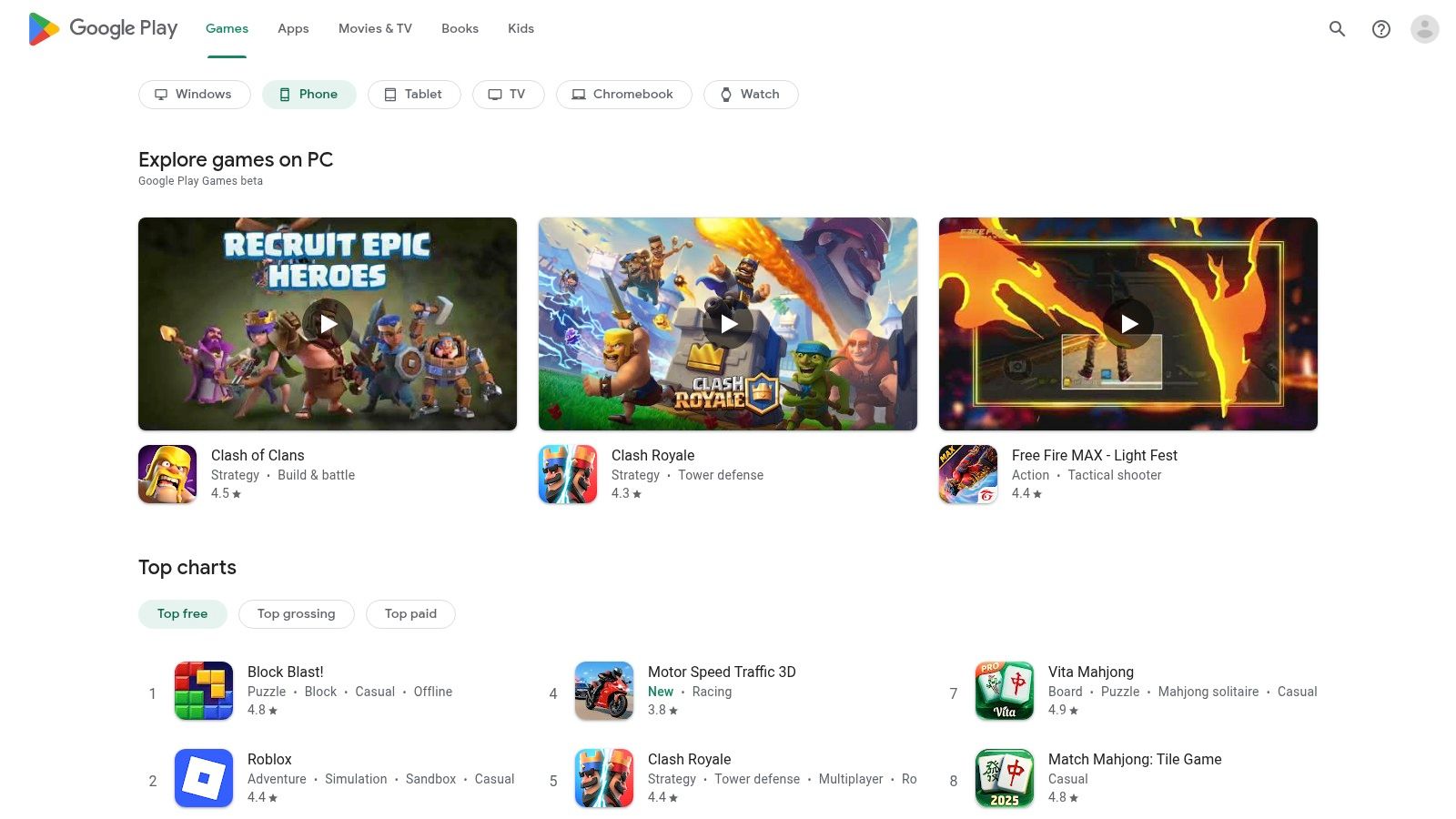
    The Google Play Store isn't an email app itself, but it’s the most critical starting point in your search for the best email apps for Android. As the official marketplace, it provides a centralized and secure environment to find, evaluate, and install a vast array of email clients, from mainstream options to privacy-focused newcomers. Its role is so foundational that even security-centric services like Proton Mail recommend it as the safest default installation source for their applications.

    Google Play Store

    The platform’s key strength lies in its security and user verification features. Every app is scanned by Google Play Protect, a built-in malware defense system that checks for harmful behavior. This adds a crucial layer of security, reducing the risk of downloading a compromised or malicious email client that could steal your data. Additionally, the user review and rating system offers invaluable social proof, allowing you to gauge an app’s reliability and user experience based on feedback from a global community.

    Key Features & Considerations

    • Security & Verification: Google Play Protect scanning and verified developer badges help ensure the legitimacy and safety of email apps, which is paramount when handling sensitive communications.
    • Centralized Management: It simplifies app discovery, one-tap installation, and automatic updates, ensuring you always have the latest security patches and features for your chosen email client.
    • User Feedback: The transparent rating and review system is a powerful tool for comparing different email apps, offering real-world insights into performance, bugs, and privacy practices.

    While alternative app stores and direct APK downloads exist, they require significant caution and technical know-how to vet safely. For most users, especially those prioritizing security and ease of use, the Google Play Store remains the gold standard for accessing the entire catalog of Android email apps.

    Website: https://play.google.com

    2. Gmail (by Google)

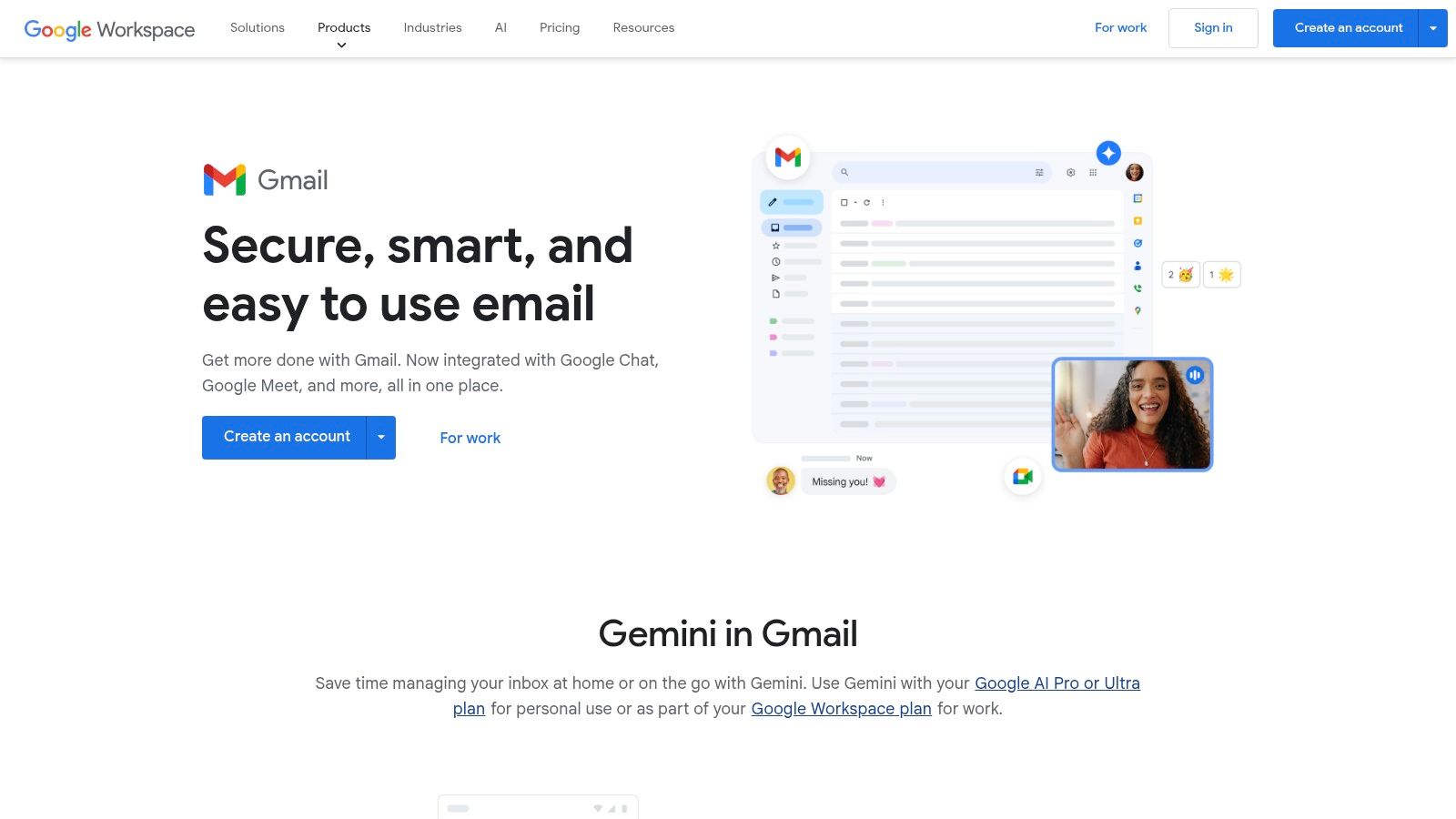
    As the default email client on most Android devices, Gmail is the benchmark against which many others are measured. Its deep integration with the Android ecosystem and Google Workspace makes it an incredibly powerful and convenient tool for both personal and professional use. However, its primary business model is built on data collection, which presents a significant privacy trade-off. While it offers robust security features like advanced spam filtering and phishing protection, it does not provide end-to-end encryption by default.

    Gmail (by Google)

    Gmail’s key advantage lies in its seamless connection to other Google services like Calendar, Drive, and Meet, creating a unified productivity hub. Its spam filtering is widely regarded as one of the best, effectively keeping junk mail out of sight. The app is constantly evolving, with Google rolling out AI-powered features like Smart Reply and, more recently, Gemini integrations for subscribers. Beyond standard email functions, some apps offer extended communication capabilities; for example, you can learn more about sending SMS directly from your Gmail or Outlook app through various integrations and services.

    Key Features & Considerations

    • Powerful Search & Organization: Utilizes Google's search technology for fast, accurate results and uses a flexible label system instead of traditional folders for better organization.
    • Integrated Google Ecosystem: Seamlessly works with Google Calendar, Drive, and Meet, allowing you to manage attachments, schedule meetings, and collaborate directly from your inbox.
    • Intelligent Spam Filtering: Employs advanced machine learning to identify and block spam, phishing attempts, and malware with high accuracy, enhancing your email security.

    While Gmail offers a feature-rich experience for free, its data-centric model raises valid privacy concerns for many users. The platform's business model relies on user data, which may conflict with the needs of those seeking maximum privacy and no-tracking solutions. For those prioritizing data privacy, exploring some of the best email alternatives to Gmail for privacy might be a worthwhile consideration.

    Website: https://www.google.com/gmail/about/

    3. Microsoft Outlook Mobile

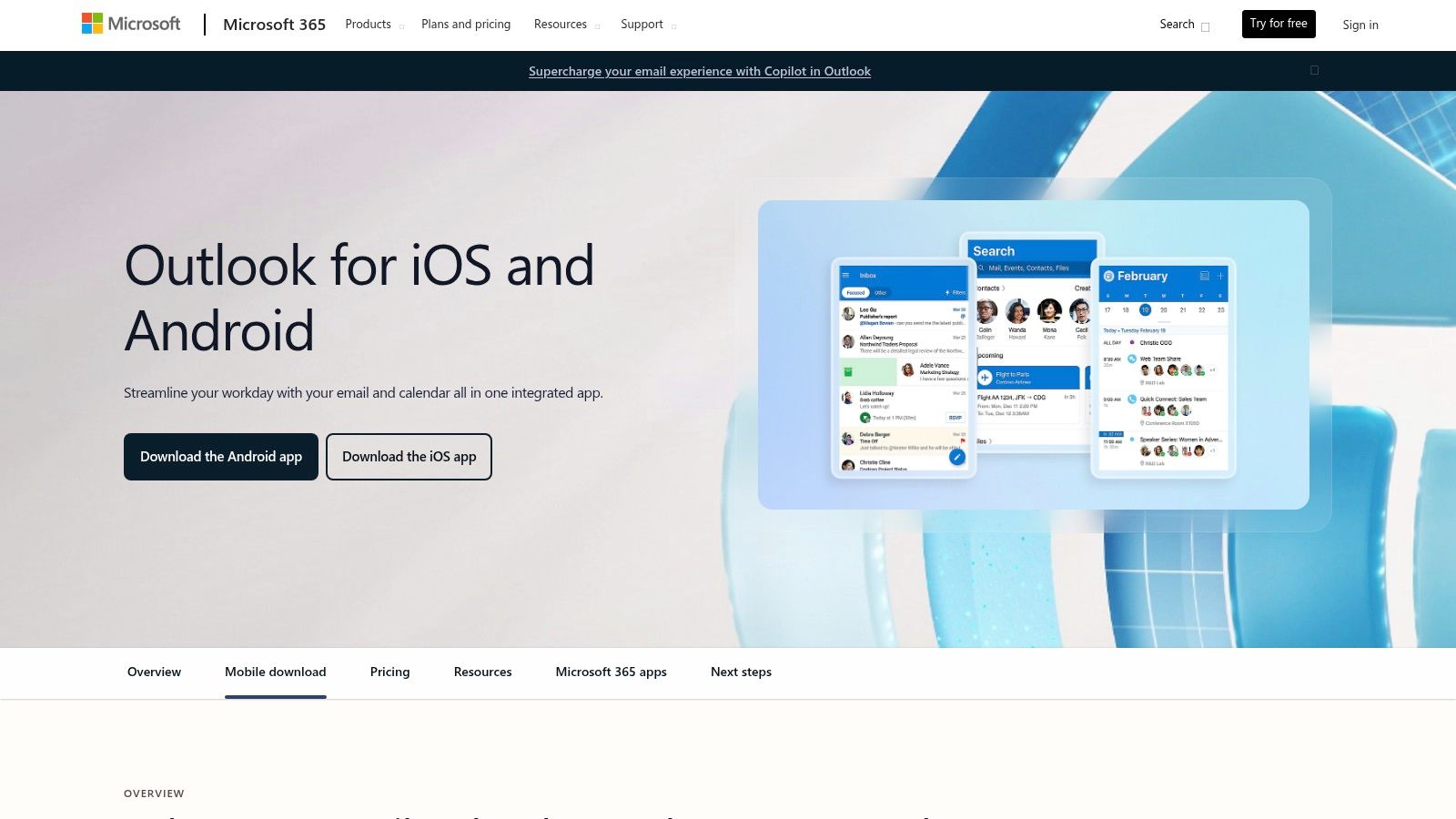
    Microsoft Outlook has evolved far beyond its desktop roots, establishing itself as a powerhouse among the best email apps for Android, especially for users embedded in the Microsoft ecosystem. It offers a polished and highly integrated experience, combining email, calendar, and contacts into a single, cohesive application. Its core strength lies in its seamless synchronization with Microsoft 365 and Exchange accounts, providing enterprise-grade security and management features that are critical for business environments.

    Microsoft Outlook Mobile

    From a security perspective, Outlook Mobile offers robust protection within the Microsoft 365 framework, including support for data loss prevention (DLP) policies and sensitivity labels. This makes it a strong choice for corporate environments where compliance is key. However, like Gmail, it is not a zero-knowledge service; Microsoft has access to email data stored on its servers. The app's signature "Focused Inbox" intelligently sorts your important messages, but this requires server-side processing of your communications.

    Key Features & Considerations

    • Focused Inbox & Unified View: Intelligently prioritizes important emails and allows you to manage multiple accounts (including Gmail and Yahoo) from one central location.
    • Integrated Calendar & Scheduling: Offers robust scheduling capabilities, allowing you to share availability and manage appointments directly within the app, streamlining workflow significantly.
    • Enterprise-Grade Security: Supports Microsoft 365 security policies, data loss prevention (DLP), and sensitivity labels, making it a secure choice for business and professional use.
    • Microsoft 365 Integration: Provides deep integration with other Microsoft services like OneDrive, Teams, and the upcoming Copilot AI assistant for enhanced productivity.

    While Outlook excels for business and Microsoft 365 users, privacy-conscious individuals may be wary of its data collection practices. It is an excellent client for managing a hosted Exchange or Microsoft 365 account but is less suited for those seeking true end-to-end encrypted communication.

    Website: https://www.microsoft.com/microsoft-365/outlook-mobile-for-android-and-ios

    4. Proton Mail

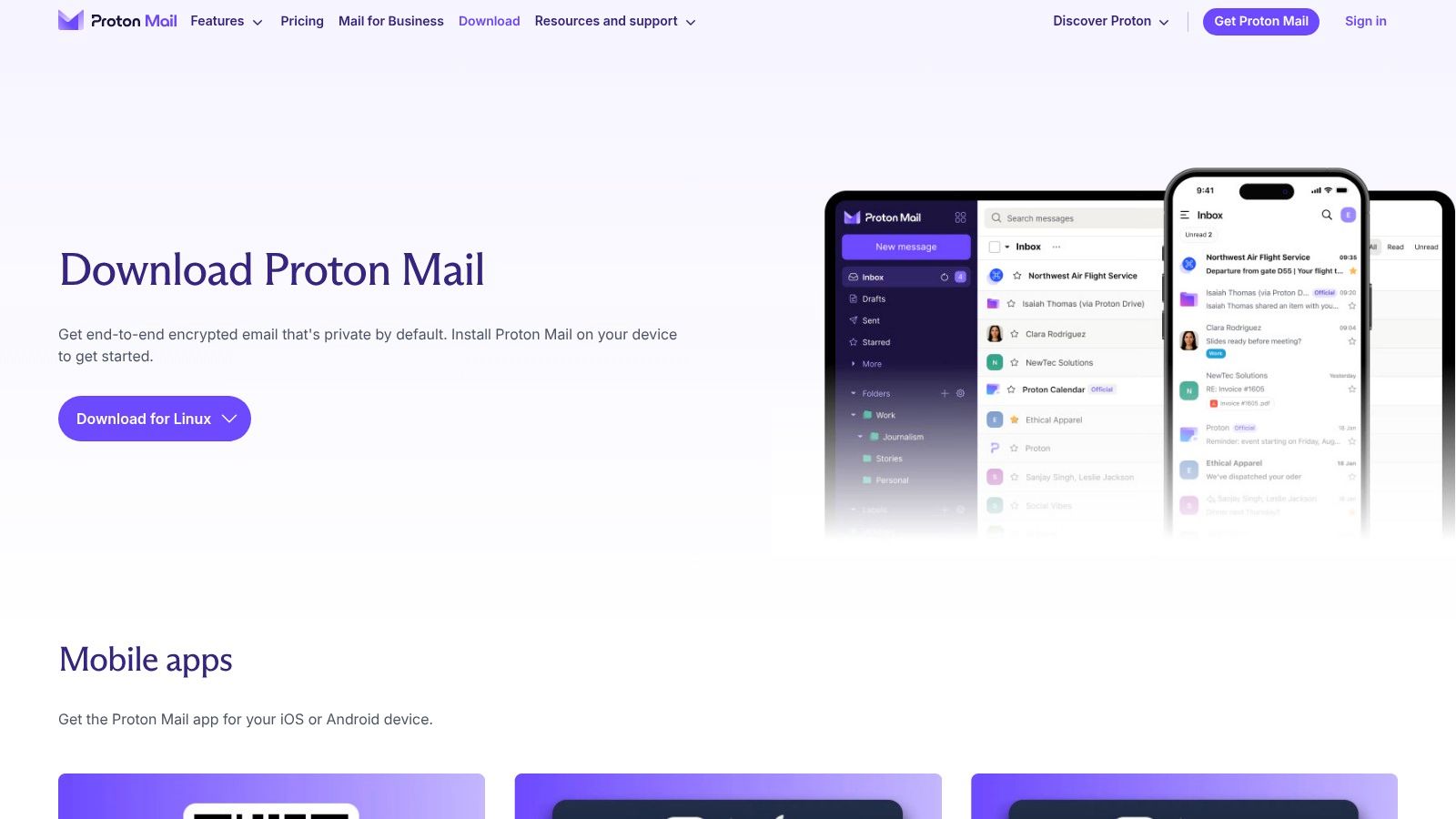
    Proton Mail stands as a benchmark for privacy-first communication, making it one of the best email apps for Android for users prioritizing security. Developed by scientists who met at CERN, its core mission is to provide an encrypted, secure, and user-respecting email service. Unlike mainstream providers that may scan emails for advertising data, Proton Mail uses zero-access, end-to-end encryption, ensuring that no one, not even Proton Mail itself, can read your messages.

    Proton Mail

    The platform’s commitment to security extends beyond encryption. The Android app supports biometric locks (fingerprint or face unlock) for an added layer of physical security. It also offers self-destructing emails and password-protected messages that can be sent to non-Proton users, making it a versatile tool for confidential communication. For users who want to avoid the Google ecosystem entirely, Proton Mail provides a direct APK download from its website, granting full access without relying on the Play Store.

    Key Features & Considerations

    • End-to-End Encryption: All emails between Proton users are automatically encrypted, and messages to external services can be encrypted with a password, providing robust privacy protection.
    • Open-Source & Audited: The apps are open-source and regularly audited by independent security experts, offering transparency and verifiable security claims. For a detailed comparison with other privacy-focused services, see this in-depth analysis of email privacy solutions.
    • Swiss Privacy Laws: Based in Switzerland, all user data is protected by strict Swiss privacy laws, which are among the strongest in the world.

    While its encryption model prevents integration with third-party email clients like Thunderbird or Outlook, its dedicated app provides a clean, modern, and highly secure user experience. The free plan is generous, though paid tiers unlock more storage, custom domains, and additional features for power users and businesses.

    Website: https://proton.me/mail

    5. Spark Mail

    Spark Mail is a powerful, cross-platform email client designed for individuals and teams seeking to supercharge their productivity. It moves beyond a traditional inbox by integrating intelligent features that help you focus on what's important, making it a strong contender for one of the best email apps for Android. Its "Smart Inbox" automatically sorts incoming mail into categories like Personal, Notifications, and Newsletters, allowing you to quickly process low-priority items and concentrate on crucial conversations.

    Spark Mail

    From a privacy standpoint, it's important to understand how Spark achieves its advanced features. Features like the Smart Inbox and cloud-based notifications require processing your email data on Spark's servers. While the company has a clear privacy policy, this model introduces a third party into your communication chain. For users handling highly sensitive information or those who want to avoid server-side processing entirely, this could be a significant drawback. However, for those prioritizing productivity features, Spark provides a very polished experience.

    Key Features & Considerations

    • Smart Inbox & Productivity Tools: Features like Snooze, Send Later, and Reminders help you take control of your inbox and manage your time more effectively. The intelligent sorting is a key highlight.
    • Team Collaboration: Unique tools allow you to create, share, and discuss emails with colleagues. You can also work on email drafts together in real-time, enhancing team efficiency.
    • Cross-Platform Sync: With native apps for Android, iOS, macOS, and Windows, Spark ensures a consistent and synchronized experience across all your devices.

    While Spark offers a polished and feature-rich experience, some users have reported intermittent sync or notification delays. The privacy trade-off for its smart features is a critical consideration for security-focused users.

    Website: https://sparkmailapp.com/help/general/how-to-download-spark

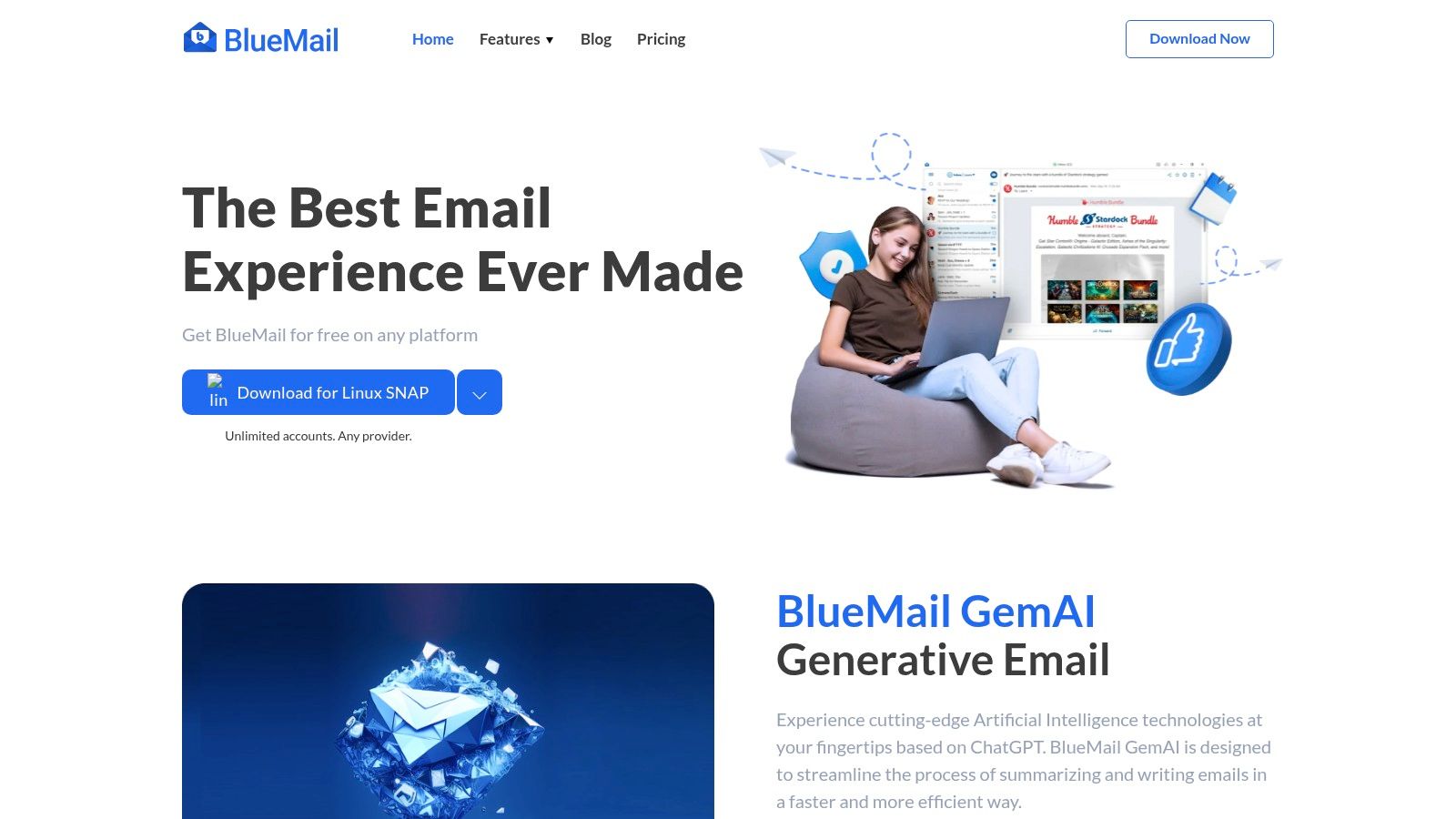
    6. BlueMail

    BlueMail is an independent and feature-rich client that positions itself as a universal solution for managing multiple email accounts in one place. It supports virtually any provider, including Gmail, Outlook, Exchange ActiveSync, and standard IMAP/POP3 accounts, making it one of the most versatile options for users who don't want to be locked into a single ecosystem. Its strength lies in its blend of powerful organizational tools and a highly customizable user interface.

    BlueMail

    Similar to Spark, BlueMail's advanced features, such as its AI-powered writing assistant GemAI, rely on processing data on its own servers. This is a crucial point for privacy advocates. The convenience of AI-assisted composition comes at the cost of sharing email content with a third-party service. While the company states it uses secure protocols, this architecture differs fundamentally from clients that communicate directly with your email provider without an intermediary.

    Key Features & Considerations

    • Unified Inbox & Integrated Calendar: Manage all your emails and events from various providers in a single, cohesive interface, simplifying workflow and reducing the need to switch between apps.
    • AI-Assisted Writing (GemAI): Utilizes AI to help draft professional emails, summarize long threads, and suggest replies, significantly speeding up email management tasks.
    • Extensive Customization: Offers granular control over notifications, swipe actions, themes, and overall appearance, allowing you to tailor the experience to your exact preferences.
    • Cross-Platform Sync: With desktop versions available for Windows, macOS, and Linux, your settings, accounts, and preferences are synced seamlessly across all your devices.

    While the core app is free and actively developed, users prioritizing absolute privacy should carefully review BlueMail's privacy policy and consider the implications of its server-side processing model.

    Website: https://bluemail.me

    7. Aqua Mail

    Aqua Mail has long been a favorite among Android power users, earning its reputation as a highly versatile and customizable email client. It stands out for its extensive protocol support, catering not just to standard IMAP and POP3 accounts but also to corporate environments using Exchange via EWS. This flexibility makes it one of the best email apps for Android for users who need to consolidate multiple, diverse email accounts into a single, highly configurable interface.

    ![Aqua Mail](https://cdn.outrank.so/949ed7a5-bc81-4aa4-b042-eee346776fed/screenshots/45fcb5ff-ab10-4aa2-8f47-121dfcfd6748.jpg

    The app’s core strength lies in its deep customization options, allowing users to tailor everything from folder sync settings and notification rules to visual themes and swipe gestures. For professionals handling sensitive information, the Pro version adds a critical layer of email security with support for S/MIME encryption, enabling end-to-end encrypted communication directly within the app. This focus on control and security, combined with robust account management, makes it an excellent choice for advanced users.

    Key Features & Considerations

    • Broad Protocol Support: Native compatibility with IMAP, POP3, and Exchange (EWS) ensures it works with virtually any email provider, from personal Gmail to corporate servers.
    • Advanced Customization: Users can fine-tune notifications, create custom aliases and identities, and configure per-account settings, offering a level of control few other apps can match.
    • S/MIME Encryption (Pro): The paid version provides enterprise-grade security through S/MIME support, allowing users to sign and encrypt emails for enhanced privacy and authenticity.
    • Flexible Pricing: Aqua Mail offers both a one-time purchase for a lifetime license and a subscription model for its Pro features, giving users a choice in how they pay for advanced functionality.

    While the most powerful security features are locked behind the Pro version, Aqua Mail's free tier is still incredibly capable. It's the ideal client for users who feel constrained by mainstream apps and want granular control over their entire email workflow.

    Website: https://www.aqua-mail.com

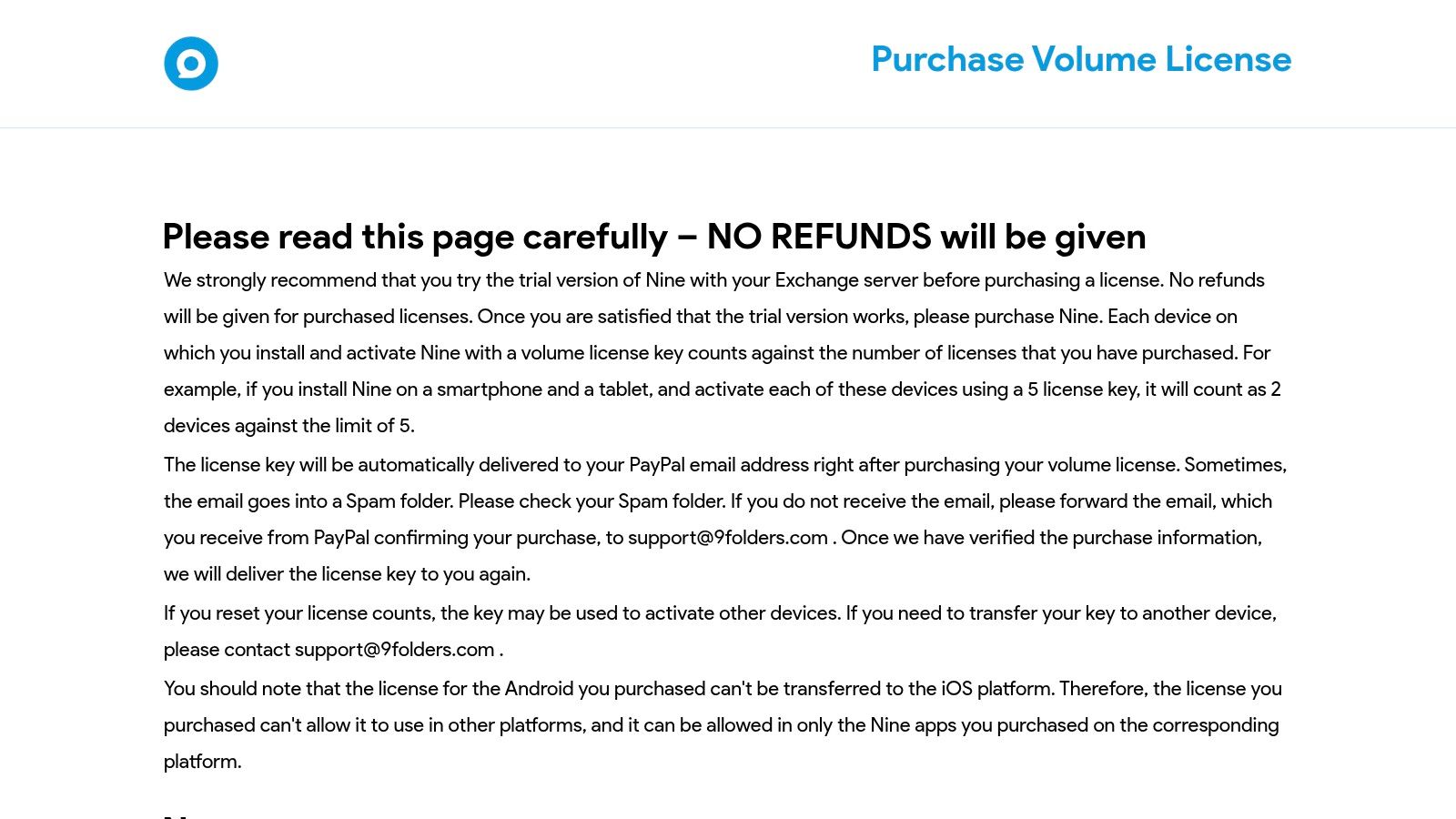
    8. Nine – Email & Calendar

    Nine is an email application built from the ground up for business professionals and enterprise users who rely heavily on Microsoft Exchange ActiveSync. While many email clients offer Exchange support as an add-on, Nine makes it the core focus, delivering a robust and reliable experience that closely mimics a desktop client's power. It stands out by connecting directly to your company's servers, ensuring no data is stored on third-party cloud infrastructure, a critical consideration for security and privacy.

    Nine – Email & Calendar

    This direct-sync architecture is Nine’s key security advantage. By not using an intermediary server, it minimizes the attack surface and ensures that your credentials and email data are only transmitted between your device and your own email server. The app is renowned for its comprehensive integration of email, calendar, tasks, notes, and contacts, all synchronized seamlessly. This business-centric approach makes it one of the best email apps for Android for users in a corporate environment.

    Key Features & Considerations

    • Direct Push Synchronization: Connects directly with Exchange Server, Office 365, and other ActiveSync-compatible services without passing data through a third-party server, maximizing privacy and security.
    • Integrated Productivity Suite: Seamlessly manages emails, calendars, tasks, and contacts within a single, unified interface, including features like Global Address List (GAL) support.
    • Rich User Experience: Offers a modern interface with features like a conversation mode, rich-text editor, and extensive customization options to tailor the app to specific workflows.
    • One-Time Purchase Model: After a generous trial period, the app is available for a single lifetime payment, avoiding the recurring costs typical of many premium email clients.

    While Nine excels with Microsoft accounts, users should test its compatibility with their specific setups during the trial, especially for complex enterprise environments or those needing advanced Gmail OAuth integration.

    Website: https://www.9folders.com/purchase-license-key/

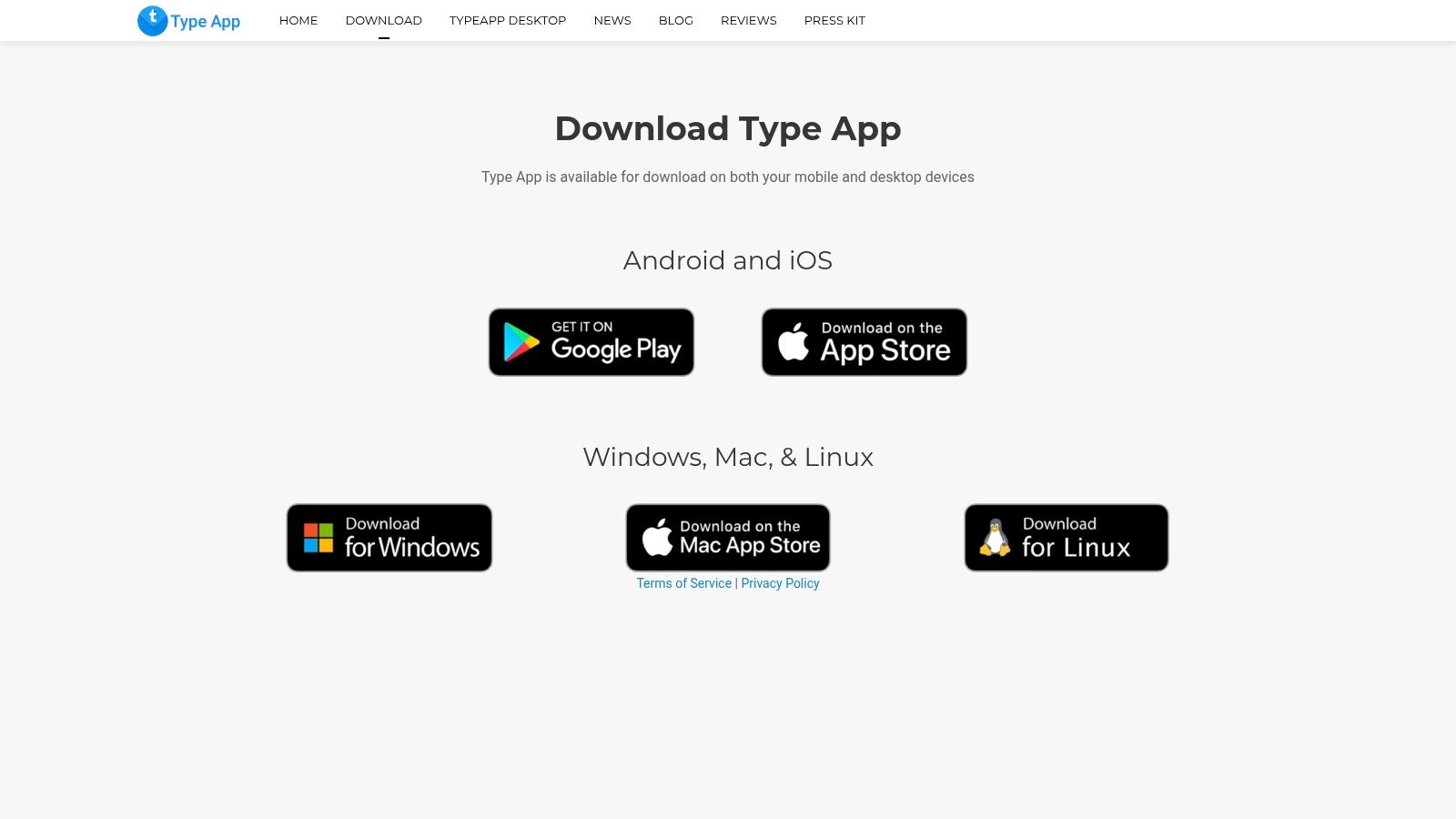
    9. TypeApp

    TypeApp is a highly capable and visually clean email client that excels at simplifying the management of multiple email accounts. It strikes a balance between powerful features and an intuitive user interface, making it one of the best email apps for Android for users who need a unified inbox without a steep learning curve. Its design philosophy centers on bringing all your communications from providers like Gmail, Outlook, and Yahoo into a single, cohesive stream.

    TypeApp

    The app’s main draw is its seamless setup and robust multi-account support. Users can add accounts from virtually any provider and manage them from a unified or separate view. In terms of security, TypeApp uses OAuth 2.0 for providers like Gmail and Outlook, which is a secure authentication standard. However, like several other feature-rich clients, it may use proxy servers to manage notifications and other features, which is a point of consideration for users who prefer a direct client-to-server connection.

    Key Features & Considerations

    • Unified Inbox & Multi-Account Support: Effortlessly consolidates emails from all your accounts (IMAP, POP3, Exchange) into one manageable inbox, streamlining your workflow.
    • Customization: Offers various themes, including a dark mode, and allows for highly specific notification settings for different accounts, contacts, or groups.
    • Cross-Platform Sync: With desktop clients for Windows, macOS, and Linux, TypeApp provides a consistent experience across all your devices, keeping your emails in sync.

    While TypeApp is excellent for personal and small-scale use, it may lack some advanced enterprise-level security features found in dedicated business clients. For more tips on this, learn how to manage multiple email accounts effortlessly.

    Website: https://typeapp.com/download/

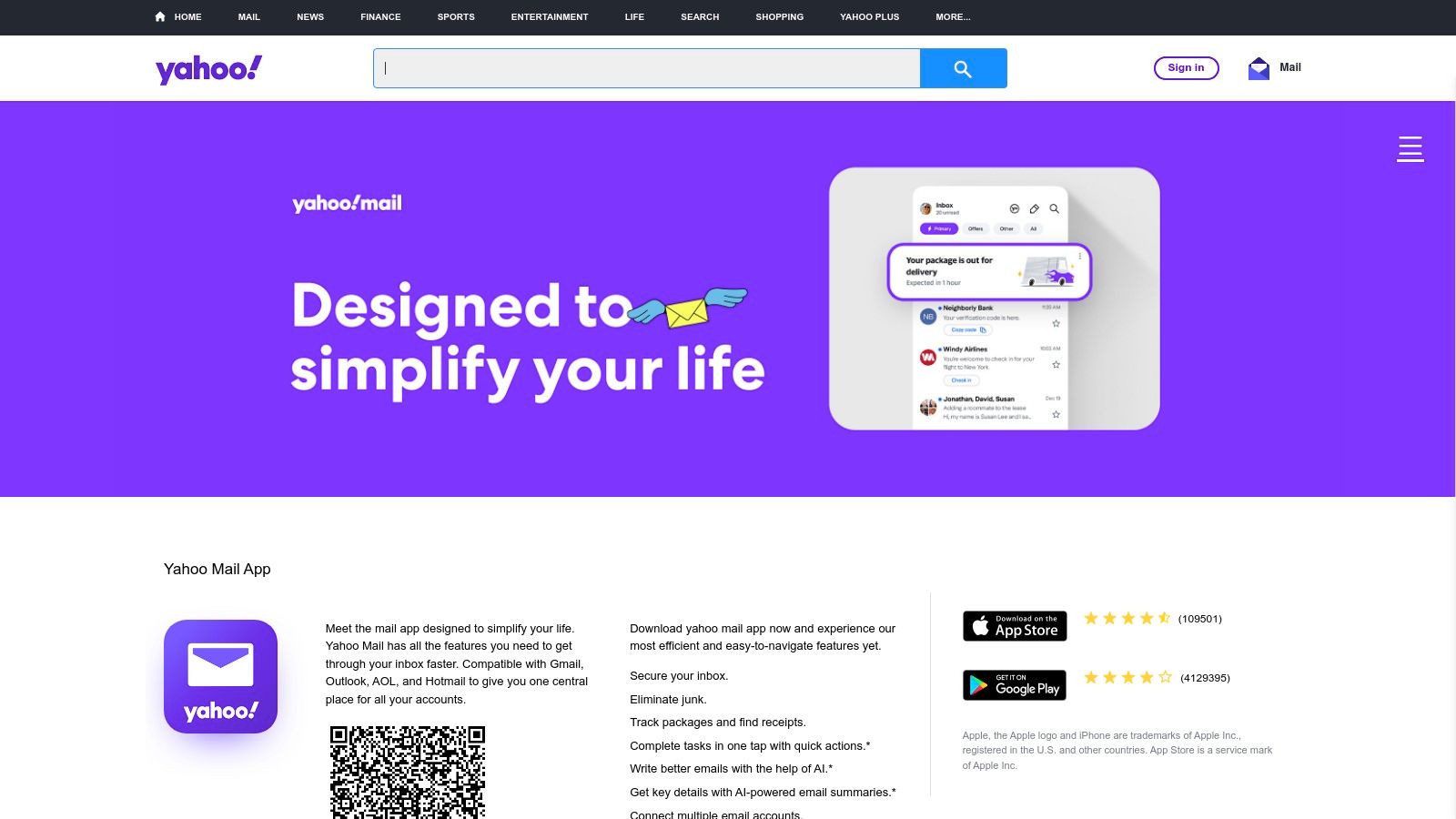
    10. Yahoo Mail

    Yahoo Mail has evolved significantly from its early days, now offering a modern Android app packed with organizational features that make it a contender among the best email apps for Android. While not primarily known for privacy, it distinguishes itself with user-friendly tools designed to declutter your inbox and streamline daily tasks. It’s a solid choice for users looking for a free, high-storage option with powerful filtering and management capabilities.

    Yahoo Mail

    From a privacy perspective, Yahoo Mail operates on an ad-supported model, similar to the free version of Gmail. This means your data is analyzed to serve targeted advertisements. For users seeking to minimize data collection, this is a significant drawback. However, the app excels at cutting through inbox noise. Its one-tap unsubscribe tool makes it incredibly easy to remove yourself from marketing lists, and dedicated "Views" for attachments and receipts automatically sort important information.

    Key Features & Considerations

    • Organizational Tools: Features like one-tap unsubscribe, dedicated views for package tracking, and smart inbox filters help you manage a high volume of emails efficiently.
    • Large Storage Availability: Yahoo Mail typically offers a very generous amount of free storage, reducing the need to constantly delete emails to save space.
    • Ad-Free Option: Users can subscribe to Yahoo Mail Plus to remove ads from their inbox, providing a cleaner and more focused experience. It also works with non-Yahoo accounts, allowing you to centralize your communications.

    While the app is feature-rich, some users have reported occasional login and synchronization issues. For those prioritizing a straightforward, free email app with excellent organizational features over stringent privacy protocols, Yahoo Mail remains a compelling option.

    Website: https://mobile.yahoo.com/mail

    11. myMail

    myMail carves out its space in the crowded market of best email apps for Android by focusing on speed, simplicity, and accessibility. It's an excellent choice for users who need a lightweight client that can quickly consolidate multiple accounts from major providers like Gmail, Yahoo, and Outlook into a single, clean interface. The app prioritizes a straightforward user experience over a complex feature set, making it ideal for those overwhelmed by more intricate power-user applications.

    The primary appeal of myMail is its ease of use. Setting up new accounts is nearly instantaneous, and navigating the unified inbox feels fluid and responsive. For security, it uses standard SSL/TLS encryption for data in transit, which is the industry norm. However, like many multi-service clients, it may route authentication or notifications through its own servers. This is an important consideration for users who prefer apps that establish a direct, unmediated connection to their email provider's server.

    Key Features & Considerations

    • Multi-Account Consolidation: Effortlessly manages emails from Gmail, Outlook, Yahoo Mail, iCloud, and any IMAP or POP3-enabled account in one unified inbox.
    • Real-Time Notifications: Customizable push notifications keep you updated without draining your battery, allowing you to tailor alerts for different accounts or contacts.
    • Simplified Interface: The clean, fast, and intuitive user interface makes it easy to read, organize, and respond to emails without a steep learning curve.
    • Data Encryption: Secures your email data with SSL and TLS protocols during transit, protecting your information from being intercepted between your device and the mail servers.

    myMail is best suited for users who value a no-fuss, reliable email client for managing personal accounts. If you don't require advanced business features or granular privacy controls but want a fast, multi-account solution that just works, myMail is a strong contender.

    Website: https://mymail.my.com/

    12. Thunderbird for Android

    Thunderbird for Android represents a major step forward for open-source mobile email, bringing the respected Thunderbird desktop experience to Android by building on the solid foundation of K-9 Mail. As a community-funded and privacy-first project, it offers a powerful alternative for users who prioritize transparency and control over their data. This app stands out as one of the best email apps for Android for those committed to free and open-source software (FOSS) principles.

    The platform’s core strength is its unwavering commitment to privacy and security without commercial interests. Unlike many free apps that monetize user data, Thunderbird is supported by donations, ensuring its development is driven solely by user needs. It supports standard protocols like IMAP and POP3 and integrates seamlessly with OpenKeychain for robust PGP end-to-end encryption, making it a top choice for security professionals and privacy advocates. This makes it an ideal client for use with secure, private hosted email platforms.

    Key Features & Considerations

    • Open-Source & Community-Driven: Being completely free and open-source means its code is available for public audit, ensuring no hidden trackers or backdoors. Its development is funded by the community, not by advertising or data sales.
    • Powerful Encryption Support: Deep integration with OpenKeychain allows for easy PGP-encrypted email, a critical feature for journalists, activists, and anyone handling sensitive information.
    • Flexible Distribution: Users can install the app from multiple sources, including the Google Play Store for convenience or F-Droid for a purely open-source ecosystem, giving users ultimate control over their software sources.

    While it lacks native Exchange ActiveSync support and its feature updates may not be as rapid as commercially-backed competitors, Thunderbird for Android is an unparalleled choice for power users seeking a secure, private, and customizable email client free from vendor lock-in.

    Website: https://thunderbird.planet.mozilla.org/

    Top 12 Android Email Apps Feature Comparison

    Email Client Core Features & Security User Experience ★★★★☆ Value & Pricing 💰 Target Audience 👥 Unique Selling Points ✨
    Google Play Store App marketplace, developer verification, Play Protect Broad catalog, easy app discovery Free to use Android users, app seekers ★🏆 Largest app selection, trusted source
    Gmail (by Google) Powerful search, spam filtering, AI tools Fast, reliable, Google Workspace integration Free / Paid AI upgrades General users, enterprises ✨ Gemini AI, seamless Google integration
    Microsoft Outlook Mobile Unified inbox, calendar, Microsoft 365 security Strong scheduling, some sync issues Free with Microsoft 365 Business/enterprise users 🏆 Enterprise-grade, Copilot integration
    Proton Mail End-to-end encryption, biometric lock Solid privacy, some Google service reliance Free & Premium plans Privacy-conscious users ✨ Direct APK, privacy-first, encryption
    Spark Mail Smart inbox, collaboration tools Polished UI, productivity features Free with support Individuals & teams ✨ Collaboration, cross-platform support
    BlueMail Unified inbox, AI-assisted writing Easy setup, customization Free core app Multi-provider users ✨ AI writing assist, desktop versions
    Aqua Mail Broad protocol support, S/MIME (Pro) Highly customizable Free + subscription Power users ✨ Advanced security, flexible pricing
    Nine – Email & Calendar Exchange/ActiveSync push, calendar, certificates Robust business tools One-time lifetime license Enterprise Exchange users 🏆 Lifetime license, Exchange-focused
    TypeApp Unified inbox, multi-account, desktop apps Clean UI, easy setup Free General multi-account users ✨ Cross-platform desktop, theming
    Yahoo Mail One-tap unsubscribe, package tracking Easy onboarding, some sync issues Free + ad-free subscription General users ✨ Package tracking, large storage
    myMail Unified inbox, real-time notifications Simple, fast interface Free Multi-account users ✨ Lightweight, quick setup
    Thunderbird for Android IMAP/POP3, PGP encryption via OpenKeychain Open source, feature-rich Free Privacy-focused, power users ✨ Open source, no vendor lock-in

    Securing Your Communications: Choosing a Client That Aligns With Your Privacy Goals

    Navigating the crowded marketplace of email clients can feel overwhelming, but making an informed decision is the first critical step toward reclaiming your digital privacy. Throughout this guide, we've explored a wide spectrum of the best email apps for Android, from the feature-rich ecosystems of Gmail and Microsoft Outlook to the security-hardened fortresses of Proton Mail and Thunderbird. Each application presents a unique trade-off between convenience, integration, and data sovereignty.

    The key takeaway is that no single app is universally "best" for everyone. Your ideal choice hinges entirely on your personal or organizational threat model, your workflow requirements, and your fundamental philosophy on data privacy. The right client for a power user deeply embedded in the Google or Microsoft ecosystem will differ significantly from the one chosen by a journalist handling sensitive communications or a small business owner committed to protecting client data.

    Bridging the Gap Between Features and Privacy

    One of the most significant themes we've uncovered is the growing tension between advanced, AI-driven features and genuine user privacy. Clients like Spark Mail and BlueMail offer powerful tools such as smart inboxes, snoozing, and team collaboration, which undoubtedly boost productivity. However, these features often require the service to process your email data on their servers, introducing a third party into your communications loop.

    Conversely, privacy-first champions like Proton Mail offer end-to-end encryption and zero-access architecture, ensuring no one but you and your recipient can read your messages. The trade-off has historically been a more limited feature set, though this gap is rapidly closing. The arrival of Thunderbird on Android, backed by a long-standing commitment to open-source principles, further strengthens the case for privacy-conscious users who demand transparency and control.

    Actionable Steps to Secure Your Inbox

    Choosing the right app is only half the battle. To truly secure your communications, you must adopt a holistic strategy. Your selection process should be guided by a few core principles.

    1. Define Your Non-Negotiables: Are you willing to see ads? Is end-to-end encryption mandatory? Do you need to manage multiple accounts from various providers? Answering these questions first will immediately narrow your options.
    2. Scrutinize the Privacy Policy: Look for clear language on data collection, server-side processing, and whether the provider shares or sells user data. A transparent policy is often a sign of a trustworthy service.
    3. Evaluate the Security Model: Beyond encryption, consider support for two-factor authentication (2FA), phishing protection, and tracking pixel blockers. To better understand the types of threats your email app needs to defend against, explore some common phishing email examples and see how sophisticated modern attacks have become.
    4. Consider the Source: The ultimate step in securing your digital communications is to control the entire pipeline, from the server to your screen. Pairing a secure Android client with a private, self-hosted email platform removes your reliance on Big Tech infrastructure. This model ensures your data is never scanned for advertising, analyzed for metadata, or held on servers outside your direct control.

    Ultimately, the journey to finding the best email apps for Android is a personal one. We encourage you to test-drive two or three top contenders from our list. Experience their workflows, inspect their settings, and see which one aligns best with your daily needs and long-term privacy goals. By investing this time upfront, you can build a communication system that is not only efficient and powerful but also a true extension of your right to digital privacy.


    Ready to take full control of your email? For the ultimate in privacy and data sovereignty, pair your chosen Android client with Typewire. Our private email hosting platform gives you a secure, ad-free, and tracker-free environment on infrastructure you control, ensuring your communications remain truly yours. Learn more about Typewire and secure your digital identity today.