Choosing the right email marketing automation tools is no longer just about optimizing open rates and click-throughs. In an environment where data breaches are common and privacy regulations are strict, the security of your communication platform is a critical business decision. This guide moves beyond surface-level feature comparisons to provide an in-depth analysis of the leading automation platforms, with a crucial focus on security, data privacy, and their compatibility with secure hosted email solutions.
We will evaluate how each tool handles sensitive customer data, its compliance with privacy laws like GDPR, and its inherent security features. For a deeper dive into protecting your customer data and ensuring legal compliance, consider understanding the nuances of expressed consent and compliance.
Our goal is to help you find a platform that not only powers sophisticated marketing campaigns but also protects your business and respects your audience. We've included detailed breakdowns, screenshots, and direct links for each tool, enabling you to make an informed choice that balances powerful automation with robust security and email privacy. Let’s dive in and identify the best platform to grow your business without compromising on privacy.
1. Mailchimp
Mailchimp is a powerhouse among email marketing automation tools, renowned for its user-friendly interface and comprehensive feature set. It’s an ideal starting point for businesses, but it's important to consider its data handling policies. As a hosted email platform for marketing, it provides features like two-factor authentication to secure accounts. The platform excels with its visual journey builder, allowing users to create complex, multi-step automations based on customer behavior.
Key Features and Use Cases
Mailchimp’s strength lies in its approachable automation. Users can build customer journeys with conditional logic, perfect for personalized onboarding or re-engagement campaigns. From a security standpoint, Mailchimp is compliant with major privacy regulations and offers tools for managing audience consent. However, businesses should be aware that their customer data resides on a shared, multi-tenant infrastructure. For robust analytics, its reporting dashboard provides clear insights into campaign performance, though send limits are tied to contact tiers.
- Pros: Very approachable UI, vast template library, strong integration ecosystem.
- Cons: Can become expensive at high contact volumes; data is managed on a large, shared platform.
To get the most out of your Mailchimp campaigns, consider exploring various Mailchimp integrations that can enhance its capabilities. To ensure your automations reach the inbox securely, you can improve your email deliverability with best practices.
Website: https://mailchimp.com/pricing/
2. Klaviyo
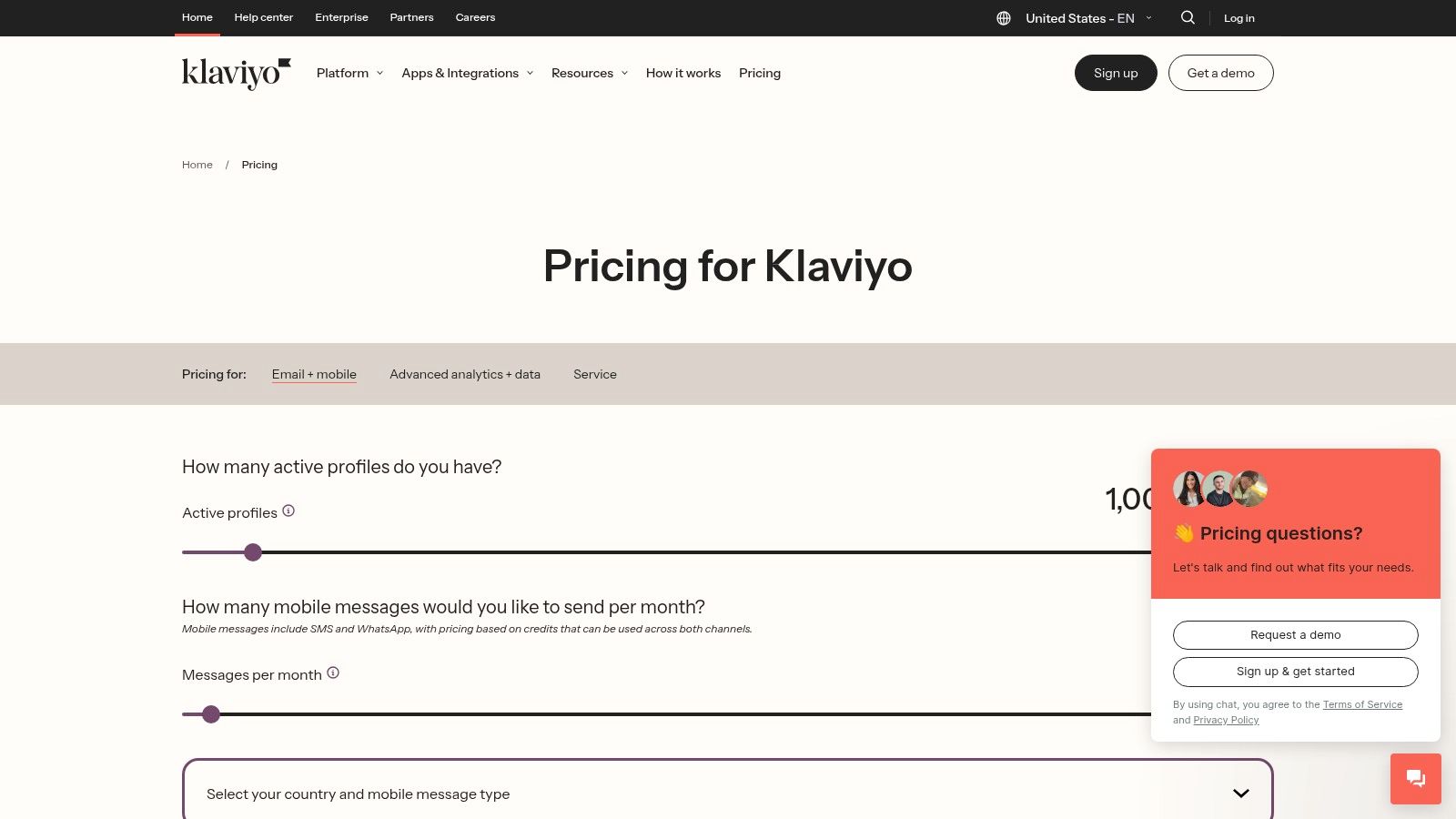
Klaviyo has established itself as the go-to platform for ecommerce-centric email marketing automation tools. It is engineered to handle large volumes of customer data securely, offering deep integrations with platforms like Shopify and BigCommerce. This allows it to leverage a wealth of customer data—including browsing history and purchase events—to create highly targeted marketing flows while adhering to data privacy standards. The platform combines email, SMS, and push notifications into a single, cohesive, and secure customer journey.
Key Features and Use Cases
Klaviyo’s power lies in its advanced segmentation and pre-built automation flows tailored for ecommerce. Users can easily set up critical lifecycle campaigns that are enriched with dynamic product recommendations. Its focus on email security is evident in its reliable infrastructure and compliance with privacy laws. The unified customer profile provides a complete view of every interaction, empowering businesses to build lasting, trust-based relationships.
- Pros: Best-in-class for ecommerce lifecycle flows, strong data security and privacy features, scales well from SMB to enterprise.
- Cons: Pricing rises with active contacts; learning curve for advanced flows.
Website: https://www.klaviyo.com/pricing
3. HubSpot Marketing Hub
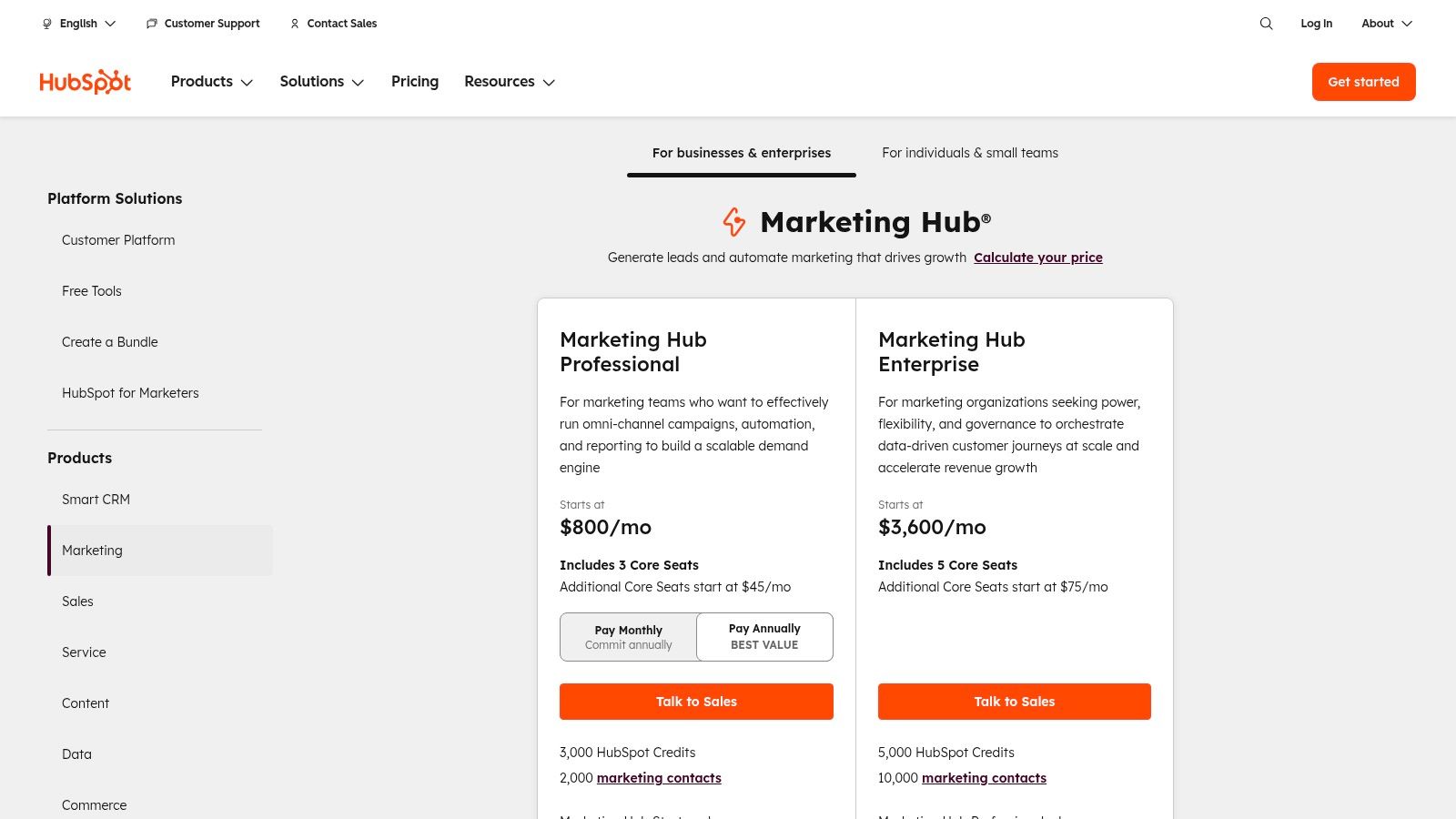
HubSpot Marketing Hub is an enterprise-grade platform that positions itself as a comprehensive inbound marketing solution with a strong emphasis on email security. It combines powerful email marketing automation tools with its native CRM, creating a unified and secure ecosystem for marketing, sales, and service teams. As a hosted email platform, it offers robust security features like single sign-on (SSO) and detailed user permissions, making it ideal for businesses seeking deep control over data access and the entire customer lifecycle.
Key Features and Use Cases
HubSpot’s strength is its deep CRM integration, which powers highly personalized campaigns within a secure framework. Users can create workflows that include email, SMS, and ad retargeting, all based on a contact’s properties and behavior. Features like smart content and advanced attribution reporting provide a clear view of marketing ROI while maintaining high standards of email privacy and compliance with regulations like GDPR.
- Pros: Unified platform with strong security governance; powerful analytics at higher tiers; broad education ecosystem.
- Cons: Professional and Enterprise tiers require onboarding fees; cost scales quickly.
Given the platform's complexity and focus on data security, new users should take advantage of the extensive HubSpot Academy resources to fully capitalize on its capabilities.
Website: https://www.hubspot.com/pricing/marketing
4. ActiveCampaign
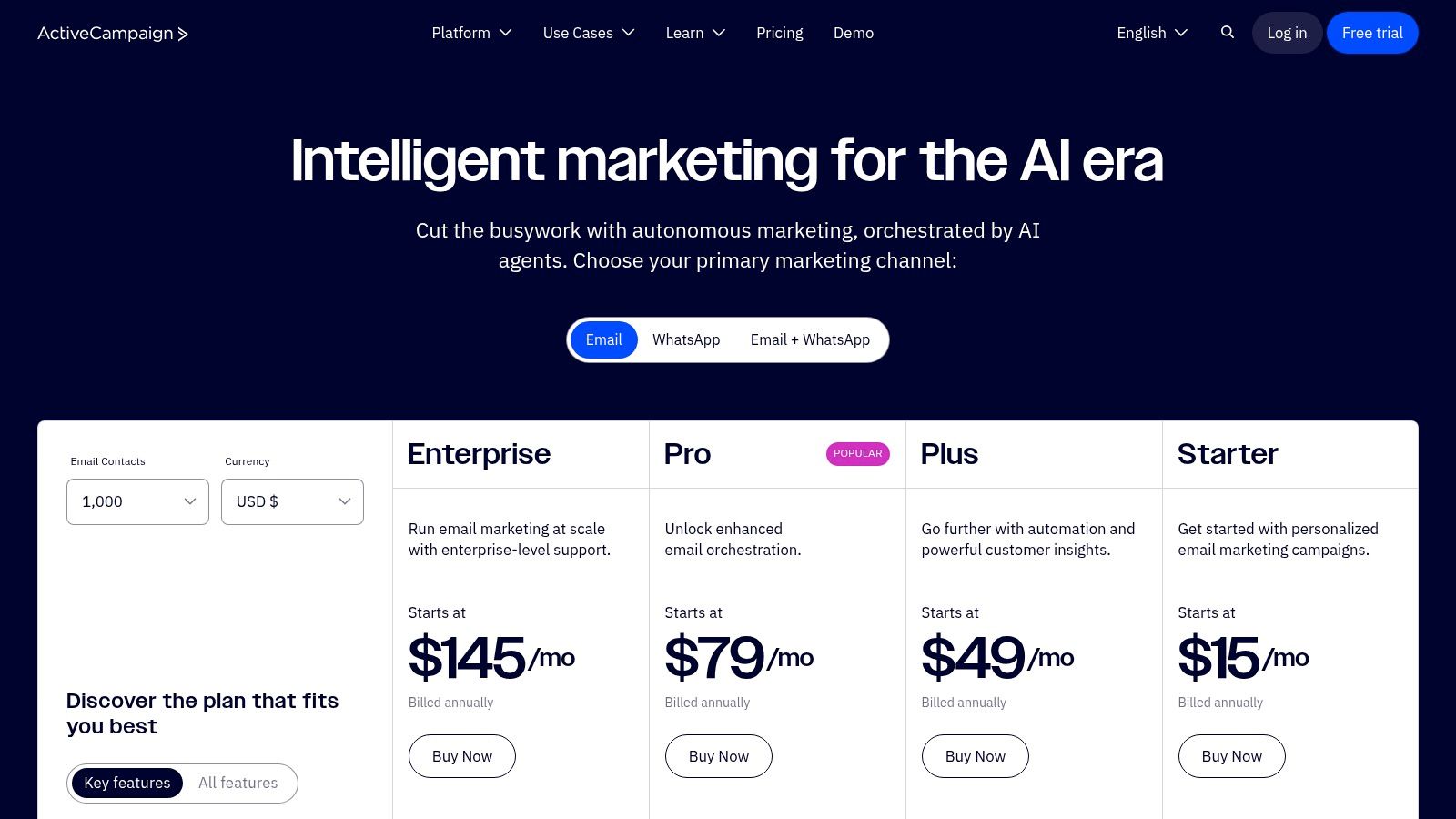
ActiveCampaign positions itself as a customer experience automation platform, merging sophisticated email marketing automation with a built-in CRM and a focus on email security. It is a top choice for small-to-medium-sized businesses that need deep personalization without an enterprise-level price tag. The platform’s visual automation builder is a standout, enabling users to craft intricate workflows while relying on a secure infrastructure to protect customer data.
Key Features and Use Cases
ActiveCampaign excels at creating highly targeted customer journeys. Its features include lead scoring and conditional content, allowing businesses to send the right message at the perfect time. The platform also emphasizes security and data privacy, offering features like user permission controls and compliance with international data laws, which is crucial for maintaining trust. While many advanced features are gated behind higher-tier plans, its entry-level pricing provides powerful and secure automation tools for growing businesses.
- Pros: Strong automation depth at an SMB-friendly entry price, good data privacy features, extensive integration catalog.
- Cons: Pricing can become complex; some advanced features require higher-tier plans.
To ensure your campaigns are protected, it's wise to learn how to protect your email from hackers and secure your marketing assets. ActiveCampaign's comprehensive onboarding helps new users get started quickly and securely.
Website: https://www.activecampaign.com/pricing
5. Brevo (formerly Sendinblue)
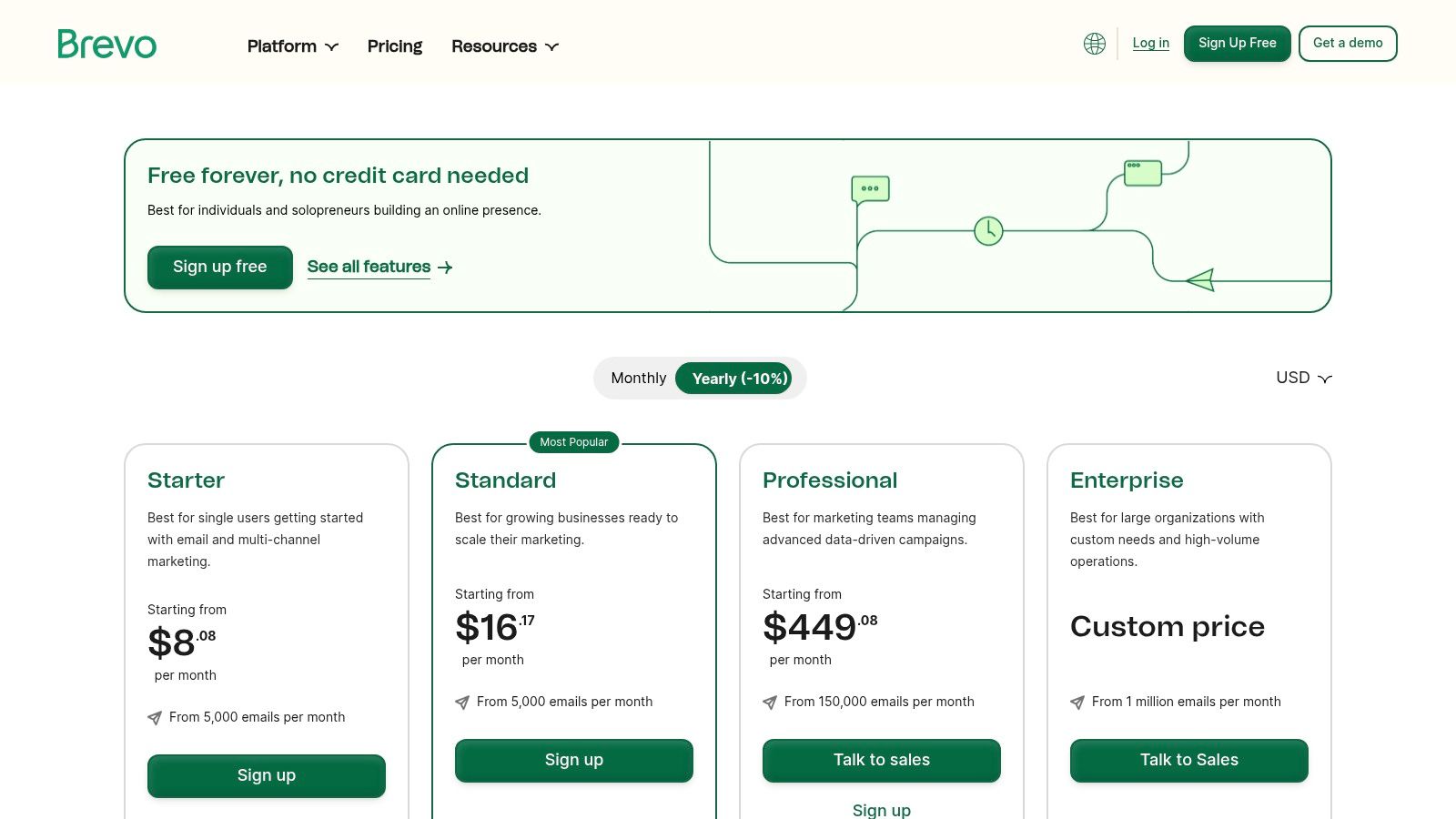
Brevo positions itself as an all-in-one marketing platform, making it a powerful contender among email marketing automation tools, especially for businesses seeking affordability and scalability with a keen eye on email security. It extends beyond simple email campaigns by integrating SMS, WhatsApp, and a built-in CRM. As a hosted email platform, Brevo manages its sending infrastructure to maintain deliverability and provides security features like dedicated IPs for higher-tier users to protect sender reputation.
Key Features and Use Cases
Brevo’s standout feature is its generous free plan, which includes automation workflows for up to 2,000 contacts. The platform’s visual automation editor is intuitive, allowing users to build sequences based on email engagement or website behavior. Its functionality is ideal for deploying welcome series and transactional messages, with a focus on reliable and secure delivery. The inclusion of multi-channel options enables sophisticated, privacy-compliant workflows.
- Pros: Generous free plan with automation, all-in-one platform with good security protocols, value-oriented paid tiers.
- Cons: Daily sending cap on the free plan; advanced security features require paid plans.
Using a single, secure platform like Brevo simplifies data flow and provides a holistic, privacy-conscious view of the customer journey.
Website: https://www.brevo.com/pricing/
6. Constant Contact
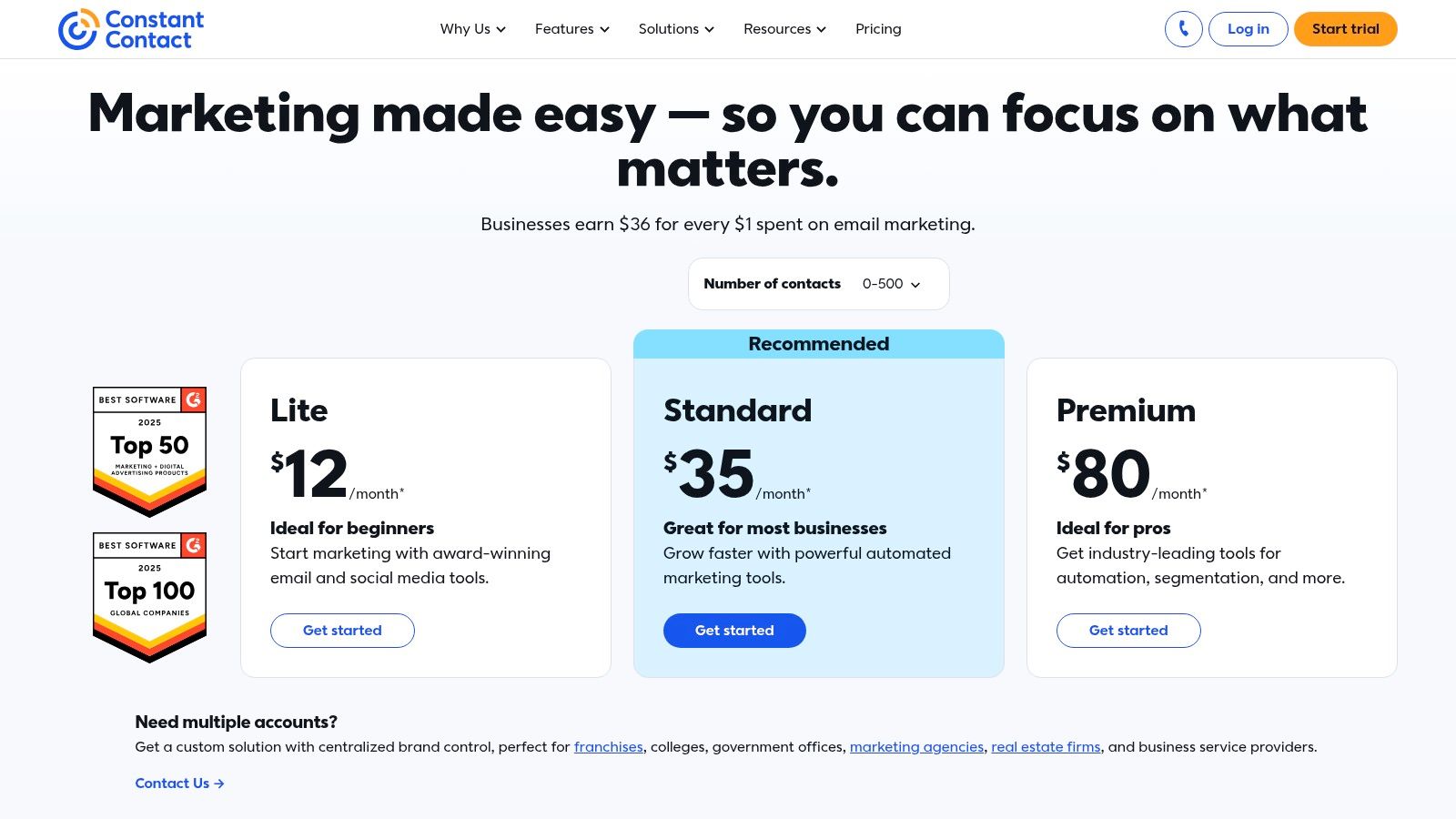
Constant Contact is a veteran in the email marketing space, specifically designed for small businesses and nonprofits that value simplicity and email security. It stands out with its straightforward approach to email marketing automation tools, combining a user-friendly editor with effective list-building features. The platform is built for users who need reliable, easy-to-implement automation without a steep learning curve, making it a dependable choice for foundational email strategies built on a secure, hosted email platform.
Key Features and Use Cases
Constant Contact excels at core automation tasks essential for small business growth. Users can set up automated welcome series and simple drip campaigns. The platform prioritizes email privacy and deliverability, ensuring marketing messages are sent responsibly. It also integrates list growth tools like landing pages directly into its system, offering a centralized and secure marketing hub for small teams.
- Pros: Simple setup and excellent live support, strong focus on deliverability and email security, broad template selection.
- Cons: Advanced automation is less extensive; pricing increases significantly with larger contact lists.
To maximize your campaigns, focus on building clean email lists. Using an email verification service can help maintain list hygiene. Additionally, understanding email authentication protocols like DMARC is crucial for protecting your sender reputation and enhancing email security.
Website: https://www.constantcontact.com/pricing
7. GetResponse
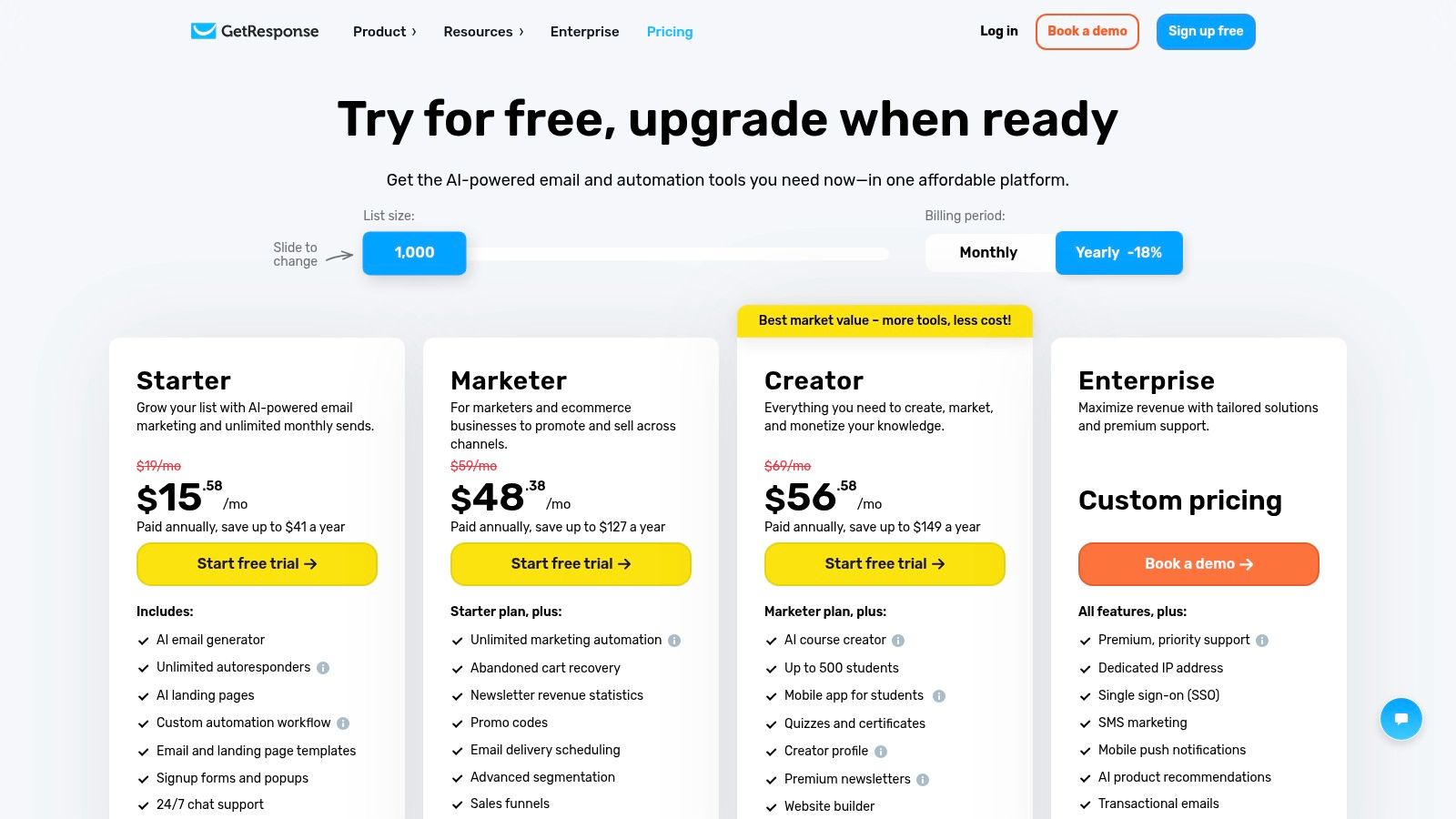
GetResponse positions itself as an all-in-one marketing platform, offering a suite of tools that includes conversion funnels and webinar hosting alongside its email automation features. For businesses concerned with email privacy, GetResponse provides tools for managing consent and adheres to global data protection regulations. It’s an excellent choice for marketers who need a cohesive suite of tools on a single, secure hosted email platform to manage the entire customer lifecycle.
Key Features and Use Cases
GetResponse excels with its visual automation builder and unlimited autoresponders. Its e-commerce features are robust, supporting abandoned cart recovery and dynamic promo codes to drive sales securely. The recent integration of AI for building emails helps users accelerate content creation while operating within a platform that values email security and deliverability. With 24/7 live chat support, it’s a strong contender for businesses wanting a comprehensive solution.
- Pros: Rich feature set for the price, built-in funnel and webinar options, strong privacy-conscious features.
- Cons: Interface breadth can be overwhelming; advanced security options require highest tiers.
Website: https://www.getresponse.com/pricing
8. Campaign Monitor
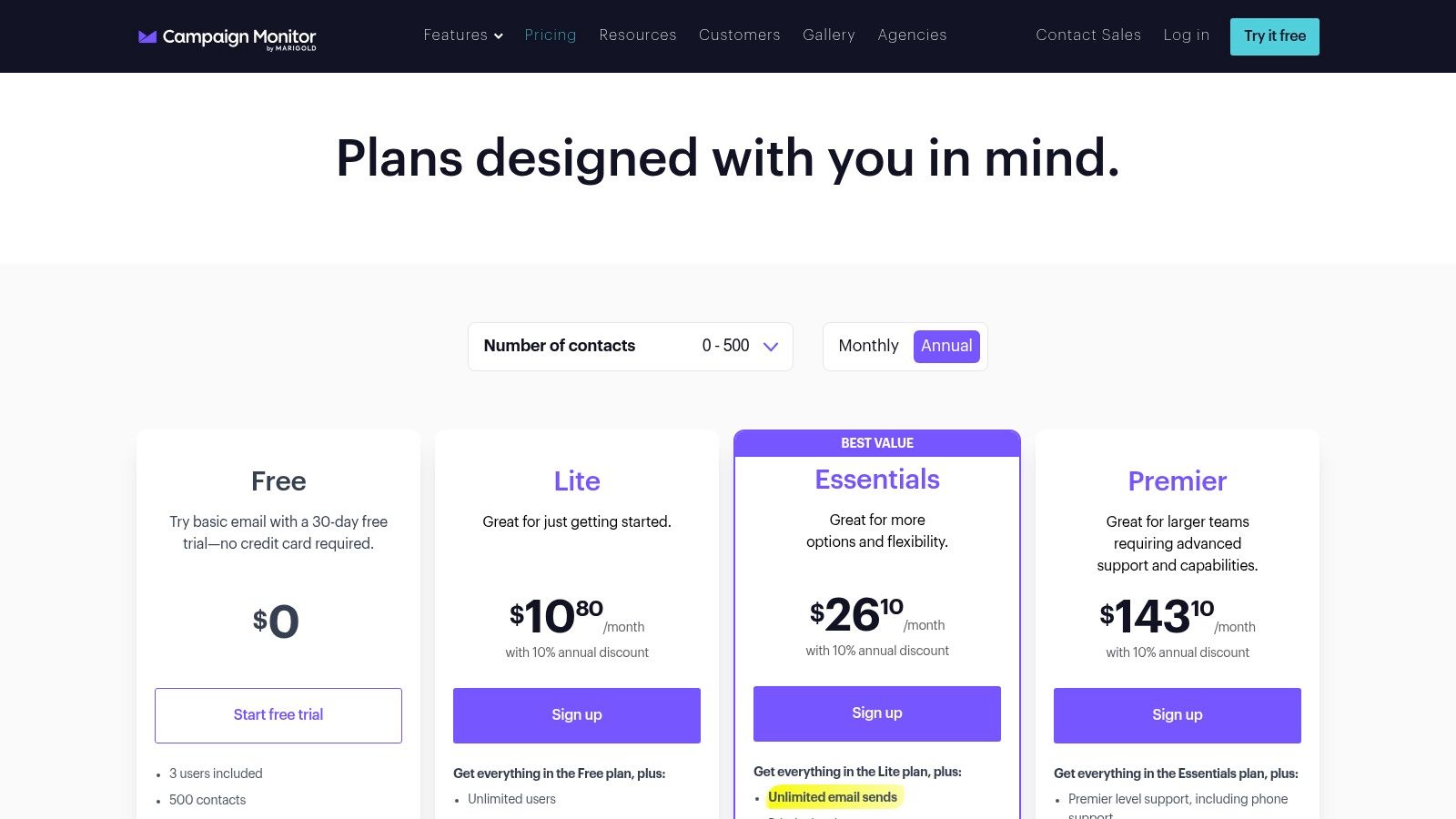
Campaign Monitor positions itself as a design-forward platform that also prioritizes email security and privacy. It caters to agencies and brands that demand aesthetic appeal and a polished user experience, backed by a reliable and secure infrastructure. Its intuitive interface and powerful editor make it easy to create beautiful, on-brand emails. The platform balances this design focus with robust, easy-to-configure automation, making it a strong contender for businesses wanting visual impact alongside secure marketing journeys.
Key Features and Use Cases
Campaign Monitor’s visual journey builder simplifies creating automated workflows for common scenarios. Its segmentation is particularly strong, allowing for highly personalized content delivery while respecting email privacy. A key security-related tool is the Link Review feature, which automatically checks for broken links, protecting brand credibility. Its strong deliverability reputation is built on a secure sending infrastructure.
- Pros: Excellent template and editor experience, Agency-friendly security features and governance, reliable deliverability.
- Cons: Pricing varies by contacts and currency; some advanced features gated to higher plans.
For agencies managing multiple clients, the platform's user permission controls offer great value for maintaining account security and data privacy across different teams.
Website: https://www.campaignmonitor.com/pricing/
9. Omnisend
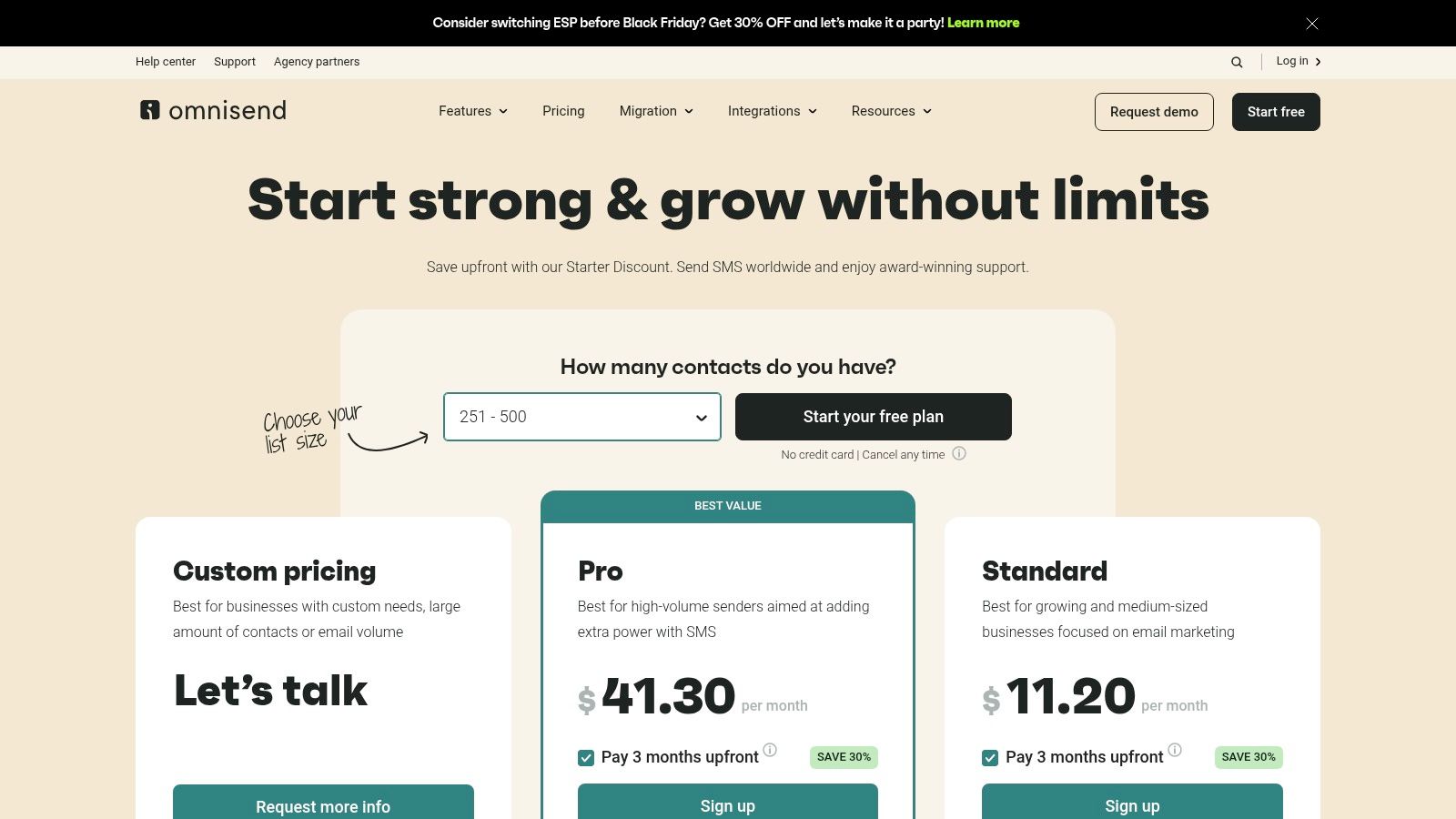
Omnisend is an ecommerce-centric powerhouse among email marketing automation tools, designed with a focus on secure data handling for merchants on platforms like Shopify. It combines email, SMS, and web push notifications into a single workflow, enabling stores to launch sophisticated campaigns quickly and securely. The platform stands out with its deep ecommerce integrations, allowing for highly targeted automations based on real-time shopping behavior while ensuring customer data privacy is respected.
Key Features and Use Cases
Omnisend’s strength lies in its pre-built automation flows that are ready to go out of the box. Use cases like welcome series and cart abandonment reminders are central to its design, all running on a secure hosted email platform. The Pro plan is particularly compelling, offering unlimited email sends and including monthly SMS credits. All plans come with web push notification capabilities, offering another channel to engage customers in a privacy-compliant manner.
- Pros: Fast to launch for ecommerce stores, strong email security and privacy compliance, web push on all plans.
- Cons: Free plan has low contact and send limits; advanced features require higher-tier plans.
To maximize ROI with Omnisend, focus on segmenting your audience based on their purchase history to send hyper-relevant offers, always keeping email privacy best practices in mind.
Website: https://www.omnisend.com/pricing/
10. Drip
Drip is a powerful email marketing automation tool built specifically for ecommerce brands, with a strong emphasis on leveraging customer data securely. Its core strength is its deep integration with platforms like Shopify, enabling highly personalized marketing based on purchase history and on-site behavior. As a dedicated hosted email platform for marketing, Drip focuses on creating automated workflows that drive sales while protecting sensitive customer information.
Key Features and Use Cases
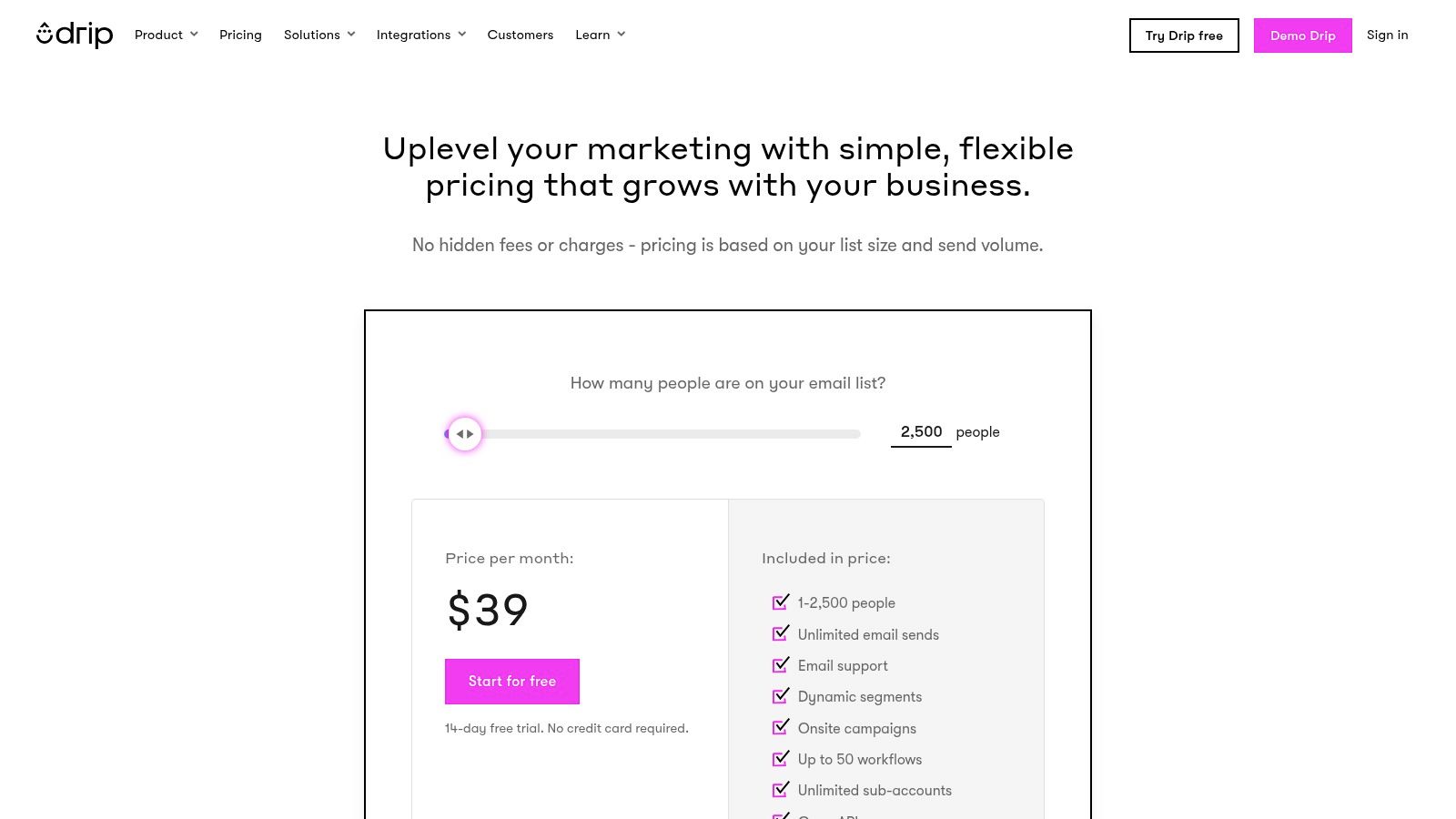
Drip excels with its visual workflow builder and revenue-focused analytics. Users can launch pre-built automation "playbooks" or create custom journeys triggered by ecommerce events. A key differentiator is its revenue attribution dashboards, which clearly show ROI. All paid plans include unlimited email sends from a secure infrastructure, a major benefit for high-frequency senders who need to maintain a strong sender reputation and ensure email privacy.
- Pros: Designed specifically for ecommerce, strong data security measures, transparent and scalable pricing model.
- Cons: SMS support limited in some regions; support chat reserved for higher spend tiers.
Website: https://www.drip.com/pricing
11. MailerLite
MailerLite stands out as a lightweight and highly intuitive email marketing automation tool, striking an impressive balance between simplicity and capability with a focus on security. It is well-suited for creators and small businesses seeking powerful features without a high cost. The platform's clean interface makes building campaigns straightforward, while its secure infrastructure ensures data privacy. Its integrated website builder adds significant value, turning it into a secure, all-in-one marketing hub.
Key Features and Use Cases
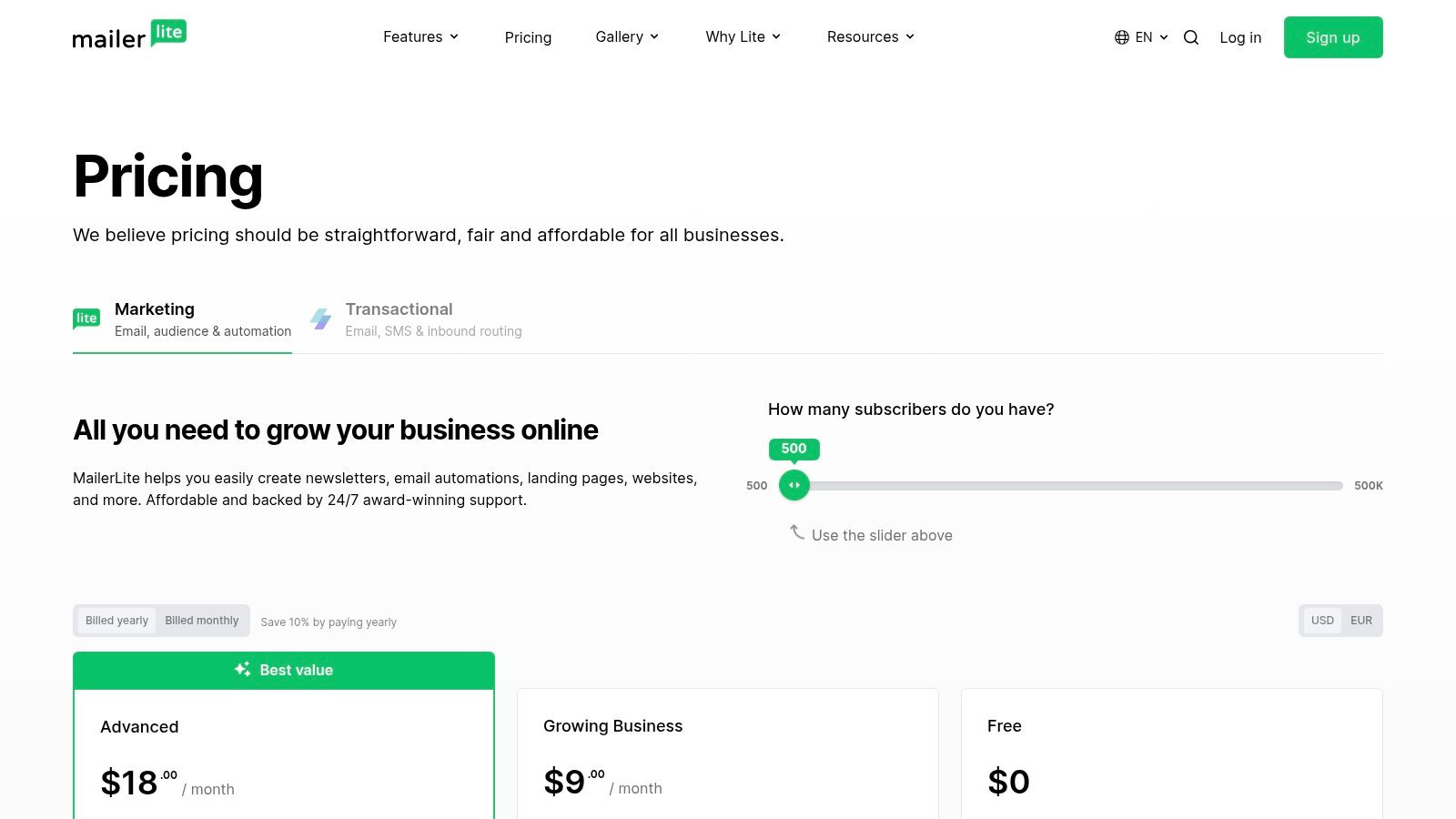
MailerLite’s automation builder is visual and easy to master, allowing users to create multi-step workflows. This is ideal for setting up welcome series or simple re-engagement sequences. Its generous free plan and affordable paid tiers provide a secure environment for managing contacts. For those focused on deliverability and brand professionalism, it’s crucial to set up your custom email domain to improve sender reputation and enhance email security.
- Pros: Great value and ease of use, strong email privacy controls, nonprofit discounts available.
- Cons: Fewer native e-commerce-specific features; some advanced security features require higher-tier plans.
Website: https://www.mailerlite.com/pricing
12. Shopify App Store – Email Marketing category
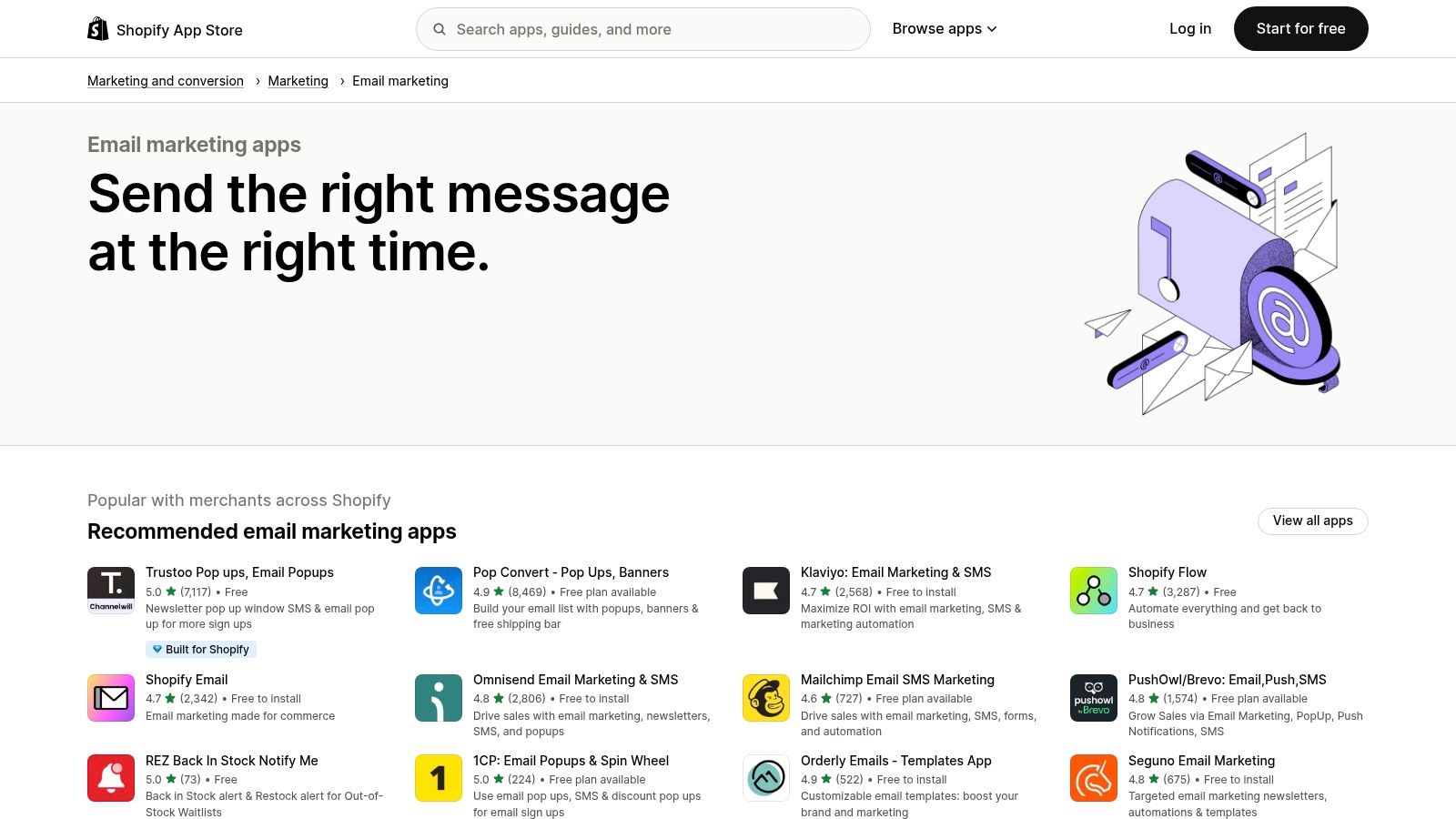
For e-commerce businesses on Shopify, the platform’s App Store is a critical resource for finding specialized and secure email marketing automation tools. It offers dozens of apps designed to integrate seamlessly with a Shopify store, which itself operates with high security standards. This approach allows merchants to select a tool that matches their scale, from simple notification apps to full-fledged hosted email platforms like Klaviyo, all managed within their secure Shopify ecosystem.
Key Features and Use Cases
The primary advantage is direct, one-click integration, which securely pulls customer and product data into your chosen app. This makes setting up complex automations like abandoned cart recovery incredibly efficient and safe. Shopify Email, the platform’s own app, provides a solid, secure starting point. Merchant reviews help guide selection, ensuring businesses can compare tools based on performance and commitment to email privacy before committing.
- Pros: Seamless and secure one-click installs, unified billing through Shopify, vast selection tailored to e-commerce.
- Cons: Can lead to app sprawl; requires vetting each app's specific data privacy policies.
To make the most of the App Store, define your automation needs and budget, and pay close attention to how apps handle customer data and email privacy, as this is crucial for maintaining trust.
Website: https://apps.shopify.com/categories/marketing-and-conversion-marketing-email-marketing
Email Marketing Automation Tools Comparison
| Platform | Core Features / Automation | Security & Privacy Focus ★★★★☆ | Value Proposition 💰 | Target Audience 👥 | Unique Selling Points ✨ | Pricing Highlights 💰 |
|---|---|---|---|---|---|---|
| Mailchimp | Customer journeys, AI content, segmentation | Standard security, 2FA, compliance tools | Scalable plans, strong ecosystem | SMBs to enterprises | Built-in AI tools, journey builder | Free plan limits; Premium pricey |
| Klaviyo | Email/SMS automation, segmentation, product feeds | Strong data security for ecommerce | Free tier to start, scales well | Ecommerce businesses | Advanced ecommerce flows, predictive features | Pricing rises with active contacts |
| HubSpot Marketing Hub | Omnichannel automation, CRM integration | Enterprise-grade security, user permissions | Enterprise-grade solution | Large enterprises | Full marketing-sales-service platform | Costly onboarding and scaling |
| ActiveCampaign | Visual automation, segmentation, scoring | Good privacy controls, compliance features | Strong automation at SMB-friendly entry | SMBs | 1:1 coaching, free migration | Contact-based varied pricing |
| Brevo (Sendinblue) | Multi-channel (email, SMS, WhatsApp), AI optimization | Dedicated IPs, good deliverability practices | Value-oriented, prepaid email credits | Growing businesses | Flexible tiers, transactional messaging | Daily send cap on free; pro pricey |
| Constant Contact | Drip campaigns, social ad tools | High deliverability, strong privacy focus | Clear structure, wide templates | Small businesses, nonprofits | Social and ads integration | Pricing grows with contacts |
| GetResponse | Funnels, webinars, AI builders | Consent management, compliance features | Unlimited sends on many tiers | Marketers seeking multi-tools | Built-in funnels and webinars | Advanced analytics costly |
| Campaign Monitor | Visual journeys, strong segmentation | Agency-level permissions, secure infrastructure | Design-oriented, easy journey setup | Agencies, design-focused brands | Link Review tool, 250+ integrations | Pricing varies by contacts |
| Omnisend | Ecommerce flows, SMS, web push | Secure data handling for Shopify stores | Monthly SMS credits included | Ecommerce stores | Web push on all plans | Free plan caps sends and contacts |
| Drip | Ecommerce workflows, revenue dashboards | Secure ecommerce data integration | Transparent, scalable pricing | Ecommerce brands | Revenue attribution, unlimited emails | SMS limited support in regions |
| MailerLite | Automations, landing pages, transactional email | Secure infrastructure, good privacy tools | Budget-friendly, nonprofit discounts | Creators, small businesses | Integrated websites/landing pages | Most features on paid tiers |
| Shopify App Store – Email | Curated Shopify email apps, free trials | Vetted apps, secure Shopify ecosystem | Wide app selection | Shopify merchants | Unified billing, wide app variety | Potential app sprawl costs |
Choosing Your Tool: A Final Check on Security and Strategy
We've explored a comprehensive landscape of email marketing automation tools, from all-in-one giants like HubSpot to e-commerce specialists like Klaviyo. Each platform offers a unique blend of features and pricing, but your final decision must weigh functionality against the critical pillars of email security and data privacy. Making an informed choice now will protect your brand reputation and build lasting trust with your audience.
Finalizing Your Decision: Key Takeaways
The ideal solution is the one that aligns with your specific operational needs, growth stage, and, crucially, your commitment to email privacy and data integrity.
Before you commit, revisit these essential questions:
- Scalability: Does the tool's pricing and feature set grow with you? Will you need advanced security features like dedicated IPs or SSO in the future?
- Integration: How seamlessly and securely does the tool connect with your existing tech stack, such as your CRM or e-commerce platform?
- Compliance: Does the platform provide robust tools to help you comply with regulations like GDPR and CCPA? Look for features that simplify consent management and data access requests.
A Layered Approach to Security and Delivery
While the email marketing automation tools we've covered are powerful for campaigns, they are not designed to be your primary business email server. Relying on them for your day-to-day corporate communications (e.g., yourname@yourcompany.com) can expose your core domain reputation to risks. A single poorly performing campaign could impact the deliverability of your critical client emails.
A more secure and strategic approach involves separating your marketing and operational email infrastructures. Use a dedicated automation platform for your campaigns and a specialized, private hosted email service for your core business communications. This separation creates a firewall, ensuring your primary domain remains pristine and your sensitive internal data is managed in a secure, ad-free environment. This strategy gives you the best of both worlds: powerful marketing automation and uncompromising email privacy.
Ultimately, selecting the right tools is about building a resilient, trustworthy digital presence. By prioritizing security alongside features, you're not just choosing software; you're investing in your brand's long-term health and your customers' peace of mind.
Ready to secure your core business communications and protect your domain's reputation? Typewire provides private, ad-free hosted email that separates your critical correspondence from your marketing campaigns, ensuring maximum deliverability and security. Explore how Typewire can fortify your email infrastructure today.